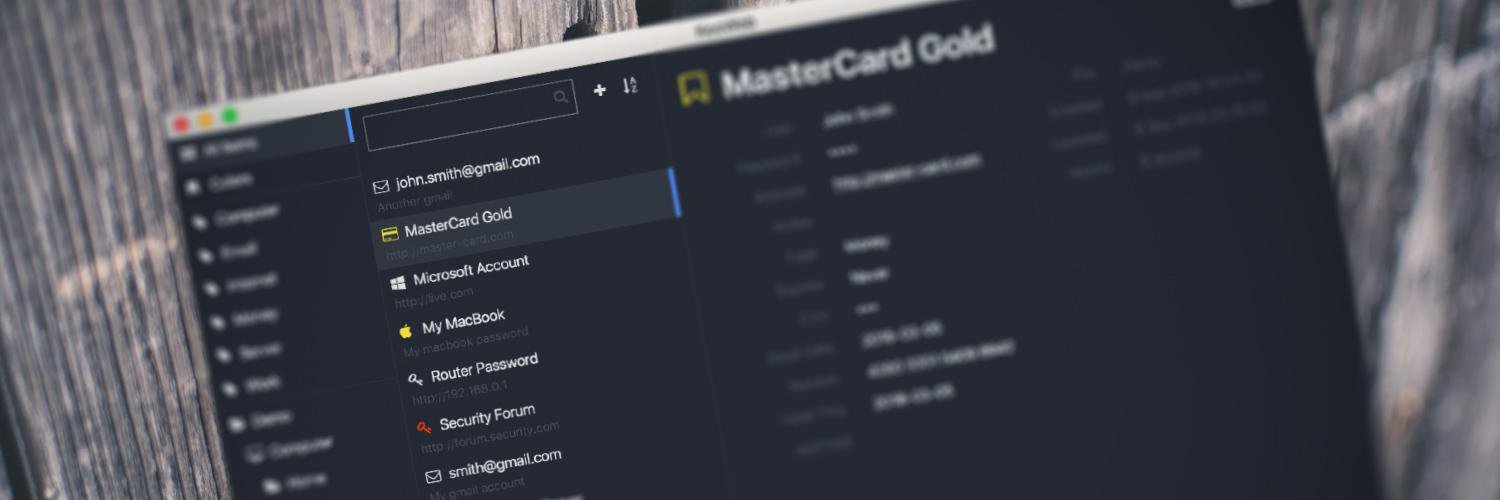
KeeWeb

335 posts

KeeWeb banner
KeeWeb

KeeWeb

@kee_web

Katılım Kasım 2015
0 Takip Edilen919 Takipçiler
KeeWeb
KeeWeb@kee_web·
It's nice to see a mention of my work to make Electron more secure in the new 1Password's electron-hardener: #credits" target="_blank" rel="nofollow noopener">github.com/1Password/elec…
English
1
2
19
0
KeeWeb
KeeWeb@kee_web·
@azanutta KeeWeb supports import from CSV, you can either drag a CSV file to the open screen, or open it.
English
1
0
0
0
KeeWeb
KeeWeb@kee_web·
New KeeWeb with browser extensions is released! Two unique features or it are password auto-fill on ChromeOS and Safari! Latest release: github.com/keeweb/keeweb/…
English
3
4
14
0
KeeWeb
KeeWeb@kee_web·
KeeWeb just reached 10k ⭐️ stars on GitHub! Thank you for your love! ❤️
English
1
1
24
0
KeeWeb
KeeWeb@kee_web·
Our official browser extension for Chrome, 🦊 Firefox, Edge, and 🧭 Safari will be released soon! Interested in trying it out? Follow the instruction here: #issuecomment-828733977" target="_blank" rel="nofollow noopener">github.com/keeweb/keeweb/…. How it works: youtube.com/watch?v=29tCxU…
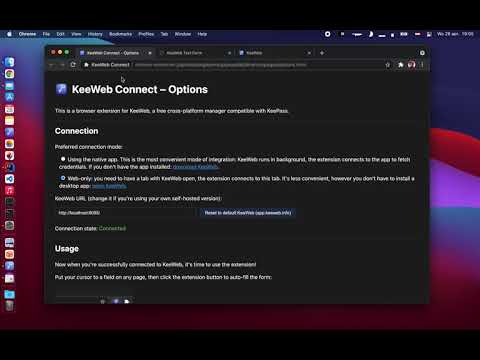
YouTube video
YouTube
English
0
4
9
0
KeeWeb
KeeWeb@kee_web·
Just a reminder: the only domain we have is keeweb.info, and if you wonder why .info, it's because KeePass is also .info.
KeeWeb tweet media
English
0
1
9
0
KeeWeb
KeeWeb@kee_web·
Auto-type has been rebuilt in latest KeeWeb, now it should become more stable because there are less moving parts. Furthermore, the auto-type code is extracted as a library for other developers. Do you have issues with it? Let us know: github.com/keeweb/keeweb/…
English
0
0
4
0
OlegO
OlegO@0_0leg·
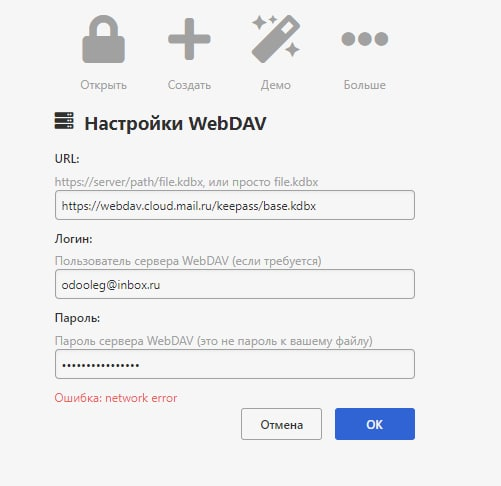
@kee_web Добрый день! Не работает через WebDAV, что делаю не так?
OlegO tweet media
Русский
1
0
0
0
KeeWeb
KeeWeb@kee_web·
@gabeweb You should create a small config and put it on your usb stick: #portable" target="_blank" rel="nofollow noopener">github.com/keeweb/keeweb/…
English
1
0
1
0
Gabe 📀
Gabe 📀@gabeweb·
@kee_web Hello, I have a small question. I'm trying to use KeeWeb portable on Windows, but the user files are staying on the PC and not on the USB stick. What am I doing wrong? Do I have to modify any file? Thank you.
English
1
0
0
0
KeeWeb
KeeWeb@kee_web·
Feature preview for 2021: password checks on @haveibeenpwned, this will be an opt-in (disabled by default) setting, you can give it a try on beta.keeweb.info.
KeeWeb tweet media
English
0
1
12
0
KeeWeb
KeeWeb@kee_web·
Following the recent announcements, we also don't have any cookie banners on *.keeweb.info because we're not using any analytics or tracker scripts.
English
0
1
16
0
KeeWeb
KeeWeb@kee_web·
A word of thanks to @github, we're using: - git repositories - code contributions via pull requests - issue tracker - release assets hosting - infrastructure to build desktop apps - wiki - donations and it costs $0 per month.
English
0
0
15
0
David
David@thedaviddelta·
@kee_web Where are you currently hosting the website?
English
1
0
0
0
KeeWeb
KeeWeb@kee_web·
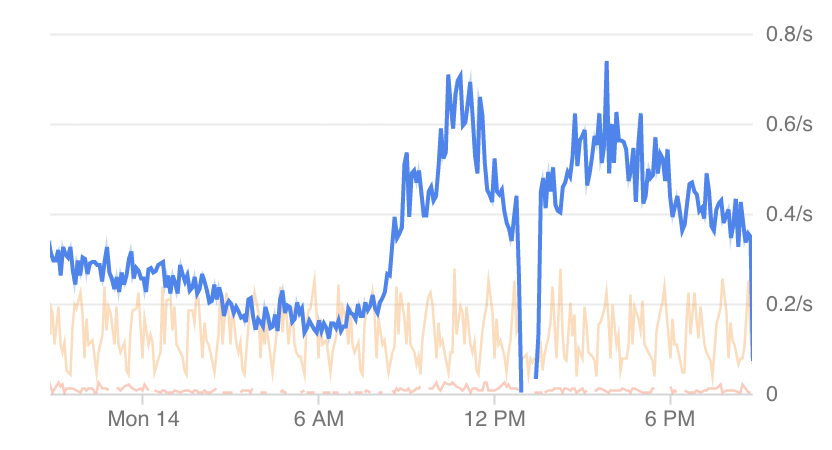
About the #Google outage today, we've seen some file sync issues too, of course. Make sure you have your kdbx files saved locally because this can happen in future. KeeWeb also provides offline cache of your data for you to maximize availability.
KeeWeb tweet media
English
0
0
7
0
KeeWeb
KeeWeb@kee_web·
@m1ck_k3y Depends on what exactly you expect to see. If you would like to make the footer black (see the screenshot here), it's available as a plugin called "theme-darker". Old themes with spacing and bordered buttons are gone.
KeeWeb tweet media
English
0
0
0
0