
Knocki
844 posts

Knocki
@knocki
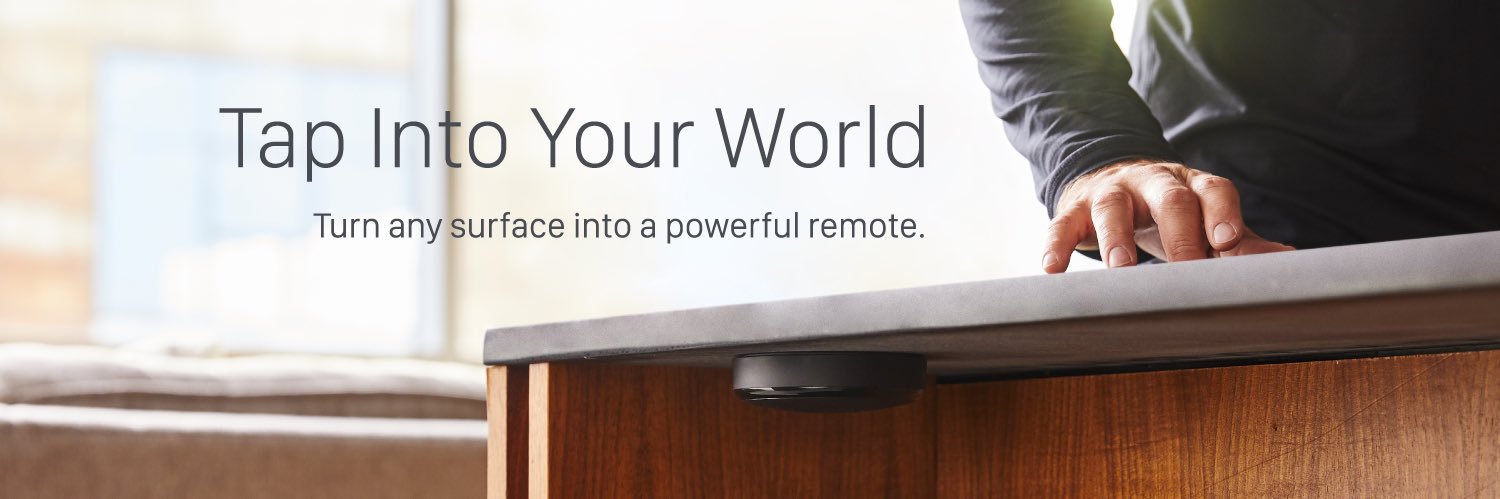
Powered by Haptic™ - Knocki transforms walls, tables, and other ordinary surfaces into a touch control interface for your favorite devices.
Austin, TX Katılım Temmuz 2015
432 Takip Edilen1.4K Takipçiler

Exciting to see @haptic build upon its learnings from Knocki.
Haptic, Inc.@haptic
Interesting to see what @OwensCorning will do with @MasoniteDoors to bring doors into the 21st century. Our Haptic Module will allow doors, tables, and other structural materials to do more - evolving from mere commodities into digital hubs for value delivery.
English
Our engineering team is thrilled to be working on a new integration with @home_assistant! We're planning to roll out the integration in April!

English
@AlexGTech1 @AbdulSbeei @AbdulSbeei
I agree w/ you that adding tap sequences is useful, even for buttons. We do the same with Knocki - but it's tap sequences on tables/walls.
English

@AbdulSbeei Why not? I have my camera as double tap the back of the phone. It’s useful so it would be nice to have it on the Action Button too, to trigger other things
English
✅Useful if you spend time with Siri Shortcuts to make it so.
But…
❌ Badly placed. Should be on the right
❌ Should support double/triple tap
❌ Slow
Mr Android FHD@android_fhd
What do you think about the Action button in the iPhone 15 Pro/Pro Max Is it a gimmick or useful feature?
English
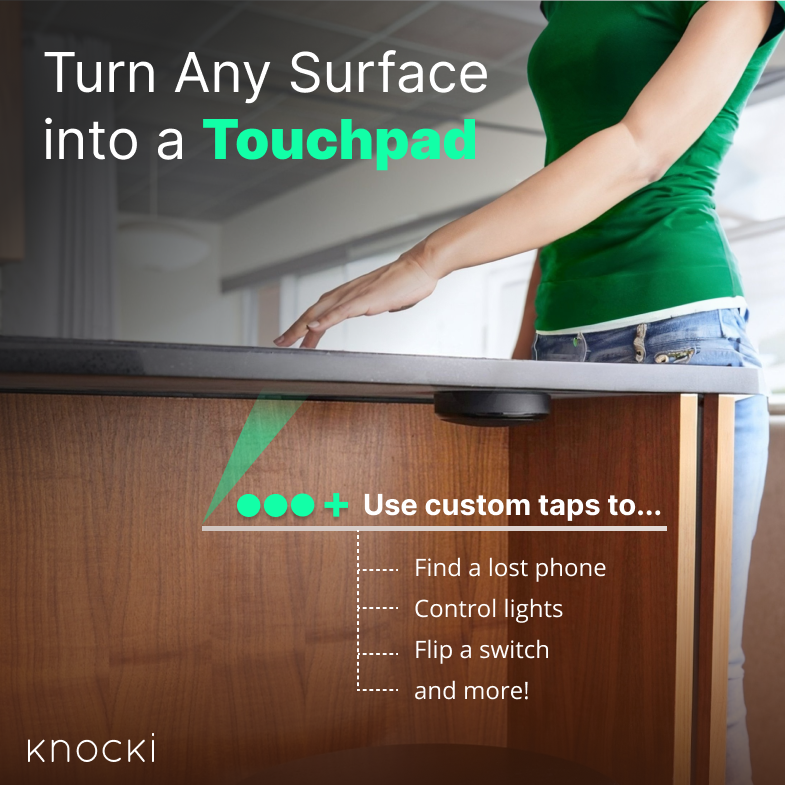
@CrunchKloud How about adding tap control to tables, countertops, walls, doors, and more to automate home actions without having Alexa listen in? check out knocki.com
English

3. Use Back Tap to activate actions with a double or triple tap on the back of your iPhone.
Back Tap is a new feature in iOS 14 that allows you to activate actions by tapping on the back of your iPhone.
You can use it to take screenshots, open apps, or play music.
English
12 tips and tricks to unlock the full potential of your #iPhone.
Your iPhone is a powerful tool that can do much more than just make calls and send texts.
Here are 12 tips and tricks to unlock the full potential of your iPhone:

English
@PurpleBHaze on iPhone, go to settings, then tap on "Accessibility", then tap on "touch", and scroll to the bottom and you'll see the "Back Tap" option. After you turn it off, check out knocki.com which allows you to add smart taps to any surface in your home.
English

Can someone tell me how to take the tap off of the iPhone? Every time I touch the back it take a pictures
English
@kastorcaster @ctingstrange @OneRadChee @kastorcaster at least when it comes to smart home control such as turning lights on/off, there are alternatives to voice when privacy is a concern. What do you think of the non-voice approach we are taking with Knocki? knocki.com
English
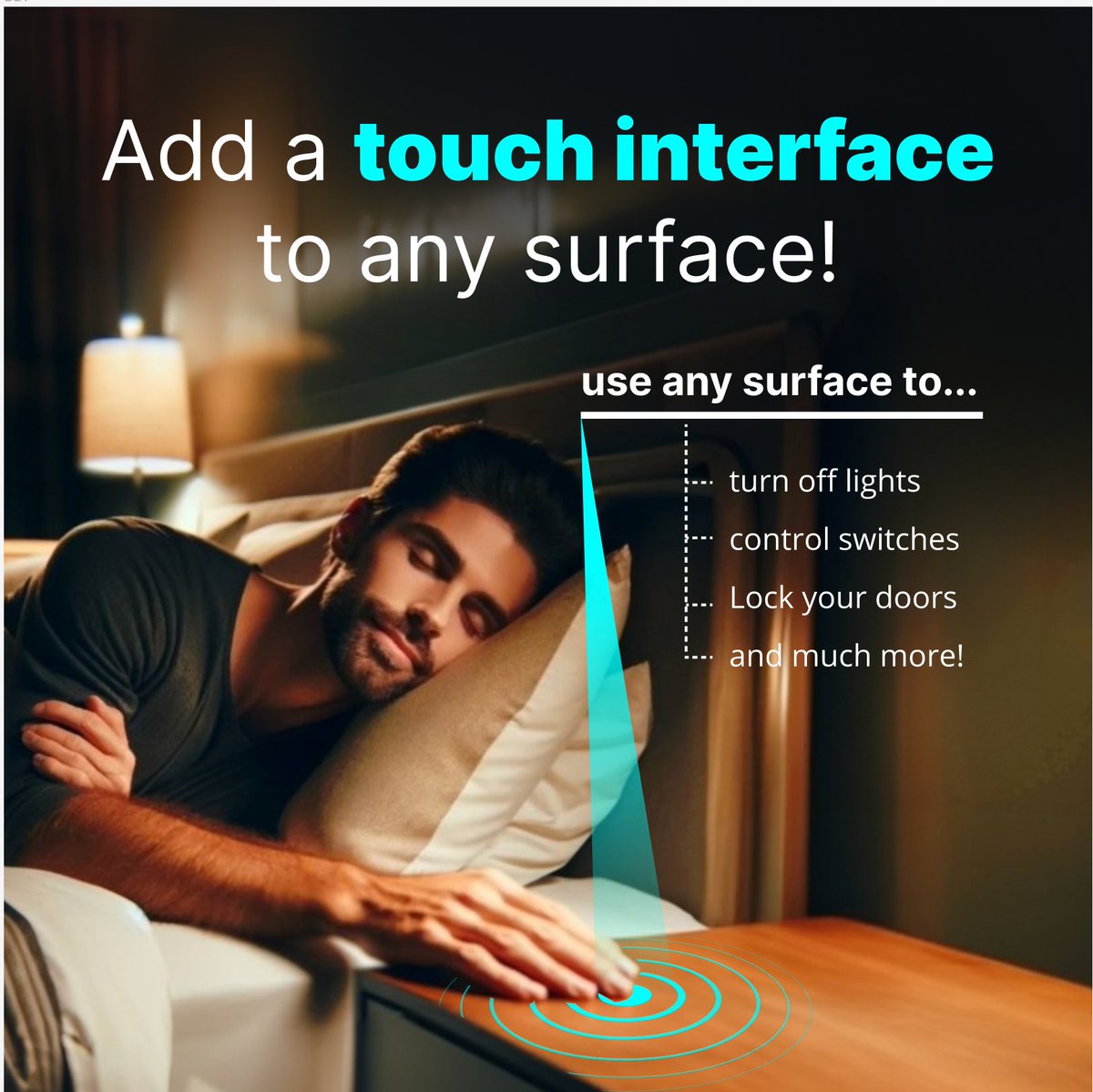
Tap into tranquility with Knocki: No need to speak. Just a few soft taps on your nightstand, and Knocki dims the lights. Quiet convenience without a whisper." Now with direct integration with @TPLINK Kasa and @Sonos!
On sale now! knocki.com
English
Knocki retweetledi

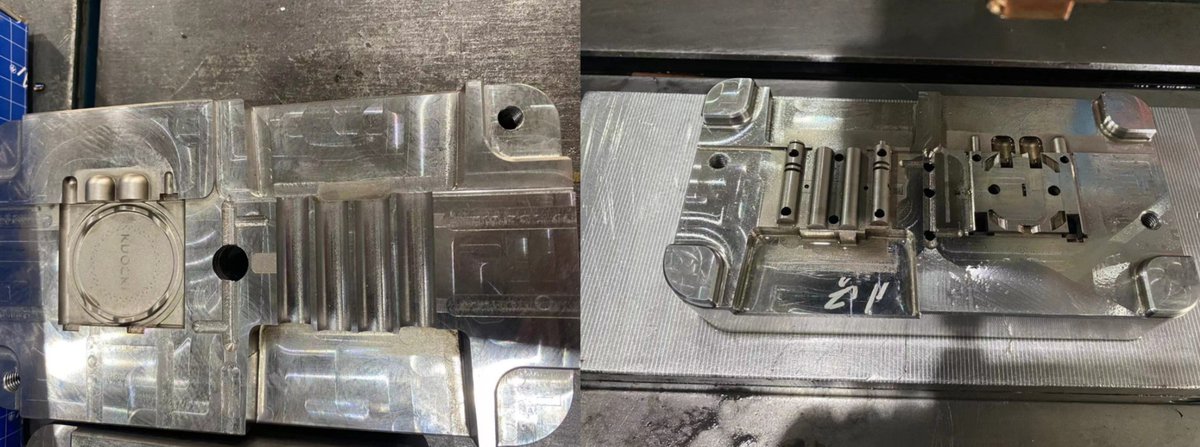
Exciting news, y'all! 🤠 @knocki is now not just #DesignedInTexas but also #AssembledInTexas! We're stoked to keep the innovation AND much of production right here in Austin, TX. #ATX

English
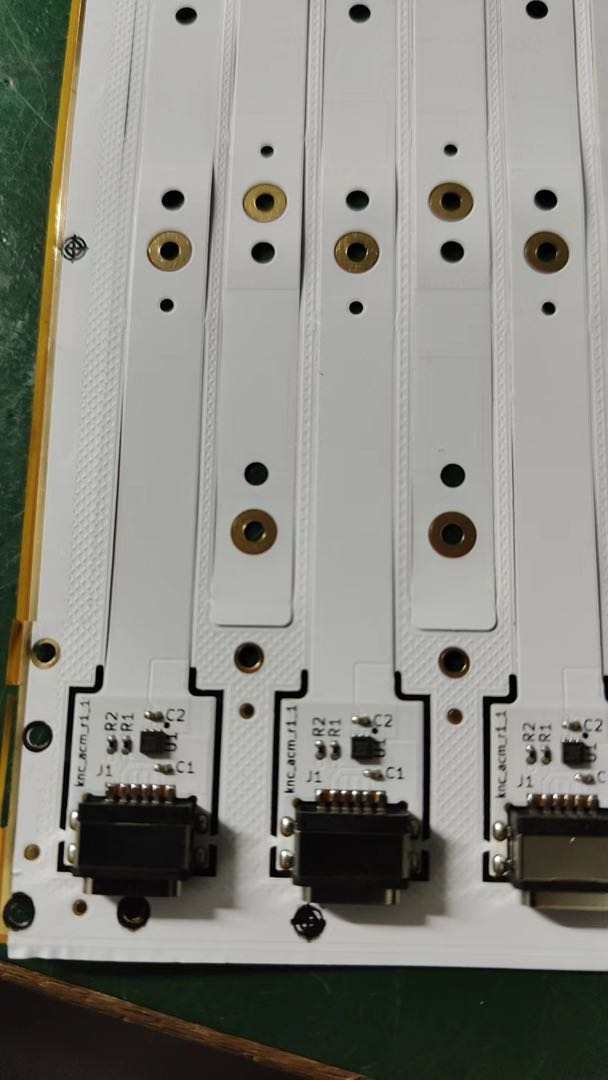
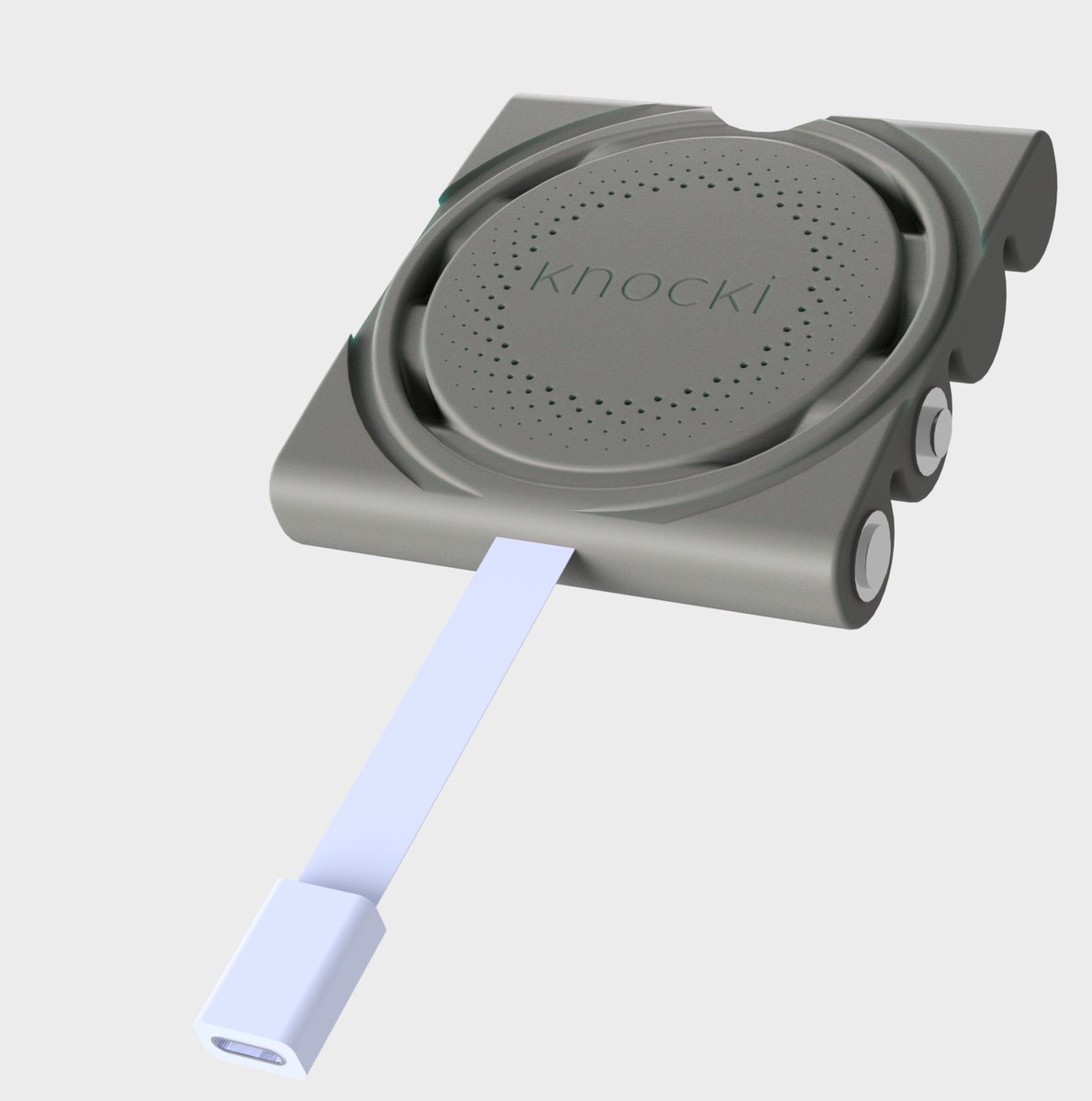
Coming soon... Our new USB C adapter for Knocki that eliminates lag by keeping WiFi always-on (instead of it waking up after gestures). It also means no more battery replacements! Just drop this in the battery bay and it works automatically! #nomorebatteries #SmartHome
English
Knocki retweetledi

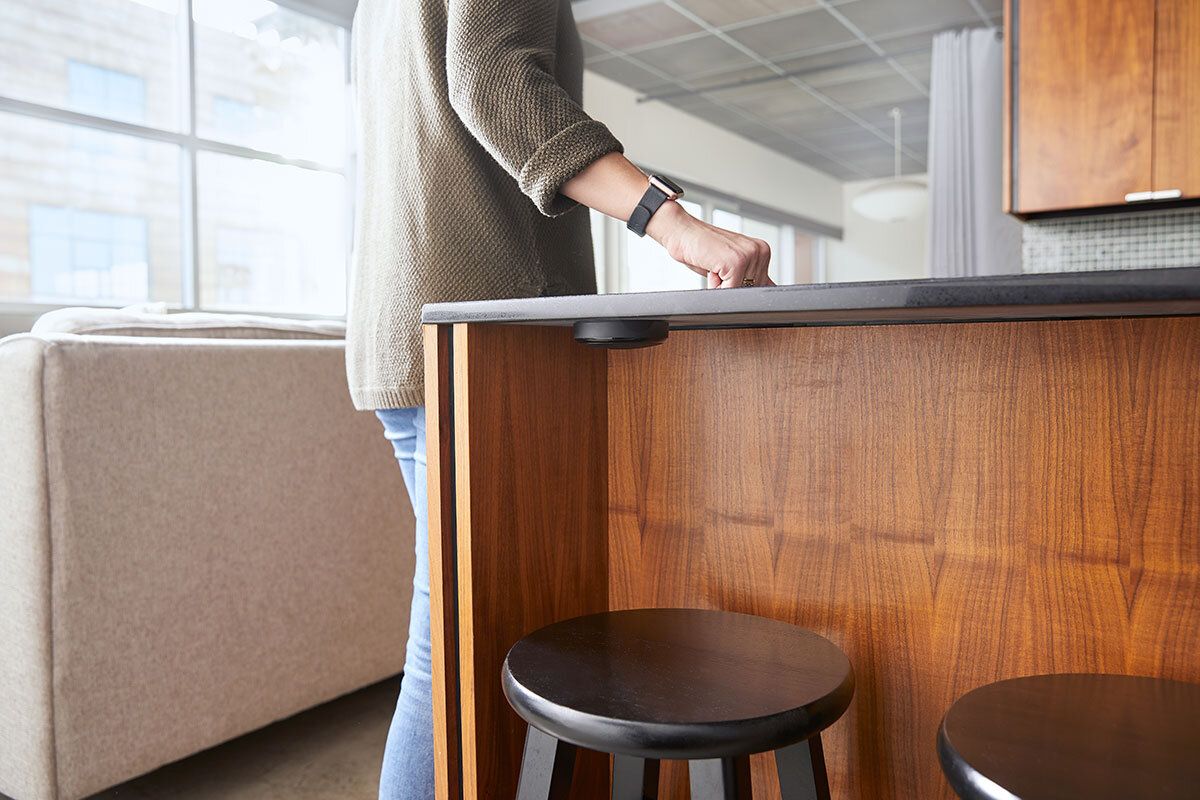
Yonomi customer @knocki is using our integration platform to transform smart home interfaces. Read more about these amazing devices on our blog: bit.ly/3cUMUPa
English

Yonomi customer Haptic, Inc., makers of @knocki, have sped up smart home device integrations 4x using the Yonomi platform. bit.ly/37vc5pp

English
@ConisbroOwls WE do not have a team in the UK. Just Austin, TX, Boulder, CO, and Ukraine!
English


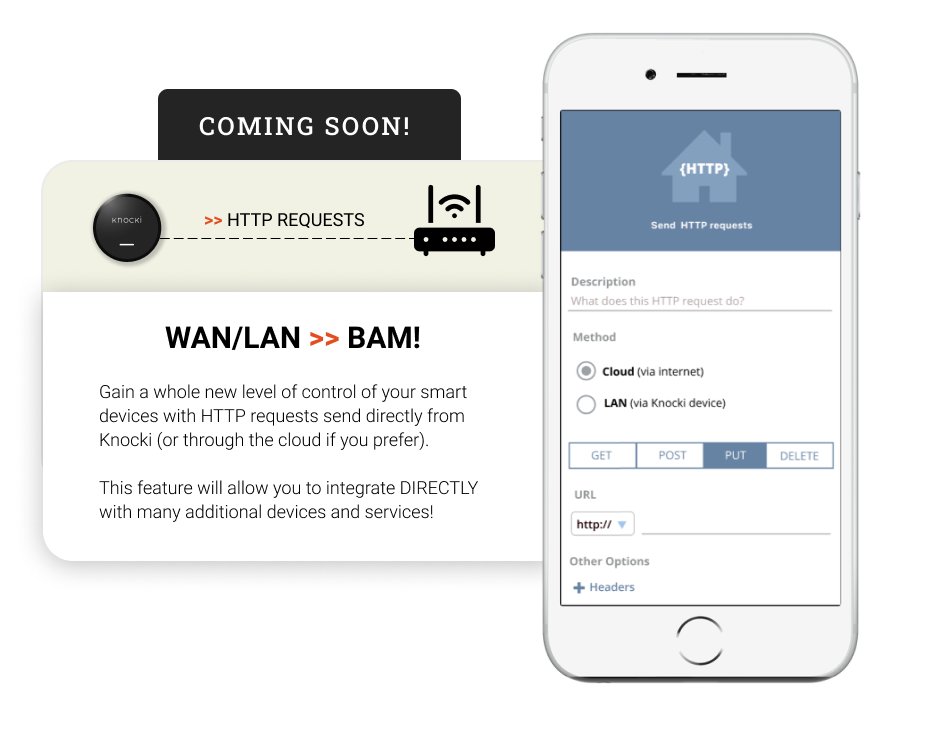
@mbonaccors @knocki This. This feature should have been available out of the box. Would definitely appreciate any updates you can provide, since it finally opens Knocki up to easy integration for DIY home automation.
English

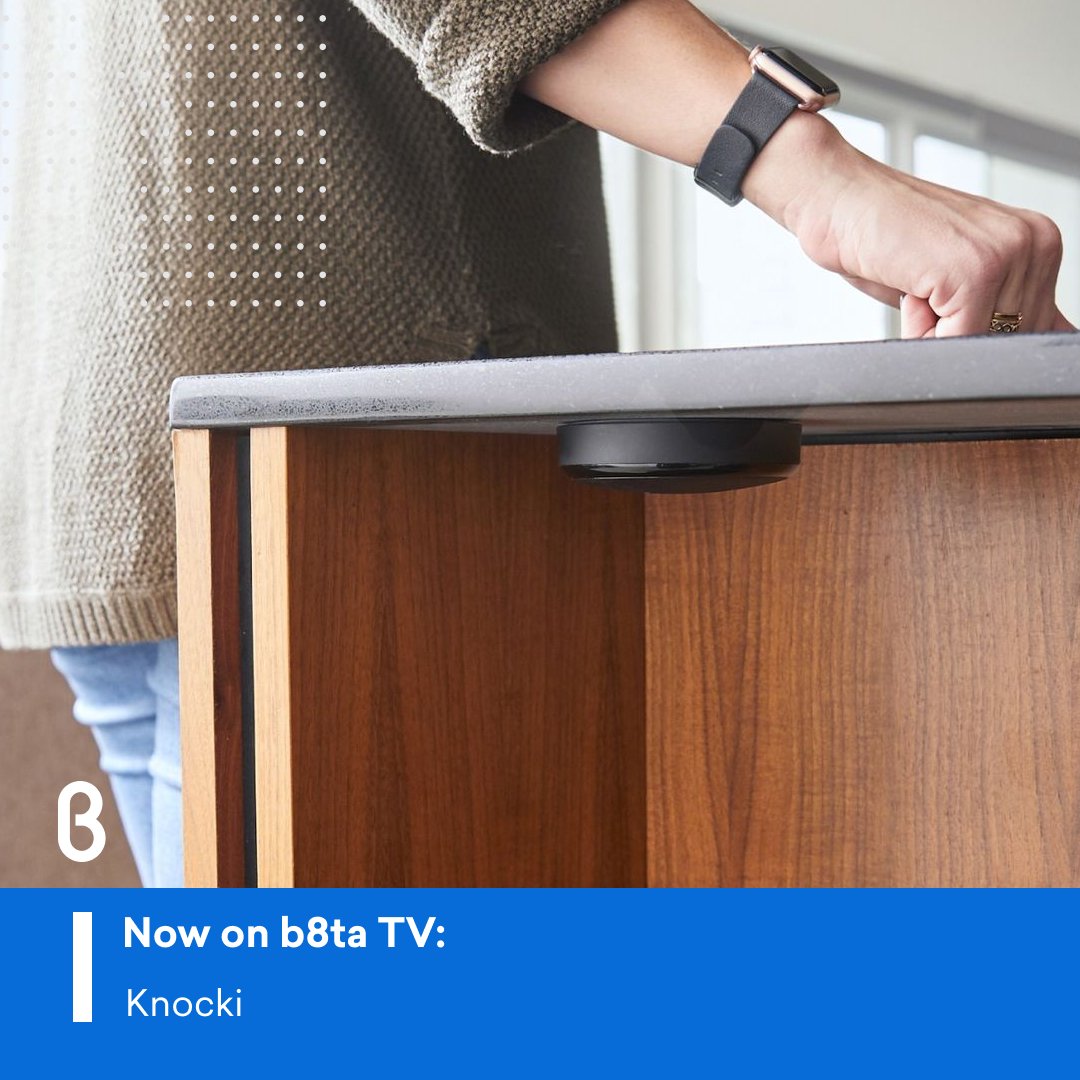
What if you could turn any surface into a remote control?
Check out @knocki on b8ta TV below, and of course - happy Friday!
bit.ly/3whKYKx
English

We can't wait to use the @knocki device with our new web hooks interface! 🤩 Any ETA yet @knocki ? 🥺
community.apilio.com/t/new-old-in-a…
Knocki@knocki
We're getting very close to launching LAN & HTTP Request functionality! This is something THOUSANDS of our customers are waiting for, and we couldn't be more excited!
English