Łukasz Lach

1.4K posts

Łukasz Lach banner
Łukasz Lach

Łukasz Lach

@lach_dev

Docker Captain | Jedi Master | University Lecturer | Conference speaker | Software Architect | Game developer #Cyberpunk2077 #Gwent #Witcher | https://t.co/O3IyspXVva

Polska Katılım Ocak 2019
685 Takip Edilen621 Takipçiler
Łukasz Lach retweetledi
Akhilesh Mishra
Akhilesh Mishra@livingdevops·
Kubernetes is beautiful. Every Concept Has a Story, you just don't know it yet. In k8s, you run your app as a pod. It runs your container. Then it crashes, and nobody restarts it. It is just gone. So you use a Deployment. One pod dies and another comes back. You want 3 running, it keeps 3 running. Every pod gets a new IP when it restarts. Another service needs to talk to your app but the IPs keep changing. You cannot hardcode them at scale. So you use a Service. One stable IP that always finds your pods using labels, not IPs. Pods die and come back. The Service does not care. But now you have 10 services and 10 load balancers. Your cloud bill does not care that 6 of them handle almost no traffic. So you use Ingress. One load balancer, all services behind it, smart routing. But Ingress is just rules and nobody executes them. So you add an Ingress Controller. Nginx, Traefik, AWS Load Balancer Controller. Now the rules actually work. Your app needs config so you hardcode it inside the container. Wrong database in staging. Wrong API key in production. You rebuild the image every time config changes. So you use a ConfigMap. Config lives outside the container and gets injected at runtime. Same image runs in dev, staging and production with different configs. But your database password is now sitting in a ConfigMap unencrypted. Anyone with basic kubectl access can read it. That is not a mistake. That is a security incident. So you use a Secret. Sensitive data stored separately with its own access controls. Your image never sees it. Some days 100 users, some days 10,000. You manually scale to 8 pods during the spike and watch them sit idle all night. You cannot babysit your cluster forever. So you use HPA. CPU crosses 70 percent and pods are added automatically. Traffic drops and they scale back down. You are not woken up at 2am anymore. But now your nodes are full and new pods sit in Pending state. HPA did its job. Your cluster had nowhere to put the pods. So you use Karpenter. Pods stuck in Pending and a new node appears automatically. Load drops and the node is removed. You only pay for what you actually use. One pod starts consuming 4GB of memory and nobody told Kubernetes it was not supposed to. It starves every other pod on that node and a cascade begins. One rogue pod with no limits takes down everything around it. So you use Resource Requests and Limits. Requests tell Kubernetes the minimum your pod needs to be scheduled. Limits make sure no pod can steal from everything around it. Your cluster runs predictably.
English
88
350
2.8K
289.5K
Łukasz Lach retweetledi
Akshay Shinde
Akshay Shinde@ConsciousRide·
The jump in latency comes from garbage collection in V8. More requests mean objects get created much faster. Heap fills quicker. Full GC cycles start. Those block the event loop for long stretches, hundreds of ms or more once the heap grows. That’s why average response time can still look decent while the slowest requests explode. Everything queues behind the pause. You run into this pattern whenever code spins up lots of temporary objects per request — json parsing, building responses, string work in loops, that kind of thing. Run with --trace-gc and you’ll see long MarkSweepCompact lines that match your bad moments. Start by cutting how many objects get made: reuse buffers, skip creating stuff you throw away right after, avoid new objects in hot paths. Pools can work sometimes but check first. Bumping max-old-space-size just moves the problem later. If there’s any blocking sync code in there too it makes it feel worse, but the shape points at GC pressure.
English
2
6
57
4.9K
:Dmitry
:Dmitry@kDasme·
@brankopetric00 GCC police here. I don’t care if it takes 2GB to avoid musl unpredictable issues.
English
2
1
28
1.2K
Branko
Branko@brankopetric00·
Your Docker image is 2GB because you used `node:18` instead of `node:18-alpine` and you've never once questioned it. You're shipping an entire Debian distro to serve a REST API. That's not containerization, that's hoarding.
English
15
26
556
25.5K
Łukasz Lach
Łukasz Lach@lach_dev·
@iximiuz Apache does not like 0 as a hostname though, nginx is fine with it
English
0
0
3
978
Ivan Velichko
Ivan Velichko@iximiuz·
This is your periodic reminder that you can curl localhost ports with a "curl 0" shortcut. Example: curl 0:3000
English
20
43
720
40K
Łukasz Lach
Łukasz Lach@lach_dev·
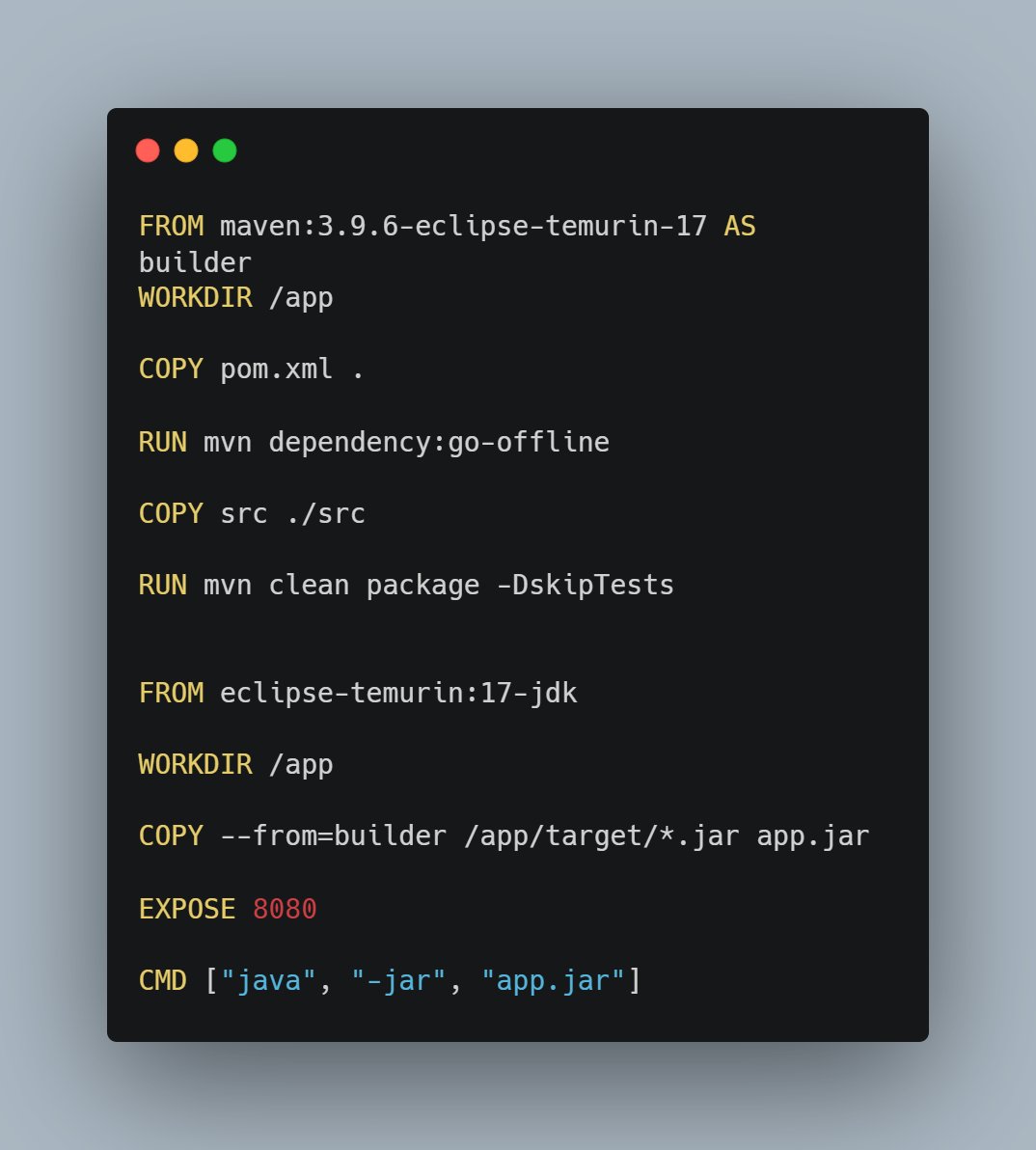
@devops_nk replace all COPY with RUN --mount then you can merge chosen RUNs
English
0
0
1
112
Nandkishor
Nandkishor@devops_nk·
What's wrong with this Dockerfile ? Or is it perfect ?
Nandkishor tweet media
English
14
8
102
10.9K
Łukasz Lach retweetledi
GitHub Projects Community
GitHub Projects Community@GithubProjects·
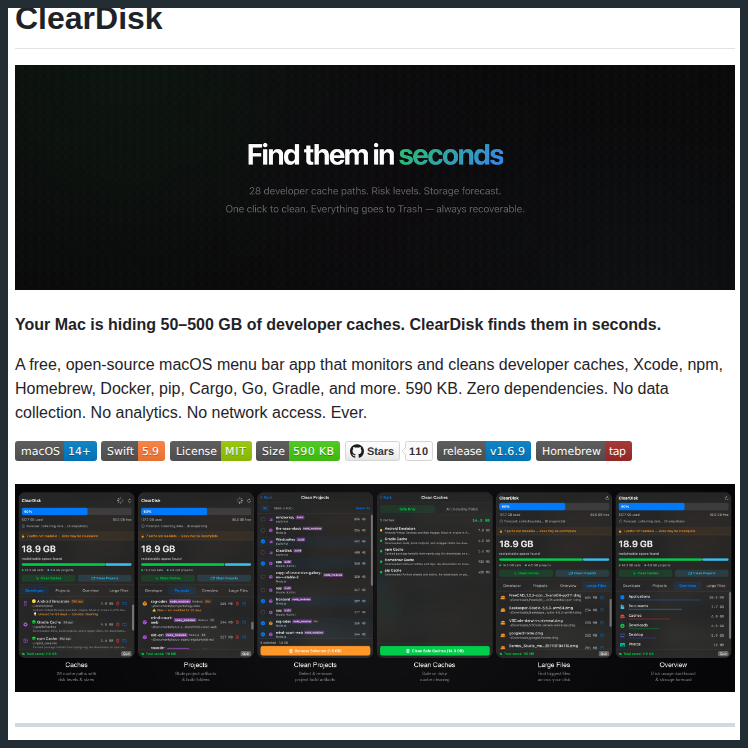
Tower defense game that teaches cloud architecture. Build infrastructure, survive traffic, learn scaling.
GitHub Projects Community tweet media
English
17
271
2.9K
99K
Łukasz Lach retweetledi
Tomek Czajka
Tomek Czajka@TCzajka·
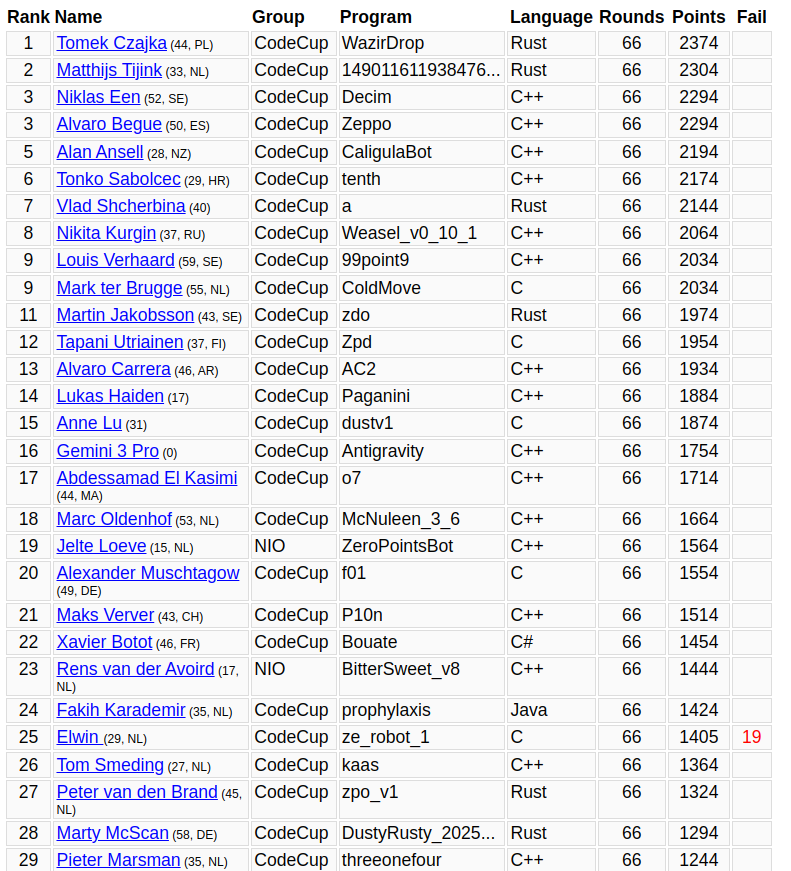
I trained a board game playing bot that won an AI tournament: CodeCup 2026. It learned to play by playing 100 million games against itself on 32 cores over the course of a week.
Tomek Czajka tweet media
English
34
35
708
36.1K
Łukasz Lach retweetledi
Branko
Branko@brankopetric00·
Your Nginx logs show the client IP for every request is 10.0.0.5 (The Load Balancer's IP). You want the real user IP. You enable 'X-Forwarded-For' on the Load Balancer. However, you are using a TCP (Layer 4) Load Balancer for performance, not HTTP (Layer 7). Since the LB doesn't inspect packets, it can't inject an HTTP header. What protocol extension must you enable on both the ELB and Nginx to pass the client IP connection information?
English
17
30
507
98.1K
Branko
Branko@brankopetric00·
An automated alert tells you disk usage is critical on a production Linux server. You run 'df -h' and see: /dev/sda1 Size: 100G Used: 45G Avail: 55G Wait. There is 55GB free, yet the application is crashing with 'No space left on device' errors. You check 'lsof | grep deleted' and it's empty. The disk is mounted mostly RW. What command do you run next to find the problem?
English
76
8
246
85.7K
Łukasz Lach retweetledi
aizk ✡️
aizk ✡️@Aizkmusic·
Amazing algo pull
aizk ✡️ tweet media
English
25
250
9.3K
151.6K
Łukasz Lach retweetledi
HackingHub
HackingHub@hackinghub_io·
Do you know how to turn a single moment of root access into long-term persistence? Using sudo chmod +s /bin/bash is a classic technique.👇 #Linux #Linuxcommand
English
12
90
930
46.3K
Łukasz Lach retweetledi
Jason Fried
Jason Fried@jasonfried·
Jeremy, a 19-year veteran of 37signals, calmly walks through the process moving 5+ petabytes of data and billions of individual files off AWS and onto our own on-prem storage setup without a second of downtime. The how, the time, and the tooling, it's all in here. Watch:
English
42
141
2K
192K
Łukasz Lach retweetledi
Rebane
Rebane@rebane2001·
i made a flappy bird clone that uses your folding phone as the controller
English
1.7K
2.1K
37.1K
17.6M