@NotionHQ We also use the invisibility of these blocks intentionally. We have hundreds of these in our workspace. Please give us the choice to make them visible or not.
Quality-of-life update: Linked databases and synced blocks you don't have access to used to be invisible… as if they didn't exist. Now, you'll see a clear "no access" message and can request access with just one click.
Should make finding and requesting access easier 🔑
We heard, and listened — @NotionCalendar is launching its Android app! Schedule and control your time on the go like never before. Multiple time zones. Auto-merged events. A clean, fast interface — and your favorite: Widgets!
Get it now in the Play Store: ntn.so/androidcalendar 📆
So excited for the @OGcalsync integration with the new Windows Outlook app when it's ready! Gonna delete this ancient Outlook Classic beast off my machine once and for all!
Summer of launches is just getting good…Coming soon 👀 Charts!
You've been entering data into Notion databases for years, enjoying the various views, filters, and connections. Now, turn that data into a story with—Charts.
Rolling out later this summer… Reply “Charts 📊” to get added to the early access waitlist.
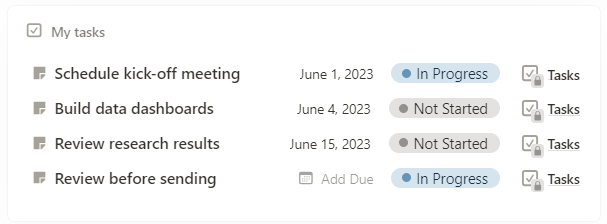
@NotionHQ EDIT: I see. Since my Actions database was just for me, I didn't have an Assignee property until forced to by making it an official task database. But even though I now had an Assignee property, none of the tasks were assigned to me. Once I change the filter, everything shows.
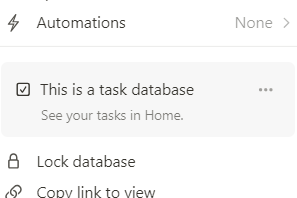
@NotionHQ I've marked my Actions database as an official task database, but it doesn't show up in Home. I've tried refreshing and toggling the task database setting on/off. Any other suggestions?
Hey @NotionHQ, I've been meaning to ask, when I copy formatted text in Notion to paste elsewhere, how do I avoid including all the *'s and #'s and other markdown formatting? All my attempts to "copy as plain text" are in vain!
@MyScriptApps Unfortunately, this feature deleted all my notebooks! The support team is still looking for a solution. 😳 I recommend manually backing up before updating!!
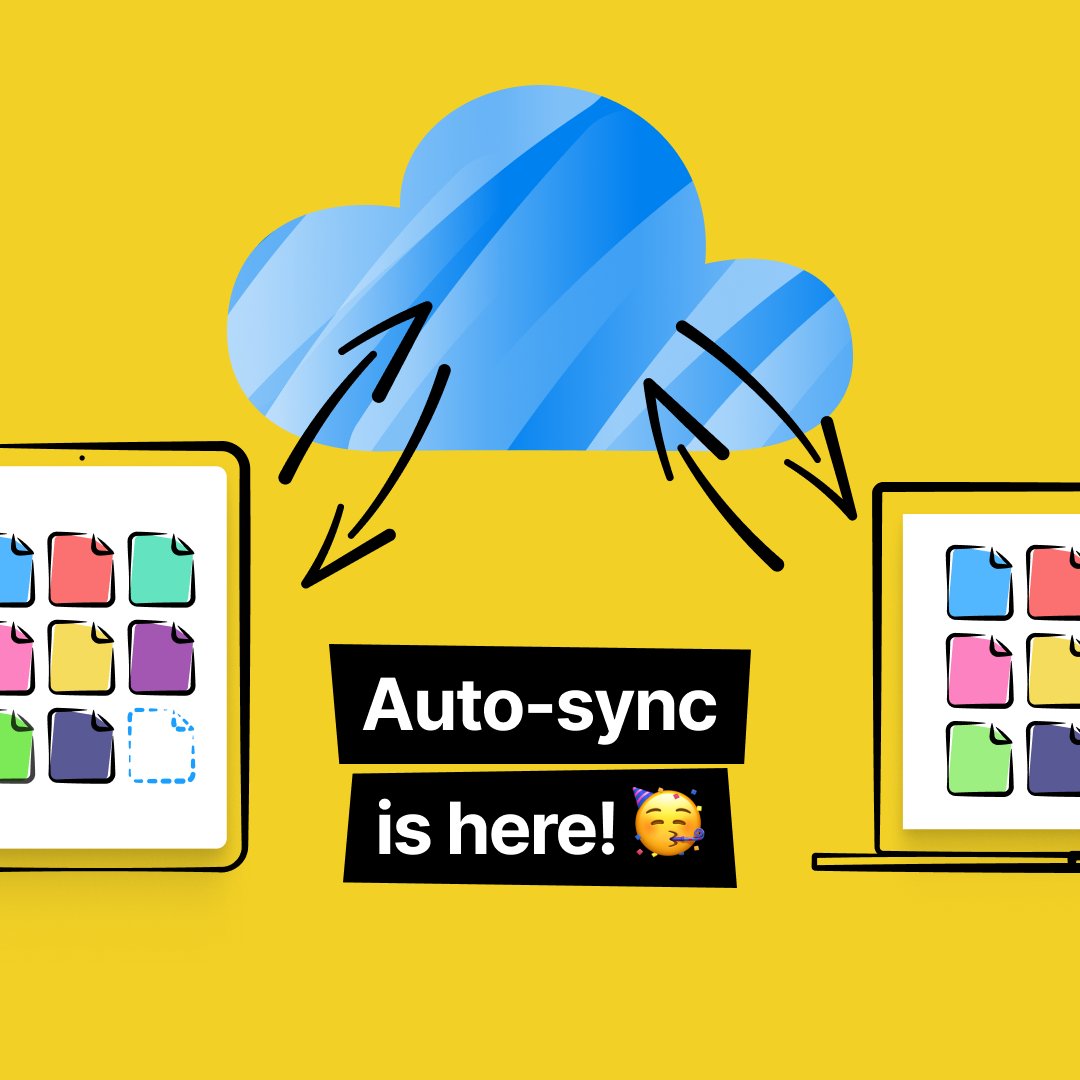
🚀 Exciting news! Auto-sync now in Nebo ✨ Introducing seamless content sync across all your devices with Nebo 5. 🌟 Key features: 🔗 Auto-sync changes instantly. 🌐 Access your info from anywhere. Stay tuned for more updates! 📝💻📱
#NeboApp#AutoSync#Productivity#NoteTaking
@metaforager Hi, there. Autosync will be part of our 2023 roadmap that will arrive soon. So, stay tuned for some awesome news coming your way very soon!
@MyScriptApps hello! I'm seriously considering moving to Nebo from Notability and have a bunch of PDFs that I would import (notes and docs) ..
is there an option to import *multiple* PDFs at once into Nebo? :)