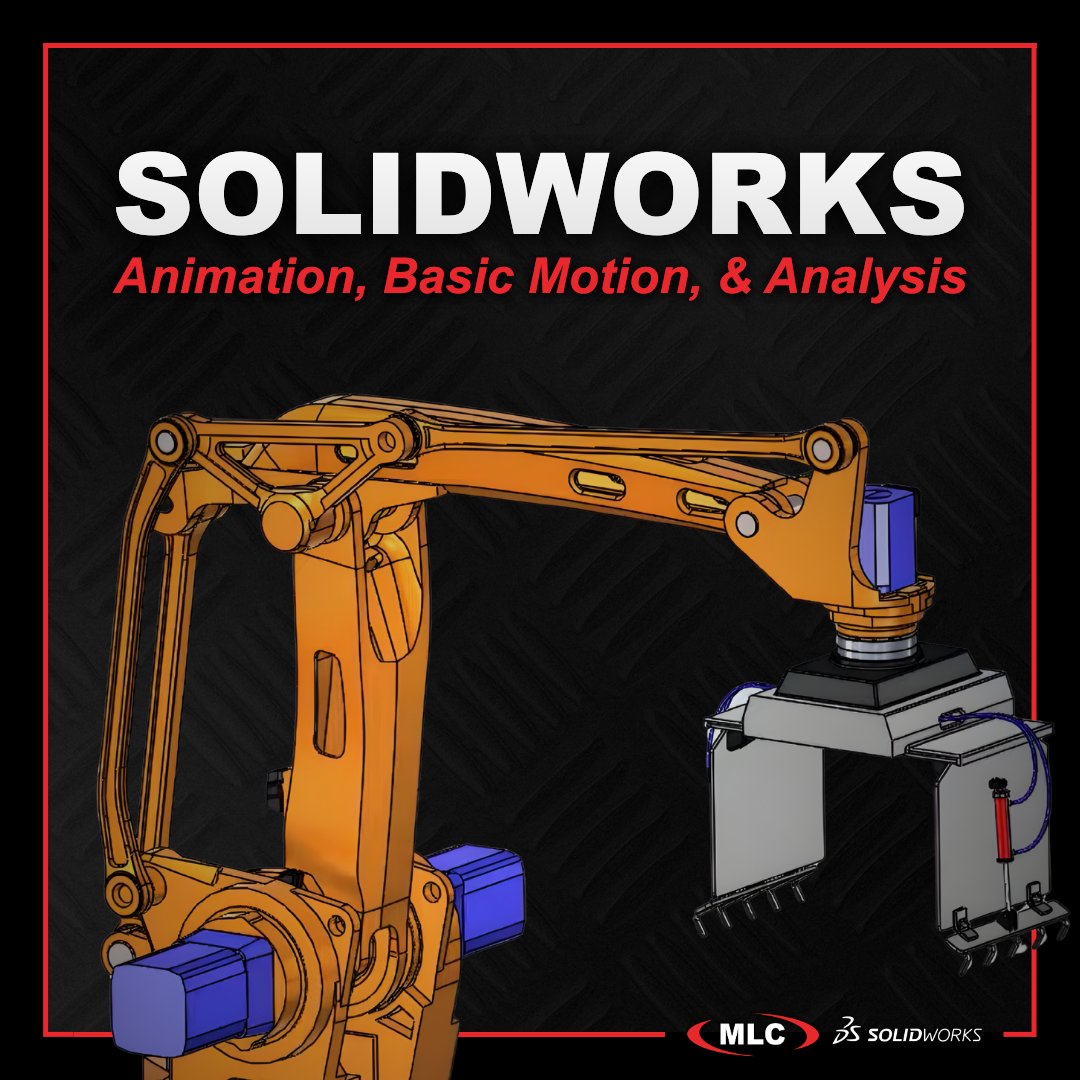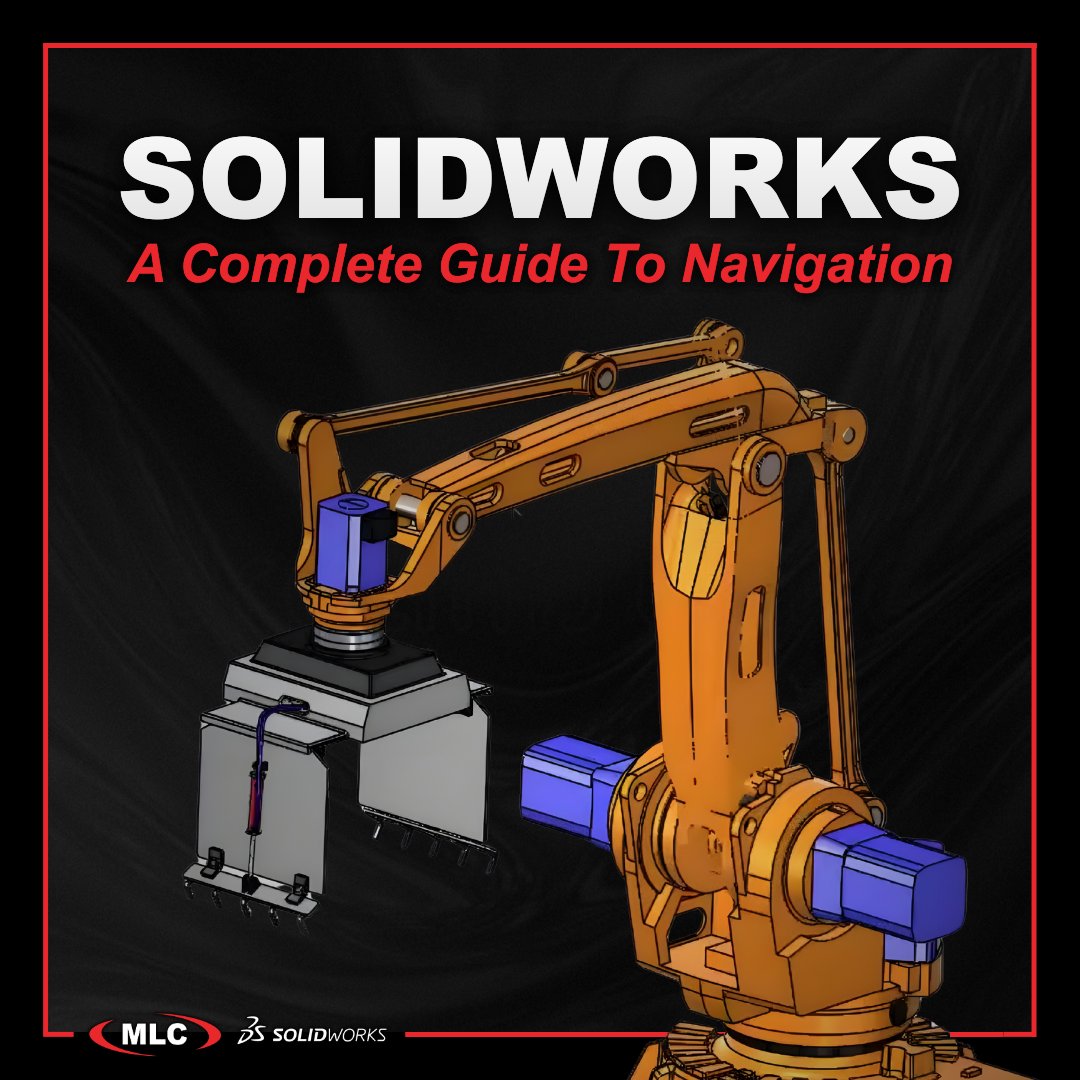

Understanding the motion timeline is essential for creating clear, controlled animations in @SOLIDWORKS Motion. This guide breaks down how the timeline works, from managing keyframes and visibility changes to avoiding common pitfalls like cluttered auto keys. As the first installment in the SOLIDWORKS Motion Tutorial Series, it lays the foundation for building accurate motion studies and clean, professional animations.
Read the full article:
ow.ly/YbOL50XSc6k
#SOLIDWORKS #SOLIDWORKSMotion #CAD #Simulation #MotionAnalysis #Engineering #DesignVisualization

English