
Sabitlenmiş Tweet
musicolet
187 posts


musicolet
@musicolet
Small yet, feature-rich music player for Android. No Ads. 100% offline.
Katılım Mayıs 2016
0 Takip Edilen2.4K Takipçiler


Musicolet review on Android Police:
androidpolice.com/found-best-mus…
🙏🙂
English
@sugaman1 @Jeffward_buggy @PoyaoNiu @budhajeewa File formats supported by the Tag editor are: mp3, m4a, flac, ogg, opus, wma and aiff. (Please know that simply renaming a file extension does not change its actual format.) You can use the "Audio Cutter" of Musicolet to convert it to M4A or FLAC, and then edit its tags.🙏🙂
English

@musicolet @Jeffward_buggy @PoyaoNiu @budhajeewa I have a issue hopefuly you can help me with. Just recently I would say I the last 2 mths for me. I can not edit the tags. I always do because I like my library beat. I now get a message. Saying " this file- format is not supported tag editor.
I can use your help.
English

@xXdWUdyzJ3fgOqW Thank you for the feedback. More filters in "Most Played" ("Past 12 months", "Past 5 years") are features for more advanced users. Please check: Musicolet › menu › Help and info › Pro features › "Help ⬩ Know more".
(By purchasing pro features, you can support our work.) 🙏🙂
English

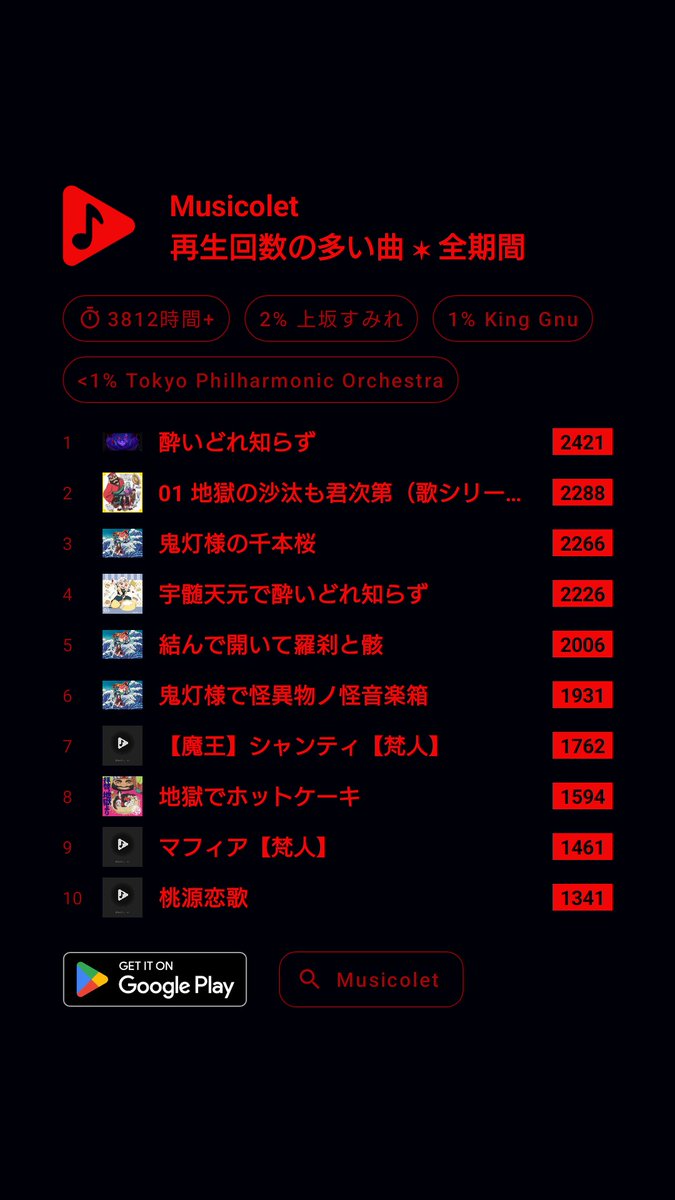
これ、いつも思うんだけど
月がかわると前の月の見れないのどうにかして欲しい
見れない時もあるんだしさぁ
月がかわったら見れませんはちょっと…ねぇ…?
#Musicolet #再生回数の多い曲 #全期間
日本語
Musicolet app review:
This app made me love owning my music again 🎧 makeuseof.com/the-musicolet-…
🙏🙂
English

@As_S013ax_9703j Musicolet › Settings › Song library and tags › "Album merge strategy" › uncheck all other options except "Album name" . 🙏🙂
English

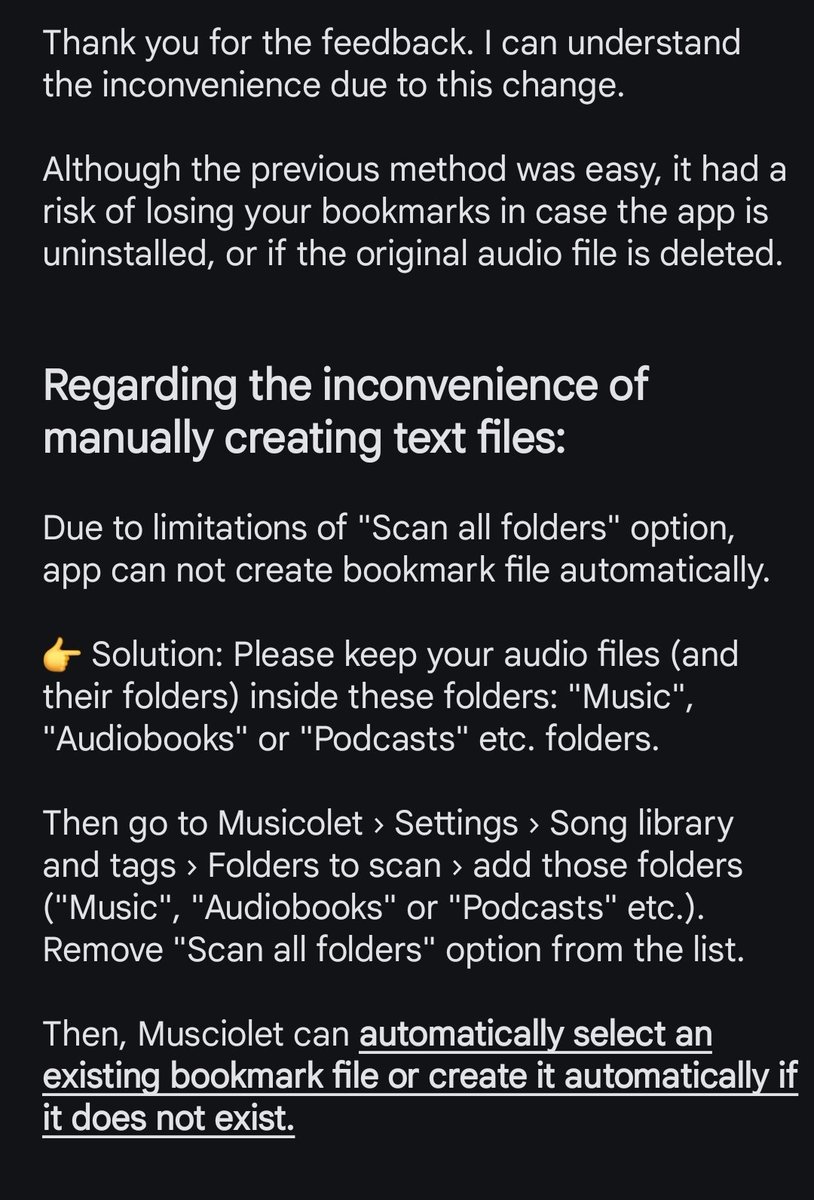

@musicolet @PoyaoNiu @budhajeewa Hey please bring old style of bookmarks without specifically creating text file each and every song 🤕🤕🤕 or make it automatically created without user has to manually create
English
@Mishkhailw @PoyaoNiu @budhajeewa Musicolet can normalize the volume of audio files using "ReplayGain". When using ReplayGain all audio files are played with the same loudness level. Please check here: Musicolet › menu › Help and info › "Pro features" › "Help • Know more". 🙏🙂
English

@PoyaoNiu @budhajeewa Musicolet can normalize the volume of audio files using "ReplayGain". When using ReplayGain all audio files are played with the same loudness level. Please check here: Musicolet › menu › Help and info › "Pro features" › "Help • Know more". 🙏🙂
English

@Broken_Singer_ Please know that more filters in "Most Played" such as "Past 12 months", "Past 5 years" are features for more advanced users. Please check here: Musicolet › menu › Help and info › Pro features › "Help ⬩ Know more".(By purchasing pro features, you can support our work.) 🙏
English
@drainaaway Please report this issue along with related screenshots here: Musicolet app › Menu › Help and info › "Report bugs". 🙏🙂
English

@musicolet thank you for liking my post, I've been having a problem with the app and I don't know where to ask about it so I'll @ you. Some covers from songs have been turning grey and the songs become unplayable. I see it happen with random songs out of nowhere. Do you have an i
English
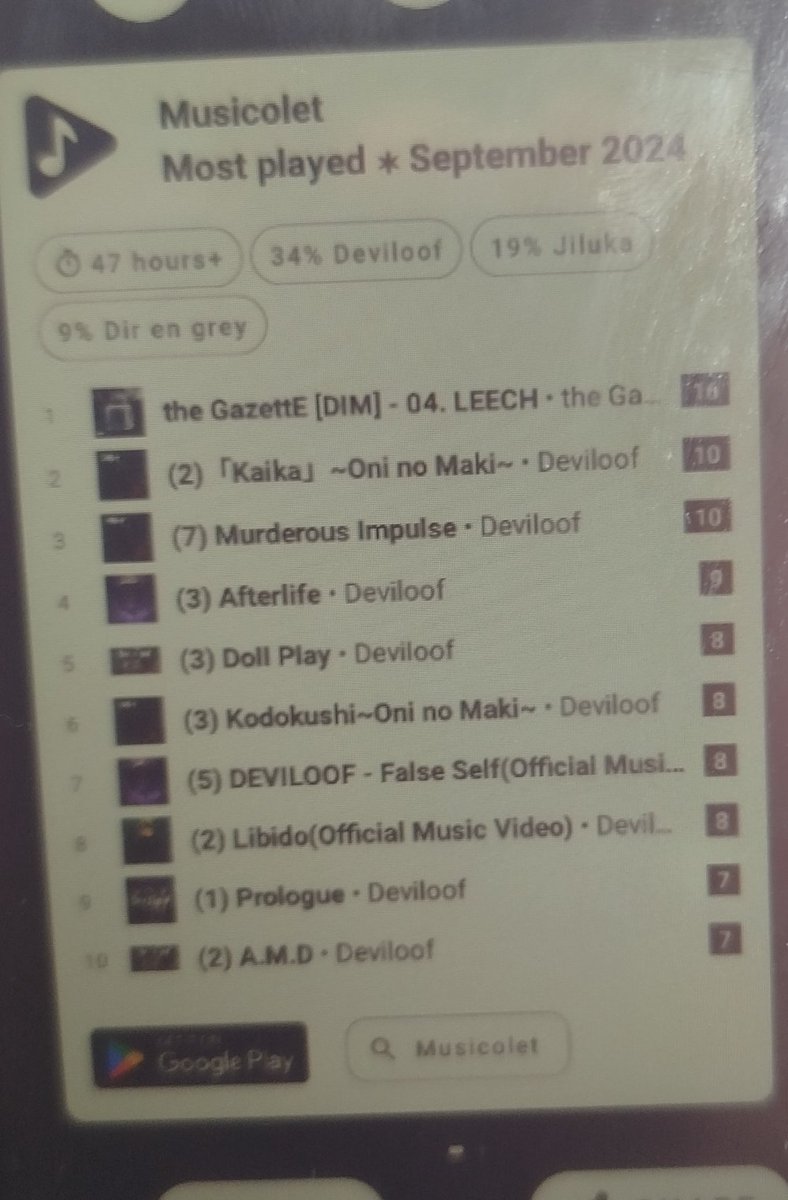

@CrossNeshika Musicolet › Settings › Interface › Now Playing › "Suggest me to check MostPlayed..." › disable it. 🙏🙂
English


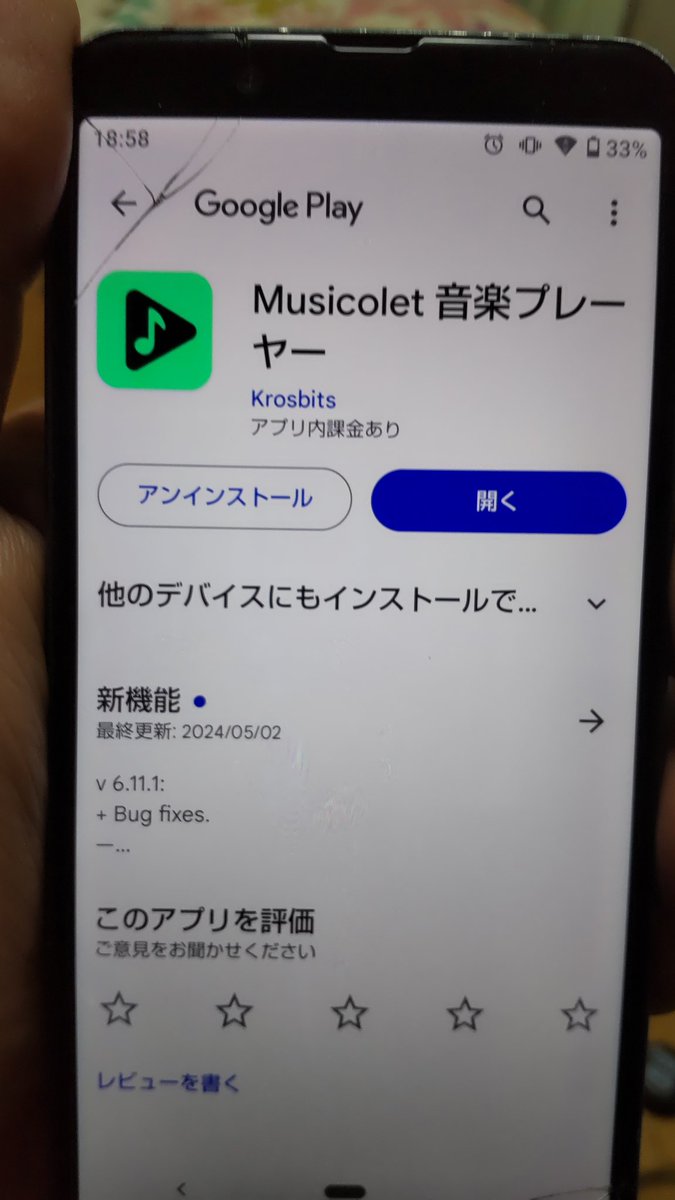
音楽プレイヤーにオフライン再生可能な #Musicolet 使っているけど
先日からオフライン状態でプレイヤーが立ち上がらずGooglePlayの画面になる
(オンライン状態ならプレイヤーが立ち上がる)
今までGalaxyA22を同じように使っていたがそのような事はなかった
パグなんだろうか?


日本語

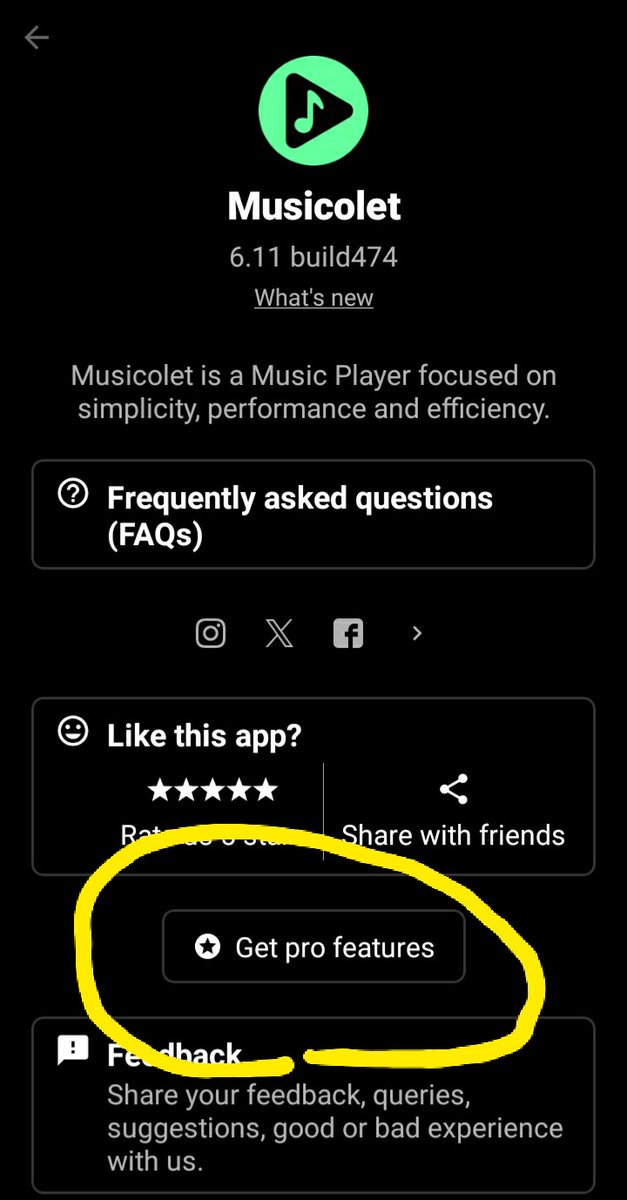
@musicolet Hello, I'm a little confused by this. I have the free version on my phone already and if I upgrade through the app, it will automatically upgrade the app on my tablet?
English
@musicolet I'm interested in upgrading to the pro version on my phone. I just bought a new tablet. Does the pro version carry over to my tablet or is it a separate charge? If its good on multiple devices, how does that work exactly? Thanks.
English


@gudochiyan Please try this: Musicolet › Settings › Audio › turn off "Gapless playback".
Then, In the Now Playing screen (2nd tab), please Tap on the remaining time ("-1:23"), and it will start showing the elapsed time ("2:13").
🙏🙂
English
