

Peel
8.8K posts
Peel
@peeltv
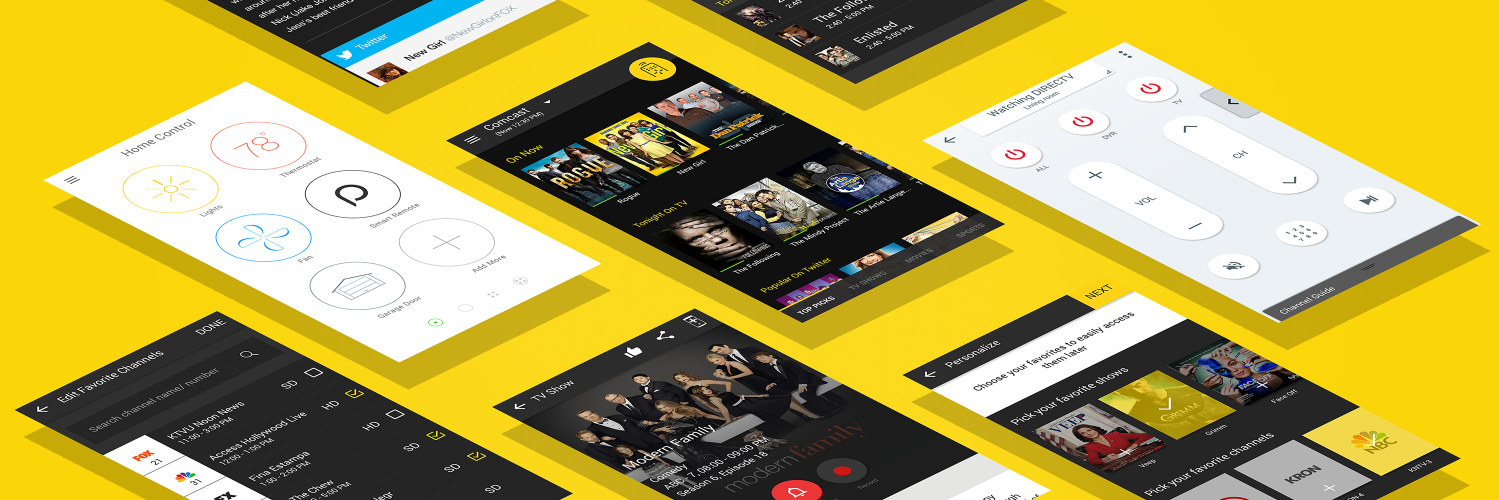
Peel turns your smartphone into a universal remote control and TV guide. 150M-plus users worldwide and 10B commands/month. https://t.co/JszZZmltE5.
Mountain View, CA Katılım Ocak 2010
2.5K Takip Edilen5.5K Takipçiler
@alexhsmith1 Alex, sorry about the issue. I'll update this to our concerned team and will update you.
English

@peeltv Can you help me? I asked before but I got no response. I pay a monthly subscription free for your remote app, and it's great. However, despite the fact your app is not free you bombard me with VERY intrusive ads on my lock screen. Why? & How do I get rid of them?
English
@loudsoliloque Sorry about that. Send us your TV brand/model#, phone brand/model#
English
@peeltv can you change where the remote displays here if someone calls i cant answer easily because the button is blocking the way

English
@Ernathin_Jitsu Sure, forwarded to the concerned. Meanwhile, you can simply swipe the widget towards right side to dismiss it.
English

@peeltv thanks so much, I don't have to look for my remote any more.. Stress-free
English
@hanksgeoff Well, that's a feature to make it easy to change the channel. To get the show details, just tap and hold the show card. Let us know how it goes.
English
@peeltv Hey, are y'all gonna be able to straighten this out? Else, I can just go ahead and uninstall. When I click program details, I don't want to go ahead and change the channel. I want to see what the program is about!
English
@peeltv your app no longer shows program details when I touch the show icon. It switches to a remote on my phone and puts an ANNOYING instruction in the TV screen. What have you done?!
English
@Thugyster Sorry about that. Raised this to our concerned dev to fix it as soon as possible. Till then, you can simply swipe right to dismiss it.
English
@r2469 Sorry for the delay in our response. We've fixed it in our latest version. update the app from here:
itunes.apple.com/us/app/peel-sm…
Let us know how it goes.
English
@therealLothaer You can simply swipe it off. Will take your feedback to our concerned about repositioning. Thank you
English
@FunkyVisions Sorry about that Doug. Please send us a DM about your issue so that we can escalate it to our concerned team to get it fixed.
English
@beavacuda Sorry about that. you can simply swipe it off to dismiss it. Let me know your app version so that I can take it to the concerned
English