
Picmal

45 posts

Picmal banner
Picmal

Picmal

@picmalapp

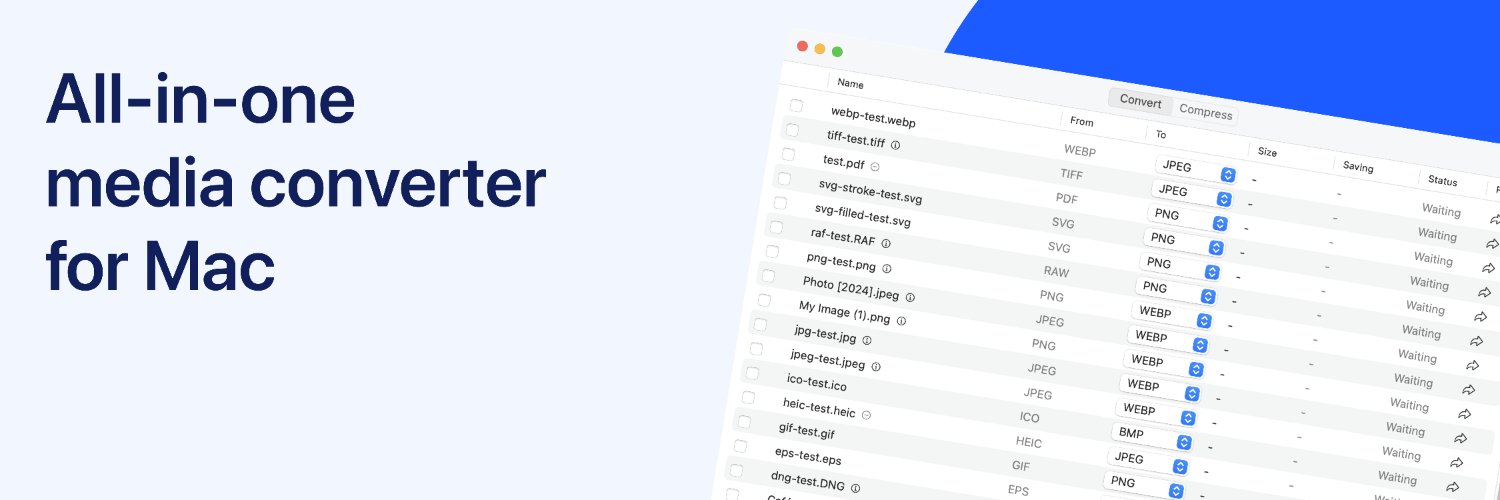
All-in-one media converter for Mac. Made by @albertogalca.

Katılım Temmuz 2025
1 Takip Edilen12 Takipçiler
Picmal
Picmal@picmalapp·
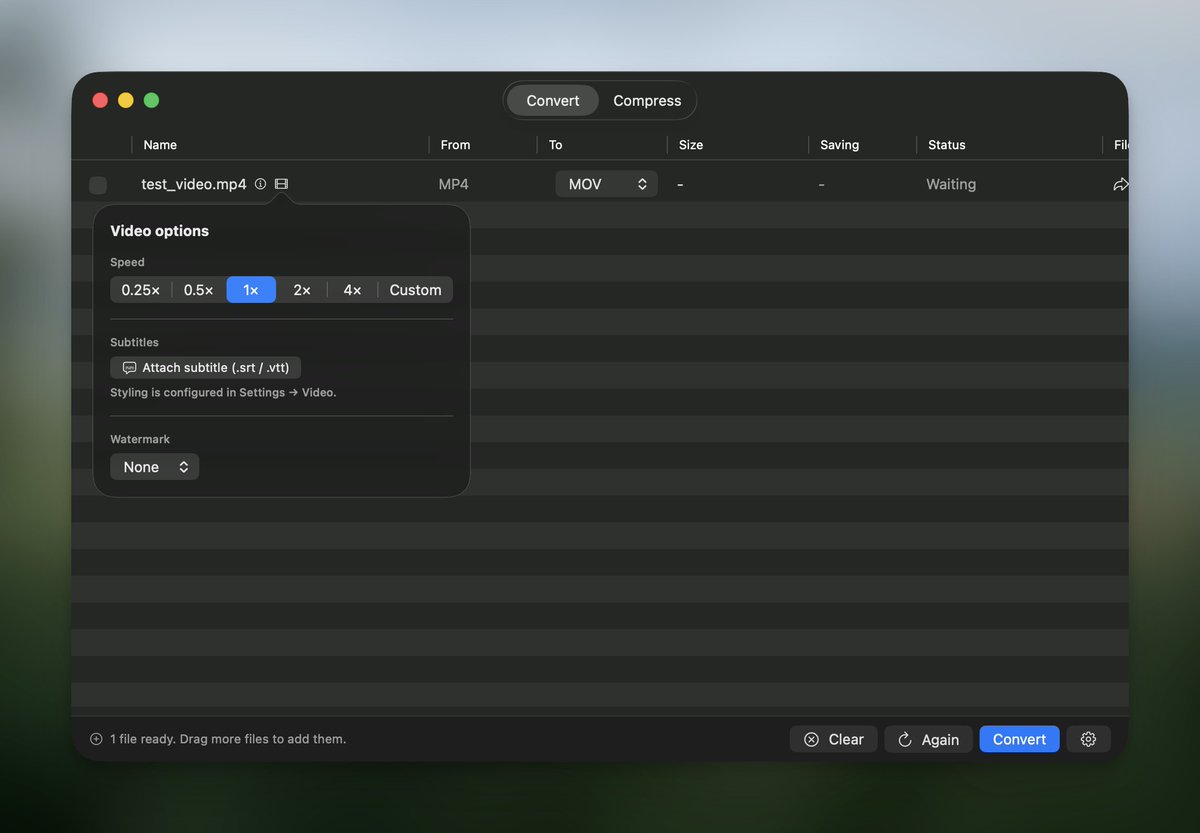
˗ˏˋ NEW FEATURE ˎˊ˗ Speed videos up or slow them down, without messing up the audio pitch. Perfect for: ⏱️ cutting meeting recordings down fast. ⏩ turning tutorials into time-lapses. 🏌️ slowing a golf swing for a closer look.
Picmal tweet media
English
0
1
1
41
Picmal
Picmal@picmalapp·
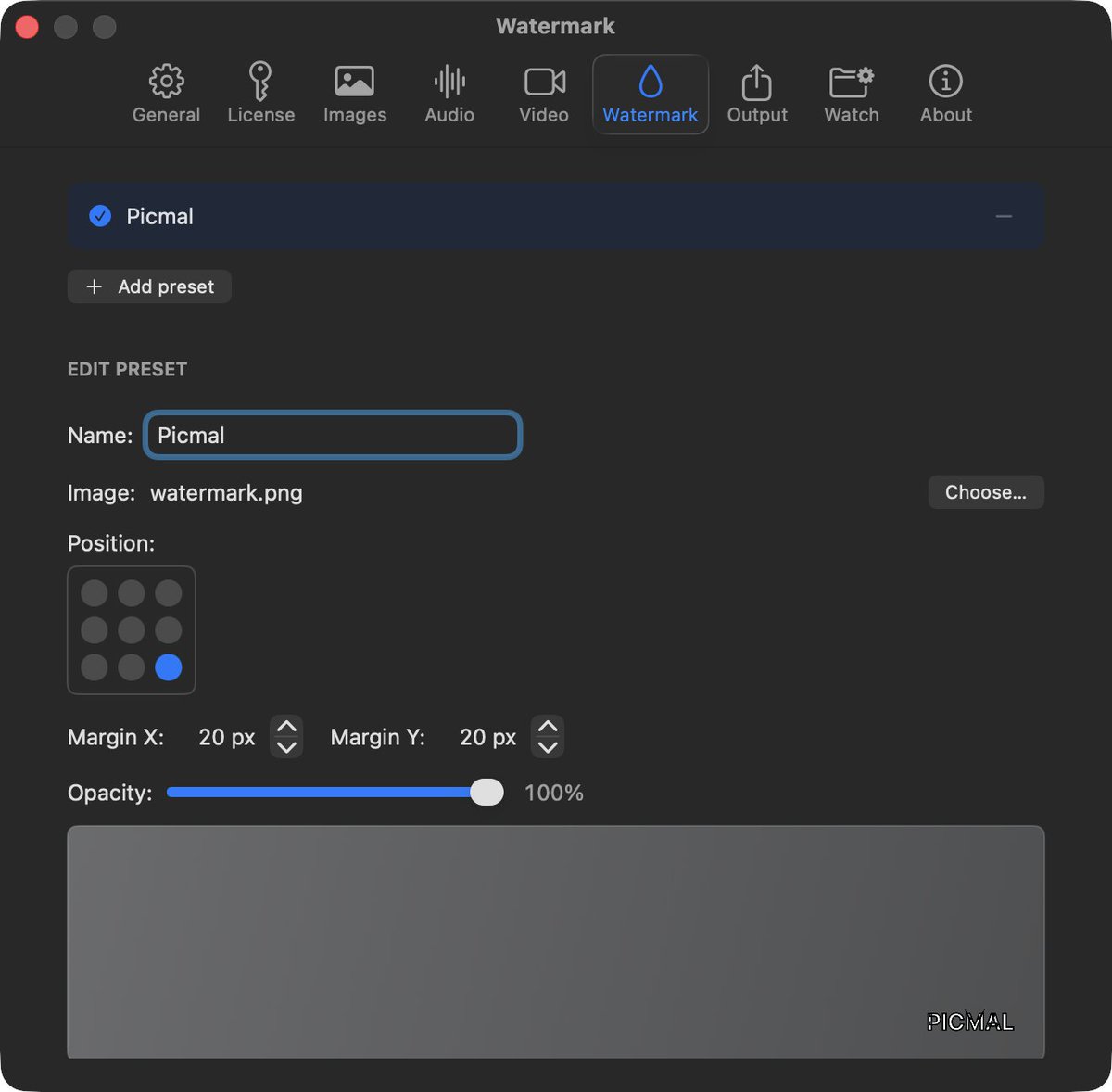
˗ˏˋ NEW FEATURE ˎˊ˗ Watermark your videos Add your logo or PNG overlay during conversion. Perfect for: 🏷️ branding client deliverables 📝 marking previews as “draft” ✍️ signing batches of clips before they leave your Mac
Picmal tweet media
English
0
0
0
23
Picmal
Picmal@picmalapp·
˗ˏˋ NEW FEATURE ˎˊ˗ Picmal now lets you add subtitles to videos. 🎬 Tap the film icon. 📤 Upload an SRT or VTT. 🔥 We bake subtitles into the export (no sidecar files). Customize in Settings → Video: 🔠 size 🎨 color 📍 position (top, middle, bottom)
Picmal tweet media
English
0
0
1
34
Picmal
Picmal@picmalapp·
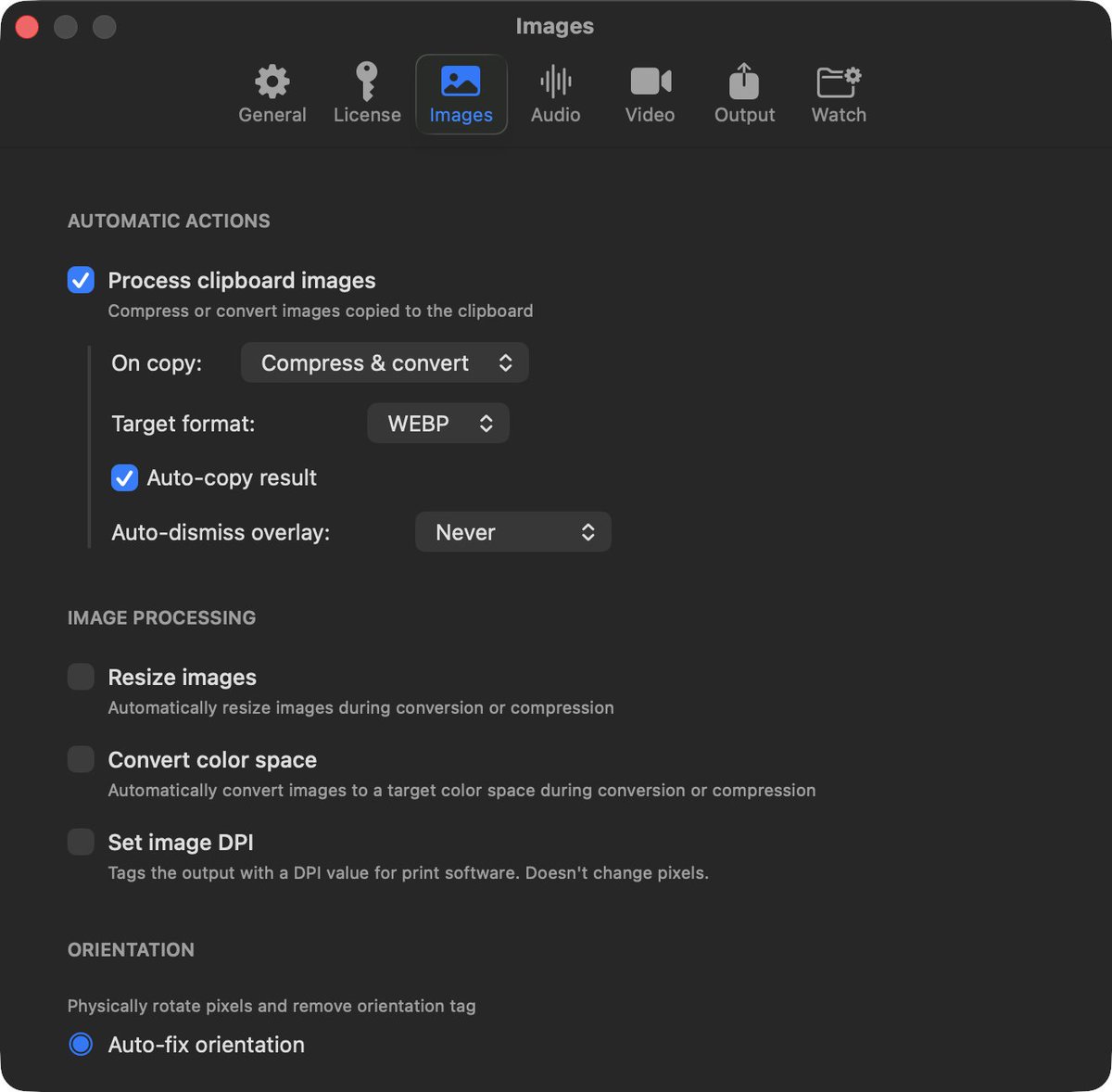
˗ˏˋ NEW FEATURE ˎˊ˗ Now you can compress and convert images as you copy them to your clipboard. Copy an image, and Picmal can: - compress it - convert it to JPEG, PNG, WebP, HEIC, AVIF, TIFF, or GIF - do both at once
Picmal tweet media
English
0
1
2
31
Picmal
Picmal@picmalapp·
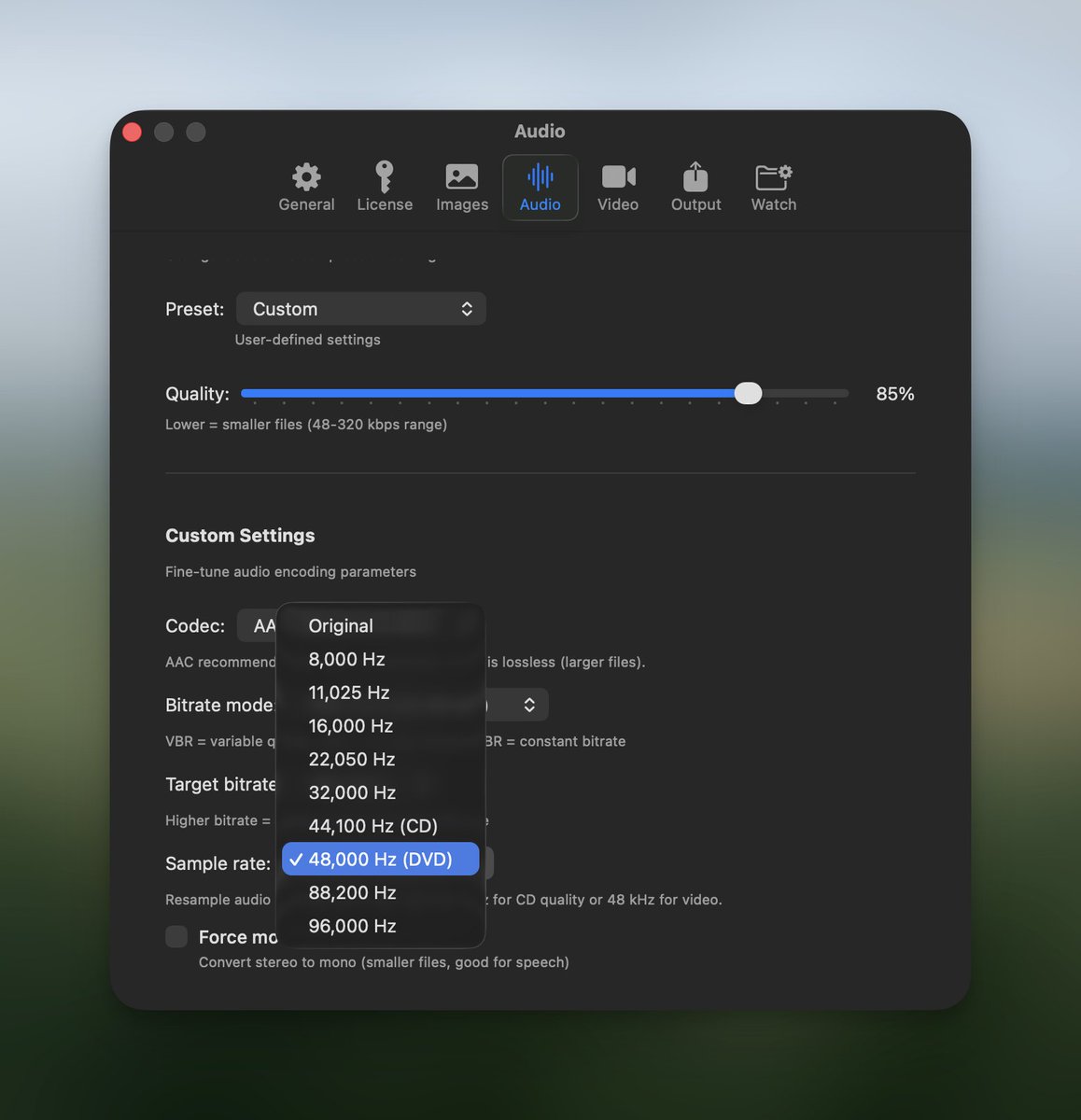
˗ˏˋ NEW FEATURE ˎˊ˗ You can now convert audio files to the same format they’re already in. For example, you can resample FLAC → FLAC at a different sample rate, without touching the codec.
Picmal tweet media
English
0
0
1
27
Picmal
Picmal@picmalapp·
🚀 Picmal 1.4.2 is here → Flags corrupted videos (e.g., missing moov atom) with precise errors → Notch-animated progress overlay → Live conversion % in the menu bar → Faster launch: setup won’t block the first screen → Smoother cancel, clearer errors, concurrency fixes
English
1
1
1
195
Picmal
Picmal@picmalapp·
˗ˏˋ NEW FEATURE ˎˊ˗ Picmal now lets you compare original and output images side by side. Click the screen icon on any processed file to open an interactive slider and see exactly what changed.
English
0
2
1
85
Picmal
Picmal@picmalapp·
@imnogeekAJ Thank you! If you have any feedback, feel free to email me :)
English
0
0
1
20
Adam
Adam@adamjohnlea·
@picmalapp Been enjoying the app! Thanks for the very handy utility.
English
1
0
1
12
Picmal
Picmal@picmalapp·
˗ˏˋ NEW FEATURE ˎˊ˗ Picmal now optimizes images the moment you copy them. 📋 As soon as something hits your clipboard, it gets compressed automatically. A small overlay appears so you can instantly grab the lighter version and keep working without breaking your flow.
English
1
1
2
40
Picmal
Picmal@picmalapp·
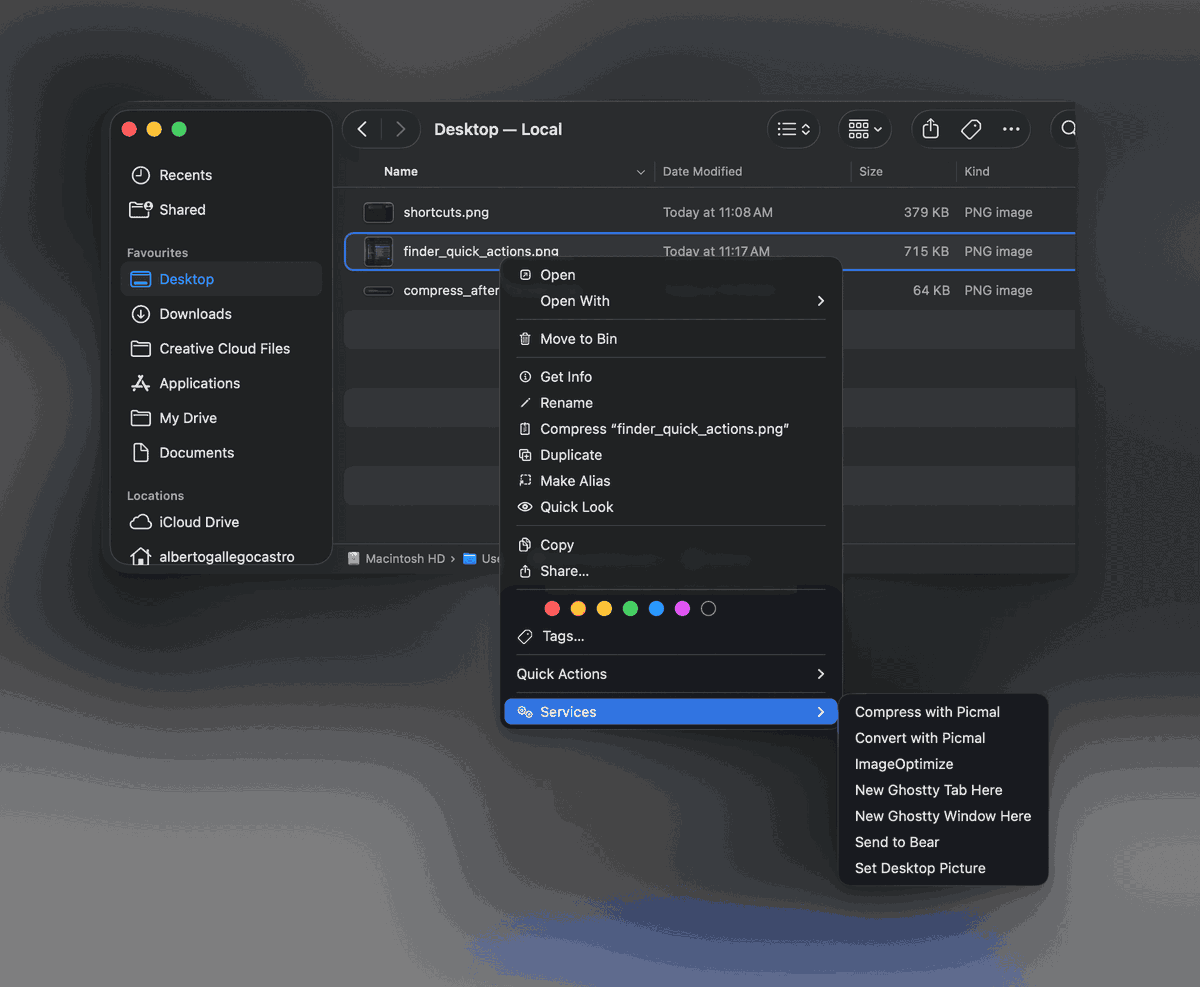
If you want to know how to activate this, you can simply go to the documentation: #finder-services-right-click-menu" target="_blank" rel="nofollow noopener">picmal.app/docs/integrati…
English
0
0
0
14
Picmal
Picmal@picmalapp·
Picmal is integrated with Finder, allowing you to access certain services by right-clicking on any supported file.
Picmal tweet media
English
1
0
0
17
Picmal
Picmal@picmalapp·
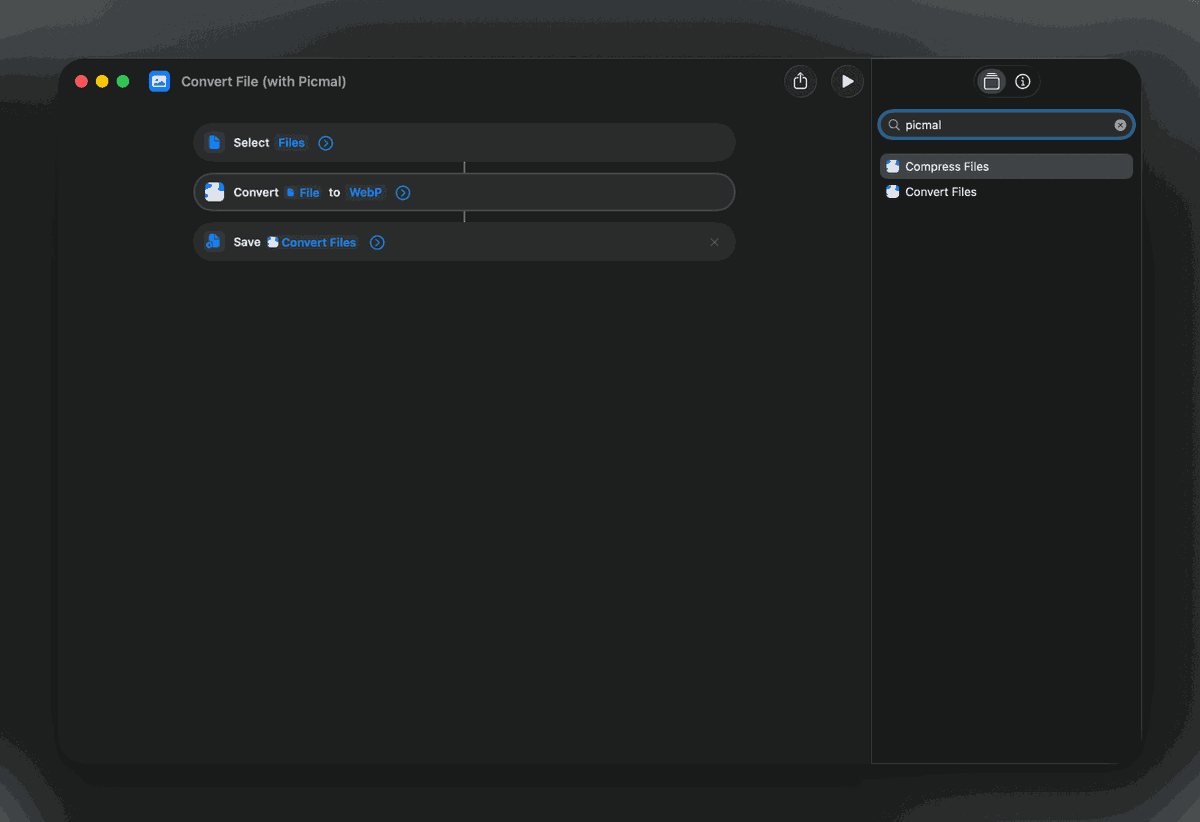
🥳 Now Picmal is on Apple's Shortcuts app! Unlock two powerful actions - convert and compress - to streamline your workflows. 💡
Picmal tweet media
English
1
0
0
19
Picmal
Picmal@picmalapp·
Did you know you can add files to Picmal using these methods? 📂 Drag and drop them into the app window 🖥️ Drop them onto the dock icon 🔍 Use the menu bar icon, if enabled
English
0
0
0
13
Picmal
Picmal@picmalapp·
One useful feature you can use with Picmal is watched folders. They allow Picmal to automatically process files as they appear in specific folders. 📁 Drop a file into a watched folder, and Picmal converts or compresses it without any manual steps. 🔄
English
1
0
1
14
Picmal
Picmal@picmalapp·
In release 1.3.6, a user request was added for metadata handling during conversion: 🩹 Strip all: Removes all metadata for a smaller file size. 📁 Keep essential: Keeps orientation, color profile, and copyright. 🗂️ Keep all: Retains all original metadata. #PicmalTip
Picmal tweet media
English
0
0
0
7