
Sabitlenmiş Tweet
pixelcave
3.4K posts

pixelcave
@pixelcave
Grow your online business faster with AI-powered, handcrafted resources · https://t.co/vDTAm93KWv · by @pixelcave_john
Crafted with love Katılım Eylül 2010
305 Takip Edilen880 Takipçiler
pixelcave retweetledi

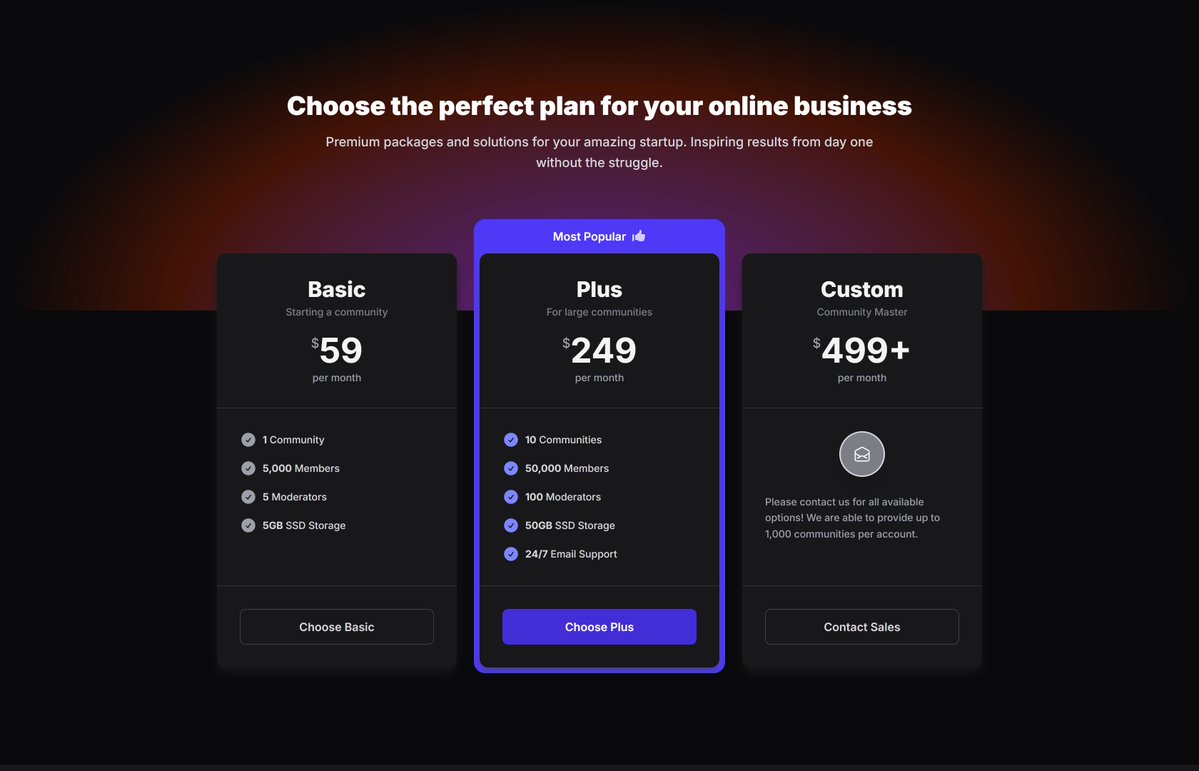
New day, new redesigns.
Pricing sections with subtle radial gradients are now looking better than ever.
75 marketing sections already got a refresh in the Tailkit library!



English
pixelcave retweetledi
pixelcave retweetledi
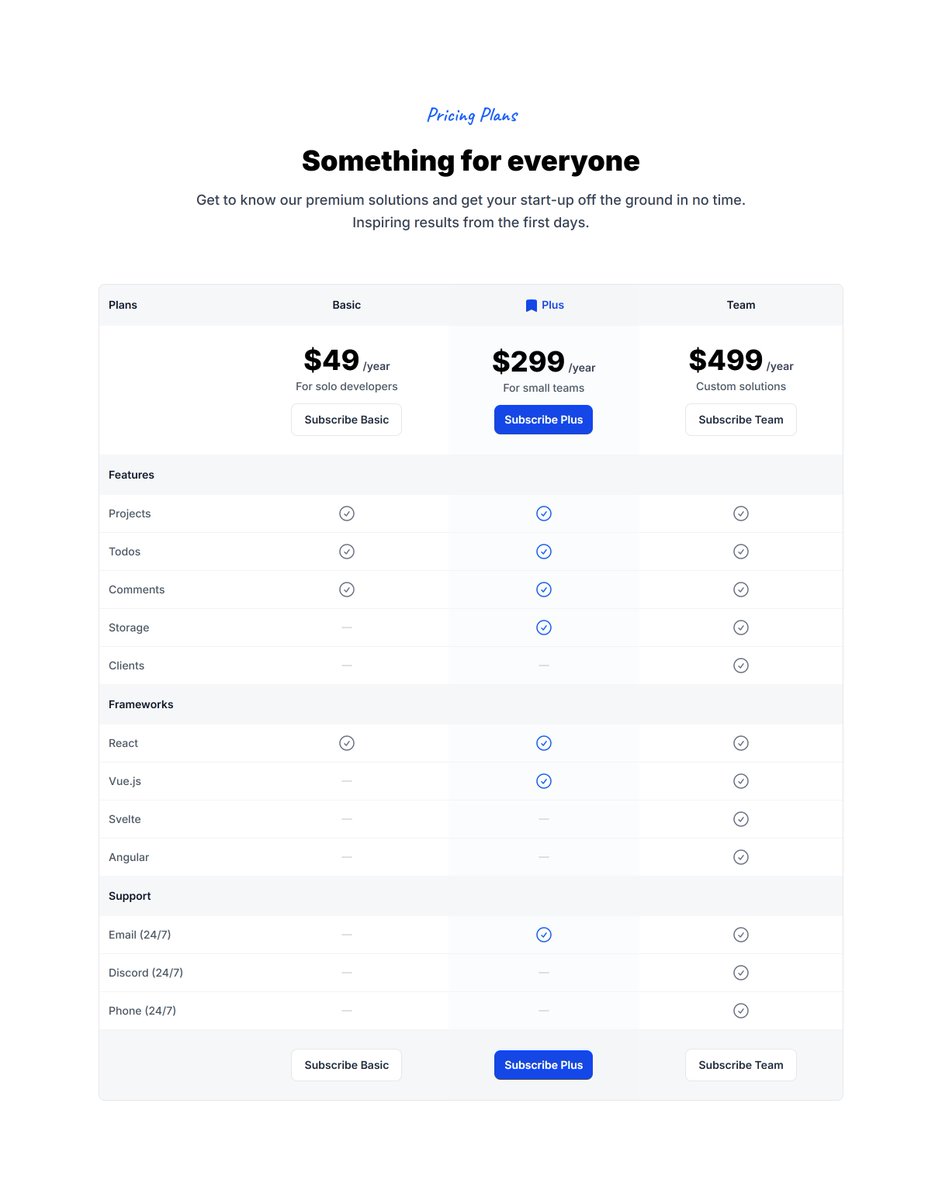
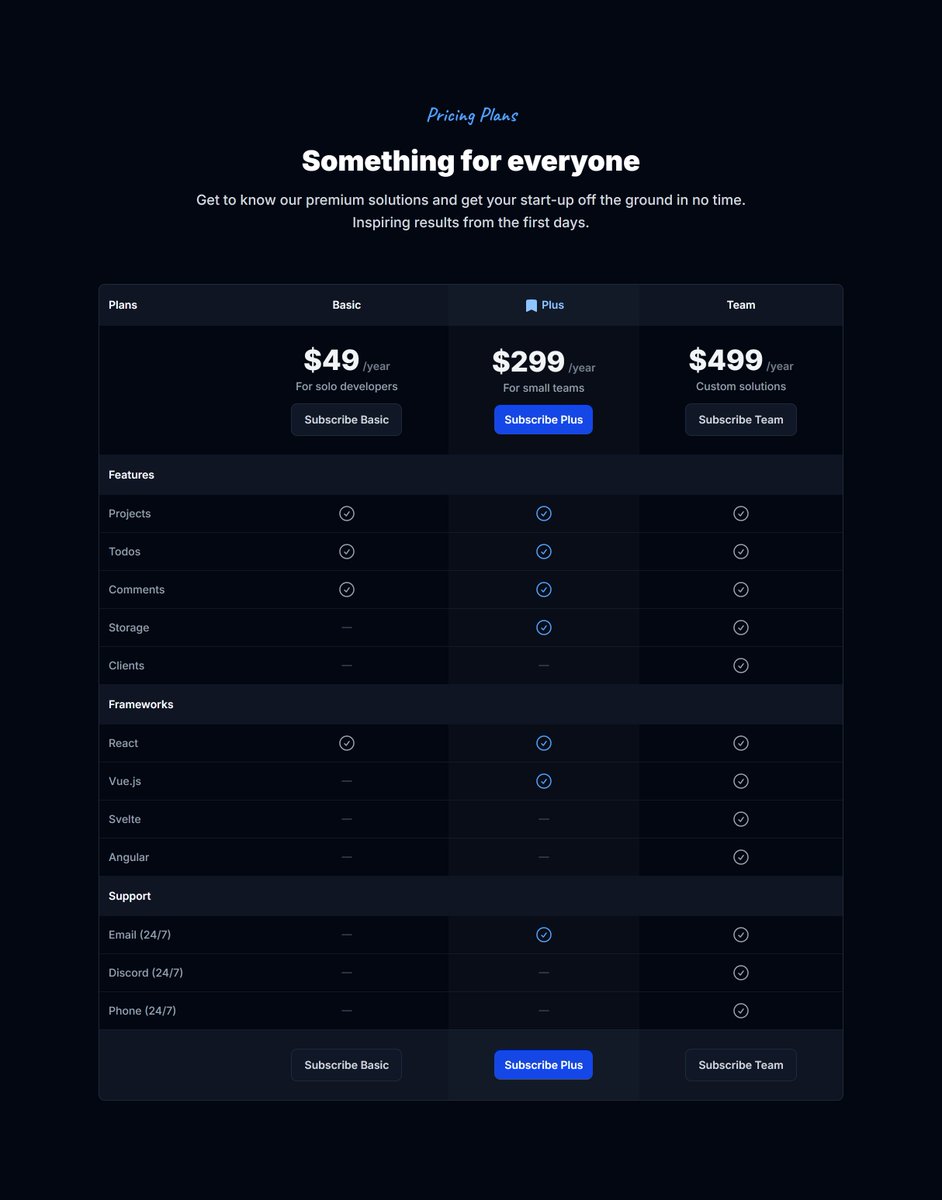
Beautiful Pricing Table section for higher conversions.
Improved and added to Tailkit today.
Making the library better one component at a time.
English
pixelcave retweetledi
Do you still create dashboard UIs by hand or fighting through tons of AI prompts?
Tailkit's MCP can build your fully responsive interactive dashboards in just a few minutes.
One prompt can get you to 99% percent:
"Use Tailkit and build me a dashboard page for a banking UI system. Use a-l-stacked-04 as the base layout. Make sure the design is consistent and add dummy data that feels real. The designs from Tailkit support dark mode. The default should be the light mode but add a dark mode toggle to the header to toggle dark mode on/off. Use indigo as the primary color and neutral as secondary. Prefer these colors and only use contextual colors if absolutely needed. Now let me drink my coffee while you are working. Many thanks!"


English
pixelcave retweetledi
Me: Build me a landing page for my Solar Panel business.
Tailkit's MCP: Done.

English
pixelcave retweetledi
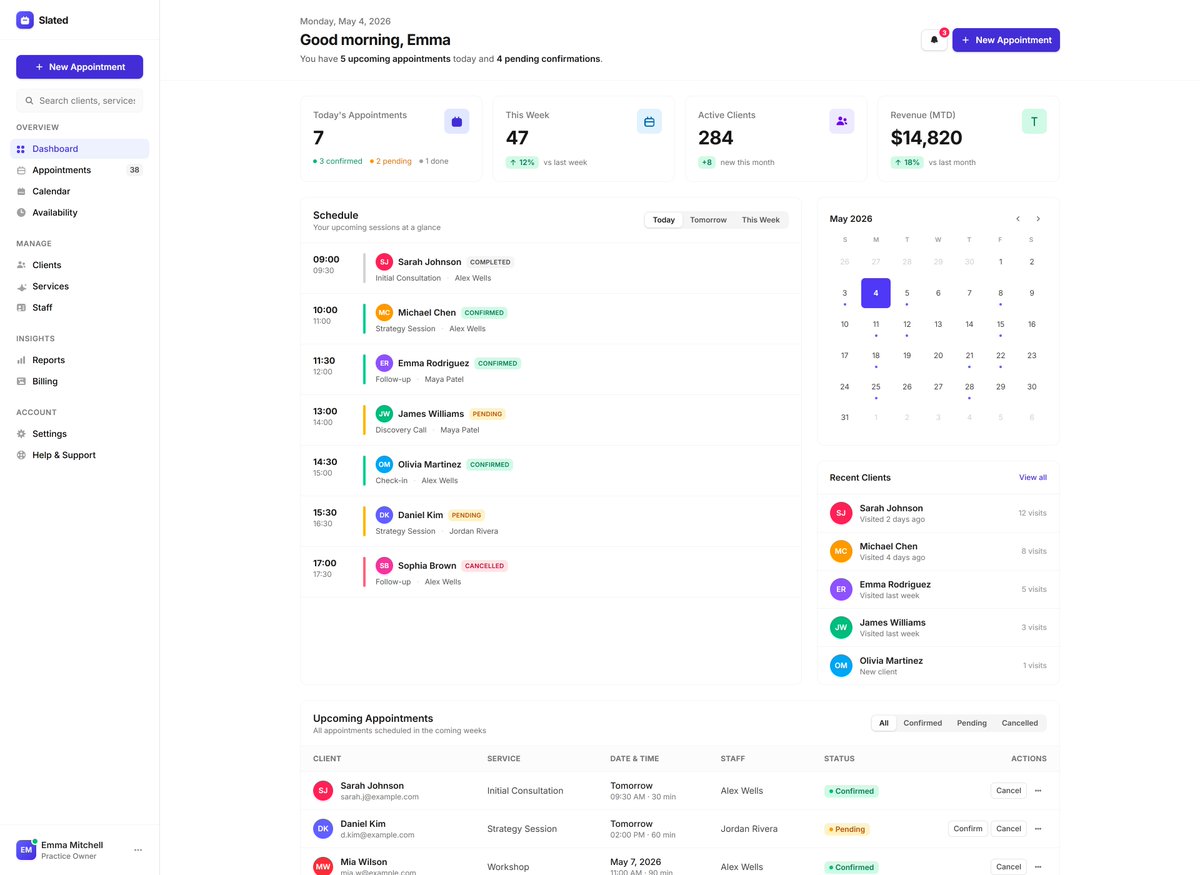
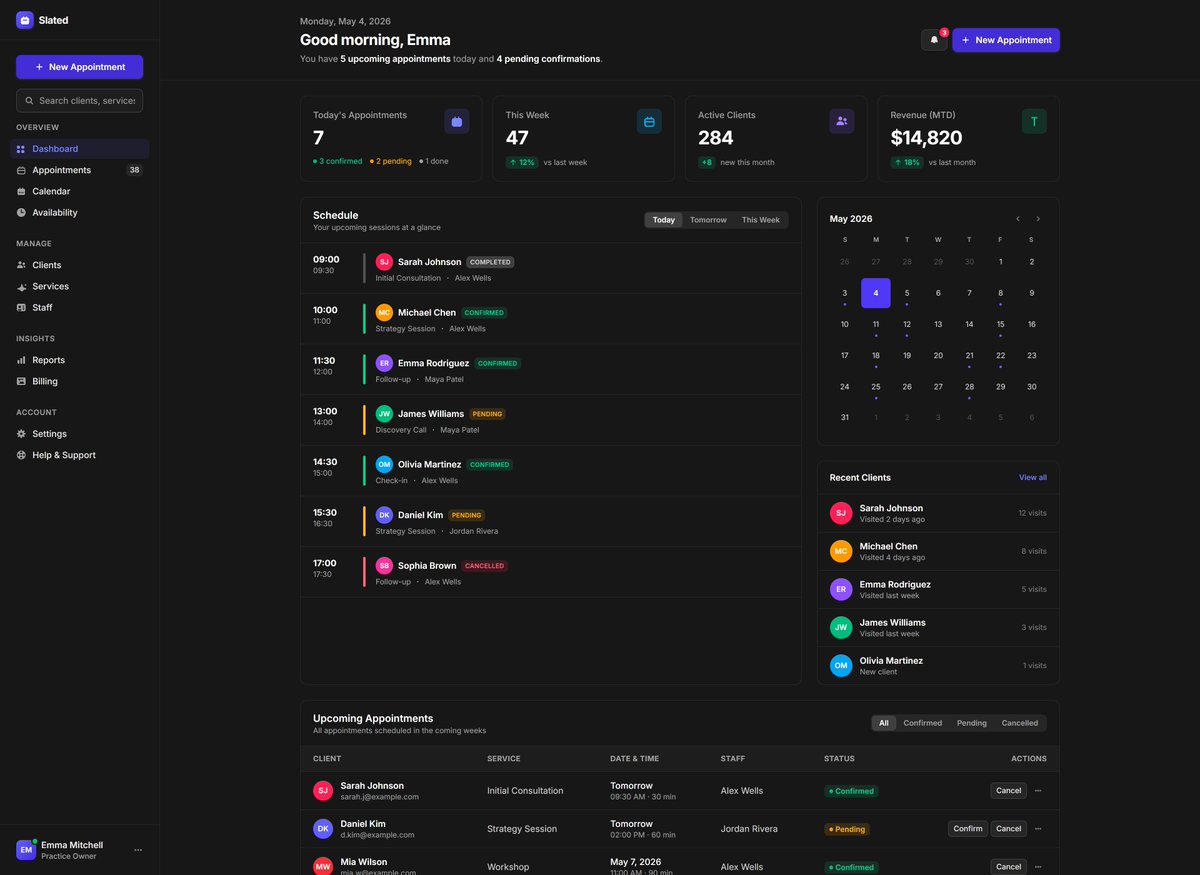
Still settling for generic AI-generated dashboards for your projects?
Meet Tailkit’s MCP Server.
Handcrafted quality dashboards, one shotted in minutes.
Here’s all it takes:
“Use Tailkit and build me a dashboard page for an appointment system. Use a-l-various-01 as the base layout.”
English
pixelcave retweetledi
pixelcave retweetledi
Would you like to also add a command palette type component for searching customers, products and orders which is accessible, fully responsive and supports dark mode out of the box?
Just a prompt away ↓
"Add a command palette from Tailkit "a-c-command-palettes-02" for searching everything using the search on the header. Add dummy search data including customers, products and orders. Use the Alpine.js snippet."
John Champ@pixelcave_john
Video preview of the generated ecommerce dashboard UI in all of its glory. The MCP delivers.
English
pixelcave retweetledi

pixelcave retweetledi
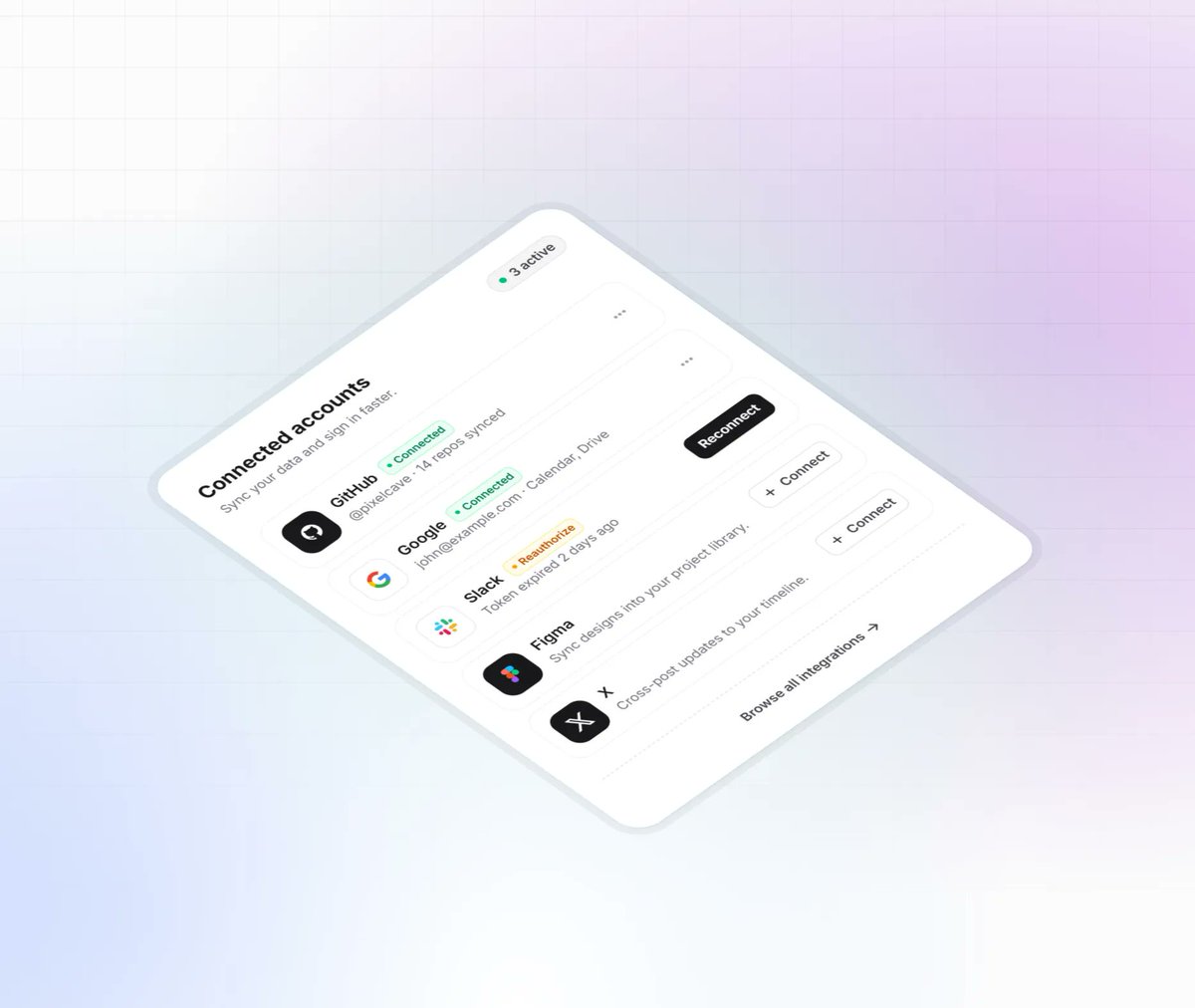
Oops, forgot to include the preview screenshots!

John Champ@pixelcave_john
Since you liked them, here are 2 new beautiful cards I just created and published on Taildrops. 118 - Notification Preferences Panel 119 - Connected Accounts List Featuring working (CSS only) form radio groups and form switches.
English
Pinemix now has 30 free components! 🥳
John Champ@pixelcave_john
Introducing Range Slider to the Pinemix library! - Tons of customization options (min/max, step, range mode, tooltips, prefix and suffix) - Accessible with keyboard navigation - Dark mode support - RTL support This marks the 30th free component in the library, woohoo! 🤯🎉
English
pixelcave retweetledi
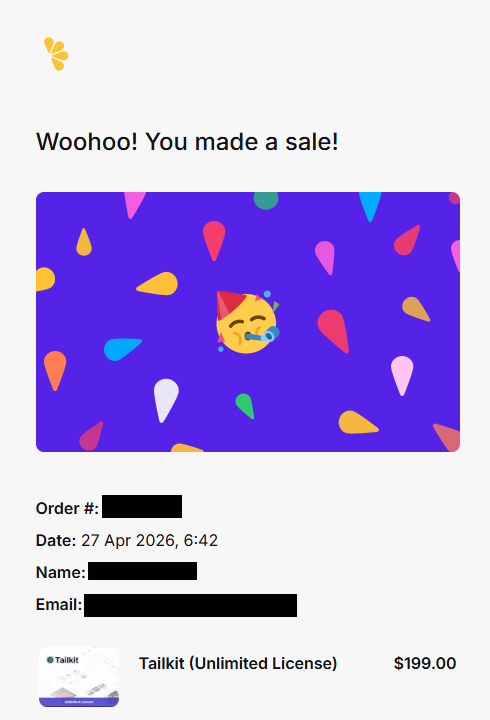
Starting the week with a motivation booster.
Yes, new sale, welcome on board 🙏
Now back to work.
English
pixelcave retweetledi
I so amazed every time I use Tailkit's MCP. It's like having a designer at your fingertips.
The possibilities are endless.
You can easily generate full featured, fully responsive with dark mode support landing pages for your projects just with a simple prompt.
React? Vue.js? Alpine.js? Pure HTML? All available.
Prompt
Build a complete single-page HTML landing page for a fictional SaaS product called "Flowdash", an AI-powered project management tool.
Use the Tailkit MCP to source every section. Retrieve and compose the following sections in order:
Hero: use "m-s-hero-21" Headline: "Ship projects faster with AI". Subheadline: "Flowdash automates your workflow so your team can focus on what matters." Two CTAs: "Start for free" (primary) and "Watch demo" (secondary).
Navigation header: use "m-s-main-headers-06" and replace existing main header in the previous hero section. Include the Flowdash brand name and nav links: Features, Pricing, FAQ, and a "Get Started" CTA button. For the features keep the mega menu and add 3-4 options inside it.
Logo bar / social proof: use "m-s-logos-04" component. Label it "Trusted by teams at" and replace with 6 placeholder major brands.
Features: use "m-s-features-25". Three features: AI Task Prioritization, Real-time Collaboration, Smart Reporting.
Testimonials: use "m-s-testimonials-12" with 6 fictional quotes from users.
Pricing: use "m-s-pricing-13" with three tiers: Free, Pro ($19/mo), and Business ($49/mo).
FAQ: use "m-s-faq-04" with 10 common questions about Flowdash.
CTA banner: use "m-s-cta-08". Headline: "Ready to transform how your team works?" with a "Get started free" button.
Footer: use "m-s-footers-14" with links grouped under Product, Company, and Legal columns.
Implementation rules:
- Stitch all sections into a single valid HTML5 document
- Replace all placeholder images with related ones based on content
- Use the heading styling used in the bento grid features heading in all headings in the page
- Use a consistent blue color theme throughout for primary and neutral for secondary.
- Make sure the page is responsive, looks good on mobile and supports dark mode (all of these are covered by Tailkit components already)


English
pixelcave retweetledi
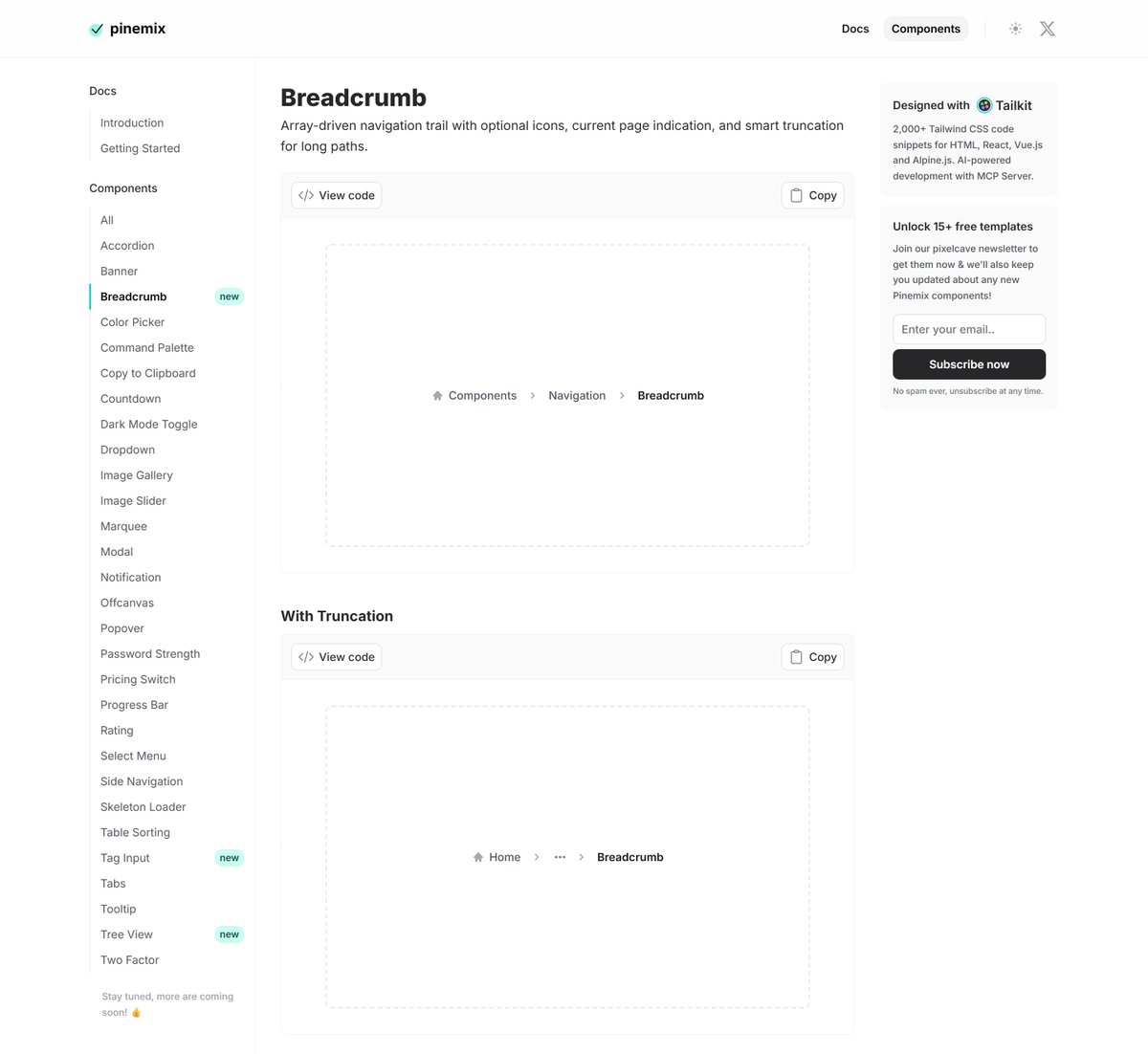
I just introduced a breadcrumb component to Pinemix with truncation feature.
29 completely free to use Alpine.js and Tailwind CSS components in the library so far! 💪

English
pixelcave retweetledi
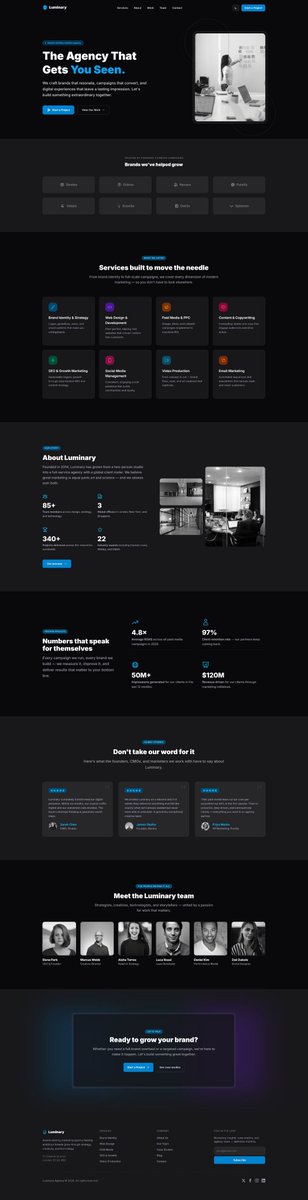
Great looking, fully responsive with dark mode support landing page for your agency in under 2 minutes providing a super simple prompt?
Yes. Using Tailkit's MCP.

English
pixelcave retweetledi
pixelcave retweetledi
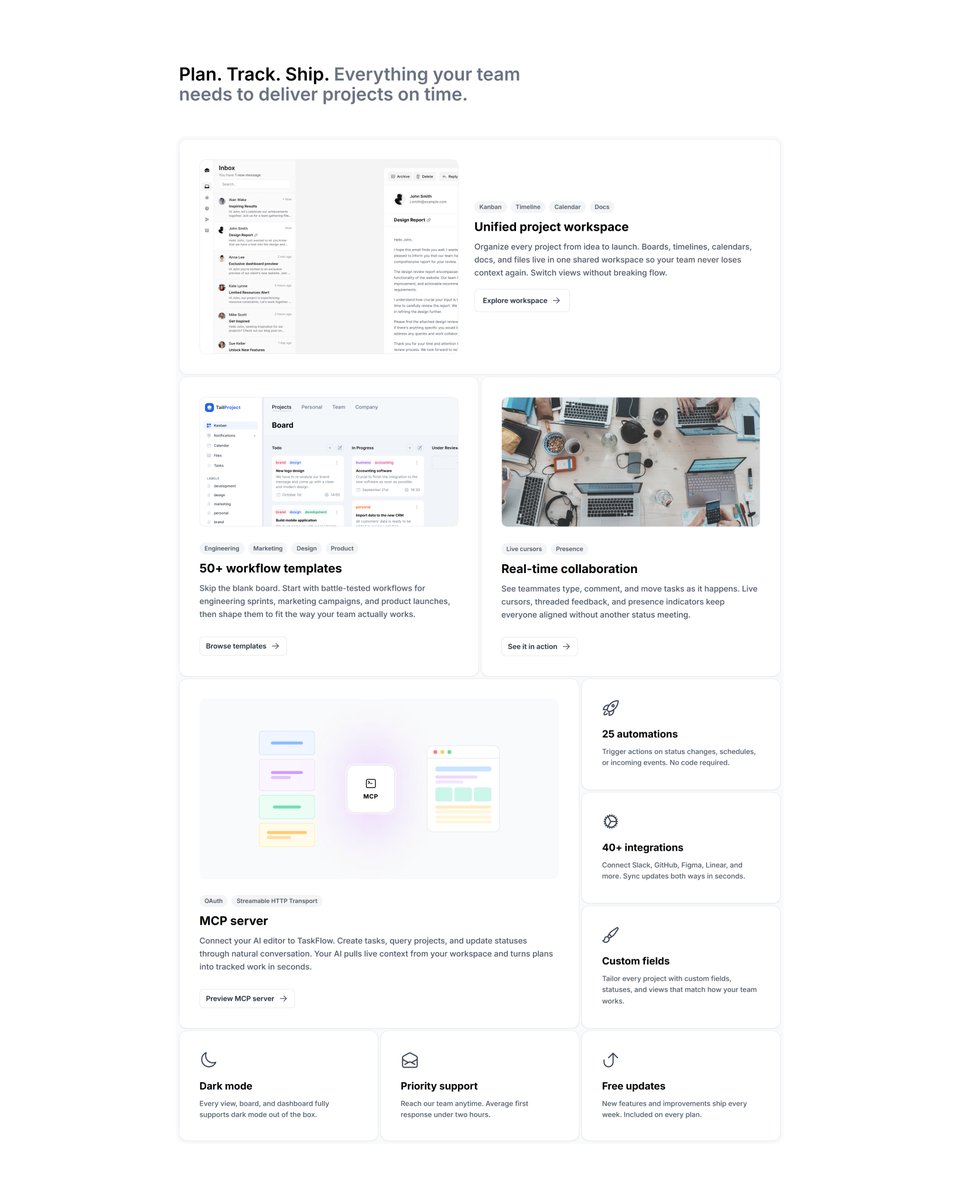
I just added a brand new bento grid section in the marketing package.
It's the one I'm using in the real page with different content and adjusted design.
Check it out, it's already live!
English
pixelcave retweetledi
I'm working on a new dark mode toggle for my upcoming project.
I wanted something minimal, not taking much space and feel responsive and fluid.
What do you think?
English