@DavidGonzC Hi David,
macOS Catalina has added restrictions for accessing the disk. To enable Recents, you'll need to grant permission from the System Preferences. See the attached image for instructions.
Lmk if you have questions!
@AltrichterPeter Thanks for flagging Peter, and happy to hear you're enjoying the app :)
MacOS 10.15 has added restrictions for accessing the disk. To enable Recents, you'll need to grant permission from the System Preferences. See the attached image for instructions.
Lmk if you have questions
@recents_app I love this app, so simple but useful.
But in it isn't working in 10.15 anymore (Mac mini and MacBook Pro). It always says "no recent files found" but it is activated in the "general"-tab.
Please take a look if the problem is in the app or if it's just me :-)
macOS Catalina Update:
It appears Catalina has tighter restrictions for accessing the disk. To enable Recents, you'll need to grant permission from the System Preferences. See the attached image for instructions.
@stecuuu It appears MacOS Catalina has tighter restrictions for accessing the disk. To enable Recents, you'll need to grant permission from the System Preferences. See the attached image for instructions.
@anddidit It appears Catalina has tighter restrictions for accessing the disk. To enable Recents, you'll need to grant permission from the System Preferences. See the attached image for instructions.
@recents_app Looks like Recents isn't working properly with Catalina and "enable Recent Items" in System Preferences. Help! Your app is essential to my workflow!
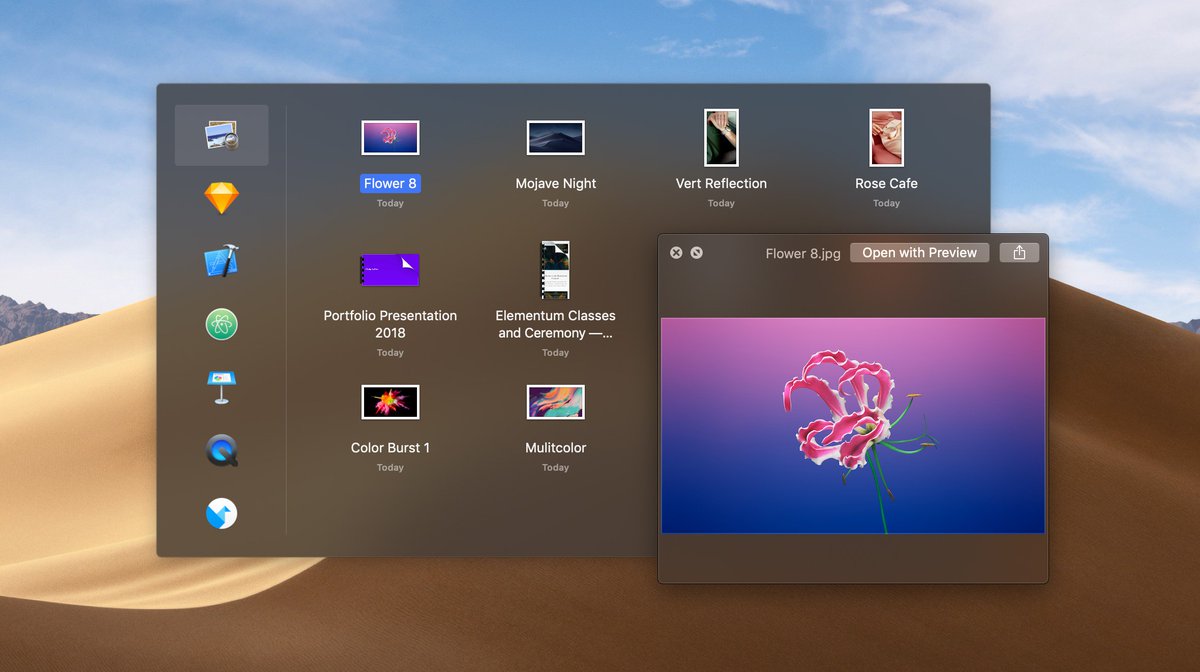
Recents 2.0 is here with support for Grid View, Quick Look, Drag & Drop, and improved Mojave Dark Mode support.
Run `Check for Updates...` or download at recentsapp.com
@fengtieshan Great to hear Feng! Glad you’re enjoying it 😃
I just shipped v2, which has better keyboard support (arrow keys to navigate, tab key to toggle between the two). Give it a try.
I’ll explore adding Alfred-like keyboard shortcuts to the Recents roadmap. Thanks for the suggestion!
@recents_app Hi there. Love Recents and have recommended it to a few friends. Thanks for your great work!
I trigger it with shift + command + space. But after that I need to use mouse to open files. It would be real cool to navigate apps and open files with shortcuts. Something like Alfred.
Seriously, @recents_app is the best thing that has happened to Mac OS. Period. Find recent files and open the folder right away is a godsend. Download it now, you fool!
@daniel_kasaj Great to hear! You’ll want to turn on ‘Hide after losing focus’ in the preferences to make the window automatically disappear.
Maybe the preference label need to be renamed to be clearer?