@sarperdag Try modifying in this ios part into your Package.swift. Replace the version with whatever your Xcode is using. Lmk if the .build is generated.
name: "",
platforms: [.iOS("17.6")],
products: [
.library(name: packageName, targets: [packageName])
],
There is no reason to not use Cursor over Xcode as of now for Swift/SwiftUI. The benefits of AI code complete outweigh the inconvenience of switching tabs to check previews/build your project.
@chemodachameleon/ios-development-on-cursor-vscode-9908d0874f01" target="_blank" rel="nofollow noopener">medium.com/@chemodachamel…
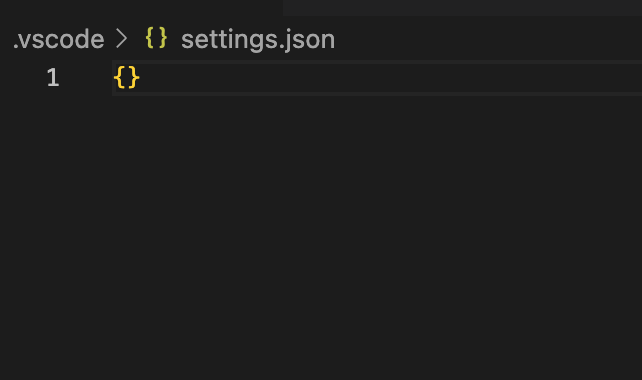
@renishis Thanks for looking into this but still can't get it to work for me. There's no usersettings.json, only settings.json and it's empty for me?! And even if I append the code you suggested, nothing changed.
@sarperdag Okay I think I figured it out, lmk if it works.
Command+Shift+P, and go to vscode usersettings JSON.
Append this:
{
"swift.sourcekit-lsp.backgroundIndexing": true
}
Unfortunately they haven't added indexing for UI Components which sucks. This only really wokrks on functions.
@sarperdag No the problem is that I got it working for me but I can't undo it. So I can't figure out which part is needed to get it working for *everyone*.
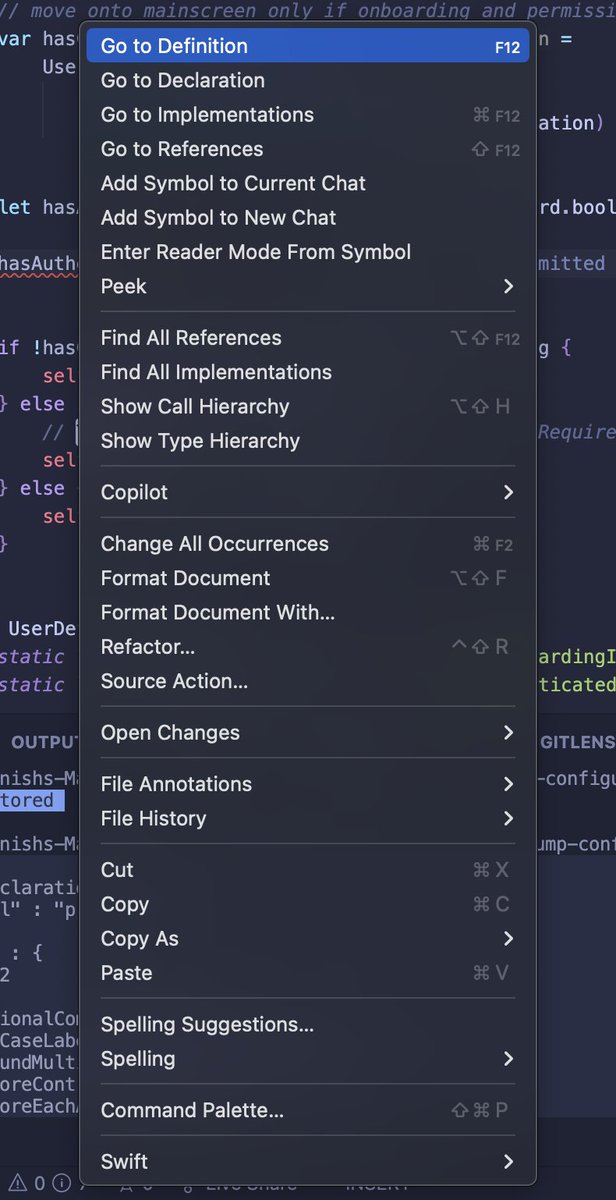
@renishis Just tried again, neither ctrl+click > Go to definition nor cmd+click to directly go to definition works for my swift code... My vscode settings file also seems empty...
@RewindAI This is sick.
Can you guys add a backup feature though? I mean it takes way too much storage; I want to save the stuff so I can rewind the data for years not just a month.
Data you currently have to a disk and it deletes it from your PC, or having a plan with storage would work.
🧠How to remember everything about anyone:
Thomas, a program manager, uses Rewind as his own personal knowledge management system.
With audio capture on, he says aloud what he wants to remember about someone, & asks Rewind about it later before he meets them again.
Watch:
@synthpolis This is sick, but it saves everything?
I’m worried about the encryption here, it says on your GitHub that you encrypt the data with a API keys generated by the owner of the sever.
Wouldn’t that be you guys by default(most people won’t self-host)?!?
Spyware by proxy, no?