Retro now supports local music!
This includes support for mp3, m4a, wav, aac, flac, and alac files.
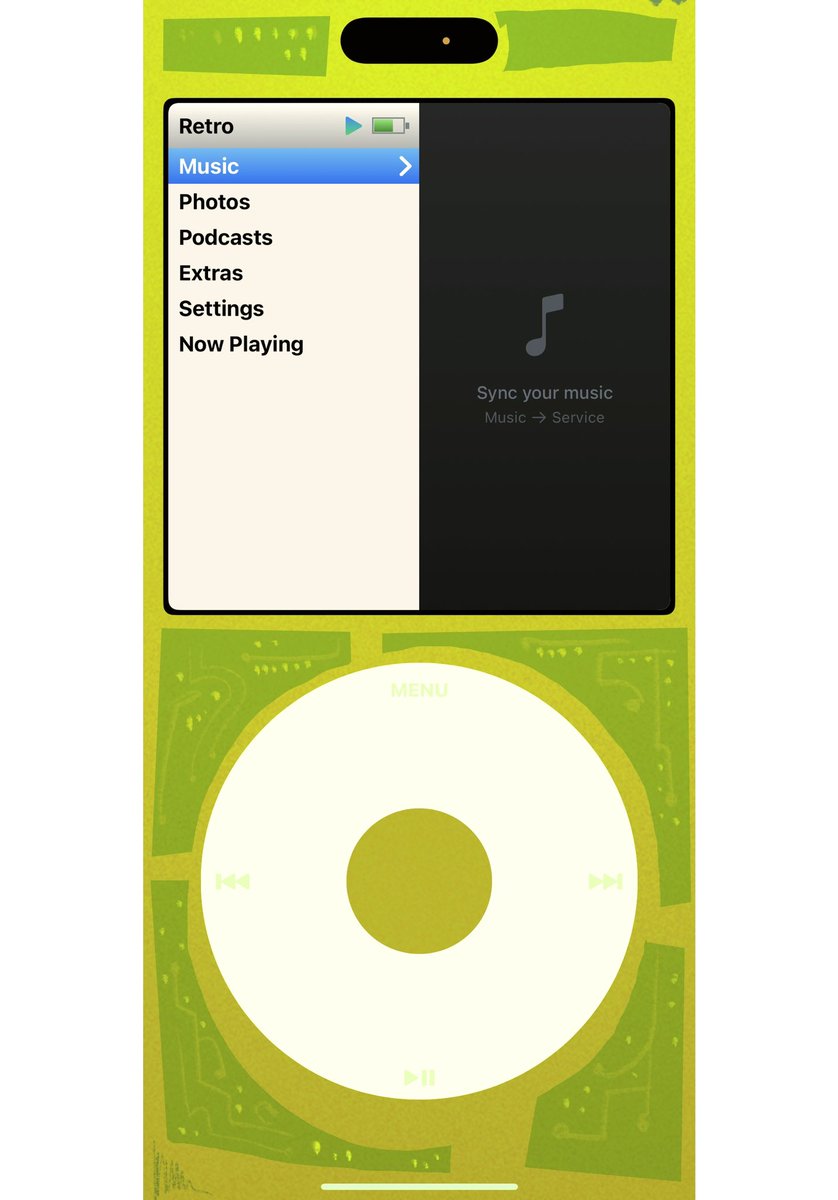
You can enable local file access via Music > Services > Local Files.
@aricomagic_ I see, but shouldn't stuff from iTunes already sync with your Apple Music app? So should technically already work no?
I've just been airdropping audio files from my mac to my phone lol
@retro_mp3 downloaded from itunes, or digital release like the deluxe of Don Toliver, you receive the waves via email, and i sync them, like i used to do with the ipod
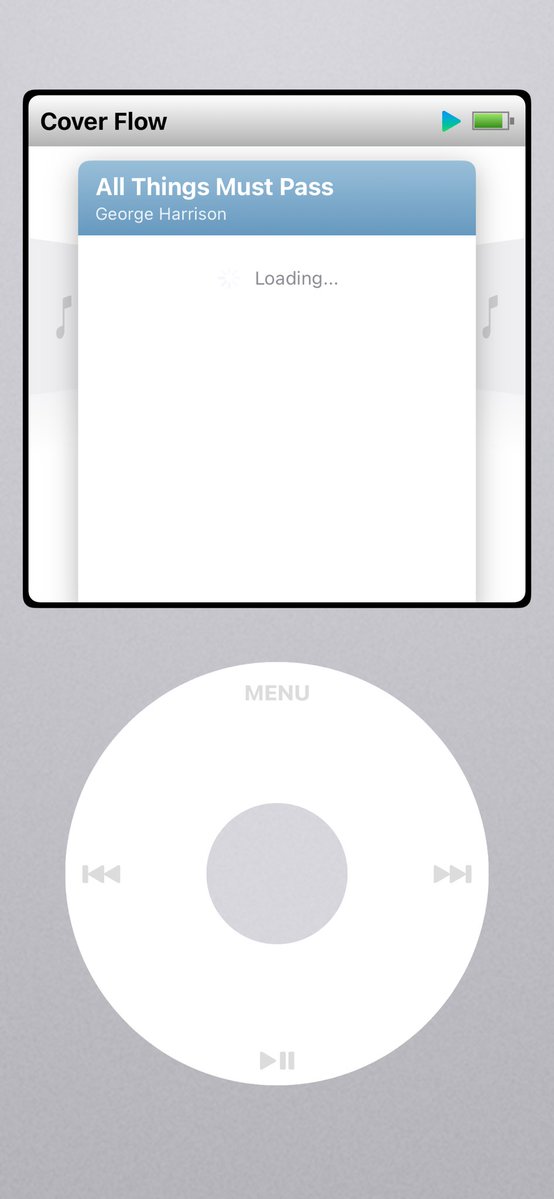
@retro_mp3 amazing support to add ! what about the music you sync via music.app on mac ? when I select Apple Music on service i can see my albums but the songs load indefinitely
@retro_mp3 I love this update happy to make this my permanent music player :) can we please have the ability to upload our own iPod layouts I would like to create my own colors or a clear transparent background when the wires are exposed that would be so dope 😇
@retro_mp3 Why not champ, please I have a significant arsenal of flac files and this would come in handy as a local player. I admire the streaming links, but even better would be a local option.
On your iPhone, open the Files app > On My iPhone.
You’ll see a folder for Retro. When you tap into it, you’ll see an “Albums” and “Playlists” folder. Simply create subfolders in Albums/Playlists and put your music in them! If you add more music, in Retro you’ll have to go to Music > Services and select Local Files to rescan again.