Sabitlenmiş Tweet
Sai
455 posts


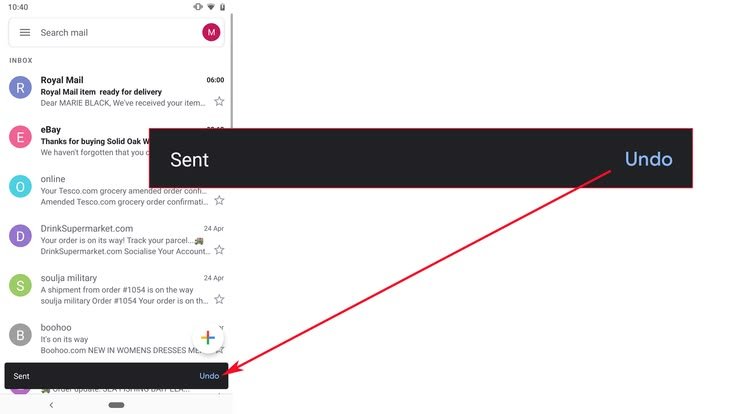
@saidotdev small UX details like this
build more loyalty than 100 influencer campaigns
English

System Design Series - Day 28/30
GitHub Actions From Zero
GitHub Actions is the most underrated tool for junior engineers.
Free.
Built into GitHub.
Used by thousands of production teams.
Understanding it makes you immediately more valuable at any company.
Here's how it works from zero 👇
1. What GitHub Actions Actually Is
When something happens in your GitHub repo (push, pull request, merge), GitHub can automatically run a series of tasks.
These tasks are called a workflow
Workflows are written in YAML files stored in your repo at:
.github/workflows/your-workflow.yml
That's it.
A file in your repo tells GitHub what to do automatically.
2. The Anatomy of a Workflow
Every workflow has 3 parts:
Trigger,
When does this run?
- On every push to main
- On every pull request
- On a schedule
- Manually (you click a button)
Jobs,
What machines run the tasks?
- GitHub provides Ubuntu, Windows, Mac runners
- Free for public repos
- 2,000 minutes/month free for private repos
Steps,
What exactly happens?
- Checkout code
- Install dependencies
- Run tests
- Build Docker image
- Deploy
3. A Real CI Pipeline for a Node.js App
What happens when you push code:
1. Spins up a fresh Ubuntu server
2. Checks out your code
3. Installs Node.js 20
4. Runs npm install
5. Runs npm test
6. If tests fail → marks commit as failed and stops
7. If tests pass → marks commit as passed
Takes about 2 minutes.
Runs on every single push.
You never ship untested code again.
4. Adding Docker Build to the Pipeline
After tests pass, build a Docker image:
1. Log into Docker Hub (using GitHub Secrets)
2. Build the Docker image
3. Tag it with the commit SHA
4. Push to Docker Hub
Now your image is stored remotely.
Any server can pull and run it.
Same image.
Same environment.
No more "works on my machine."
5. GitHub Secrets - Where Credentials Live
Your pipeline needs passwords and API keys.
NEVER put them in your workflow file.
NEVER put them in your code.
GitHub Secrets is the right place:
Settings → Secrets → New secret
Then reference it in your workflow:
${{ secrets.YOUR_SECRET_NAME }}
GitHub encrypts them.
They never appear in logs.
This is how production teams handle credentials in pipelines.
What CI/CD or GitHub Actions question do you have?
Reply below 👇
#SystemDesign #GitHubActions #DevOps

English

**HTTP/1.1** (1997): Single-lane road. Text-based, one car at a time per connection. Reliable but jams easily.
**HTTP/2** (2015): Multi-lane highway. Binary protocol, multiplexing (many cars together), header compression, server push. Still TCP-based, so one pothole slows everything.
**HTTP/3** (2022): Flying cars via QUIC (UDP). No head-of-line blocking—each stream independent. Faster handshakes, thrives on lossy/mobile networks.
English

Devs, you don't need a team to build a $1M SaaS. you need 11 tabs:
@cursor_ai ~ AI pair programming
@claudeai ~ debugging + reasoning
@supabase ~ backend + auth
@vercel ~ frontend deploys
@render ~ backend hosting
@resend ~ emails
@stripe ~ payments
@posthog ~ product analytics
@sentry ~ error tracking
@loom ~ demo videos
@notionhq ~ docs + planning
5 years ago this needed a team of 10. now it's just you and your browser.
English

@saidotdev Im running claude code as an extension in Antigravity IDE.
Antigravity to run tests and Claude to build @SYNDpro_
English