Day 10 of @otioai 2.0 feature highlights: Import any file type, unlimited storage
Reading r/GeminiAI today. One user split a 200-page PDF into chunks to upload it. Another merged 80 PDFs into one to dodge a source cap. A third uploaded a video to YouTube to feed the link to Gemini.
Building Otio meant building the pipelines so people don't have to.
Day 9 of @otioai 2.0 feature highlights: Notes
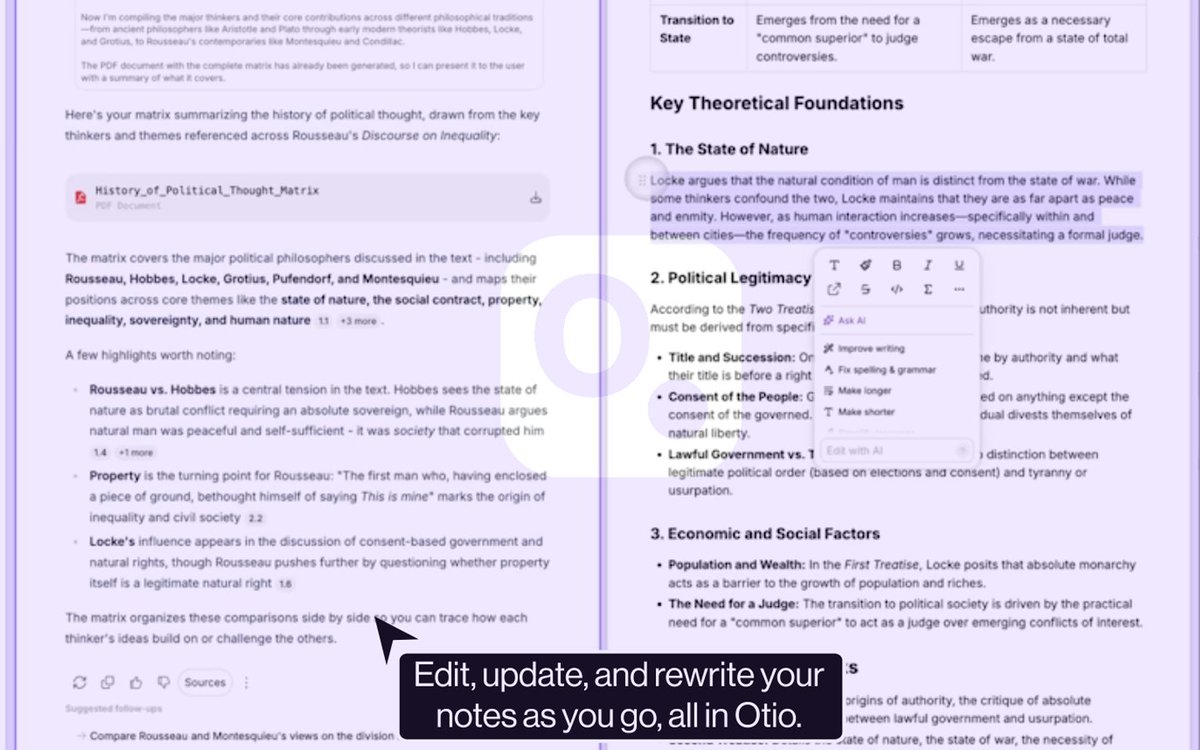
Most AI tools treat the answer as terminal. Generate, display, done. The note you want to keep lives in a separate app.
In Otio 2.0 the note is a first-class surface. Generate from any answer, edit inline with AI, attach it back to a chat, export as markdown.
One library. Sources, chats, notes. All connected.
Day 8 of @otioai 2.0 feature highlights: Visualisations
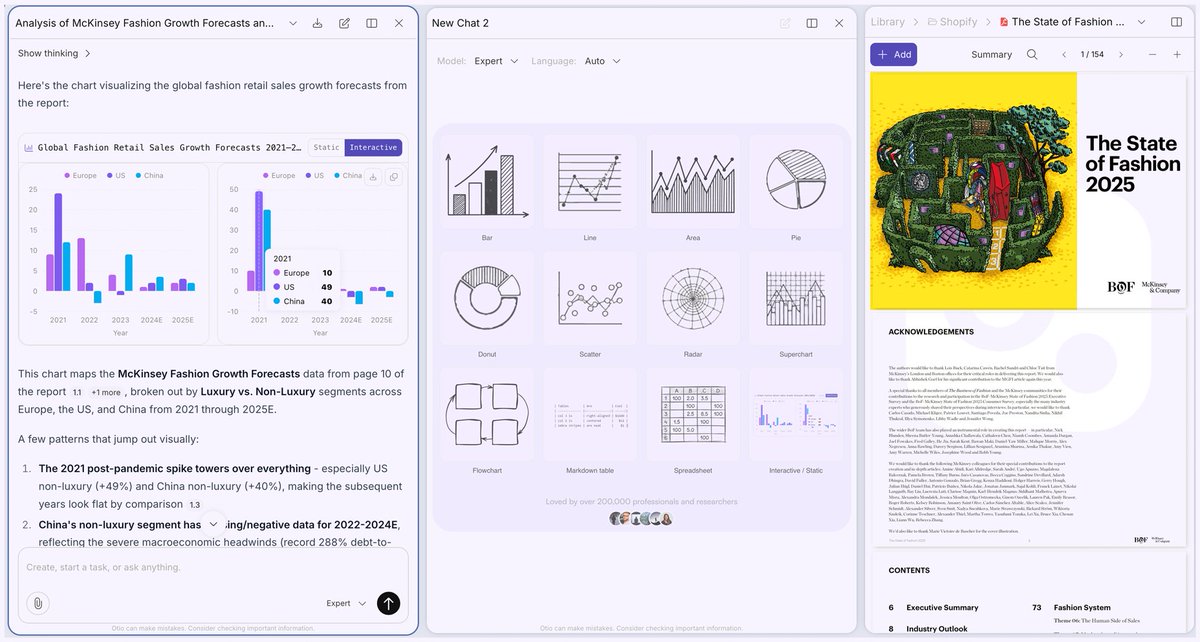
Most AI viz tools either give you a static infographic you can't edit, or code you have to run yourself.
Otio renders an interactive chart inline, from the data in your uploaded sources. Twelve types, same chat as the analysis.
Day 7 of @otioai 2.0 feature highlights: Open Reasoning
This is what Otio does while you wait for an answer:
Planning next moves → Retrieve [source] (page 3) → Retrieved → Generating response
Every step visible. Click the dropdown on any answer.
Day 6 of @otioai 2.0 feature highlights: Verified Citations
LLMs generate citations the same way they generate everything else, next-token prediction. The model can't tell the difference between a real paper and one it made up.
No prompt fixes this. Users tried. Elaborate frameworks, multi-model verification chains, JSON-based fact-checking pipelines. Response from the guy who built the most complex one: "It will still hallucinate. Just less."
Otio answers from your sources by default. Every citation links to the passage. Click to verify. Deep search is there when you need the web.
Day 5 of @otioai 2.0 feature highlights: Context-Aware Chat
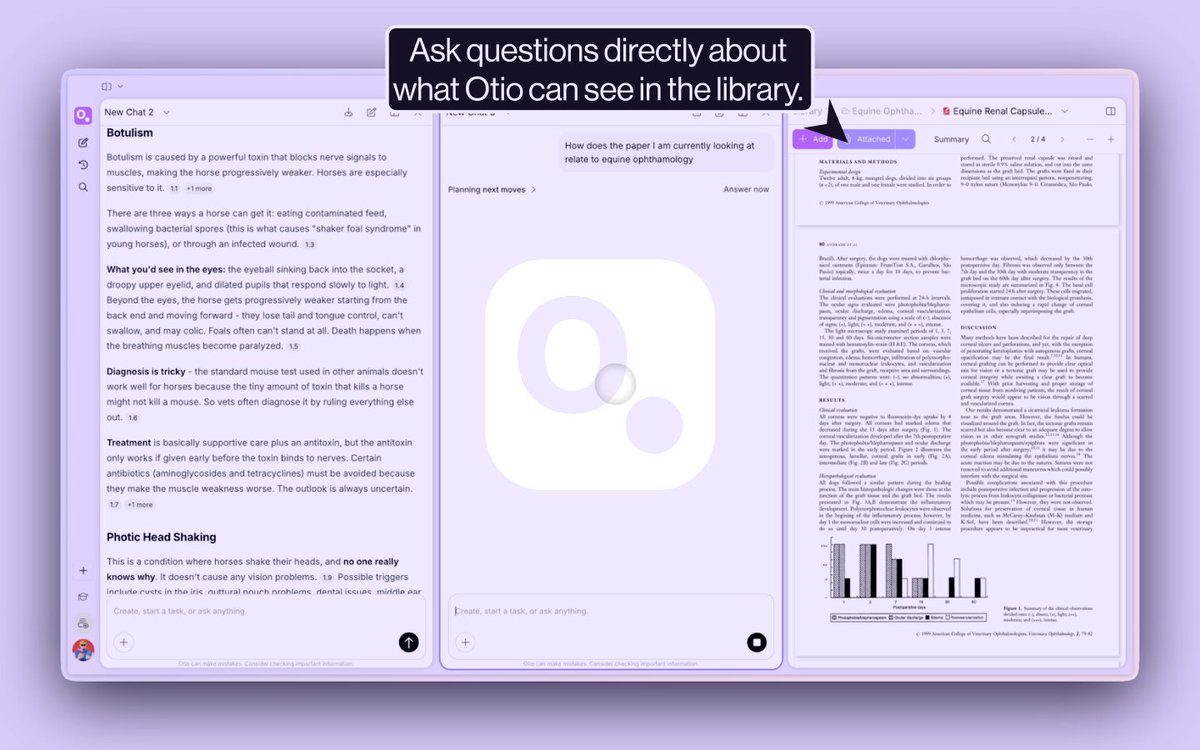
Most AI tools treat your documents like attachments. Upload, ingest, ask questions in a blank window. The document disappears.
Otio's chat is context-aware. It knows which source is currently open in your library, no need to attach it to the chat first. Highlight a line, it enters the conversation. Use Capture to grab a chart straight from the page; the AI explains it in the context of the document it came from.
Day 4 of Otio 2.0 feature highlights: Capture to Chat
Most AI tools break on PDF tables and graphs because they rely on text extraction. Columns merge, rows break, and numbers get matched to the wrong labels.
Capture to Chat skips that. In Otio, you select the table or graph and send it straight to chat. The AI sees the visual you see.
Day 3 of @otioai 2.0 feature highlights: Integrations
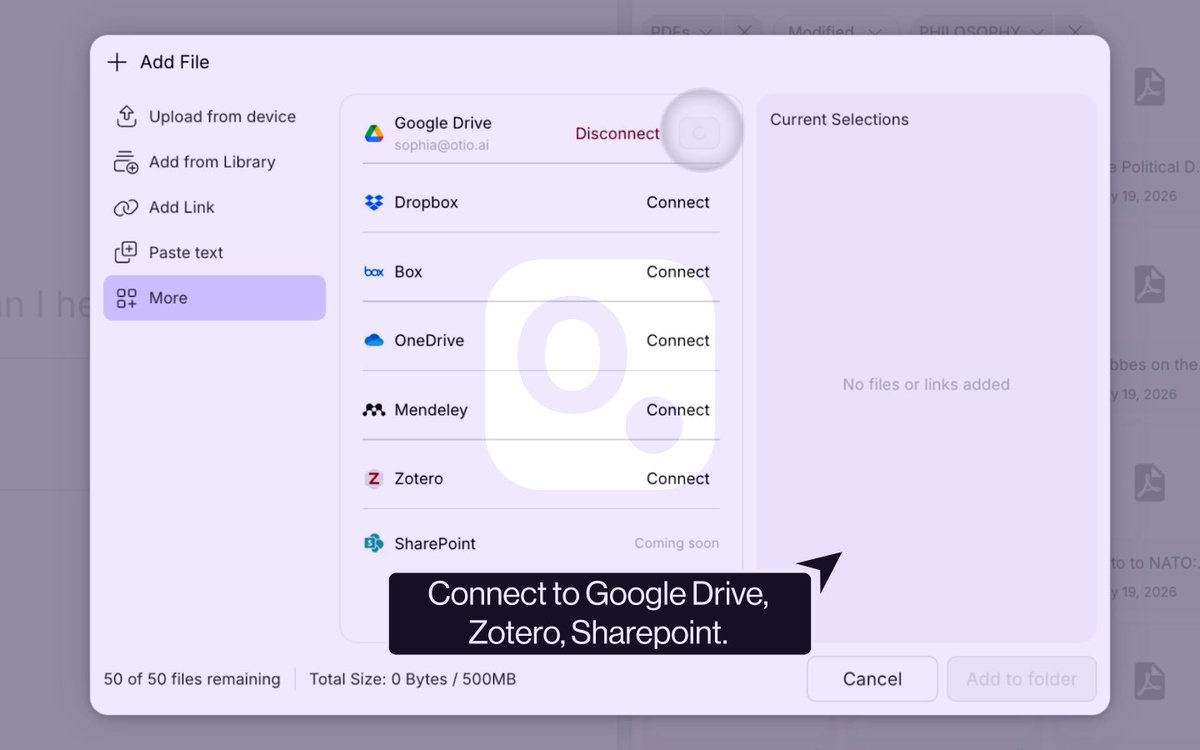
We added Google Drive, Zotero, Mendeley, OneDrive, Dropbox, and Box to Otio 2.0.
Connect your account, import your sources, and they work the same as anything you upload manually. No re-uploading, no workarounds.
Day 3 of @otioai 2.0 feature highlights: Integrations
"I've been copy pasting relevant stuff into the chat and then manually exporting when done. It works but yeah it's kind of a pain."
It shouldn't be.
Otio 2.0 connects to Google Drive, Zotero, Mendeley, OneDrive, Dropbox, and Box.
Your sources are already organised; now your Otio workspace actually knows that.
Try it → otio.ai/?ref=x
→ Free 7-day trial on Otio Pro
→ 50% off Otio Go with code WelcomeOtioV2
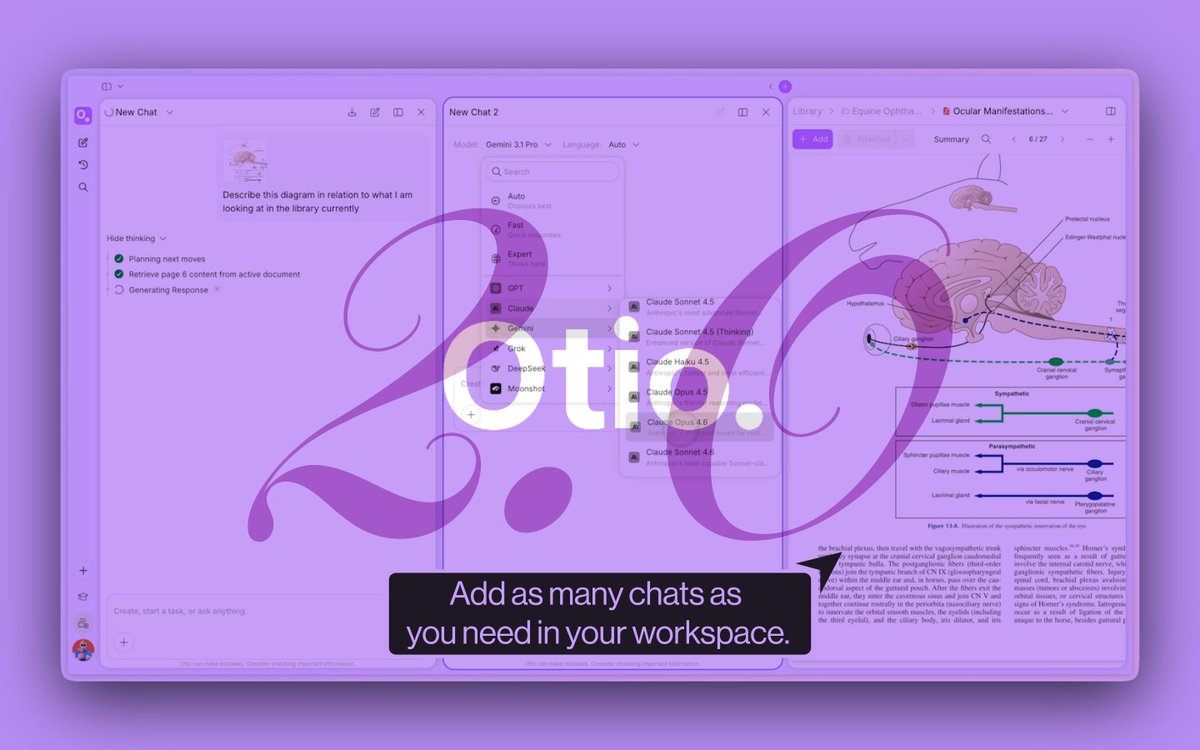
Day 2 of @otioai 2.0 feature highlights: Dual Chat
Most AI apps trap you in one chat window: ask, wait, repeat.
Dual Chat changes that.
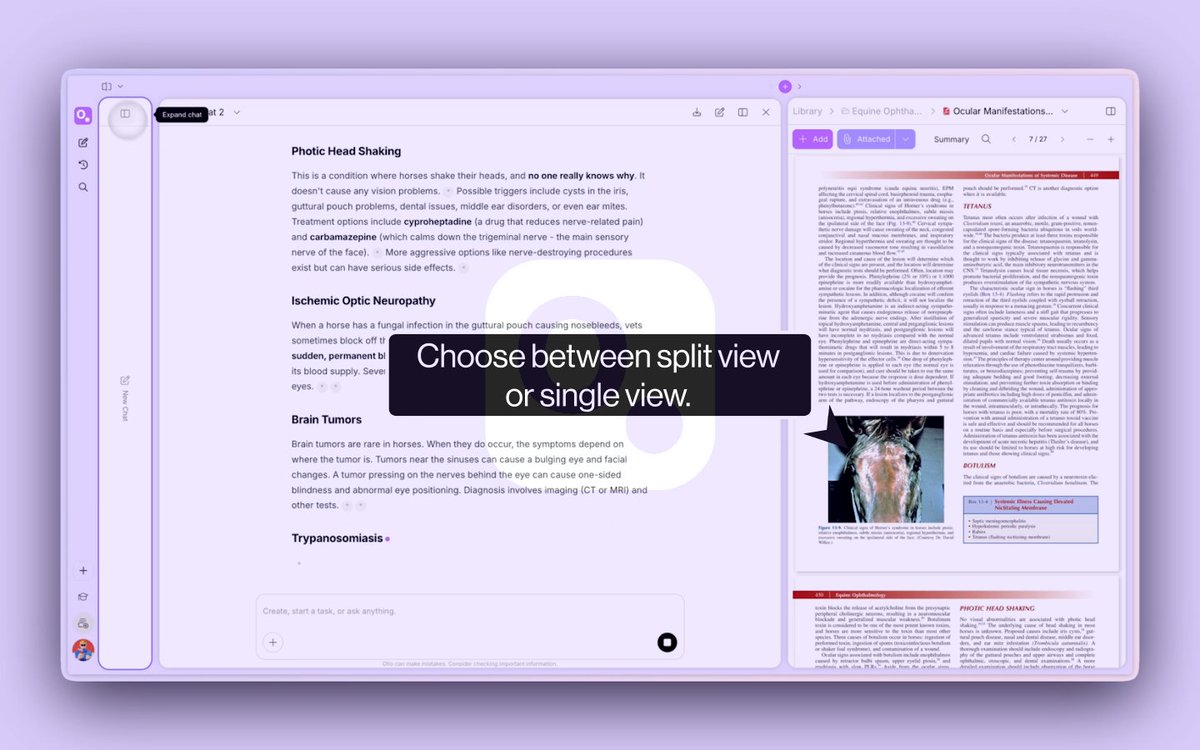
Run two conversations side by side with shared files, shared sources, and shared context. Ask one model to analyze, another to verify, without re-uploading anything or losing memory.
Both models see your workspace. Neither forgets.
Day 2 of @otioai 2.0 feature highlights: Dual Chat
"Not seen a mainstream chatbot that does it out of the box."
A user said that about running multiple models in parallel.
We built Otio 2.0 around that exact gap.
Two models. One workspace. Every plan.