SmartGit

696 posts

SmartGit

SmartGit

@smartgithg

A solid Git client for Windows, MacOS and Linux.

Katılım Ocak 2013
3 Takip Edilen1.8K Takipçiler
SmartGit
SmartGit@smartgithg·
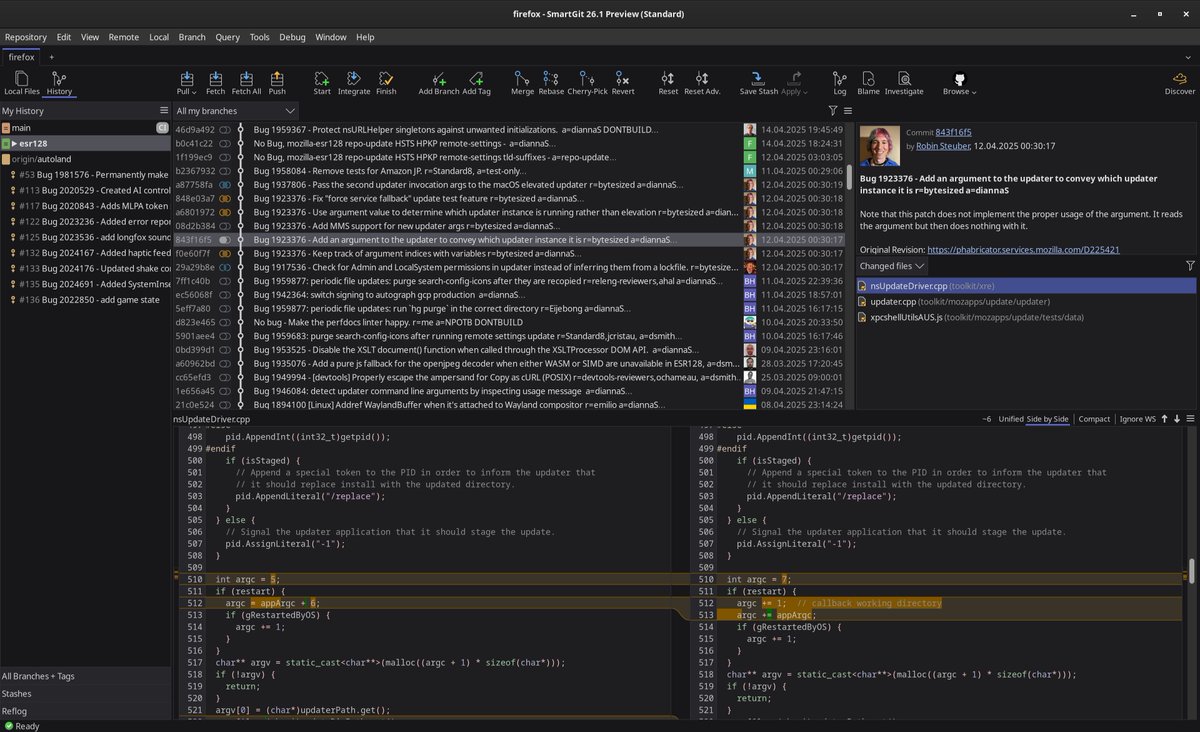
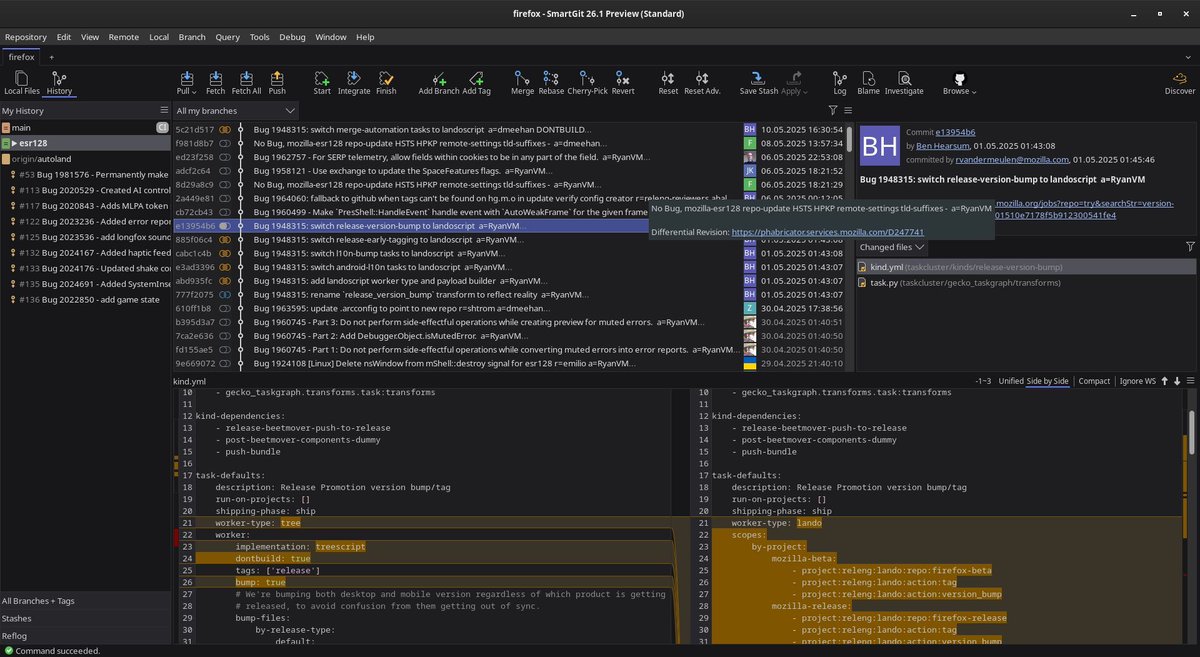
Your eyes are burning at 2 AM. Do you know why? 👁️🌙 Most "Enterprise" software treats UI as an afterthought. If you’re squinting to see a merge indicator or struggling with inconsistent tab borders, you aren't coding—you're fighting your tools.. In the latest SmartGit's preview, we stopped "fighting" and started refining. Dark Mode, Evolved: We didn't just turn the background black: ✅ We reworked the toolbar icons, ✅ improved contrast, ✅ and deepened the theme to reduce eye strain during those long-haul sprints. Aesthetics are nice, but clarity is a business requirement. Does your current Git client look like it was built in 2005, or are you ready for a workspace that actually respects your vision? 🚀 #UX #SoftwareEngineering #SmartGit #smartgit #DevTools #DarkMode
SmartGit tweet mediaSmartGit tweet media
English
1
1
3
107
SmartGit
SmartGit@smartgithg·
Who has 100,000 Git notes? Probably a mad scientist. Or a Fortune 500 company 🧪🏢 If you’re working on a Hello World app, you don’t care about refresh speeds. But in the world of cloud-scale architecture and monorepos, latency is the enemy of the bottom line. Performance isn't just a feature; it's the foundation of enterprise-grade infrastructure. If your Git client takes 10 seconds to refresh because you have a massive packed-refs file or an ungodly amount of Git notes, you aren't just waiting—you’re losing your flow state. In SmartGit 26.1.011, we went under the hood for the Giants: ✅ 100K+ Notes? No Problem: We’ve significantly improved performance for repositories with massive amounts of metadata. ✅ Packed-Refs Optimization: We’ve streamlined how we handle the status refresh, meaning even the most bloated enterprise repos feel snappy again. You shouldn't have to choose between a rich project history and a fast UI. Whether you have 10 commits or 100,000, your tool should move at the speed of your thoughts, not the speed of your file system. Is your repo growing faster than your current Git client can handle? Maybe it’s time to upgrade your 🏎️ engine 👉 smartgit.dev #EnterpriseSoftware #Git #Scalability #SmartGit #SoftwareEngineering #CloudNative #DevOps
SmartGit tweet media
English
0
2
4
95
SmartGit
SmartGit@smartgithg·
Context switching is the #1 thief of your time 🕵️‍♂️💸 You’re mid-feature when a critical production bug hits. Your options? 1. git stash (and hope you remember what you were doing). 2. git clone a second copy (and waste 10 minutes setting it up). 3. Use Worktrees. Architecture-wise, Worktrees are the most underutilized power feature in Git. They allow you to have multiple branches checked out simultaneously in different folders, all linked to the same local database. In SmartGit 26.1.x smartgit.dev, we’ve made managing these "parallel universes" effortless: ✅ Visual States: The Branches view and Graph now indicate if a worktree is "clean" or "modified." You can see exactly where your "work-in-progress" is living without leaving your main view. ✅ Submodule Mastery: We’ve added a full suite of Submodule commands (Add, Reset, Deinit, Unregister) directly to the Standard window. No more manual CLI wrestling with nested repos. ✅ Strategic Fetching: A new repository option allows you to "fetch current" instead of "fetch all." In massive, modular architectures, this is the difference between a 2-second refresh and a 2-minute wait. As systems become more distributed and modular, your local workflow needs to be just as decoupled. Are you a "one branch at a time" developer, or have you discovered the freedom of a Worktree workflow yet? 👇 #Git #Worktrees #Submodules #SmartGit #DevOps #ProductivityHacks
SmartGit tweet media
English
1
1
2
101
SmartGit
SmartGit@smartgithg·
AI shouldn’t just "write" for you. It should understand your workflow. Most AI commit tools are just "copy-paste" wrappers. We think AI should be integrated into the actual Git lifecycle. In SmartGit's recent updates, we’ve refined how it handles AI to respect the "human" parts of your code: ✅ The @ai Marker: You can now use templates with an @ai marker. SmartGit triggers the generation automatically but preserves your leading special characters and formatting. You provide the structure; the AI provides the context. ✅ Smart Rewording: One for the security-conscious—if you use AI to reword a commit that was originally GPG-signed, SmartGit can now automatically re-sign it. No more broken "Verified" badges just because you fixed a typo in a message. ✅ Custom Prompts: You can now "Ask AI" specific questions about one or more commits. It’s like having a tech lead who has actually read your diffs. If you could automate one part of your Git workflow using an LLM, what would it be? (Validation? Commit messages? Conflict resolution?) Let’s discuss! 👇 #AI #GenerativeAI #SmartGit #DeveloperExperience #GitTips #CleanCode
SmartGit tweet media
English
0
3
3
90
SmartGit
SmartGit@smartgithg·
Git 3.0 is coming. Are your tools ready? 🛡️ In our latest SmartGit Preview (26.1.011), we’ve officially introduced Git 3.0 compatibility, specifically targeting the two biggest architectural changes: ✅ SHA-256 Support: Moving beyond SHA-1 to ensure long-term cryptographic security and collision resistance. ✅ Reftable Support: A new storage format for refs that solves the "thousands of branches" performance bottleneck. No more scanning thousands of tiny files in .git/refs. Most developers won't realize they need Git 3.0 until their current tools start to lag or reject new security protocols. We’re building the compatibility now so that when the industry flips the switch, your workflow doesn't skip a beat. Try SmartGit 👉 smartgit.dev/download/ Are you planning to migrate your repositories to SHA-256 this year, or is SHA-1 still "good enough" for your team? #Git3 #SoftwareEngineering #SmartGit #DevOps #SHA256 #Programming
SmartGit tweet media
English
0
4
7
267
SmartGit
SmartGit@smartgithg·
Most AI-generated commit messages are useless 🤖❌ Here is the hard truth: A good commit message explains the why, not the what. As Daniel Siegl points out in this short, most AI tools today just read the diff and summarize the obvious. They tell you what changed, which you can already see in the code. But what if AI actually held us accountable? Daniel recently worked with Raken, a company specialised in creating LLMs for the automotive industry, on a next-level Git workflow: Instead of just generating text, the LLM validates the commit. When a developer tags an Issue ID, the AI checks the actual code changes against the original ticket description and grades it: Does this code actually solve the problem? (Good, Maybe, or Definitely Not). That is how you use AI to improve code quality, rather than just saving 3 seconds of typing. How often do you catch commits that have absolutely nothing to do with the Jira ticket they are linked to? 👇 Watch more insights here: youtu.be/IP5rVUgtI60 #Git #AI #SoftwareEngineering #CodeReview #SmartGit #smartgit #DevOps #LLM
YouTube video
YouTube
English
0
2
2
150
SmartGit
SmartGit@smartgithg·
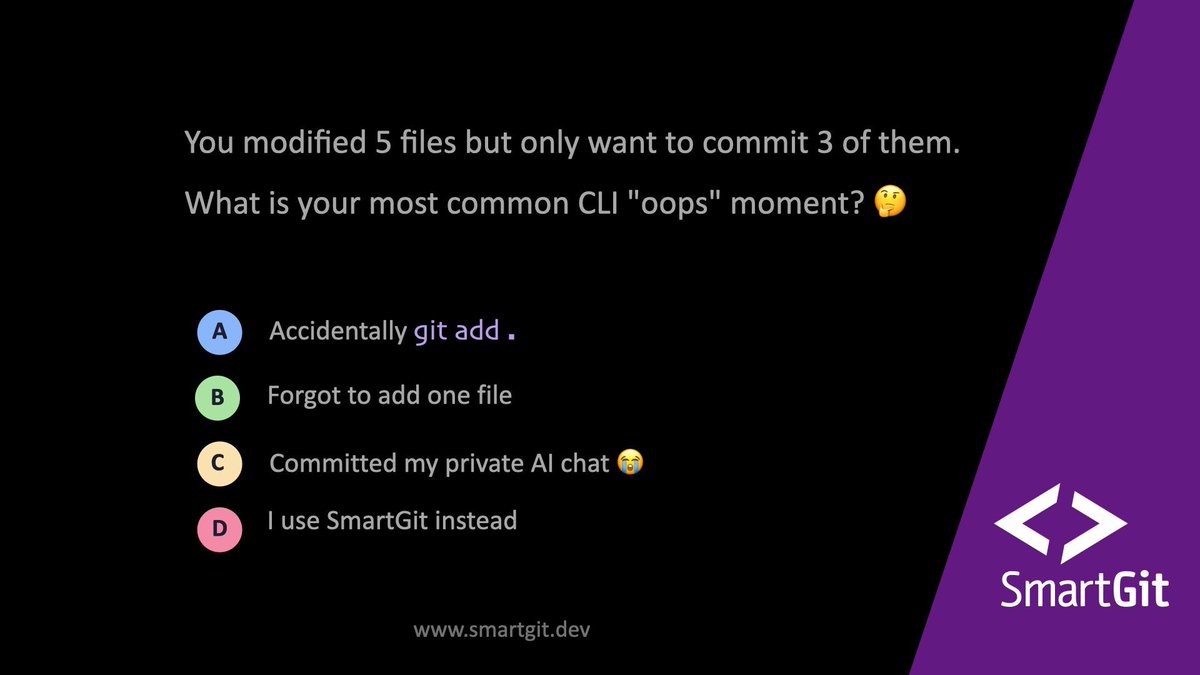
The Staging Area is great... but what if you could just safely skip it? 🤔 Sometimes you don't want to micromanage the Index. You just want to grab a few files and say, "Commit these." In the CLI, this usually leads to the tedious git add file1 file2... typing exercise. Or worse, the lazy git add . that accidentally includes your local config file and a bunch of debug prints 😅 SmartGit's Standard window (smartgit.dev) intelligently handles this for you: ✅ Select multiple files? It commits exactly what you highlighted. No manual staging required. ✅ Select just one file (when you have others modified)? SmartGit acts as your pair programmer. It pauses and asks: "Did you mean to commit just this selected file, or all of them?" It’s built-in error prevention that catches you before you make a fragmented commit. Let's settle this in the poll: You modified 5 files but only want to commit 3 of them. What is your most common CLI "oops" moment? 👇 1. Accidentally git add . 2. Forgot to add one file 3. Committed my private AI chat 😭 4. I use SmartGit instead #SoftwareEngineering #GitTips #DeveloperTools #SmartGit #CodingLife
SmartGit tweet media
English
0
2
2
102
SmartGit
SmartGit@smartgithg·
You just accidentally did a hard reset and lost your morning's work. You open the git reflog to get it back, but all the commit messages just say "Fixing stuff." How do you find the right commit? 🤔 1. Guess the hash and pray 🙏 2. Check them out one by one 🕵️‍♂️ 3. Use SmartGit's Visual Reflog ✨ 4. Cry and rewrite the code 😭 Checkout the right answer here: youtube.com/post/UgkxvpcGC… #SoftwareEngineering #GitTips #DeveloperTools #SmartGit #CodingLife
SmartGit tweet media
English
0
2
3
97
SmartGit
SmartGit@smartgithg·
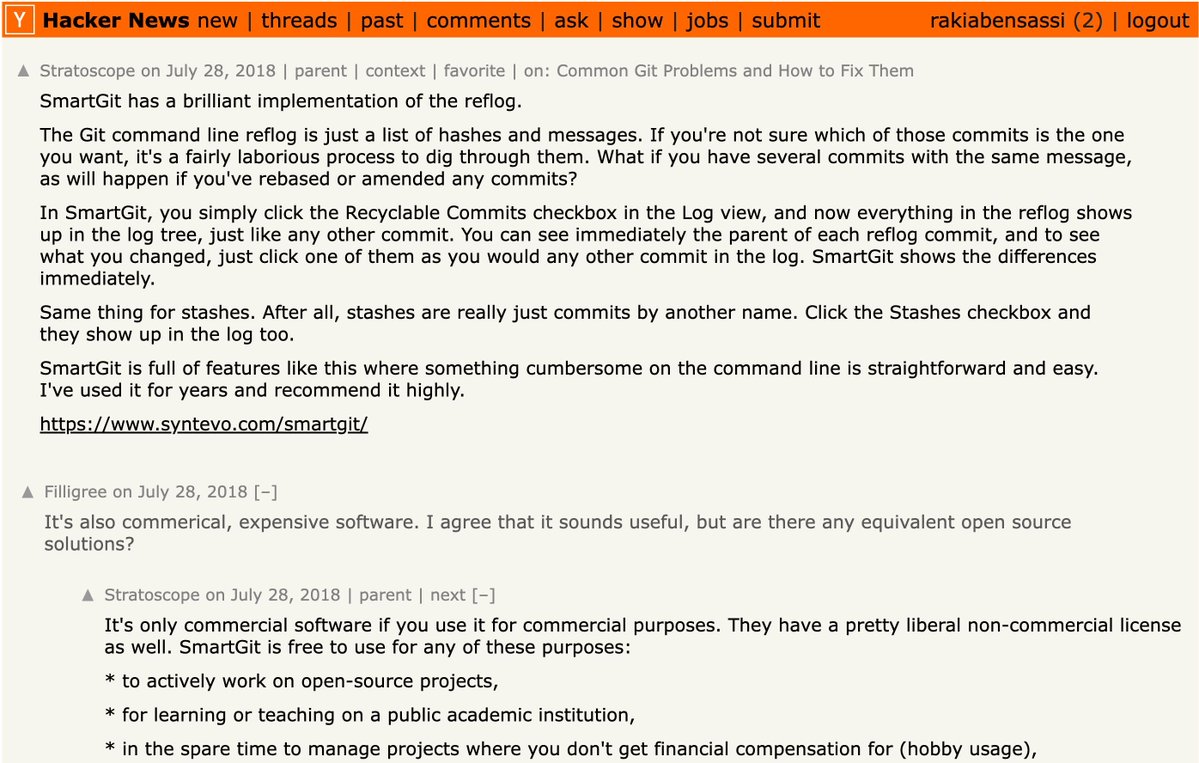
The Git Reflog doesn't have to be a nightmare (Even Hacker News agrees) 🧡 If you've ever botched a rebase and had to dig through the CLI git reflog, you know the pain. It’s just an endless wall of text, hashes, and identical commit messages. Trying to figure out which "WIP" commit is the one you actually need is a laborious guessing game. A few years ago, a developer on Hacker News perfectly summarized why we built SmartGit differently: "SmartGit has a brilliant implementation of the reflog... you simply click the 'Recyclable Commits' checkbox, and everything in the reflog shows up in the log tree. You can see immediately the parent of each reflog commit and the differences." We believe that when things get messy, you need a map, not a text list. By visually integrating your lost commits (and stashes!) directly into your branch history, recovering lost work takes seconds, not hours. As another developer in that same thread pointed out: A tool that saves you from losing an afternoon of work pays for itself in the first 30 minutes 💡🚀 How much time did you waste the last time you had to go hunting in the reflog? 👇 Level up your Git workflow today: smartgit.dev #SoftwareEngineering #HackerNews #Git #ProductivityHack #SmartGit #DevTools
SmartGit tweet media
English
2
2
4
116
SmartGit
SmartGit@smartgithg·
Are you guilty of the reflexive "git add . && git commit" combo at the end of every day? You’re missing out on one of Git's best features. The Staging Area (or Index) is unique to Git. It isn't just a middleman; it is your canvas. It allows you to separate the logical intent of your changes from the messiness of your actual development. The Insight: Your history should be clean and readable for your future self (or your teammates). By using selective staging (staging hunks or even single lines!), you can break one afternoon of coding chaos into five neat, logical, and easy-to-review commits. SmartGit's intuitive staging view makes hunk-by-hunk selection effortless. You don’t have to run "git add -p" in the terminal like a surgeon—just drag, drop, and stage the story you want to tell. Be honest: When was the last time you committed "work in progress" just so you could go home, rather than staging your actual changes logically? 🧐👇 #CodeReview #GitHistory #SmartGit #DeveloperCulture #CleanCode
SmartGit tweet media
English
0
3
4
93
SmartGit
SmartGit@smartgithg·
We’ve all seen it: A feature passes 100% of its tests, gets deployed to production, and immediately breaks. Why? Because users don't behave like our perfectly formatted mockup data. In our this short, Daniel Siegl shares a golden rule for testing: "Real combinations are unbeatable!” Whenever possible, skip the artificial generators and use real-world test data. Just make sure you scramble and anonymize it first to protect user privacy 🔒! You can't predict every edge case, but real data usually finds them for you. (Though you might still need that extra cup of tea for the code reviews ☕). #SoftwareTesting #QA #DevLife #SoftwareEngineering #SmartGit #Coding
English
1
2
3
114
SmartGit
SmartGit@smartgithg·
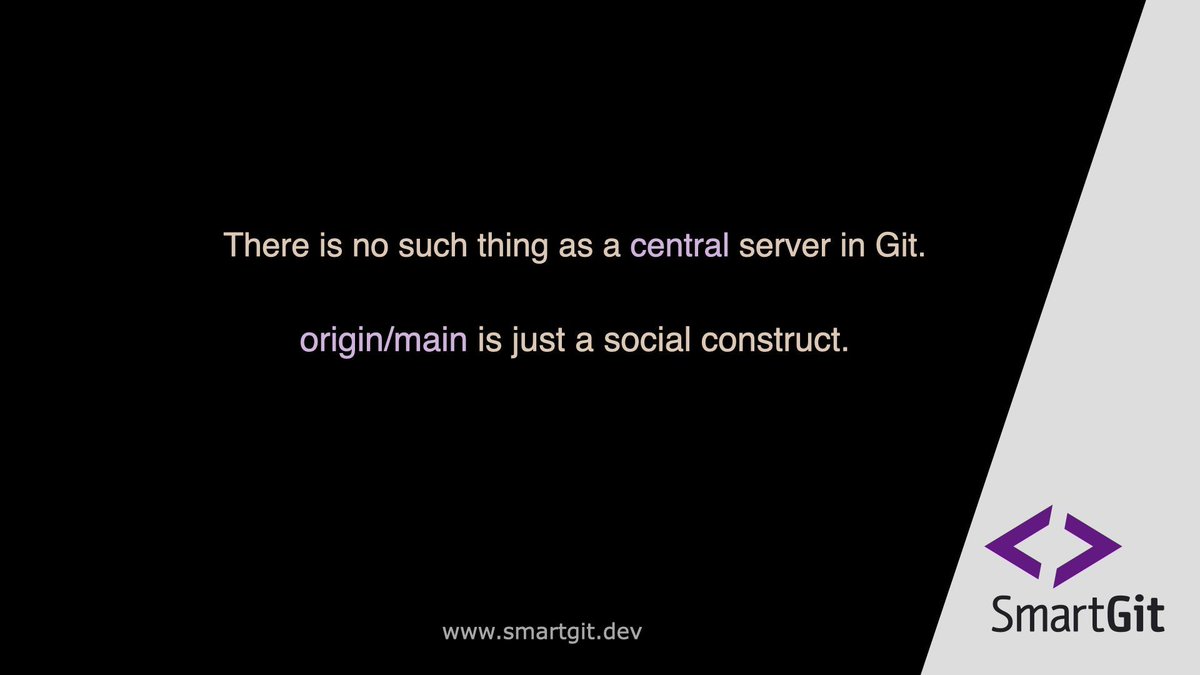
Because so many of us rely heavily on cloud platforms to host our code, it’s easy to think of them as the absolute "source of truth." But structurally? Git doesn't care about the cloud ☁️🚫 Every single time you clone a Git repository, you are downloading a full-fledged, independent, 100% complete backup of the entire project history. The Insight: origin is not a magical server with special privileges. It is literally just a default nickname Git gives to the URL you cloned from, so humans can agree on where to synchronize their independent local databases. This means if the internet goes down, or the cloud provider has an outage, your local repository still has all the power to branch, commit, merge, and rewrite history. It's truly "distributed." SmartGit embraces this local-first power, giving you full control over your repository's database whether you have a Wi-Fi connection or not. Have you ever had to keep working entirely offline during a server outage? 🌍💻 #Git #Decentralized #DeveloperTools #SmartGit #SoftwareEngineering
SmartGit tweet media
English
0
2
3
110
SmartGit
SmartGit@smartgithg·
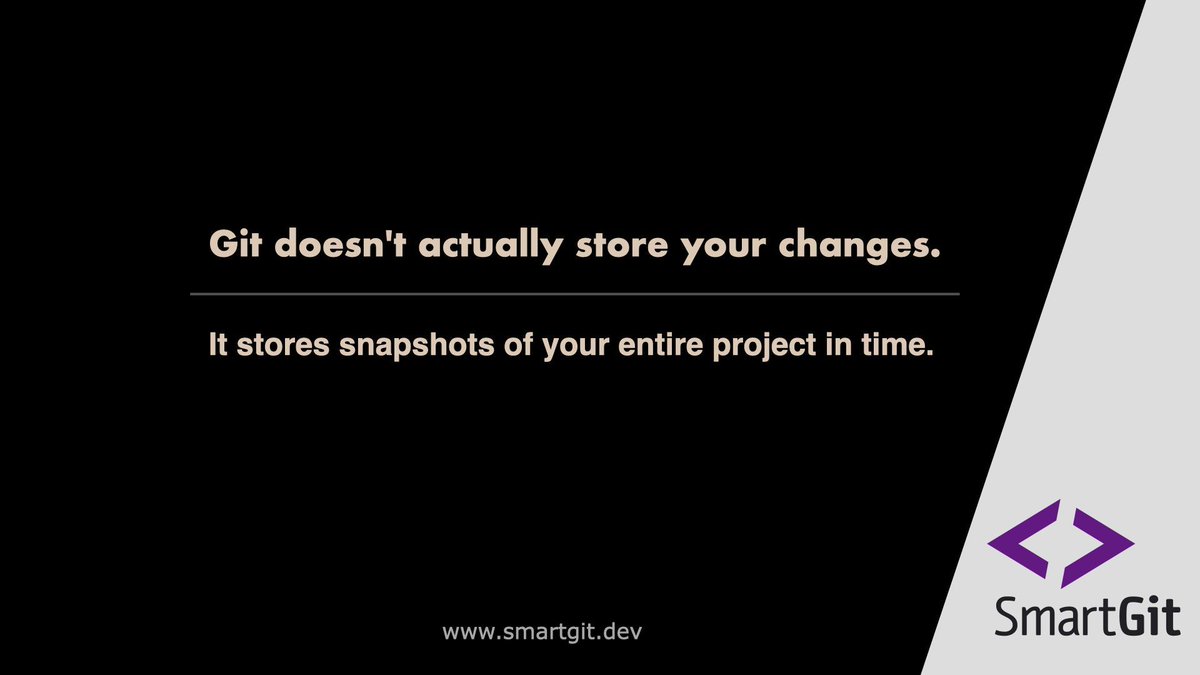
If you ever used older version control systems like SVN, you were probably taught to think in "diffs"—a list of lines added or removed. But Git doesn't think like that at all 📸 Under the hood, Git operates more like a mini file system. ✅ Every single time you commit, Git is essentially taking a snapshot of what all your files look like at that exact millisecond. ✅ If a file didn't change, Git is smart enough not to store a new copy—it just creates a pointer to the previous identical file. The Insight: This architectural brilliance is exactly why switching branches in Git feels practically instantaneous. It isn't rebuilding your files line-by-line; it's just pointing your HEAD to a different snapshot. SmartGit visualizes these snapshots in the Graph so you can seamlessly jump between different moments in your project's history without the mental gymnastics. Did you know Git worked this way, or were you still thinking in "deltas"? Let us know! 👇 #GitTips #SoftwareArchitecture #DevLife #Programming #SmartGit #CodeHistory
SmartGit tweet media
English
0
4
5
151
SmartGit
SmartGit@smartgithg·
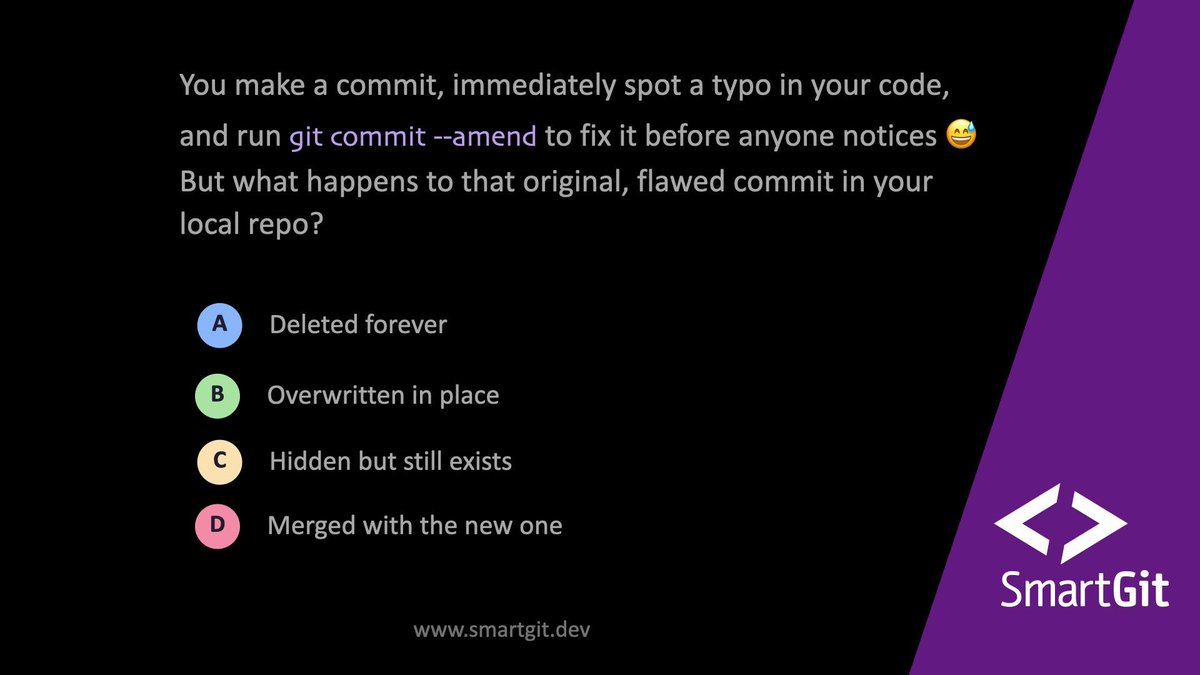
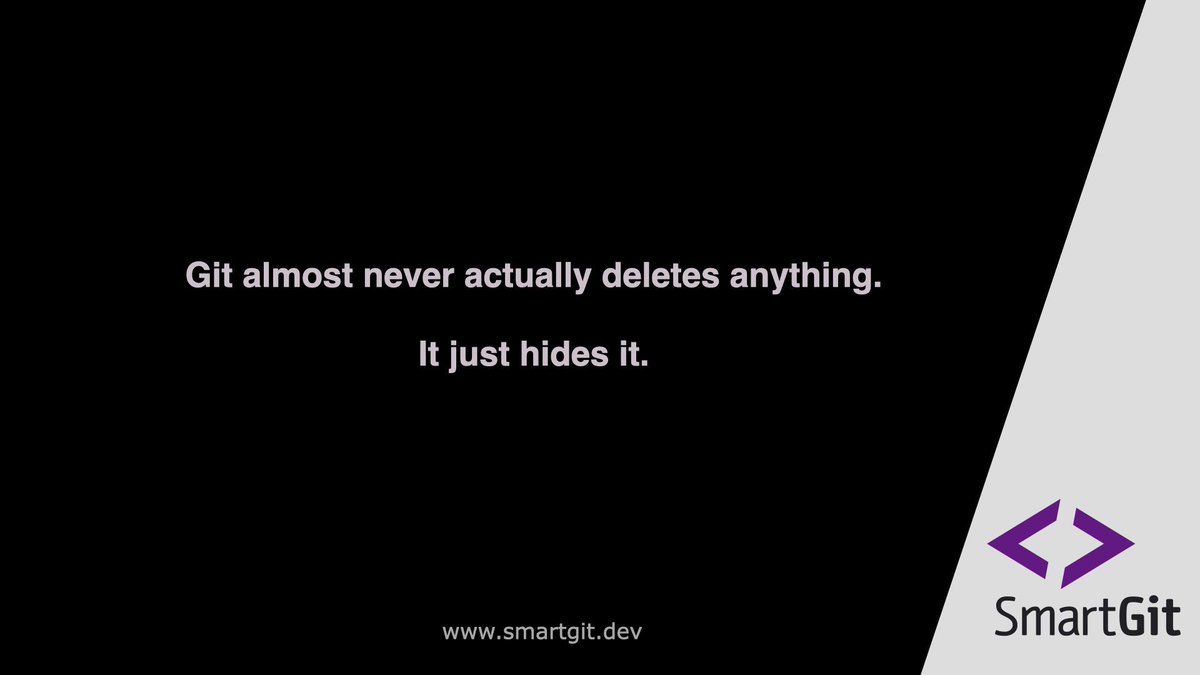
Deleted a branch by accident and now all you hear is silence? 🤦‍♂️ It’s just a Tuesday in Git, which almost never actually deletes anything. The Reflog (Reference Log) records every single time your HEAD moves—every commit, every checkout, and every "accidental" deletion. As long as you did a commit at some point, that code is still in your local database for 30–90 days, waiting for you to find its hex code and bring it back to life. Learn more about deleting branches here 👉 smartgit.dev/git-how-to/del… #Git #GitTips #SoftwareEngineering #SmartGit #Programming
SmartGit tweet media
English
0
3
4
86
SmartGit
SmartGit@smartgithg·
Still staring at merge conflicts like “Wait… did they add this or did I delete it?” 😵‍💫 Daniel Siegl just explained it perfectly with the glass-of-water analogy💧: One person pours water in.Another drinks some out. Look at the two final glasses? Impossible to tell what happened. But show the original glass (the common ancestor)? Suddenly everything is crystal clear. That’s exactly why 3-way merges beat 2-way diffs every single time. SmartGit shows you the common base so you actually understand the conflict instead of guessing. Learn more about solving Merge Conflicts here 👉 youtu.be/raVUw8hyJlU Who else has wasted hours on confusing merges? Drop your horror story below 👇 #GitTips #SoftwareEngineering #MergeConflicts #SmartGit #Programming
YouTube video
YouTube
English
0
3
4
144
SmartGit
SmartGit@smartgithg·
If you’ve ever tried to read the official Git documentation and felt like you were suddenly studying quantum physics... you aren't alone. 😅 This famous satirical quote perfectly captures the notoriously steep learning curve of Git's CLI. Under the hood, Git is an incredibly elegant, mathematically sound Directed Acyclic Graph (DAG). But when you're just trying to resolve a messy merge conflict on a Friday afternoon, you don't want to think about "endofunctors." This is exactly why visual tools exist—to translate the complex mathematics of version control back into a language humans can actually read. Be honest: How many Git CLI commands do you actually have memorized, and how many do you just copy-paste from Stack Overflow? 🔍 Ready to level up your workflow? 🚀 Try SmartGit 👉 smartgit.dev #GitHumor #DeveloperJokes #Programming #SmartGit #DevLife #TechHumor
SmartGit tweet media
English
0
2
2
111