Troy Yeo
44 posts

2025 was wild :
- Closed down my startup @ModulHQ .
- Pivoted to a Studio with my cofounder Feather.
- Was told by @stevelauda_ and @JaceThings to get my ass back on X and show my clients work.
One of our recent works
English
Troy Yeo retweetledi

I built a skill to programmatically manage Claude Code's scheduled task and open-sourced it.
Claude Code has `/loop` for running prompts on a schedule. It's great for quick things like polling a deploy or babysitting a PR. But it's session-scoped and it only lasts 3-day max 🥲
Scheduled tasks solves persistence with tasks that run headlessly in the background forever. But there's a catch: you can only create and manage them through the UI.
That means:
- No programmatic creation
- No easy way to iterate on task prompts
- No way to bulk manage tasks across projects
I kept running into this friction. I wanted to spin up scheduled tasks from the CLI, tweak prompts based on what actually happened in past runs, and delete tasks cleanly all without clicking through menus.
So I built a Claude Code skill that lets you:
🔧 Create scheduled tasks with a name, cron expression, prompt, and model
📋 List all tasks across projects with status and last run time
🗑️ Delete tasks and clean up session metadata
🔍 Analyze logs. It reads past run transcripts, finds recurring errors and wasted steps, then auto-improves the task prompt
Only thing you need to do is to restart the Claude desktop for the changes to take place (create, edit or delete).
The log analysis part is the one I'm most excited about. It reads your actual session transcripts, identifies patterns (loops, failures, skipped steps), and rewrites the scheduled task prompt to fix them. Super helpful for the tougher and longer prompts.
It's open source. Install it with:
```
npx skills add d-gangz/dgang-skills --skill schedule-tasks
```
GitHub: github.com/d-gangz/dgang-…
PS. Note that this ONLY works for Claude Code scheduled tasks and NOT Cowork
Thariq@trq212
Today we're launching local scheduled tasks in Claude Code desktop. Create a schedule for tasks that you want to run regularly. They'll run as long as your computer is awake.
English


Just dropped the best bits of my interview with Alex Hormozi on YouTube 🔥
Alex shares his thoughts on the AI Automation Agency opportunity and how he would start one if he was in our position.
This is a must watch for any aspiring AI entrepreneur.
Video linked below ⤵️

English

Copywriting is a money-printing skill
But it needs a lot of hard work
So I built the 1000+ Copywriting Prompts for ChatGPT:
• 1000+ Prompts
• Make Money Online
• Complete Guide
And for 24 hrs, it's 100% FREE!
just:
1. Like
2. Reply 'send'
3. Follow me (so I can DM you)

English


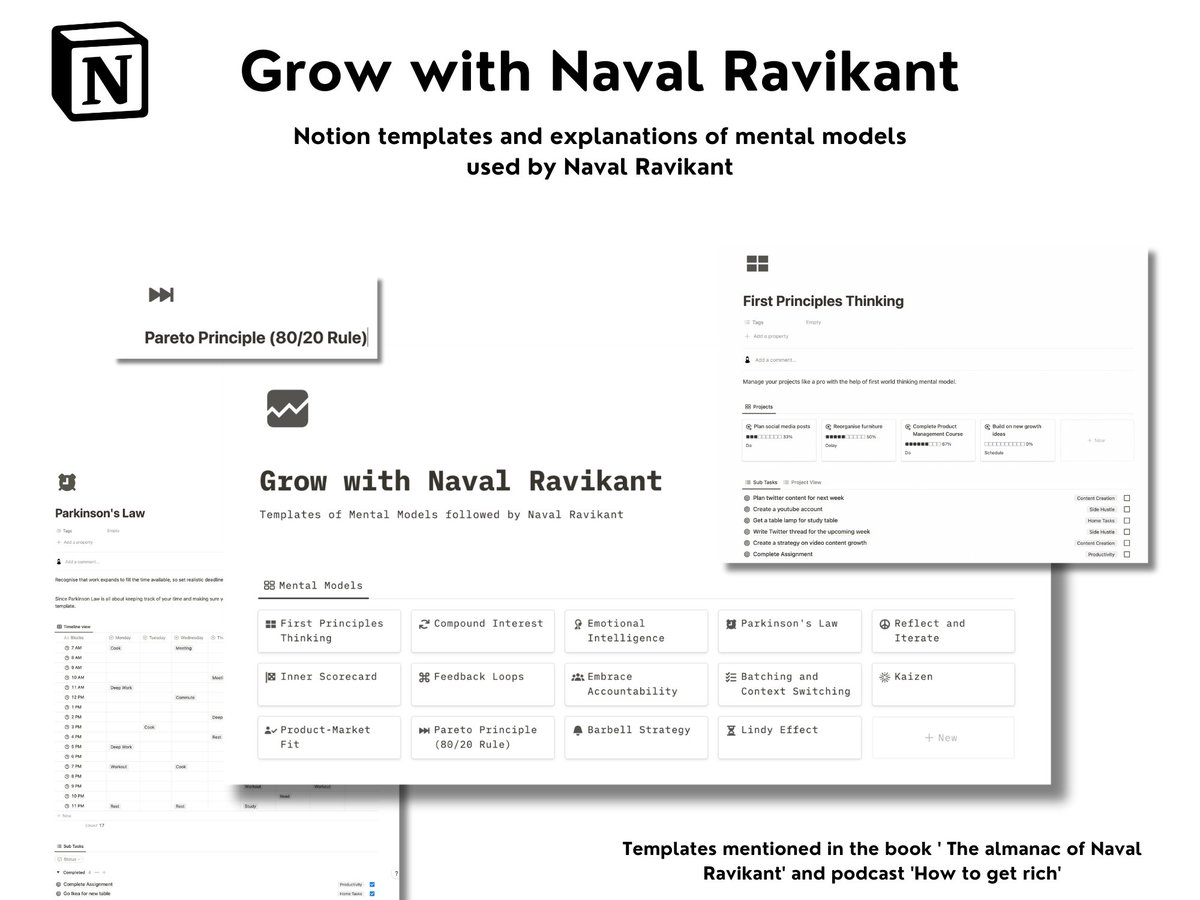
I spent the last 76 hours going through Naval Ravikant's podcasts [How to get Rich] and read through the book - The Almanac of Naval Ravikant
Why? So that you don't have to
I noted the mental models and created a template for them
Drop a 📗 and I'll share the link upon launch
English