ビスター(Vistar)

1.6K posts

ビスター(Vistar) banner
ビスター(Vistar)

ビスター(Vistar)

@vistar941

UIKit SwiftUI Exploring Internals

Katılım Şubat 2024
99 Takip Edilen933 Takipçiler
ビスター(Vistar)
ビスター(Vistar)@vistar941·
@zunda_pixel 宣言は一回で大丈夫ですよ! この場合SwiftUI Pickerにも自動反映されるので
ビスター(Vistar) tweet media
日本語
0
0
0
65
zunda
zunda@zunda_pixel·
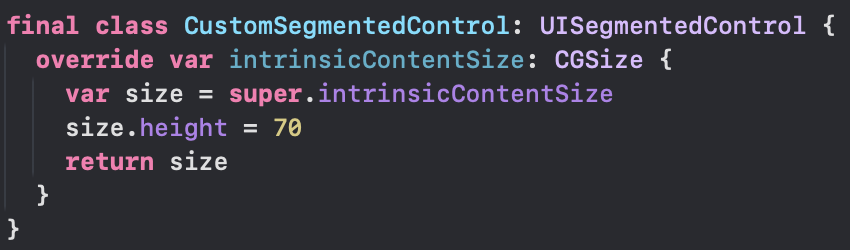
@vistar941 つけて回るのが大変ですねw 色々触っていたらintrinsicContentSizeのoverrideだけでもいけました。
zunda tweet media
日本語
1
0
0
80
zunda
zunda@zunda_pixel·
SwiftUI.PickerのcontrolSizeが5つあるけど、実質2つしかない... この中間サイズが欲しい
zunda tweet media
日本語
1
0
6
771
ビスター(Vistar)
ビスター(Vistar)@vistar941·
@zunda_pixel public apiのみならUISegmentedControl をextensionでUIViewのメソッドをoverride openしてHuggingPriorityを.defaultLowにすればプロジェクト内のSUIのPickerも frameでheight指定できるようになりますが、frameつけ忘れると巨大になるのでおすすめしません笑
日本語
1
0
1
98
zunda
zunda@zunda_pixel·
@vistar941 おー いけました!ありがとうございます
zunda tweet media
日本語
1
0
0
105
ビスター(Vistar)
ビスター(Vistar)@vistar941·
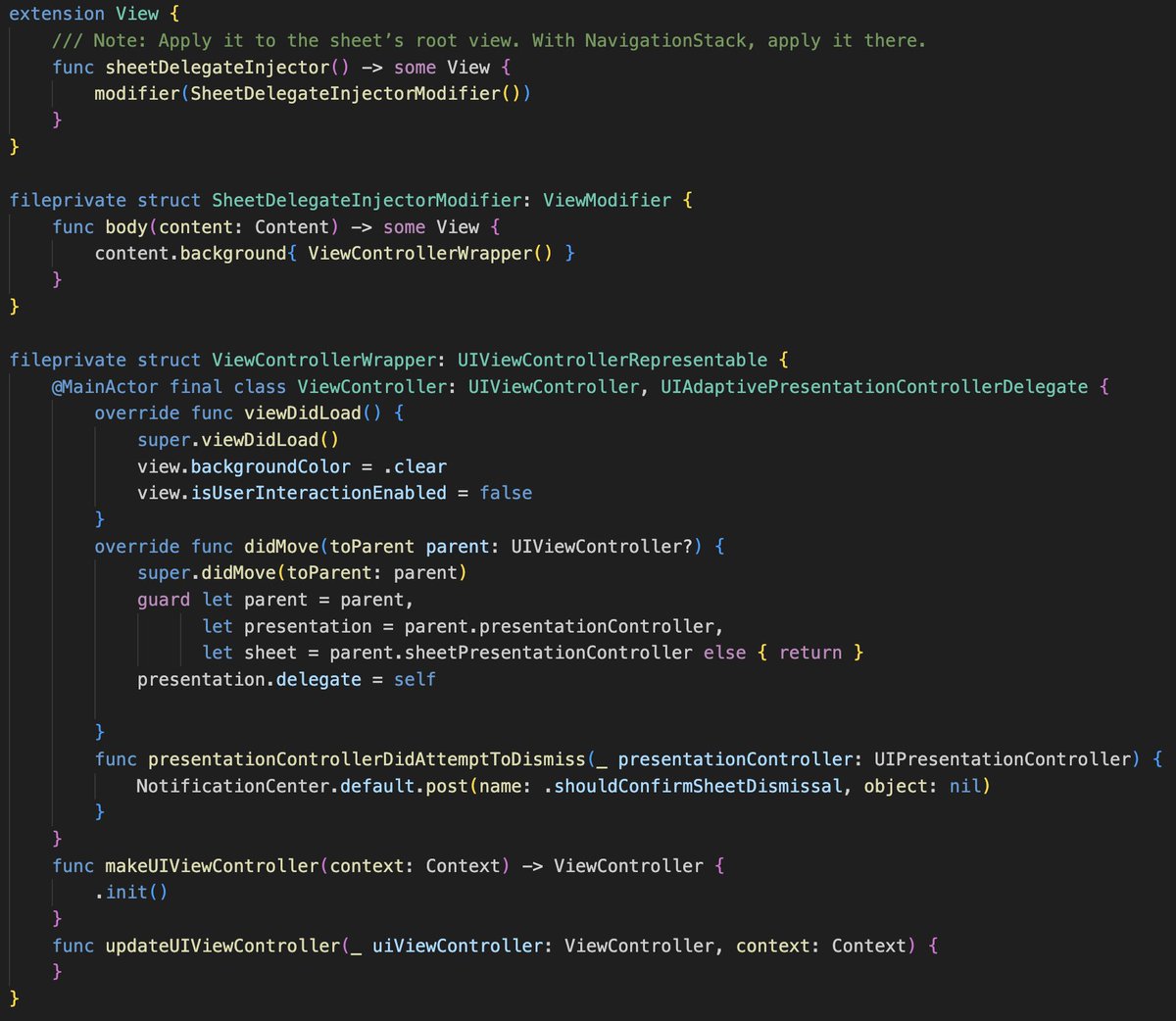
@alpennec As a workaround, you can grab the UISheetPC from the SwiftUI view and implement presentationControllerDidAttemptToDismiss in the coordinator. #file-fullsheet-swift-L60" target="_blank" rel="nofollow noopener">gist.github.com/vistar941/2bc3…
English
1
0
4
540
Axel Le Pennec
Axel Le Pennec@alpennec·
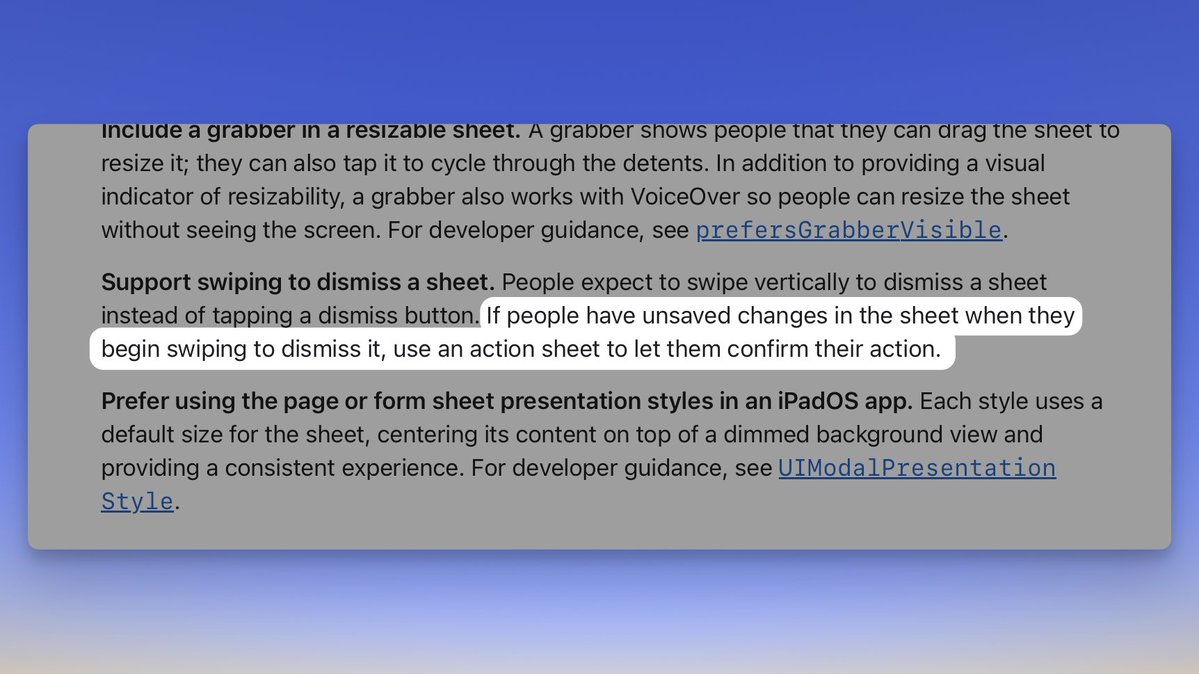
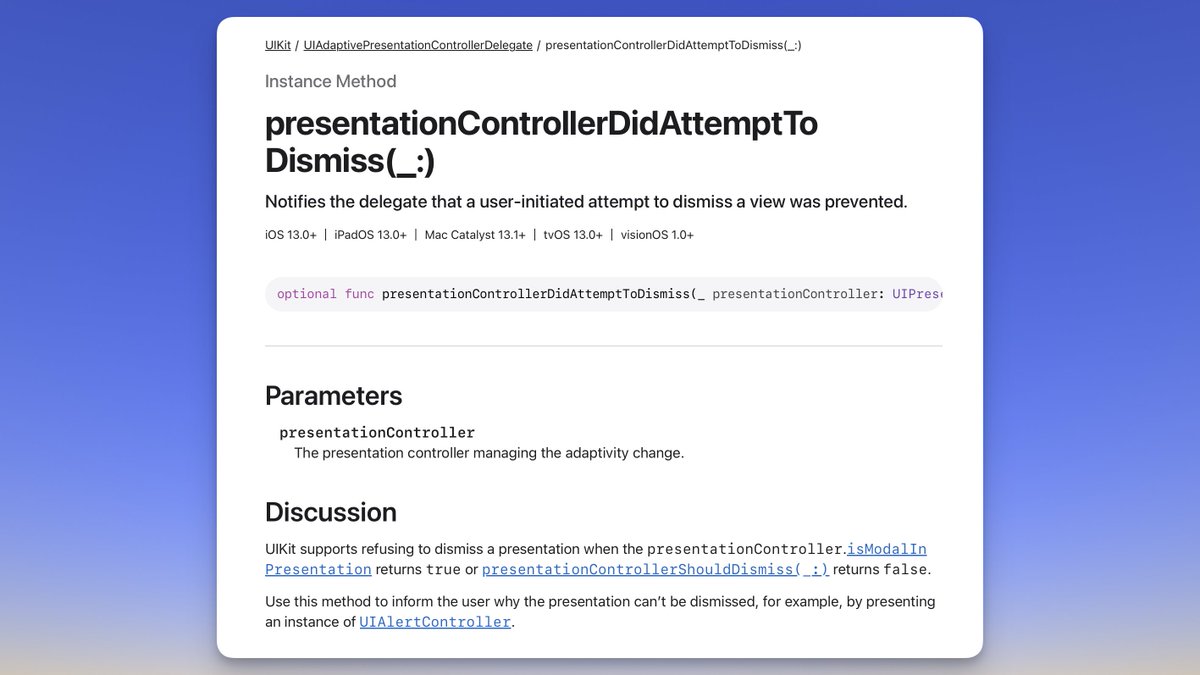
Is there a way in SwiftUI to detect when a sheet is being dismissed by a user to present a confirmationDialog in case of unsaved changes, as recommended by Apple HIG about Sheets? In UIKit, we can use the presentationControllerDidAttemptToDismiss method. Feebdack: FB22777840
Axel Le Pennec tweet mediaAxel Le Pennec tweet media
English
7
1
17
4.9K
Shannon Potter
Shannon Potter@cifilter·
distortionEffect, colorEffect, and layerEffect may be the more important addition to SwiftUI since its inception. It opens up near infinite possibilities for truly incredible effects with HIGH efficiency (direct reading of the composited surface, writing to a texture).
English
2
0
31
1.8K
Axel Le Pennec
Axel Le Pennec@alpennec·
@vistar941 Interesting. I tried to use wayback machine but it doesn’t seem to work for the English url.
English
1
0
0
70
Axel Le Pennec
Axel Le Pennec@alpennec·
To clarify: this is not new and has been the way iOS handled cancellation + confirmation for ages. What I’m not sure about is where to put a close button when there is no confirmation. It seems Apple tends to put them at the trailing edge of a toolbar 🤔 x.com/vistar941/stat…
Axel Le Pennec@alpennec

Apple updated its Human Interface Guidelines for Sheets on March 24, 2026 to add guidance for button placement in the toolbar. "In iOS & iPadOS, the Cancel button belongs on the leading edge of the top toolbar." Time to update my apps 🙂 Documentation: #Platform-considerations" target="_blank" rel="nofollow noopener">developer.apple.com/design/human-i…

English
2
0
8
2.7K
ビスター(Vistar)
ビスター(Vistar)@vistar941·
ビスター(Vistar)@vistar941

@alpennec Thanks, that’s super helpful! My loose take is: “Cancel” feels right on the leading edge, and “Close” on the trailing edge. So if there’s no confirm action, I’ll probably keep putting Close on the trailing edge like I’ve been doing 🙃

0
0
2
81
Axel Le Pennec
Axel Le Pennec@alpennec·
Apple updated its Human Interface Guidelines for Sheets on March 24, 2026 to add guidance for button placement in the toolbar. "In iOS & iPadOS, the Cancel button belongs on the leading edge of the top toolbar." Time to update my apps 🙂 Documentation: #Platform-considerations" target="_blank" rel="nofollow noopener">developer.apple.com/design/human-i…
Axel Le Pennec tweet media
English
13
14
148
25.8K
ビスター(Vistar)
ビスター(Vistar)@vistar941·
@alpennec In OS 26, they all visually became an “×” icon, so you can’t really tell them apart by appearance anymore. But API-wise and accessibility-wise, they’re still distinguished. You can check this with VoiceOver. The Apple apps examples I posted earlier are all Close buttons.

English
1
0
2
265
Axel Le Pennec
Axel Le Pennec@alpennec·
@vistar941 Maybe Close behaves differently than Cancel? 🤔 I always hesitate in my apps…
English
2
0
1
590
ビスター(Vistar)
ビスター(Vistar)@vistar941·
@p_x9 YouTubeみたいなAVSampleBufferDisplayLa...を使ってるプレイヤーからシームレスにAVPlayerVCに接続できるのですかね🤔 かつcontentOverlayViewがPiPに表示されれば再現出来そうですが、前者は難しいような気もする...
日本語
0
0
0
153
M
M@p_x9·
@vistar941 ありがとうございます AVPictureInPictureController経由のPiPばかり考えてたのですが、AVPlayerViewController経由なら行けそうな予感を感じました これに足したsubviewがPiPにも表示されてくれるのなら熱いですね developer.apple.com/documentation/…
日本語
1
0
0
117
M
M@p_x9·
YouTubeアプリのPicture In Pictureで表示される広告の実装って一般のAPIで実現できないよね? 右下にスキップボタン表示されてたり。 気になりますねー
日本語
1
0
5
1.1K
りん
りん@lynnswap·
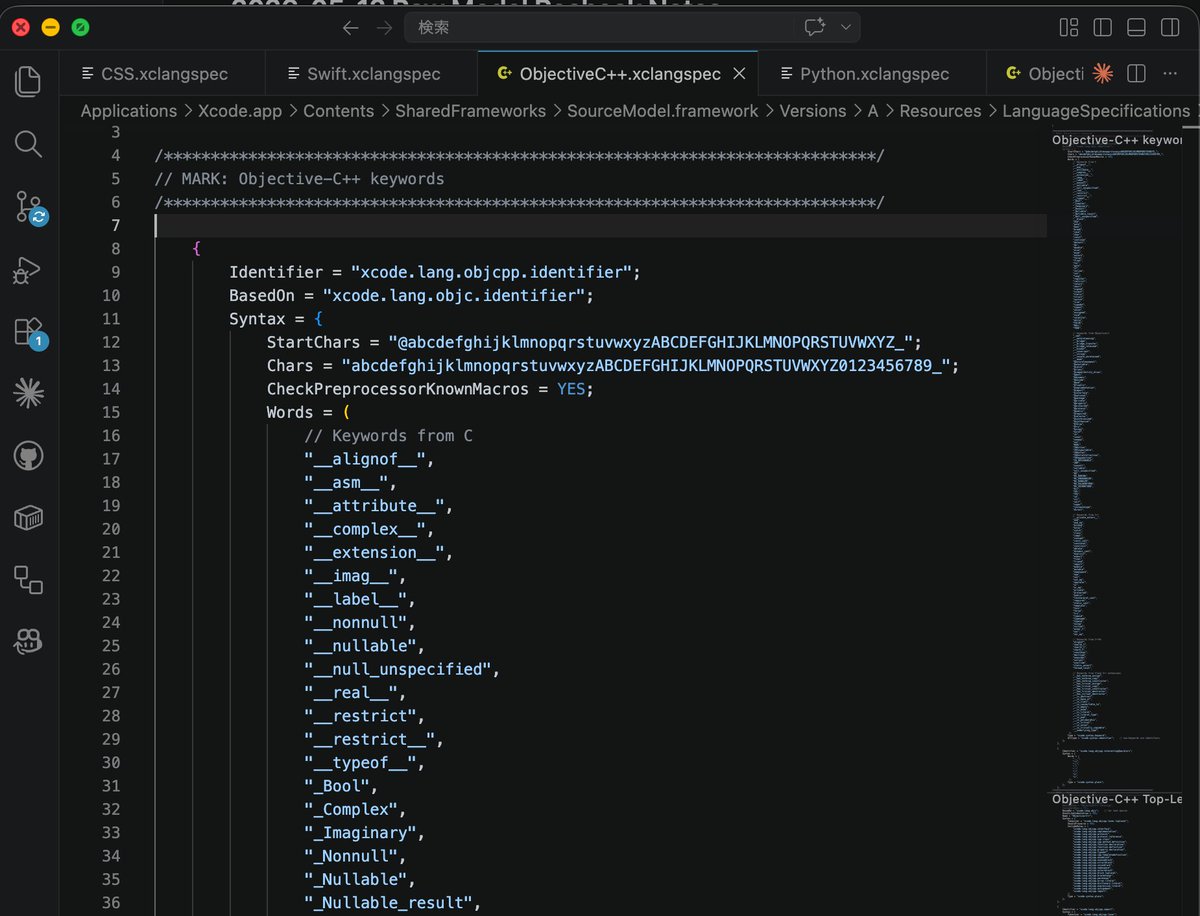
こんな場所に定義が
りん tweet media
日本語
1
0
0
240
ビスター(Vistar)
ビスター(Vistar)@vistar941·
@SebJVidal _UIActivityViewControllerPC is a subclass of UIPopoverPC (for the iOS 26 default activityVC modal style change.) I’ve just never seen something like UIPopoverPC, which is normally vended as a property from the VC, being initialized directly like that!
English
0
0
0
157
Seb Vidal
Seb Vidal@SebJVidal·
@vistar941 Yeah, vending your own presentation controller is pretty standard when implementing the UIViewControllerTransitioningDelegate protocol. Can’t remember off the top of my head what the custom activity view controller presentation controller does though :)
English
1
0
1
177
ビスター(Vistar)
ビスター(Vistar)@vistar941·
@SebJVidal Have you ever initialized and used UISheetPC or UIPopoverPC directly with the public initWithPresentedVC...? I noticed _UIActivityViewControllerPresentationController takes this approach, and now I’m kind of curious 👀
English
1
0
3
729