Learning Godot Engine or any other software can be challenging for most people.
I made a video sharing 10 steps that can help a beginner to learn Godot Engine or any other software.
Watch the video here: youtu.be/yGgWyAawaFA
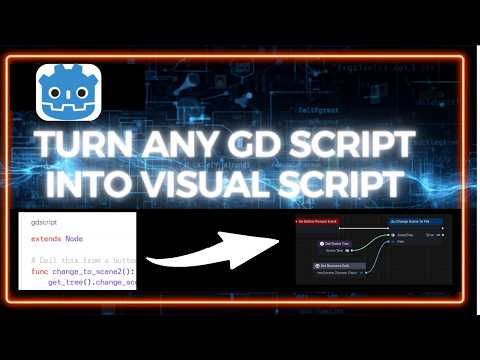
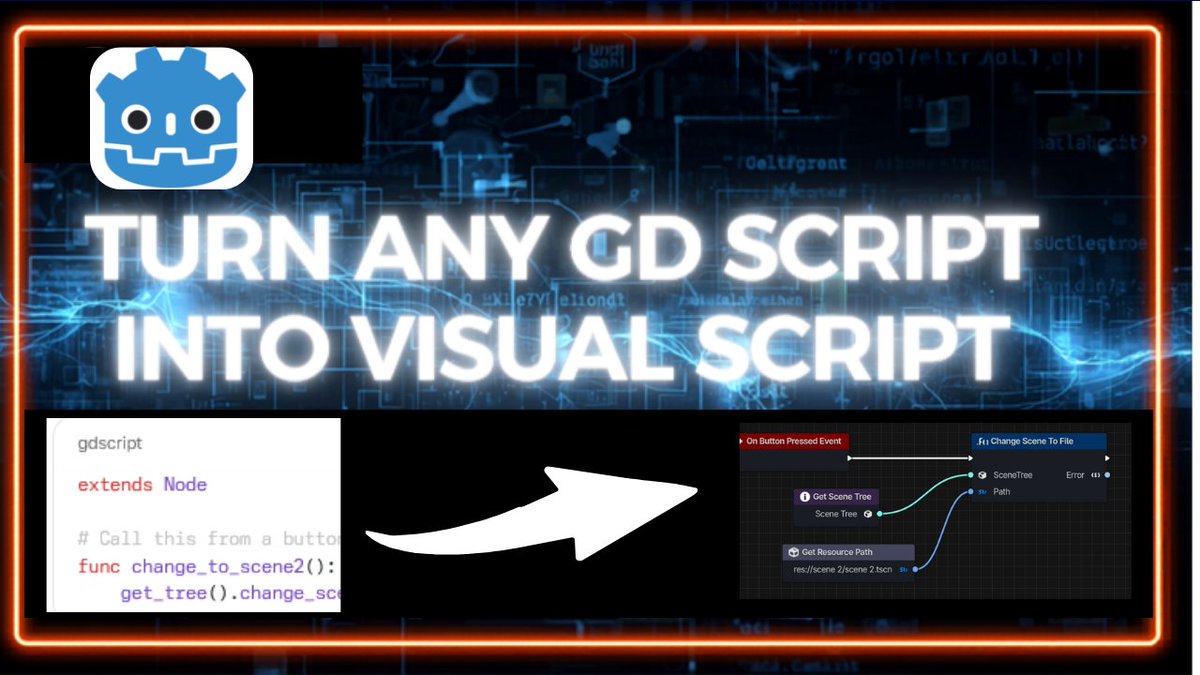
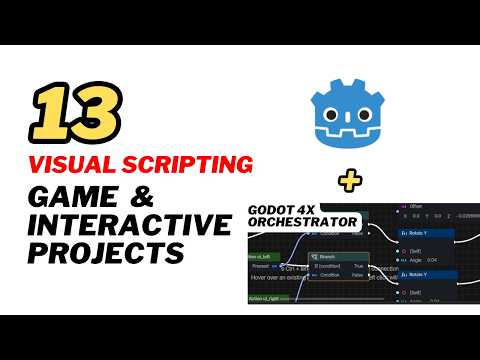
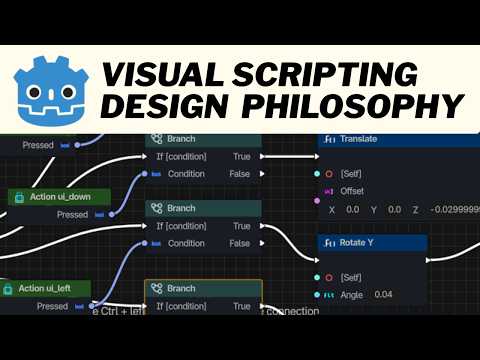
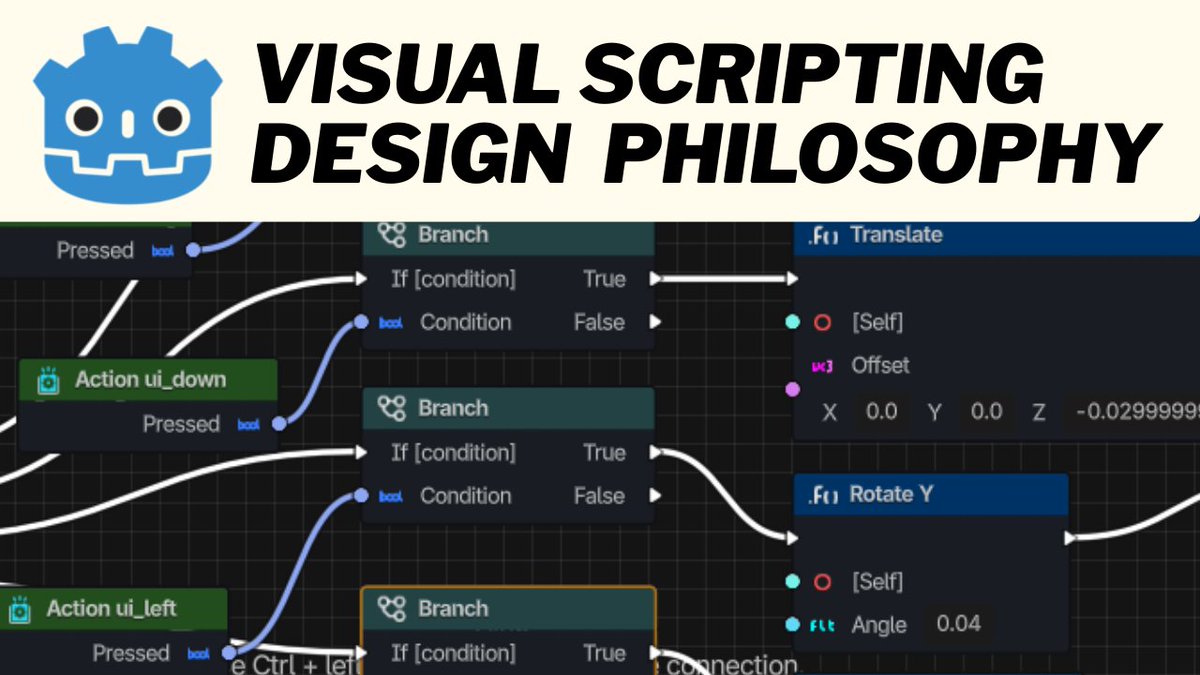
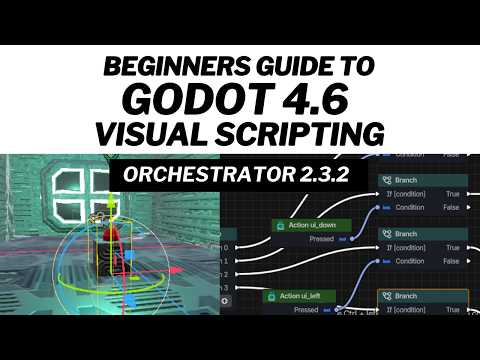
Visual Scripting is an easy to make indie games in Godot Engine. This feature was removed in Godot 4x but it's back as 'Orchestrator'.
I made a beginner tutorial to show you how to get started with it.
watch here: youtu.be/97ksqdb9zTU#godot#visualscripting#orchestrator
The Night Michael Descended... to Face the Prince of Persia
A cosmic war unfolded in silence.
Michael, the archangel, entered the fray-not against flesh, but a power behind empires.
Who was this Prince of Persia? And why did heaven intervene?
The answer lies beyond the veil. Watch now.
I made a very simple video to share 10 amazing ways you can make money with Godot Engine in 2026.
Watch the video here: youtu.be/ddFzjjL49bA
What about you, how do you make money with Godot Engine?
#gamedev#monetization#godot
There are 10 amazing Godot 4 addons that make my game development process easier and fun.
So I made a video about my 10 top Godot addons that I use frequently.
youtu.be/NnT4hyU4LX4
Which addon do you frequently use in Godot Engine and what are they used for?
Making a 2d platformer game is easy in Godot Engine.
If you are looking for a step by step guide or a quick summary of the process, then check out my favorite playlist for 2d platformer game development in Godot.
2d Platformer game in Godot Engine: youtube.com/playlist?list=…
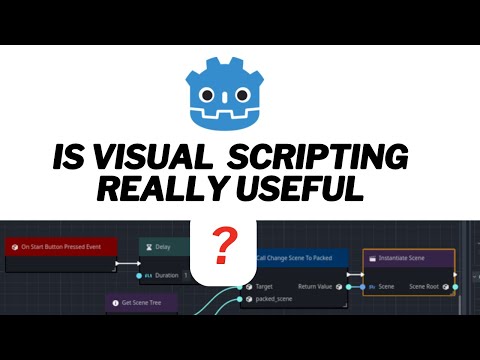
I made a video about the people that Godot 4 Orchestrator Visual Scripting was really designed for, and 10 amazing things you can use it to create.
youtu.be/zV7U1YjFihw
So, do you think Godot 4x Visual Scripting is really useful?
#godot#gamedev#orchestrator
Apart from the fact that Godot Engine is free and Open source, there are more reasons why I decided to switch to Godot Engine.
I have 12 key reasons why I use Godot Engine and I made a video about that:
youtu.be/7bXv1lXEAtQ
What's your reason for switching to Godot Engine?
✅ Steps to Build a World in Anitya
1. Sign Up / Log In & Create a Project
🔶Go to anitya.app
🔶Start a new project / experience
🔶Choose a template or start with a blank scene
2. Learn the Interface
🔶Panels: Asset library, scene view, entity hierarchy, properties/inspector
3. Import or Upload Assets
🔶 Supported formats: 3D: .glb Images:
Optionally use AI tools like Genie to generate 3D models from text prompts
4. Build Your Scene Drag & drop assets into the scene
🔶Move, rotate, scale objects to shape your world
🔶Adjust lighting: Skybox Directional light Ambient light
5. Add Interactivity
🔶 Use no-code visual logic system Examples: Entering a zone → show a popup Clicking an object → trigger animation
🔶 Link to animations or actions
6. Optimize & Test
🔶 Use low-poly models, compressed textures
🔶 Test inside the editor
🔶 Adjust: Colliders, Object scale, Visibility, Responsiveness
7. Publish & Share
🔶 Publish to web
🔶 Host on custom domain
🔶 Test on all target platforms
⚡️ Follow @anitya_space for updates and tips!
Happy World Building!
Godot 4x Visual Scripting has a lot of potentials for beginner game devs.
It's the best and easiest tool for developing interactive contents in Godot Engine without actually learning how to code.
Check out how to program using it:
youtube.com/playlist?list=…
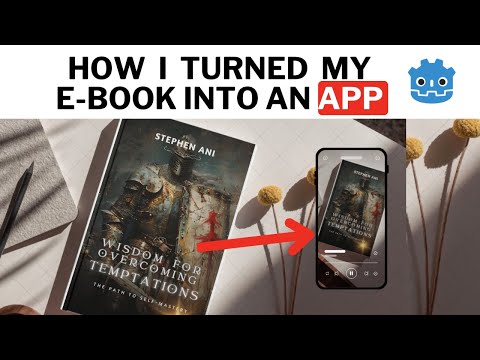
Using Godot Engine you can turn your Ebook into an interactive multimedia application that contains both pictures, audios and videos.
This will give authors a new edge in upgrading the quality of their work.
#GodotEngine#booksyoutu.be/W3RX397oNTA
I love trying out new things in Godot Engine. This time I created a simple car game in just one day by using special tools.
You can watch the full video on my YouTube channel and follow to discover my next game project.
youtu.be/ifUz6mvbzgQ#Godot#CarGame#3DGame