Vlad Kas
1.3K posts


Vlad Kas
@vldkst
Vladislav Kasatkin |Digital Artist Telegram: @ vladkas



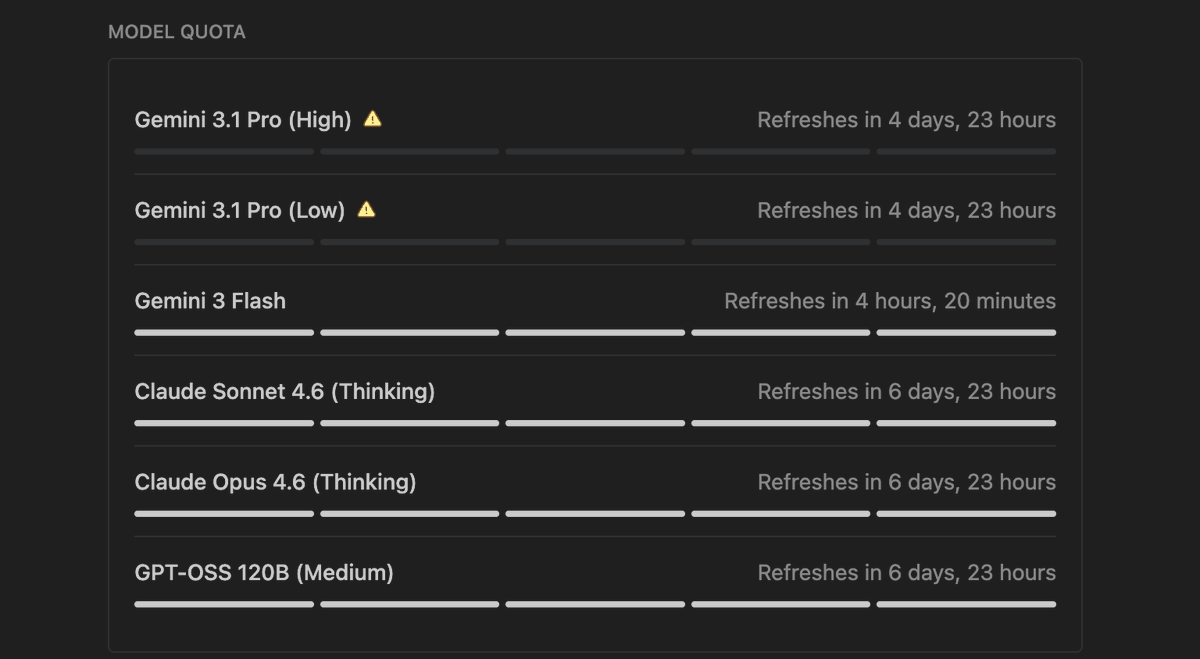

After updating Antigravity to 1.18.3 on macOS, it’s basically unusable. Every action → “The window is not responding.” Even with enough RAM. The issue started immediately after updating to 1.18.3. Before that — stable. #Antigravity @antigravity @googledevs @GeminiApp
After updating Antigravity to 1.18.3 on macOS, it’s basically unusable. Every action → “The window is not responding.” Even with enough RAM. The issue started immediately after updating to 1.18.3. Before that — stable. #Antigravity @antigravity @googledevs @GeminiApp
After updating Antigravity to 1.18.3 on macOS, it’s basically unusable. Every action → “The window is not responding.” Even with enough RAM. The issue started immediately after updating to 1.18.3. Before that — stable. #Antigravity @antigravity @googledevs @GeminiApp
After updating Antigravity to 1.18.3 on macOS, it’s basically unusable. Every action → “The window is not responding.” Even with enough RAM. The issue started immediately after updating to 1.18.3. Before that — stable. #Antigravity @antigravity @googledevs @GeminiApp
Don't let AI write code blindly. In Antigravity, request an "Implementation Plan" artifact first. Review the architecture, edit the markdown logic, and then approve execution. Control the outcome, don't just hope for it.
After updating Antigravity to 1.18.3 on macOS, it’s basically unusable. Every action → “The window is not responding.” Even with enough RAM. The issue started immediately after updating to 1.18.3. Before that — stable. #Antigravity @antigravity @googledevs @GeminiApp
After updating Antigravity to 1.18.3 on macOS, it’s basically unusable. Every action → “The window is not responding.” Even with enough RAM. The issue started immediately after updating to 1.18.3. Before that — stable. #Antigravity @antigravity @googledevs @GeminiApp