web3 preacher

15.7K posts

web3 preacher banner
web3 preacher

web3 preacher

@web3theking

web3 preacher the best 👌

Katılım Nisan 2023
6.1K Takip Edilen8.7K Takipçiler
Sabitlenmiş Tweet
web3 preacher
web3 preacher@web3theking·
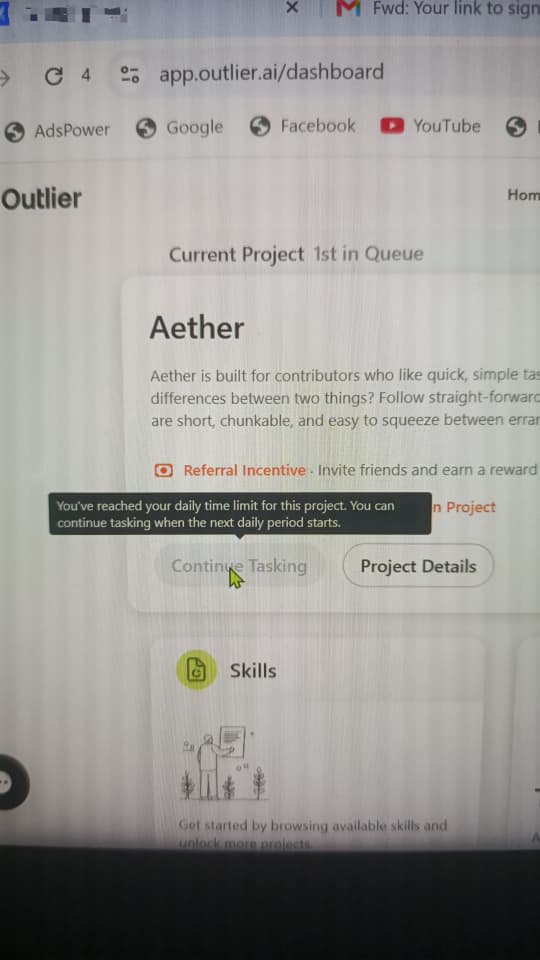
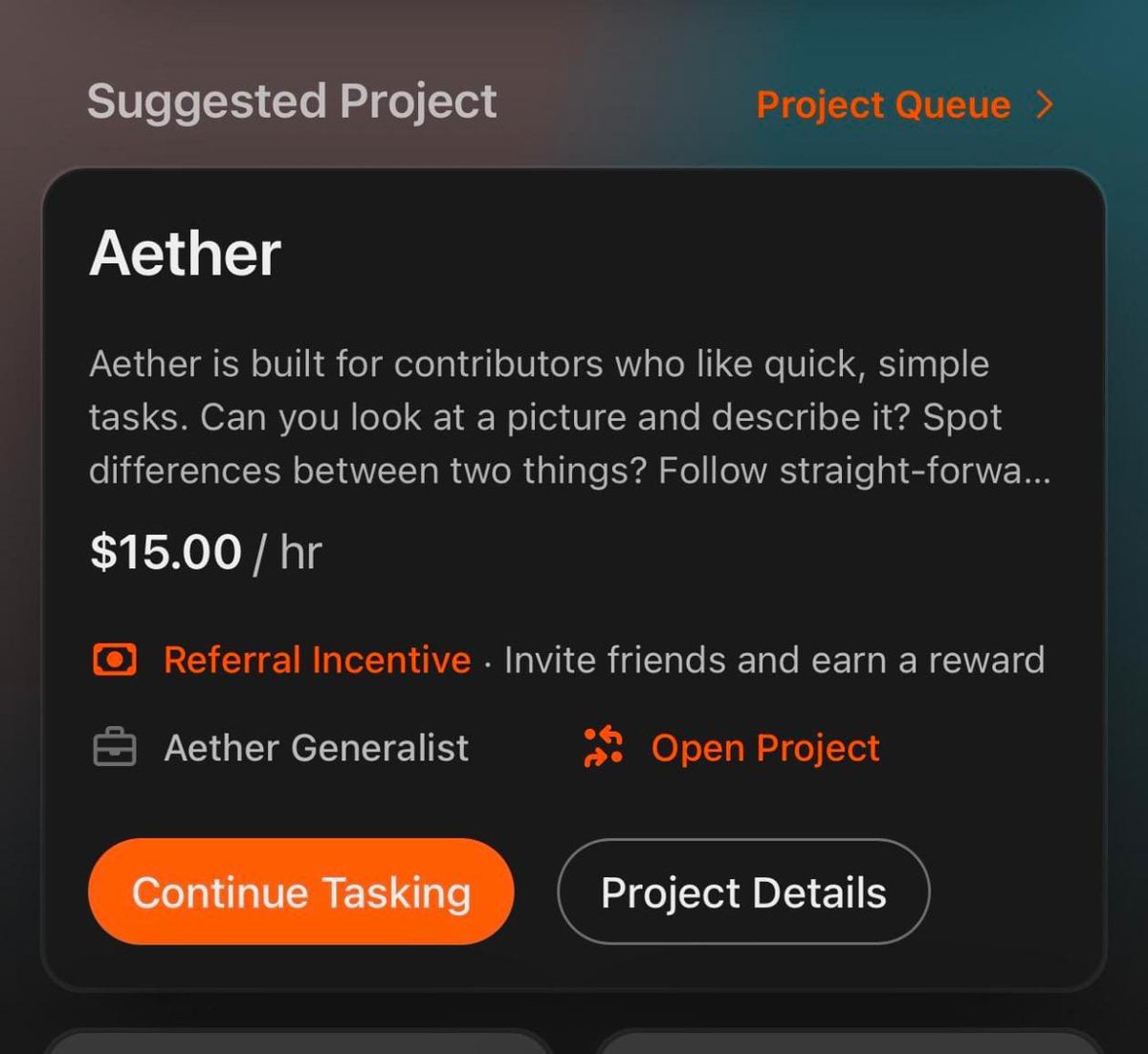
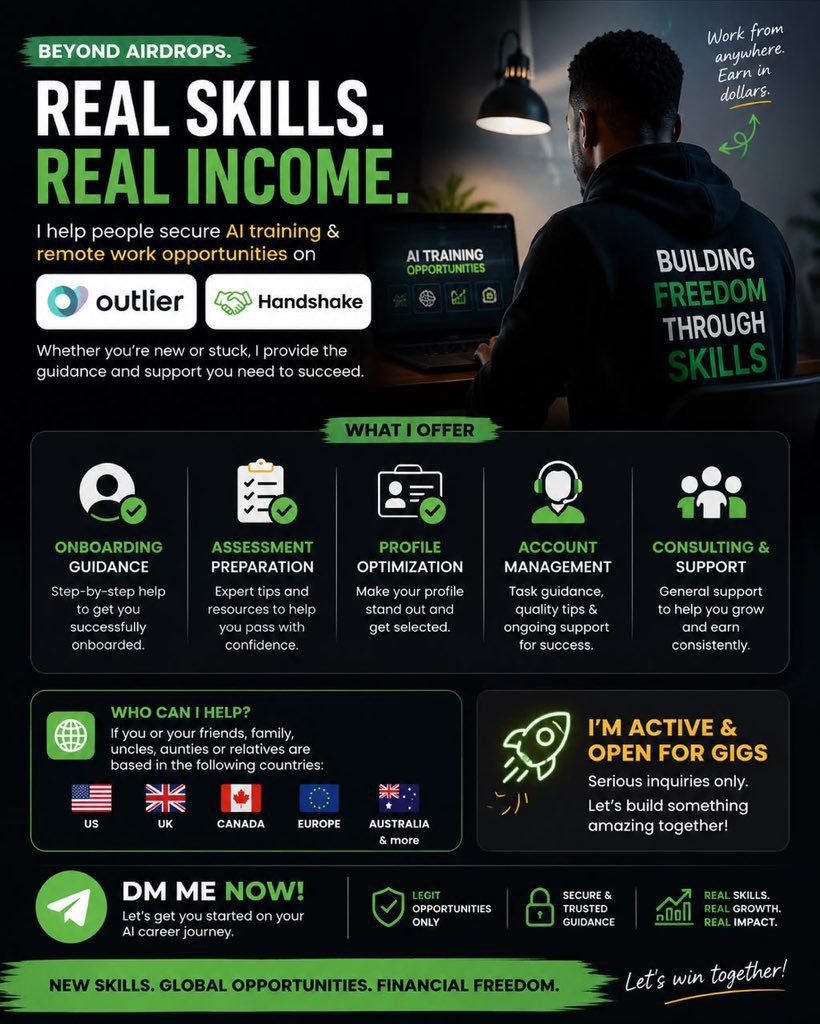
🚀 Looking beyond airdrops… I’m officially expanding into the AI remote work space. If you’re interested in Outlier or Handshake, I’m available for: ✅ Onboarding guidance ✅ Assessment preparation ✅ Profile optimization ✅ Application support ✅ General consulting. Account recovery Account suspended. Aether remove or unavailable and if you don't have project
web3 preacher tweet media
English
2
0
5
725
web3 preacher
web3 preacher@web3theking·
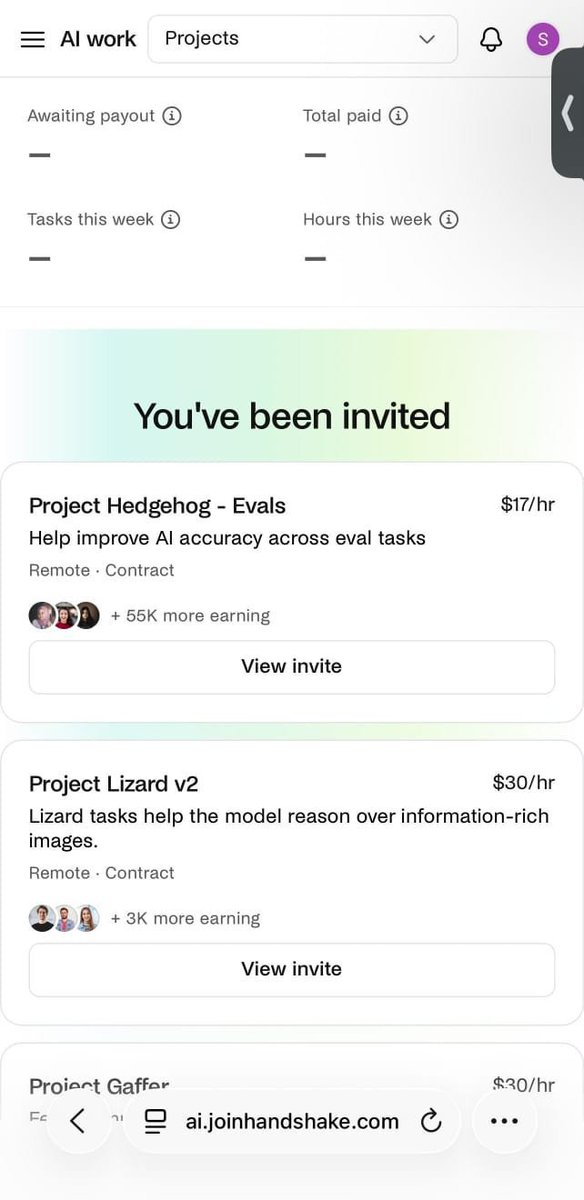
🚨 Attention! If you have a Handshake account without any active projects (UK, USA, or Canada), send me a DM. I’m currently merging eligible accounts into projects such as Gaffer and Hedgehog Evals. This will be done ASAP.
web3 preacher tweet media
English
9
1
13
1.8K
web3 preacher
web3 preacher@web3theking·
Finally gotten the solution for the greyed out continue tasking icon on outlier, works like magic🤣👏
web3 preacher tweet media
English
1
0
2
368
web3 preacher
web3 preacher@web3theking·
Hedgehog and lizard invite available Serious buyers only, highest bidder
web3 preacher tweet media
English
0
0
0
415
Laksid
Laksid@LkzdX7·
@web3theking Am in your dm oo If I can't, dm me instead boss
English
1
0
0
10
web3 preacher
web3 preacher@web3theking·
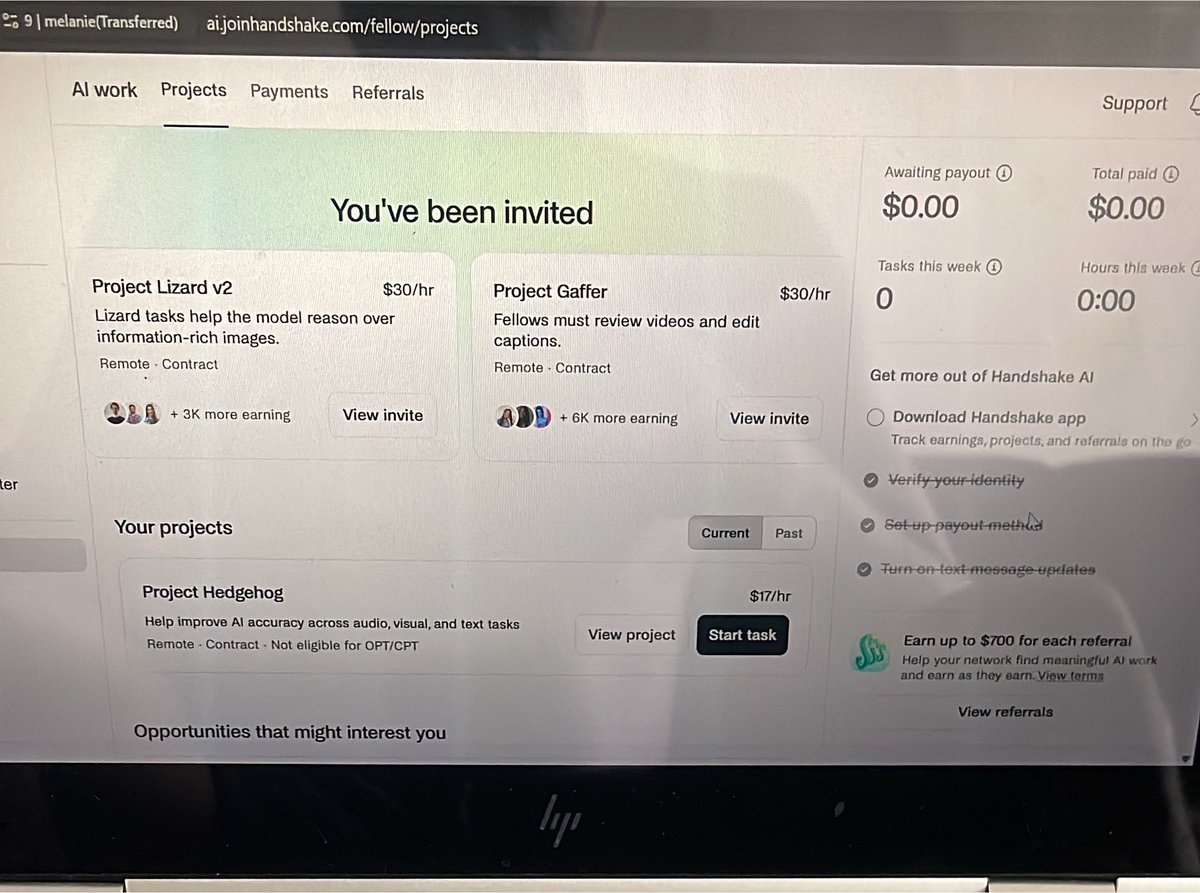
GET IN!!! ✅ I just got invite to two projects on HandShake; Project Lizard V2 and Project Gaffer, at the same time. Want to create a HandShake account and get invited to projects as well? Send us a dm.
web3 preacher tweet media
English
0
0
1
258
web3 preacher
web3 preacher@web3theking·
Testimonials matter most
web3 preacher tweet media
English
3
1
9
957
web3 preacher
web3 preacher@web3theking·
Fresh new Outlier account for sale Assessment pass onboarding done just login do task and get paid dm now
web3 preacher tweet media
English
8
0
6
542
web3 preacher
web3 preacher@web3theking·
If you’re also seeing ACESS RESTRICTED on your handshake account this is for you. This is happening with both proxies and rdp, and I’m not speaking from hearsay… I tested with various proxies and rdp. A simple fix is any of this: 1. Use a proxy with real user data or real ip data, rather than using synthetic data centers. Once you do this you’ll get access to your handshake account safely I did this yesterday and it worked. 2. Use a residential rdp that uses an ip address assigned to a real home internet provider instead of a data center. This makes your online activity look like regular traffic from a house in the location where it’s in. 3. Use an anydesk or ultraviewer or team viewer connection to access the account and task. I don’t personally like this last option cos it usually lags a lot and it is highly connection dependent. For the second option you can check out dashrdp.com for residential rdps and hope they are really from real home ips cos some are not. I hope you get a solution that works for you. Happy new week and happy tasking.❤️
web3 preacher tweet mediaweb3 preacher tweet media
English
2
0
11
1.1K
web3 preacher
web3 preacher@web3theking·
If your “continue tasking” button is still bringing daily limit reached. There is a working solution now, I have tried it and it works. Done it for 3 accounts now. I still take Aether Quality Screener. Outlier is gonna print us millions.
web3 preacher tweet media
English
1
0
3
321
web3 preacher
web3 preacher@web3theking·
The countries you can register on Outlier and Handshake have peace of mind. Clock it 🤏
web3 preacher tweet media
English
0
0
3
423
web3 preacher
web3 preacher@web3theking·
How to Increase Your Chances of Being Assigned to Project Hedgehog on Handshake (US/UK/Canada) If you’re opening a new Handshake account and hoping to qualify for Project Hedgehog or Project Hedgehog Evals, follow these recommendations to strengthen your profile. Step 1: Set Up a New Email Create a brand-new email address exclusively for your Handshake account. Keeping it separate from your personal email helps organize your applications and can prevent issues with previously used accounts. Step 2: Sign Up Through a Referral Link Ask me for my referral link before creating your account. Registering through the referral link may give you access to available opportunities, including Project Hedgehog and Project Hedgehog Evals, depending on eligibility and project availability. Step 3: Prepare a Professional Resume (CV) Build a resume that highlights experience and skills relevant to AI and language-focused work. Consider including qualifications in areas such as: Technical Writing AI Evaluation AI Data Annotation Prompt Engineering Content Analysis Computer Science or Computing Research and Analytical Skills Attention to Detail Quality Assurance Language or Linguistics A polished, well-organized CV can make your profile more competitive. Step 4: Select the Correct Field of Study When completing your profile, choose either Arts & Humanities or Science as your primary field of study. Step 5: Pick the Best Specialization For your specialization, select one of the following: Linguistics (recommended) Technical Writing These options are commonly aligned with language evaluation and AI-related projects. Step 6: Choose Your Current Position For your current job title, select: Technical Writer This role closely reflects the type of work typically associated with Project Hedgehog. Step 7: Add Your LinkedIn Profile Include a complete and up-to-date LinkedIn profile. Make sure the information on LinkedIn is consistent with your resume, as a professional profile can strengthen your application. Step 8: Double-Check Your Profile Before submitting, review everything carefully: Confirm all details are accurate and consistent. Ensure your resume, LinkedIn profile, and selected role align with AI and technical writing experience. Check for any spelling, grammar, or formatting mistakes. Final Step Submit your completed profile and wait for project assignment opportunities.
web3 preacher tweet media
English
2
0
0
423
web3 preacher
web3 preacher@web3theking·
Handshake Ai still going great over here despite the recent restrictions on ISP proxies.. We adapt quickly ✅ you need to get a real residential proxy if you want a proxy that works for now. You can also get a good Rdp it even better and gives you more flexibility. At the end of the day the choice is yours ! If you need a good RDP/ Residential proxies you can send me a dm
web3 preacher tweet media
English
0
0
3
375
web3 preacher
web3 preacher@web3theking·
do bring your handshake assessment to be done with total ease.🚀
web3 preacher tweet media
English
0
0
1
301