Dolphin Computer Access

14.3K posts

Dolphin Computer Access banner
Dolphin Computer Access

Dolphin Computer Access

@yourdolphin

The range of Dolphin software improves accessibility and independence for people who are blind or partially sighted - at work, at home and in education.

Worcester, UK Katılım Şubat 2009
2.4K Takip Edilen4.7K Takipçiler
Dolphin Computer Access
Dolphin Computer Access@yourdolphin·
Why make reading accessible in classrooms? 71% of dyslexic pupils showed improvement in reading 70% of pupils improved their writing 68% improved their confidence 71% improved their level of achievement 100% of teachers saved time by having a central repository of accessible texts. Accessible reading material is a gateway to reading for so many neurodivergent young people. Access to books, which can be read, studied and enjoyed in ways that work for the reader has a profound impact on students' education and wellbeing. Accessibility removes barriers for neurodivergent students and students with other SEND requirements. It means they can read, learn and enjoy books at the same time as their peers. It doesn't take anything away from neurotypical students, it simply ensures everyone starts with the same opportunities. If you would like to see these sort of improvements and outcomes for the neurodivergent students in your school, introduce EasyReader Education in your setting: hubs.ly/Q047hClc0 These figures come from the DfE study 'Accessible Resources Pilot Project' hubs.ly/Q047hzCN0 which investigated the benefits of accessible resources for UK students, and led to the RNIB Bookshare Education Collection and Dolphin EasyReader. #NCW2026 #Neurodiversity #Dyslexia
Dolphin Computer Access tweet media
English
0
0
0
24
Dolphin Computer Access
Dolphin Computer Access@yourdolphin·
This Neurodiversity Celebration Week, we're spotlighting the power of Text‑to‑Speech (TTS) to transform reading for neurodivergent learners. TTS isn’t just a way to read, it empowers young people's independence and can kick start a love of reading, build confidence and impact educational outcomes. Discover how you can use TTS through EasyReader in school and at home, to help neurodiverse students thrive: hubs.la/Q047hrdv0 #NeurodiversityCelebrationWeek #InclusiveEducation
English
0
0
0
38
Dolphin Computer Access
Dolphin Computer Access@yourdolphin·
It is Neurodiversity Celebration Week, a valuable moment to highlight the strengths, creativity and perspectives of neurodivergent individuals. The team behind hubs.la/Q0478dF90 continues to offer exceptional guidance, toolkits and events for schools, colleges, employers and families. Their resources help organisations deepen understanding, challenge misconceptions and take meaningful action to support neurodivergent people. This year’s programme encourages communities to move from awareness to practical, lasting change. With webinars, best‑practice examples and practical toolkits, Neurodiversity Celebration Week provides support for anyone looking to build more inclusive environments and celebrate the talents of all learners. At Dolphin, we share this commitment. We design our technology to be flexible and customisable because no two students are the same and are proud to stand alongside initiatives like Neurodiversity Celebration Week and to support the ongoing movement toward more inclusive education and more inclusive communities.
Dolphin Computer Access tweet media
English
0
0
0
36
Dolphin Computer Access
Dolphin Computer Access@yourdolphin·
We’re at Sight Village Glasgow today! We’re at the Glasgow Science Centre from 9am–3pm. If you’re exploring the event, drop by our stand and get hands on with the latest assistive tech. Our team is on hand to give you a demo and answer your questions. It’s a great chance to try Dolphin technology for yourself and chat with us about what works best for you. 📍 Glasgow Science Centre, 50 Pacific Quay, Glasgow, G51 1EA #SightVillage #SightVillageGlasgow #Blind #VI #LowVision
Dolphin Computer Access tweet media
English
0
0
0
24
Dolphin Computer Access
Dolphin Computer Access@yourdolphin·
It’s Neurodiversity Celebration Week! This week highlights the many ways neurodivergent students think, learn and read. Reading must be accessible if every learner is going to thrive. When reading becomes accessible, students read more, enjoy it more and gain greater independence. Read our blog 'How to Make Reading Accessible for All Students' hubs.la/Q046XM1Z0 #a11y #NeurodiversityCelebrationWeek #NCW2026 #Dyslexia
English
0
1
0
61
Dolphin Computer Access
Dolphin Computer Access@yourdolphin·
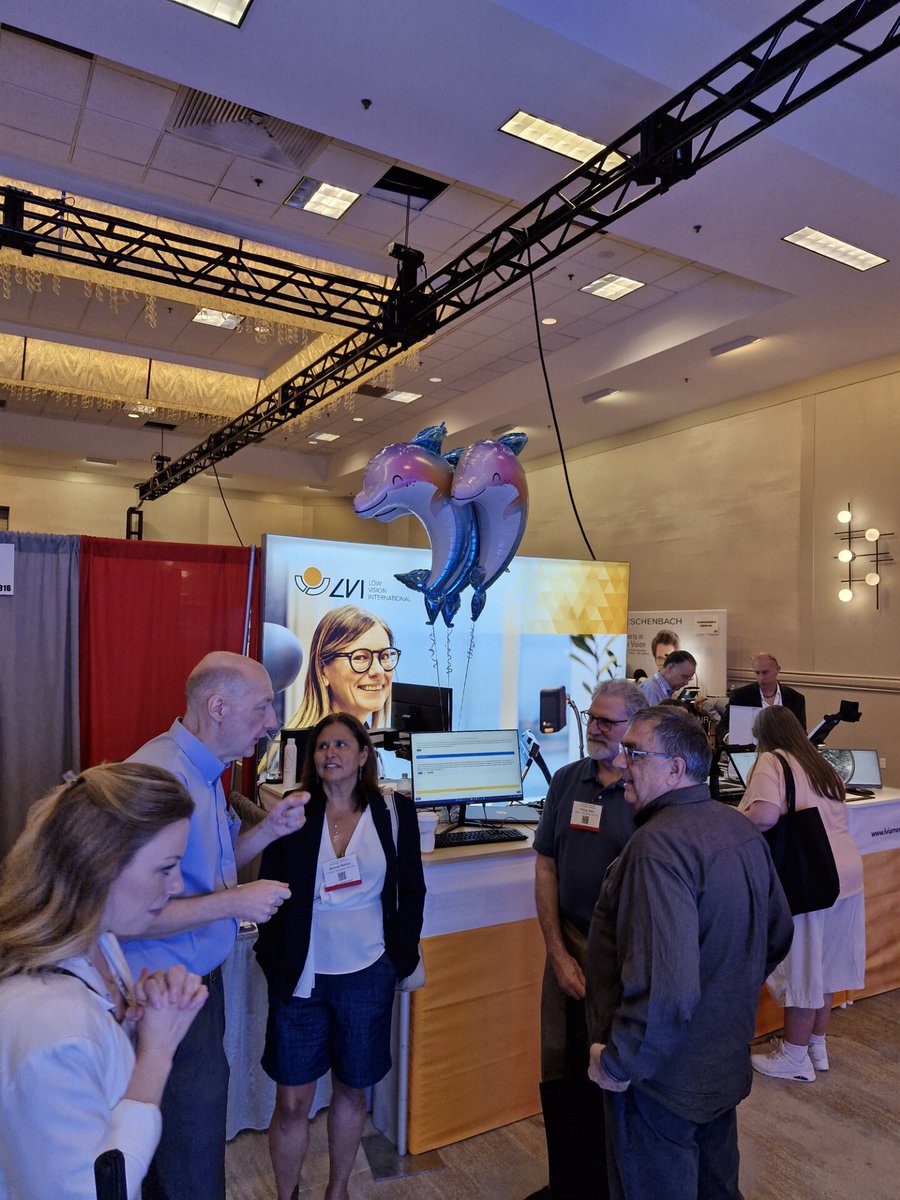
We’re having a great time at CSUN! Even though Dolphin isn’t exhibiting this year, you can still catch SuperNova live in action thanks to our fantastic partners at LVI, who are proudly showcasing our latest assistive technology. If you're at the conference and curious about what’s new in SuperNova, or just want to stop by for a chat, we’d love for you to visit LVI’s booth and see the demo! CSUN continues to be an incredible global meeting place for accessibility, innovation, and inclusive design. We’re grateful to be part of this community and excited to share how SuperNova can support users around the world.
Dolphin Computer Access tweet mediaDolphin Computer Access tweet media
English
0
0
0
37
Dolphin Computer Access
Dolphin Computer Access@yourdolphin·
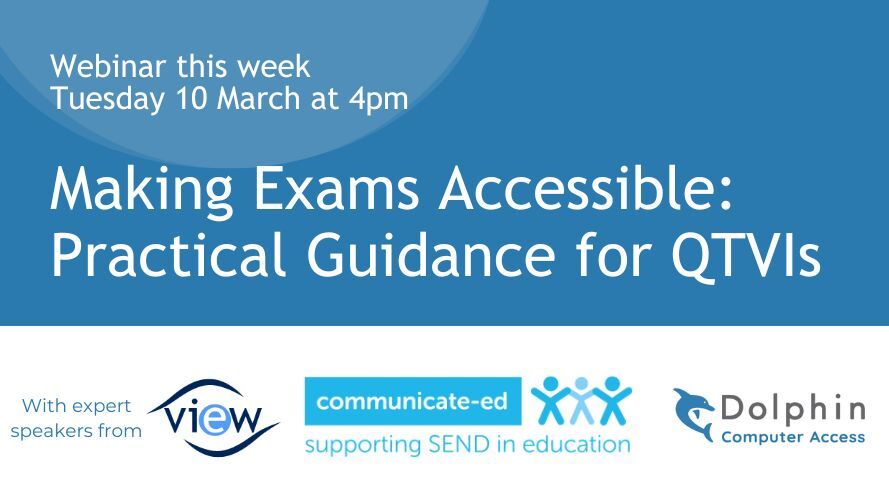
Join VIEW, Dolphin and a panel of expert speakers this afternoon for a focused webinar on improving accessibility in exams for vision impaired students. The session will provide practical strategies that help students prepare effectively and approach their exams with confidence. Attendees will gain actionable guidance on accessibility, assistive technology and inclusive approaches that support better outcomes for all learners. The webinar features insights from Jane Sharp, Education and Children Lead (QTVI) at RNIB, on the importance of exam access arrangements. Caroline Read and Amy Martin from Communicate‑ed will outline what educators need to know about access arrangements in exams. Vision impaired student Iona Wilkinson will share her personal exam experiences and highlight what made the greatest difference for her. Mark Rice from Dolphin will provide practical guidance on setting up assistive technology for successful exam use. This session will equip QTVIs and educators with the knowledge and confidence to support learners using assistive technology in exam settings. Join us today at 4pm. Sign up here: hubs.la/Q0468xPX0
Dolphin Computer Access tweet media
English
0
0
0
26
Dolphin Computer Access
Dolphin Computer Access@yourdolphin·
Webinar tomorrow 4pm: Making Exams Accessible Register now at hubs.la/Q045--hj0 Join Dolphin, @VIEWteach @communicate-ed and college graduate Iona Wilkinson for a practical webinar packed with guidance on improving exam accessibility for learners with vision impairments. If you’re a #QTVI, specialist educator or #SEND professional this webinar will help you prepare your vision impaired students for exam success. #blind #VI
Dolphin Computer Access tweet media
English
0
0
0
55
Dolphin Computer Access
Dolphin Computer Access@yourdolphin·
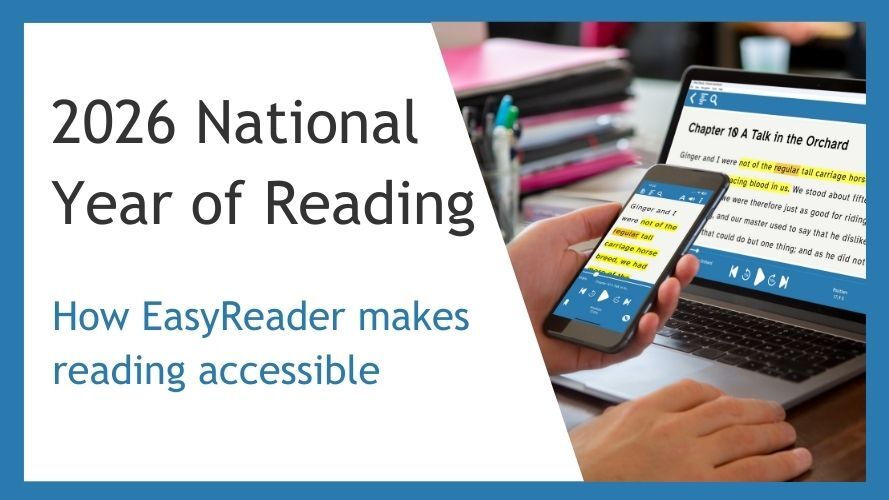
Happy World Book Day! During the National Year of Reading, we are celebrating the power of stories and ensuring that every young person can access and enjoy reading in a way that suits their needs. At Dolphin, we are committed to enabling one million students with dyslexia, vision impairment or any other print disability to read in accessible formats. Through EasyReader Education, schools can provide learners with access to over one million books, in formats that remove barriers and support reading for pleasure. We are building a community of Reading Ambassadors throughout the National Year of Reading. Pledge your support for this and help us raise awareness of accessible reading for children and young people with dyslexia, vision impairment and other print disabilities. Together, we can help more than 50,000 schools unlock accessible reading and open the door to brighter futures. Become a Reading Ambassador: hubs.la/Q045JkR70 #a11y #accessibility #worldbookday
Dolphin Computer Access tweet media
English
0
0
1
35
Dolphin Computer Access
Dolphin Computer Access@yourdolphin·
GuideConnect empowers people with sight loss, including those with age‑related macular degeneration, to stay connected, independent, and entertained without the stress of complicated tech. What makes GuideConnect different: *Use it on a computer, laptop, or TV. *Navigate quickly with simple, easy‑to‑learn menus. *Customise icons and text size for clearer viewing. *Type or dictate your messages, whichever suits you best. *Hear clear, friendly voices guide you through every menu. *Access reliable support and training whenever you need it. With GuideConnect, you can: *Stay connected with friends and family. *Enjoy books, radio, and entertainment. *Manage your emails with confidence. *Explore the internet with ease. Whether you're brand new to technology or just want something simpler, GuideConnect makes everyday life easier. Discover how GuideConnect can keep you connected and independent. Watch Rosemary’s story to see how it’s helped her, or visit: hubs.la/Q045wFqd0 #accessibility #a11y
English
0
0
0
41
Dolphin Computer Access
Dolphin Computer Access@yourdolphin·
SuperNova 25.01 brings practical improvements that make Windows easier to use: Notification Finder to review missed alerts, a toggle for Web Quick Navigation Keys (great for sites like YouTube & Facebook), in‑app TTS voice installs, LibLouis Braille support (160+ literary tables), a better Podcasts experience, and broader app compatibility/performance updates. To keep these features performing at their best as Windows and apps evolve, an active Software Maintenance Agreement (SMA) is essential. An SMA delivers new features, fixes, and compatibility updates, and unlocks SuperNova’s AI capabilities, including Ask AI and Image Description. If you rely on SuperNova daily, an SMA keeps you current, stable and supported. Learn more & renew: hubs.la/Q045mF-d0 #Accessibility #AssistiveTechnology #A11Y
Dolphin Computer Access tweet media
English
0
0
1
63
Dolphin Computer Access
Dolphin Computer Access@yourdolphin·
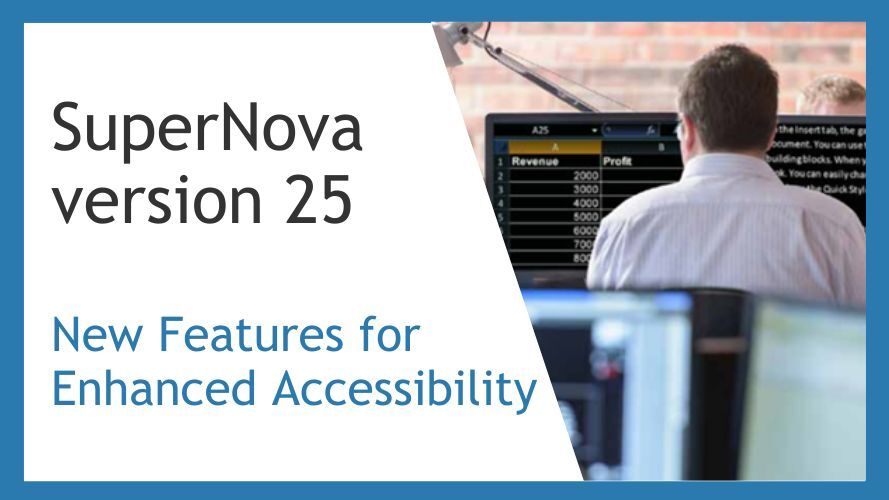
Introducing SuperNova 25.01, new features for enhanced accessibility. This release brings practical updates to make Windows easier to use for people with sight loss. Highlights include Notification Finder (review missed alerts), the ability to toggle Web Quick Navigation Keys for smoother browsing on sites like YouTube and Facebook, install additional TTS voices directly from the Control Panel, LibLouis Braille support (160+ literary tables), improved Podcasts, and performance and compatibility improvements across popular apps, plus prep for Whiteboard Assistant (Spring 2026). If you rely on SuperNova every day, an SMA keeps you current with features, fixes and evolving apps like Microsoft Office, Edge, Teams, WhatsApp and Copilot. Read the full story and how to upgrade: hubs.la/Q045m54j0 #Accessibility #AssistiveTechnology #A11Y
Dolphin Computer Access tweet media
English
0
2
0
54
Dolphin Computer Access
Dolphin Computer Access@yourdolphin·
Empowering independence, choice, and accessibility for all. At Dolphin, we believe assistive technology should be affordable, accessible, and designed around you. We’re excited to offer an exclusive 50% discount on a full licence of Dolphin SuperNova or Dolphin ScreenReader, available to current users of JAWS, ZoomText, or Fusion until the end of April. No subscriptions, no hidden fees, and the licence is yours to keep. Plus, you’ll receive a one-year SMA, giving you access to the latest upgrades and expert support. Whether you use your tech at home, in education, or at work, switching to Dolphin is simple, seamless, and built for your needs. Call our friendly Sales Team on 01905 754 577 or contact your local Dolphin dealer to learn more. Full details & T&Cs: hubs.la/Q044Z25G0 #AssistiveTech #AccessibilityForAll #A11y #Blind #ScreenReader #ScreenMagnifier #AT #InclusiveTech
Dolphin Computer Access tweet media
English
0
0
0
27
Dolphin Computer Access
Dolphin Computer Access@yourdolphin·
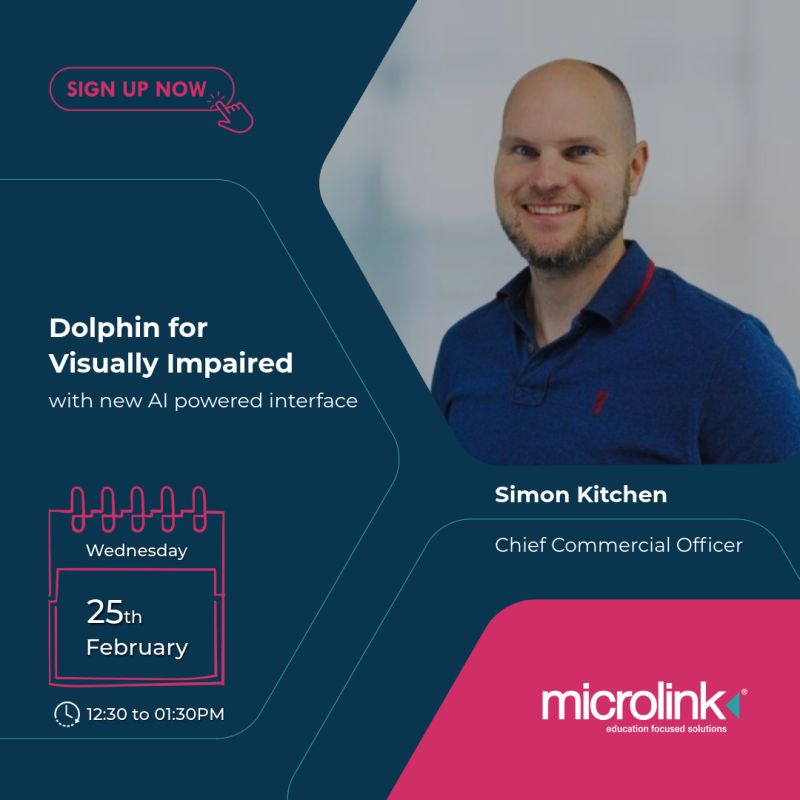
Join our Chief Commercial Officer, Simon Kitchen, for a live webinar tomorrow, Wednesday 25 February from 12:30 pm to 1:30 pm, hosted by Microlinkpc Education in partnership with Dolphin Computer Access. With more than 18 years of experience in Assistive Technology, Simon will explore how AI is opening new possibilities for accessible learning. He will discuss how emerging AI features in EasyReader will support students through clearer explanations, study summaries and automatically generated quizzes, as well as how AI is helping to make charts, diagrams and images more meaningful for people who are blind or partially sighted. As 2026 marks the National Year of Reading, this session will look at how inclusive AI can reduce literacy related barriers and give learners greater independence. Register here: hubs.la/Q044lXSz0
Dolphin Computer Access tweet media
English
0
0
0
36
Dolphin Computer Access
Dolphin Computer Access@yourdolphin·
With GuideConnect, staying informed and entertained has never been more accessible. Browse and download thousands of audiobooks, newspapers, and magazines from trusted accessible libraries including RNIB, Calibre Audio, and Project Gutenberg, all in a simple, easy‑to‑use interface. Whether you prefer listening to the latest headlines read aloud, diving into a new novel, or catching up on your favourite magazines, GuideConnect makes it effortless. Enjoy reading your way, with clear speech, intuitive controls, and fully accessible navigation. To find more information about the features and benefits of GuideConnect, visit: hubs.la/Q0439Rr00
English
0
0
0
46
Dolphin Computer Access
Dolphin Computer Access@yourdolphin·
We’re excited to join eQS Disability Support next week (Wednesday 18th February, 12:00–13:00pm GMT) for a webinar focused on empowering students with visual impairments. Our very own Andy West will take part in the session, where he’ll demonstrate the online support and assistive technology available to help students learn with confidence and independence. The webinar will explore: 🔹 SuperNova - Dolphin’s powerful screen magnifier and screen reader, designed to support students with low vision and blindness. 🔹 Insights from Amano consultant Tarun Kachhwaha, sharing his experience providing in‑person support to a visually impaired student from Liberia. 🔹 Reflections from the recent case study, “Guiding Change: How quality support in the UK inspired disability advocacy in Liberia”, highlighting the impact effective support can have. Book your space: hubs.la/Q042-N9d0 We’re proud to collaborate with eQS to champion accessible learning and support students with visual impairments around the world.
Dolphin Computer Access tweet media
English
0
0
0
29
Dolphin Computer Access
Dolphin Computer Access@yourdolphin·
Transforming Reading: The Power of Text‑to‑Speech Text‑to‑Speech is changing the way learners with SEND access reading, and the impact is powerful. From boosting confidence to supporting independence, TTS helps every student engage with learning in a way that works for them. In our latest blog we explore: 🔹 Why TTS is essential for inclusive education 🔹 How it supports dyslexic, neurodivergent and visually‑impaired learners 🔹 The role of accessible libraries like RNIB Bookshare 🔹 How EasyReader & EasyReader Education make reading more accessible for all If you’re looking to build a more inclusive classroom, this is a must‑read. Read the full article: Transforming Reading: The Power of Text‑to‑Speech hubs.la/Q042-BqC0
English
0
0
0
36
Dolphin Computer Access
Dolphin Computer Access@yourdolphin·
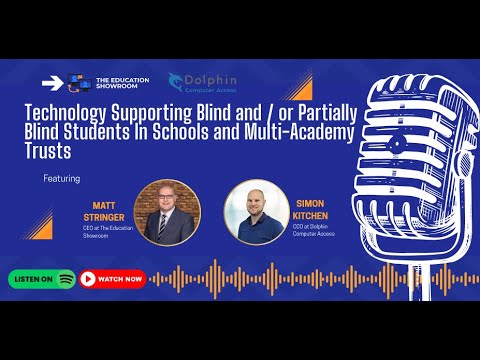
We recently joined The Education Showroom Podcast with Matt Stringer, where Simon sat down to discuss how assistive technology empowers blind and partially sighted students across schools and multi‑academy trusts. Discover more about The Education Showroom and their work: hubs.la/Q042R09b0 Watch Simon on The Education Showroom Podcast: hubs.la/Q042Q_Fw0
Dolphin Computer Access tweet media
English
0
0
2
26
Dolphin Computer Access
Dolphin Computer Access@yourdolphin·
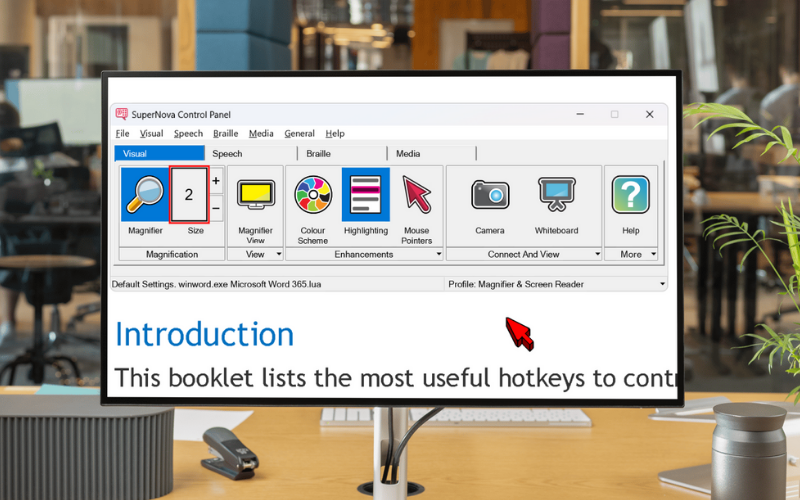
While standard magnification can result in text appearing pixelated, SuperNova True Fonts technology ensures all onscreen text appears perfectly smooth even at the highest magnification levels in Office apps such as Word, Excel, PowerPoint etc. If you want to test out features such as True Fonts, or try SuperNovas Magnification and Speech settings, try it free for 30-days at hubs.la/Q042PJk30
Dolphin Computer Access tweet media
English
0
0
0
55
Dolphin Computer Access
Dolphin Computer Access@yourdolphin·
GuideConnect empowers people with sight loss, including those with age‑related macular degeneration, to stay connected, independent, and entertained without the stress of complicated tech. What makes GuideConnect different: *Use it on a computer, laptop, or TV. *Navigate quickly with simple, easy‑to‑learn menus. *Customise icons and text size for clearer viewing. *Type or dictate your messages, whichever suits you best. *Hear clear, friendly voices guide you through every menu. *Access reliable support and training whenever you need it. With GuideConnect, you can: *Stay connected with friends and family. *Enjoy books, radio, and entertainment. *Manage your emails with confidence. *Explore the internet with ease. Whether you're brand new to technology or just want something simpler, GuideConnect makes everyday life easier. Discover how GuideConnect can keep you connected and independent. Watch Rosemary’s story to see how it’s helped her, or visit: hubs.la/Q042r-4H0 #accessibility #a11y
English
0
0
0
38