Master Packager

1.1K posts

Master Packager banner
Master Packager

Master Packager

@MasterPackager

Application packaging software that helps you build Windows application packages that end-users love, enterprises want, and the Windows OS needs.

เข้าร่วม Temmuz 2017
1.1K กำลังติดตาม1.7K ผู้ติดตาม
Master Packager
Master Packager@MasterPackager·
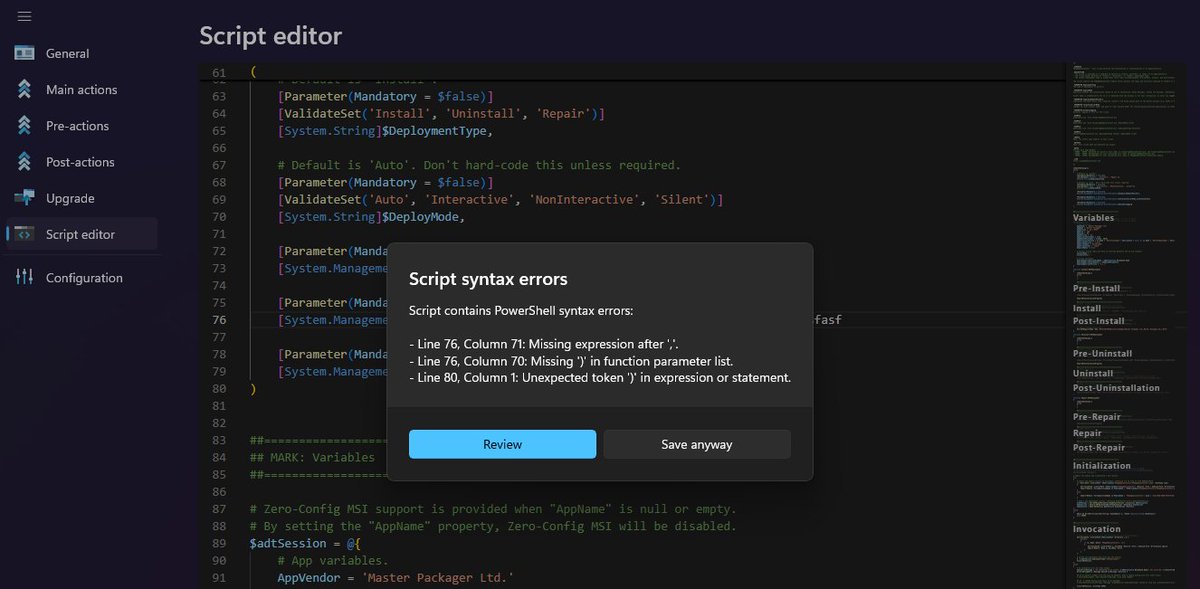
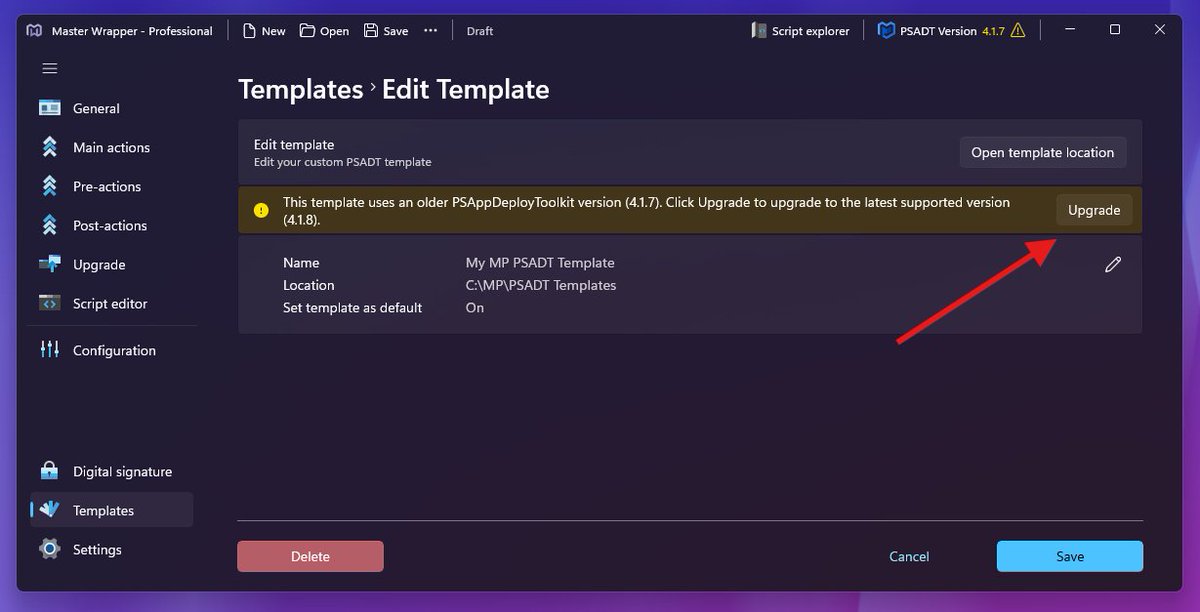
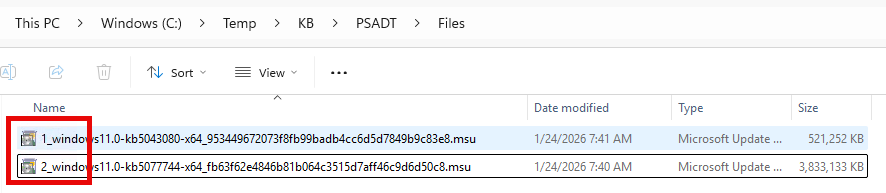
Master Packager 26.1.9574 is here! 🚀 - PSAppDeployToolkit (PSADT) 4.1.8 support - Upgrade your existing PSADT 4.x packages and PSADT templates to the latest with one click - Multiple detection type support in Master Wrapper - PSADT script syntax error validation - Fixed all reported and discovered issues Read the full release notes here: masterpackager.com/master-package…
Master Packager tweet mediaMaster Packager tweet mediaMaster Packager tweet mediaMaster Packager tweet media
English
0
5
24
1.6K
Master Packager
Master Packager@MasterPackager·
NEW dates for the Remote Hands-On Workshop to become a Master Packager. Learn to Package Any Application on April 20 – 24, 2026 Register here (only a few seats left): masterpackager.com/become-master-…
Master Packager tweet media
English
0
1
4
592
Master Packager
Master Packager@MasterPackager·
@Uday_Patel Could you please add more context to this? What do you mean by detect? Adding a context menu as a developer? Legacy context menu or Win11?
English
0
0
0
16
Uday
Uday@Uday_Patel·
@MasterPackager Can your tool detect and do right click context added easily?
English
1
0
0
16
Uday
Uday@Uday_Patel·
@MasterPackager can we try the pro version for a couple of weeks or month? Or is it only community version that’s free with those features
English
1
0
1
13
Master Packager รีทวีตแล้ว
Murray
Murray@MyNameIsMurray·
@manelrodero @StevenKister1 @mniehaus @EskimoRuler The benefits of the packaged approach are many, not least of which is efficiency and knowing all the needed files are present. And with solutions like @MasterPackager, you can unpack, edit, repack and upload your IntuneWin package pretty easily anyway.
English
1
1
3
260
Master Packager
Master Packager@MasterPackager·
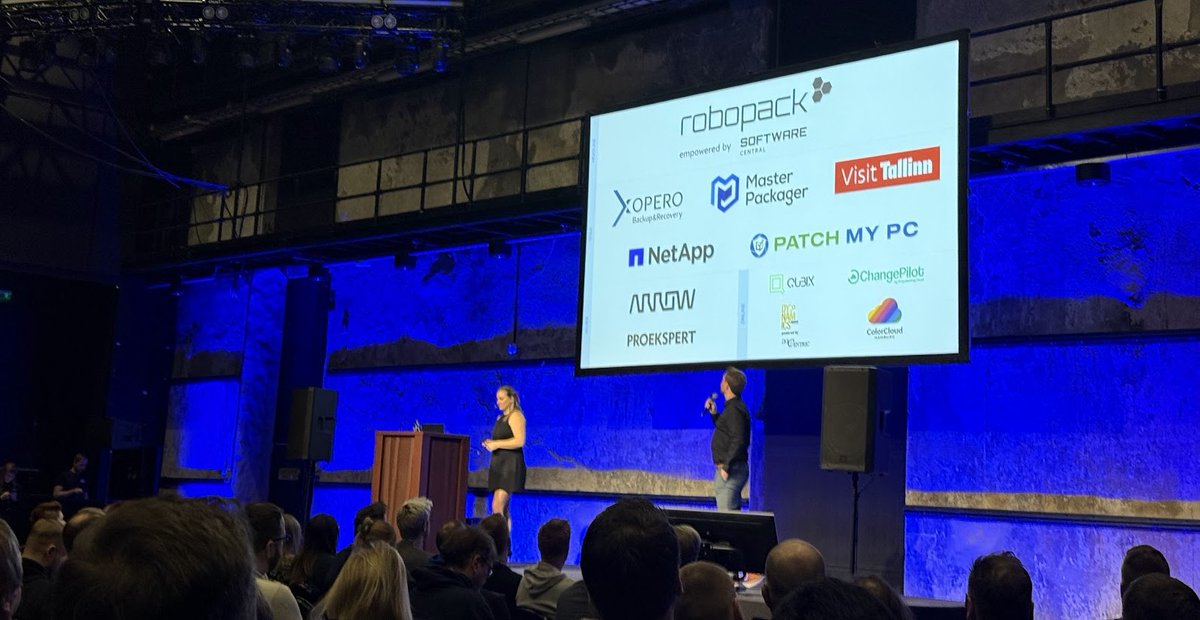
Cloud Tech Tallinn Conference - It was fun! This was the fourth year that @CTechTallinn  took place in chilly Estonia, and it was our first time attending. It was a short three-hour drive from Latvia, where the Master Packager team is based. Every year, we try to support the community by sponsoring one to three events. These are great opportunities to share our knowledge and show off our software capabilities during sessions and at our booth. Our good friends from @_Robopack and @PatchMyPC were there as well. The event took place in the Tallinn Creative Hub. This industrial-looking historic building used to be a boiler house for a power plant. Its 700-square-meter boiler room still contains two giant boilers that played a huge role in the city’s industrial history. @EdijsPerkums and I had a great view of them; as video game fans, we felt like we were standing right inside a level! We also got many compliments on our “I am Master Packager” mouse mats. A few attendees even called them “baby yoga mats,” ha ha! :) Our session on standardizing packaging workflows for Intune attracted a lot of interest. It was great to see so many companies inspired to book a demo and learn the specific steps to bring packaging standardization to their own environments. Many speakers talked about programming with AI, and we were lucky enough to attend a few sessions ourselves. They were actually fun! Usually, tech sessions can be quite dry, but these speakers were engaging and focused on real-life lessons. Since this conference attracted so many developers, we saw unexpectedly high interest in the Master Packager Dev solution. This tool lets developers automate MSI and MSIX creation directly within their DevOps CI/CD pipelines. When they heard about the solution, many seemed ready to say, “Sounds amazing, but we probably can’t afford it,” since they’re used to these tools costing thousands of dollars per user. But when they learned our actual pricing, the reaction was usually, “Wow, I’ll take it!” We’re committed to removing the obstacles that prevent vendors from creating the high-quality Windows application packages that end-users love, enterprises want, and the OS needs. The next conference we’ll be sponsoring as a Gold partner is our favorite app management event - @appmanagevent . We’ll be there with a booth and a special session, and we hope to see you there in person! Have an easy or hard package, because you’re a Master Packager!
Master Packager tweet mediaMaster Packager tweet mediaMaster Packager tweet mediaMaster Packager tweet media
English
0
3
9
374
Master Packager
Master Packager@MasterPackager·
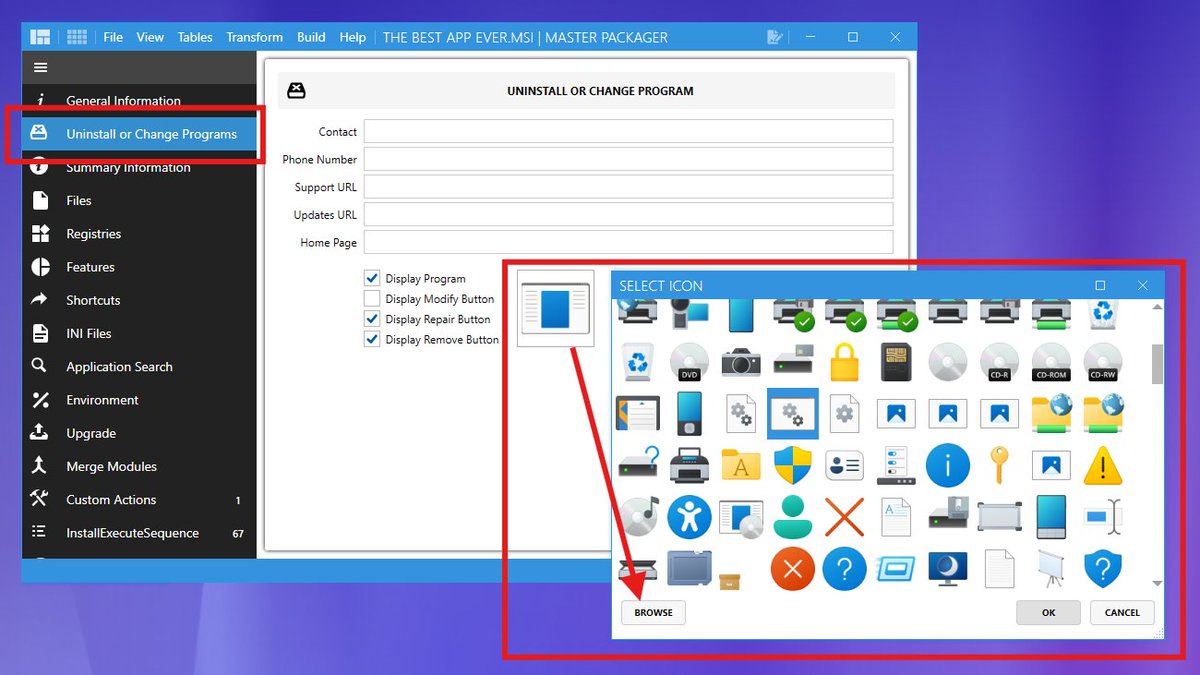
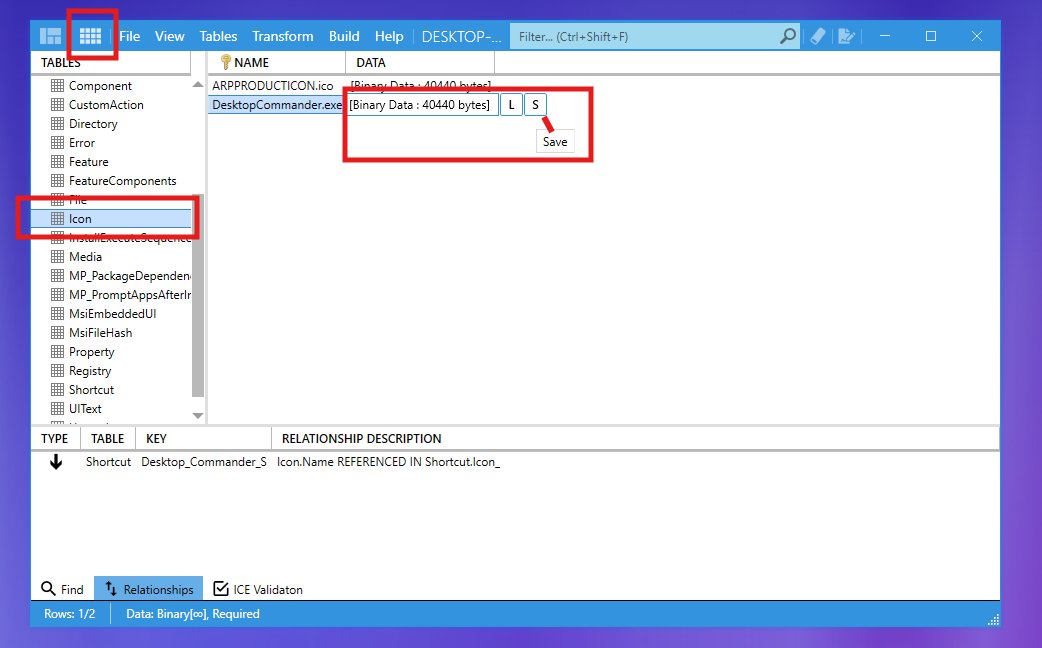
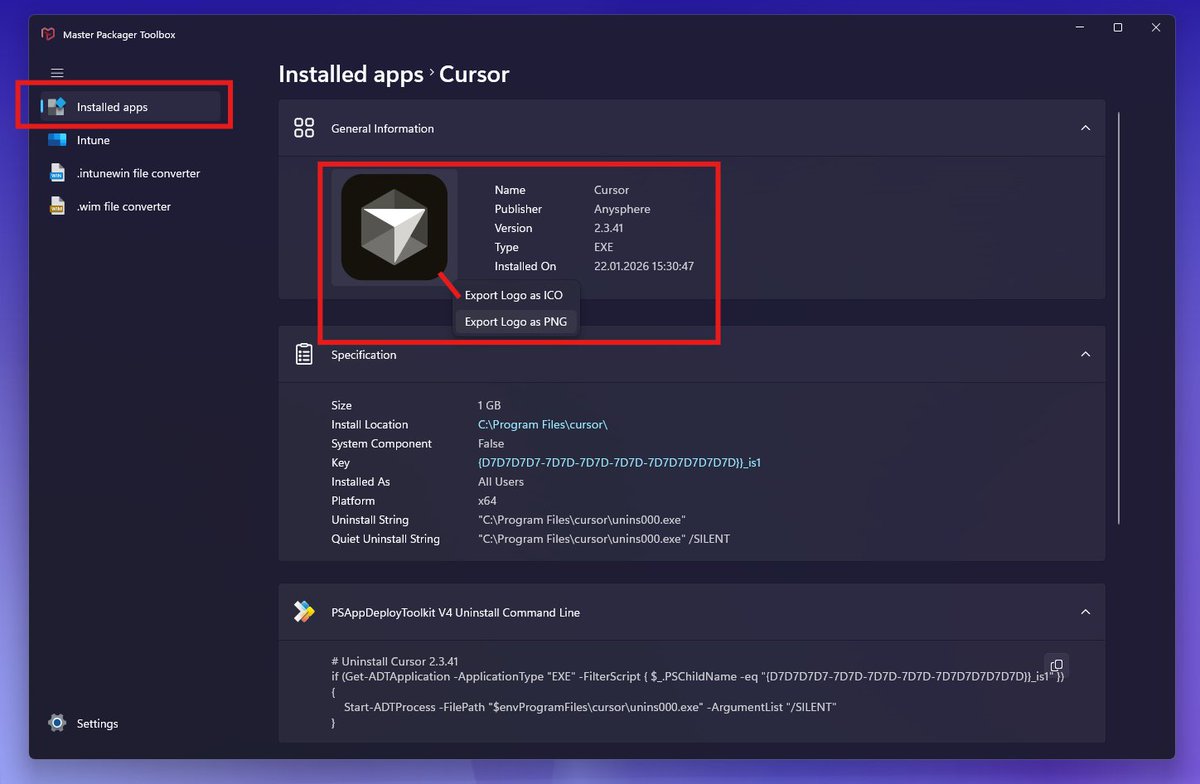
IT Admins often spend way too much time dealing with icons during app deployment. Let us help with a few tips. Need an icon from an MSI? Open the MSI with Master Packager: Option 1: Advanced Editor → Uninstall or Change Programs → Click Icon → Export. Option 2: Table Editor → Icon table → Click DATA column → Save (or Ctrl+C/V). 📤 Want to extract an icon from an EXE/DLL or make your custom MSI look great in Add/Remove Programs by adding an icon? Advanced Editor → Uninstall or Change Programs → Click Icon → Change → Browse → Select source file (ICO, PNG, DLL, EXE). ℹ️Icon bonus tip: For your MSI to have a more native Windows look, load “C:\Windows\System32\imageres.dll” and choose from system icons. 🧙‍♂️Icon pro tip: Master Packager Pro users can view all installed apps and export their icons as ICO or PNG instantly.
Master Packager tweet mediaMaster Packager tweet mediaMaster Packager tweet mediaMaster Packager tweet media
English
0
7
32
1.6K
Master Packager
Master Packager@MasterPackager·
@UK_Daniel_Card The paid version works in a completely isolated environment, without an internet connection.
English
0
0
4
162
mRr3b00t
mRr3b00t@UK_Daniel_Card·
So when I said in my thread about #OPSEC..... now honestly for most scenarios this doesn't matter. but just wanted to call it out because well I'm a cyber security consultant not an app packager ;)
mRr3b00t tweet mediamRr3b00t tweet media
English
2
0
15
2.4K
mRr3b00t
mRr3b00t@UK_Daniel_Card·
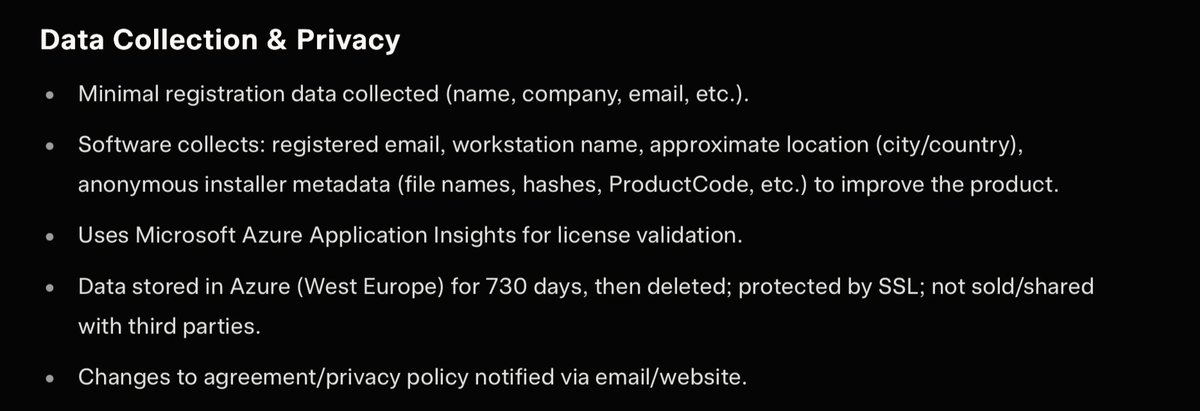
I'm going to get a tea (I kept saying I was gonna get one but work calls occurred)! that's way nicer than using ORCA! There's loads of cool features, the permissions need a pro version I think, but the costs didn't look insane from what was posted! Do check the EULA and check the metadata if you are doing stuff in envs. #OPSEC so far this tool looks cool!
GIF
English
1
2
4
593
Master Packager รีทวีตแล้ว
mRr3b00t
mRr3b00t@UK_Daniel_Card·
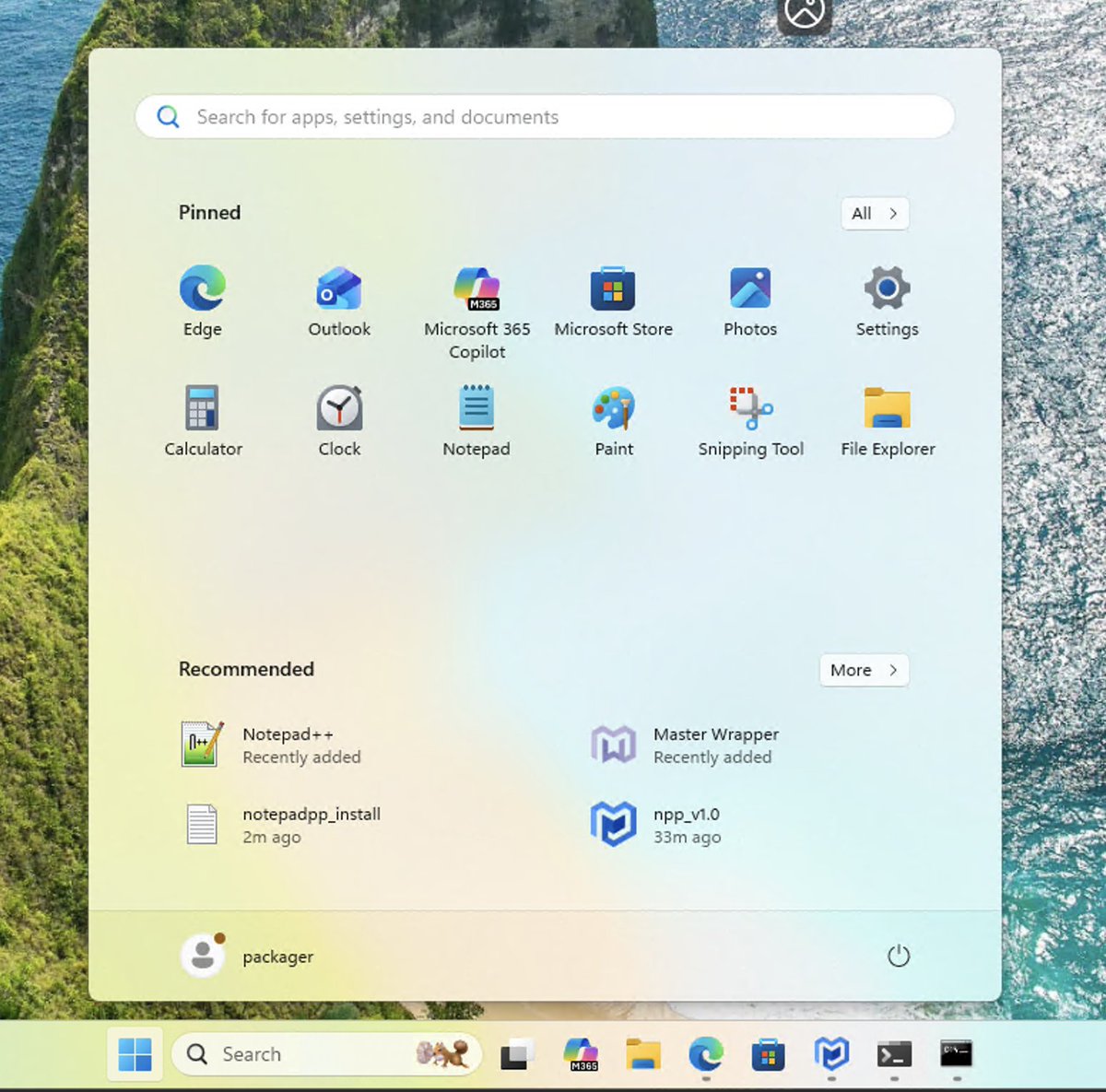
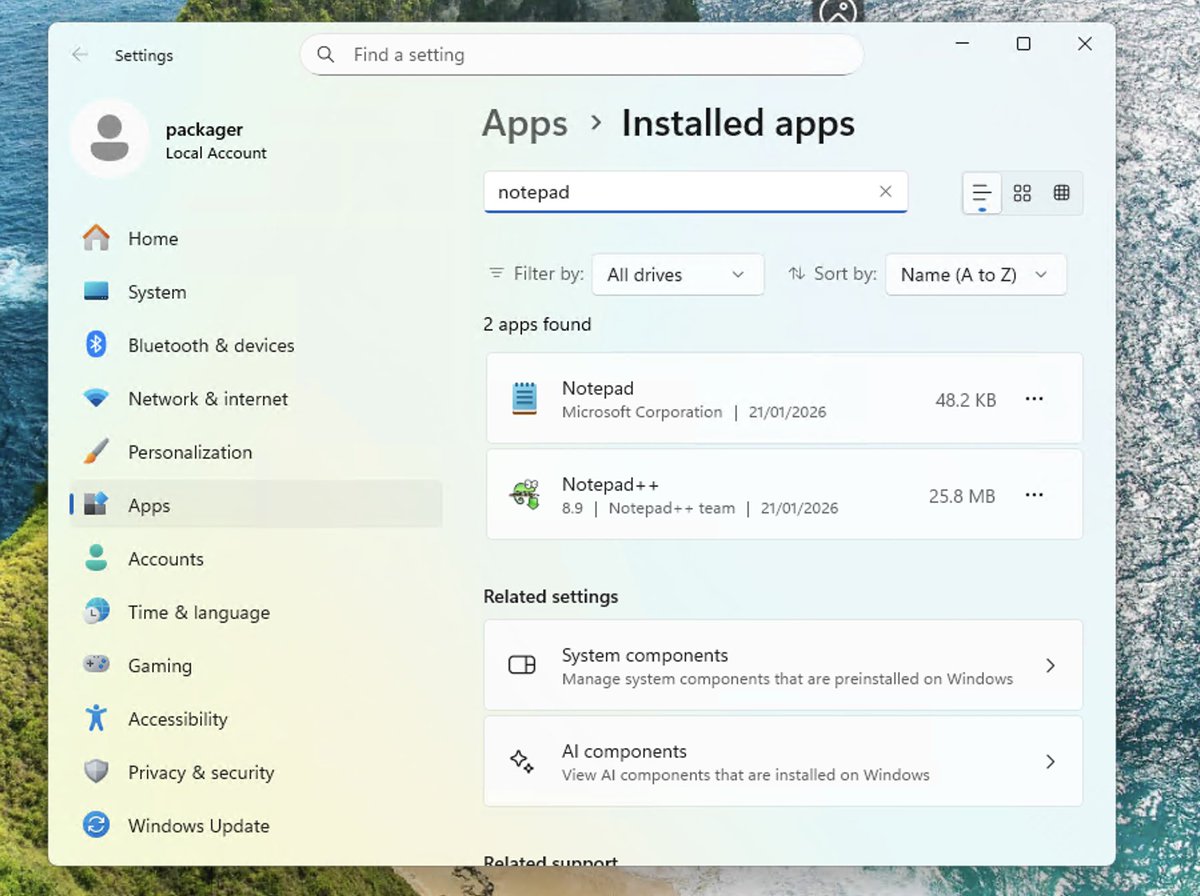
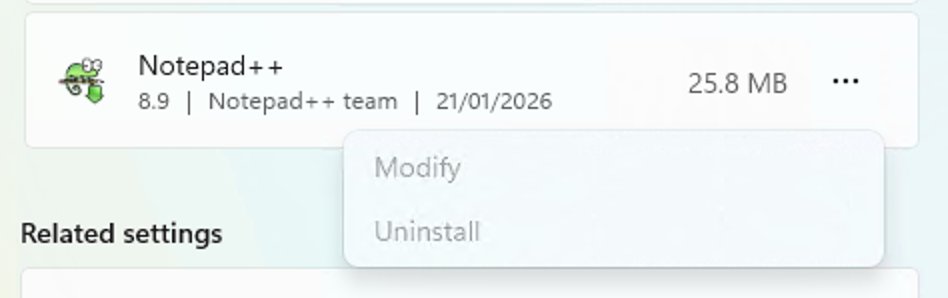
@VMware @MasterPackager @Alph4betSoup and now we have NPP installed using a transform and with the install log file! and we can't modify or uninstall it! so we know the transform worked even without reviewing the log file! that was easy AF! the UI/UX is nice!
mRr3b00t tweet mediamRr3b00t tweet mediamRr3b00t tweet media
English
1
1
4
524
mRr3b00t
mRr3b00t@UK_Daniel_Card·
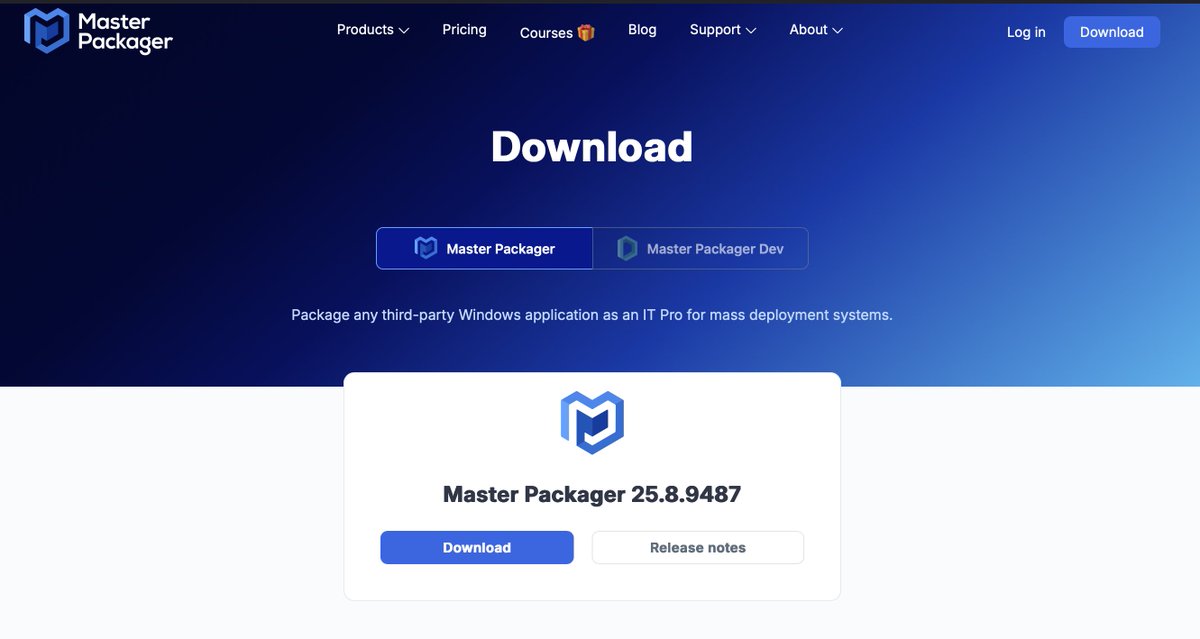
Just because packaging is important, going to take a look at @MasterPackager masterpackager.com I used to use ORCA and WISE, largely to create transform files (so you can modify how an MSI works/is installed) So this should be fun! There's a free version and paid for... so I'm gonna see if I can find something to use the free version on!
mRr3b00t tweet mediamRr3b00t tweet media
English
3
2
12
2K
mRr3b00t
mRr3b00t@UK_Daniel_Card·
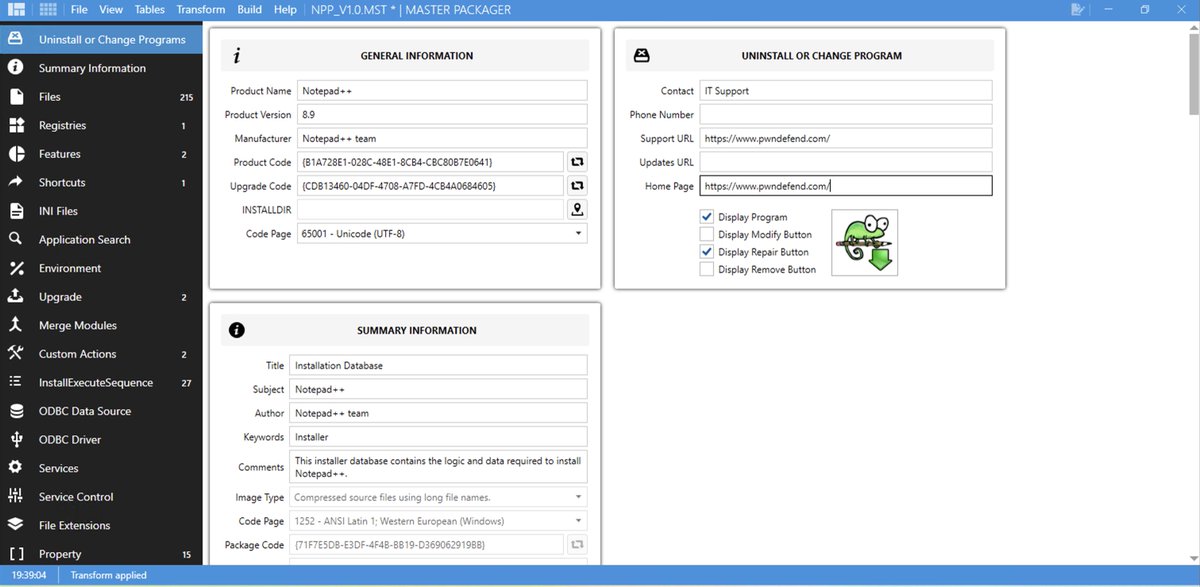
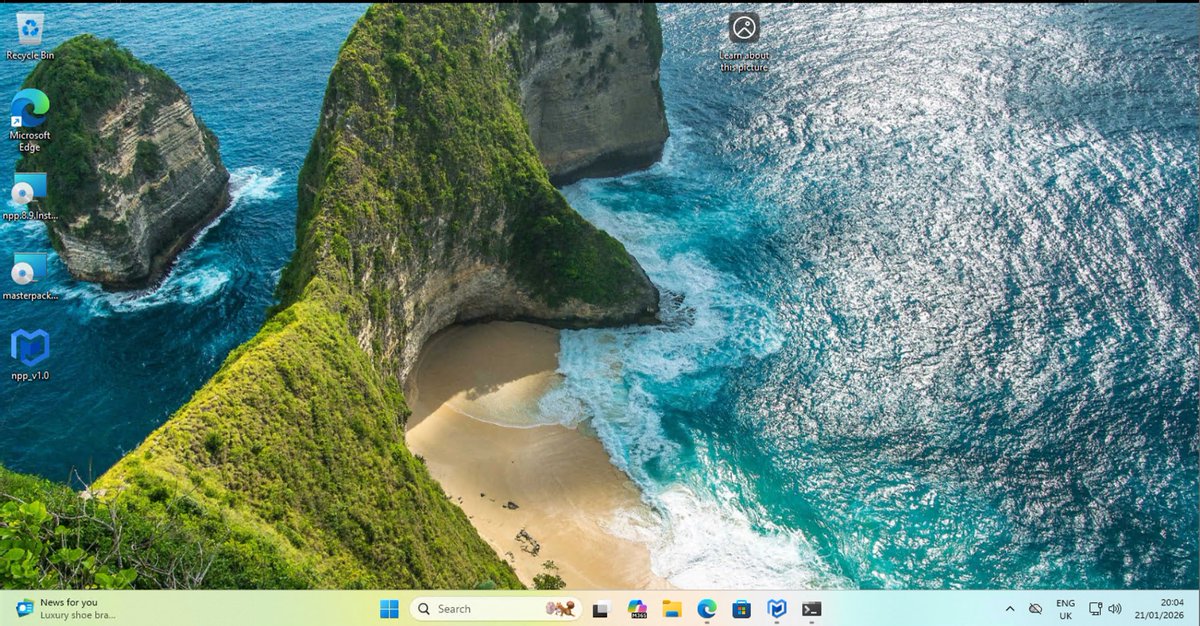
so I'm gonna be really simple and just make it so this can't be uninstalled :) you can clearly do lots of things. first impressions are the editor looks cool. This isn't a paid for promotion, no idea if this is 'good/bad' other than what I'm writing here... I just like app packaging/software deployment etc. so on the right hand side we have some company info and install/modify/uninstall options changed! we can see the .MST file on my vm desktop!
mRr3b00t tweet mediamRr3b00t tweet media
English
2
0
2
235