ทวีตที่ปักหมุด

#Junewanwimol #Mewnich
~ For international fans who want to understand girls’ TikTok live or other contents ~
Using the following apps, you can understand over 80% of livestream content
(as long as you’re patient):
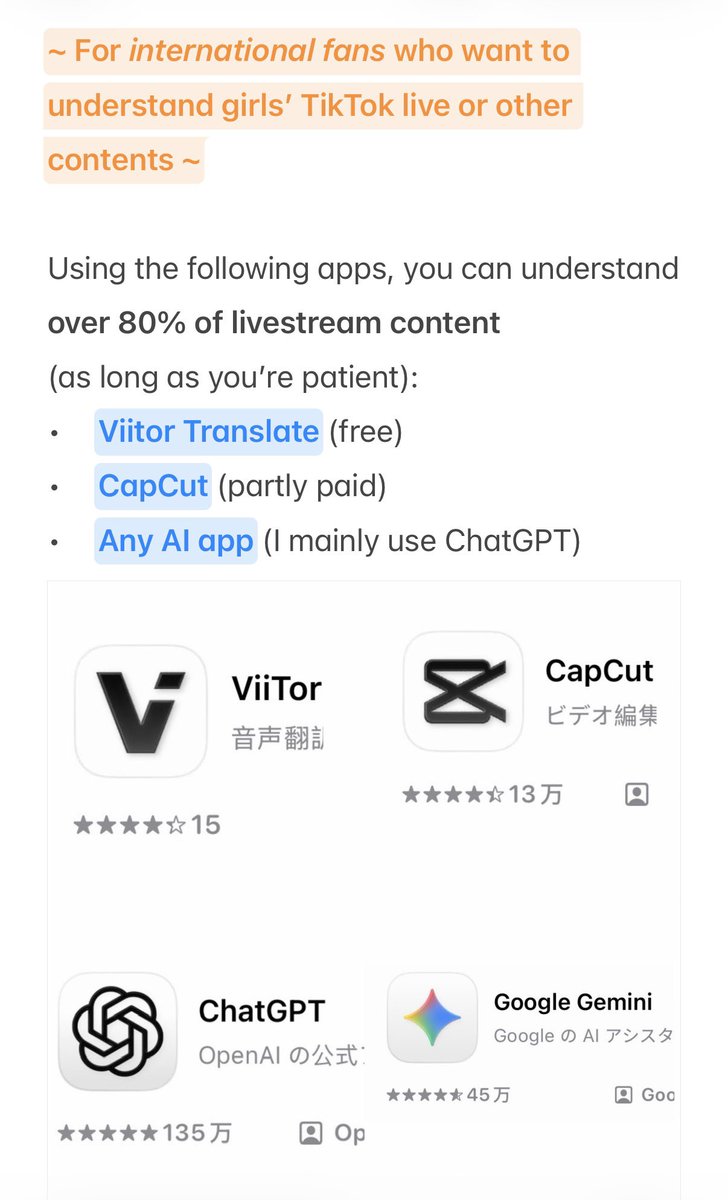
•Viitor Translate (free)
•CapCut (partly paid)
•Any AI app (I mainly use ChatGPT)

① Use during livestreams
•Viitor Translate
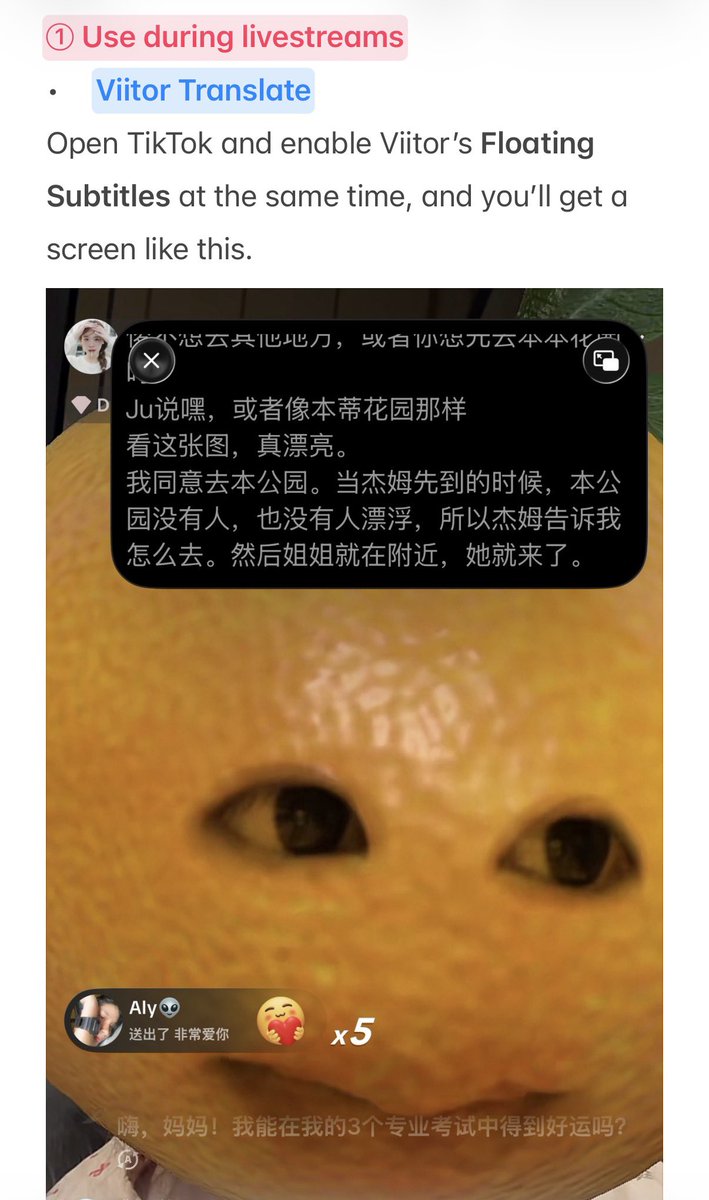
Open TikTok and enable Viitor’s Floating Subtitles at the same time, and you’ll get a screen like this.

Cons:
1.The translation isn’t very accurate.
2.You can’t record the screen or open other app windows while using it.
Pros:
★ Free ★
Real-time translation with a saved text history.
②CapCut
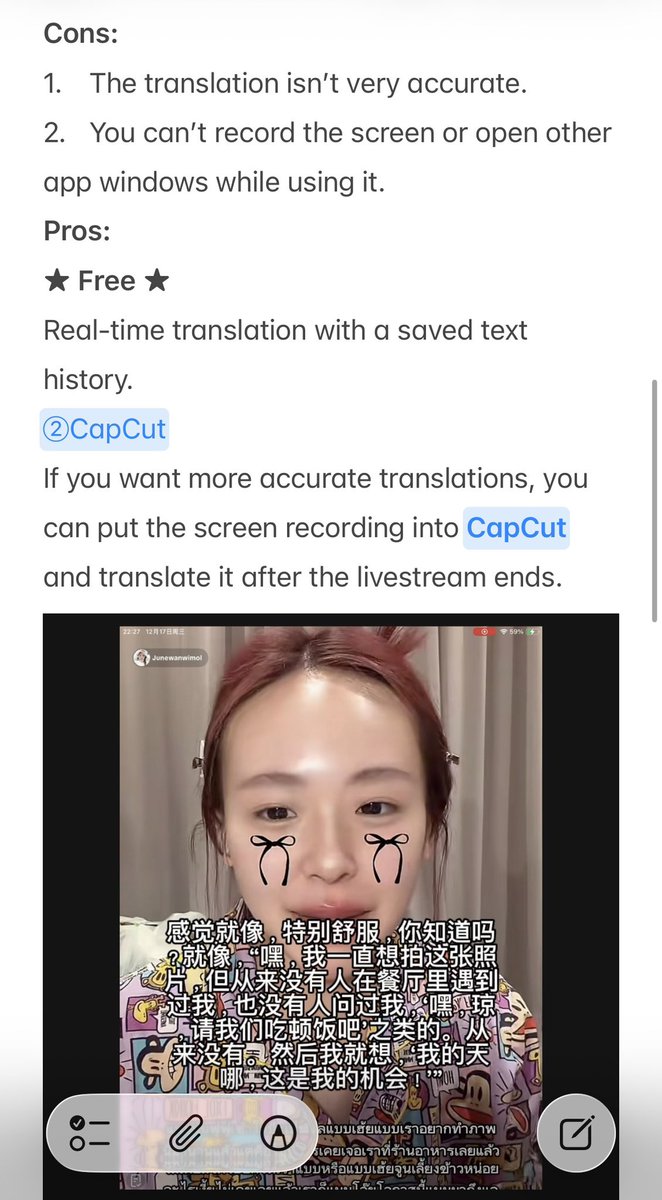
If you want more accurate translations, you can put the screen recording into CapCut and translate it after the livestream ends.

Cons:
1.Long segments can’t be translated; it can only recognize Thai
(you can try cutting the video into 10–30 minute segments and retry).
2.Thai speech recognition is accurate, but the translation isn’t very accurate.
3.When sentences are long, they turn into one big block of text—you need to listen and decide where to split the sentences yourself.
Pros:
This is the only app I know that can recognize Thai.
③AI
To make up for ② CapCut’s translation not being accurate enough, you can copy the recognized Thai subtitles segment by segment and ask an AI to translate them yourself.
I mainly use ChatGPT, and if the translation still isn’t accurate enough, I double-check it with Gemini.
Cons:
•Very time-consuming.
I hope more fans can understand what they’re saying without barriers~
If you have any useful tools, please share them with me too na~🌟
English