4A6F68616E20536368656570657273

1.3K posts

4A6F68616E20536368656570657273 banner
4A6F68616E20536368656570657273

4A6F68616E20536368656570657273

@SignalOwl

~

South Africa เข้าร่วม Temmuz 2020
122 กำลังติดตาม121 ผู้ติดตาม
4A6F68616E20536368656570657273 รีทวีตแล้ว

Kate Lovett
Kate Lovett@k8lovett·
Heads up, there’s a code freeze a-comin! 🥶💙 To move Material and Cupertino downstream to the stable branch in flutter/packages, we’ll be freezing these libraries with our next release cut-off on April 7 More info: github.com/flutter/flutte…
English
0
22
118
4.5K
4A6F68616E20536368656570657273 รีทวีตแล้ว
Kate Lovett
Kate Lovett@k8lovett·
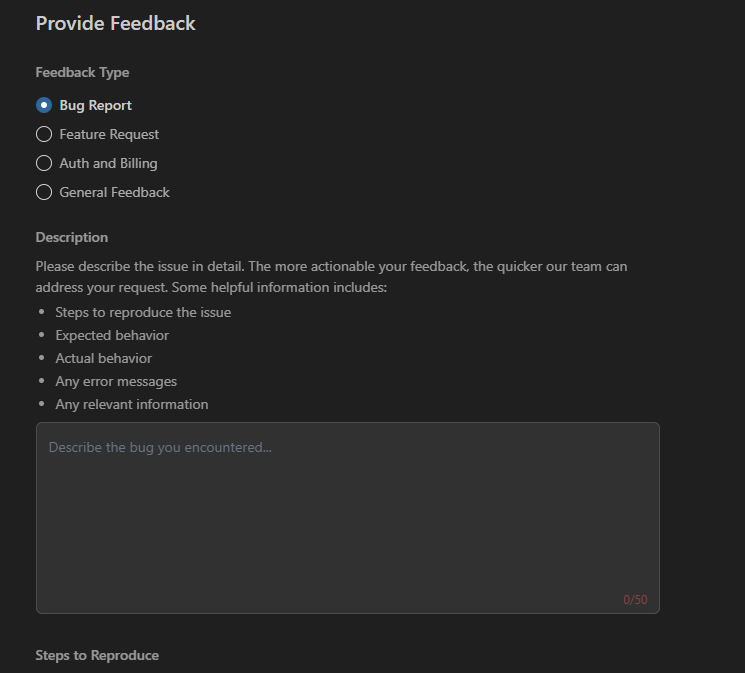
Actually - you can disable this globally through theme! 💙 gist.github.com/Piinks/404224b…
Kate Lovett tweet media
Kamran Bekirov@kamranbekirovyz

Flutter Pro Tips #8: Disable Material splash effects If you want a clean, custom look in your Flutter app, you'll probably want to get rid of Material's default ripple effects. But it's not a one-line change. With Material 3, splash effects moved from global ThemeData to individual component themes. Guide link in first comment 👇🏻

English
4
14
134
8.2K
4A6F68616E20536368656570657273 รีทวีตแล้ว
Flutter
Flutter@FlutterDev·
🛬 Dart 3.11 has landed with a long-requested feature to your pubspec! Get the details on the upgraded dev experience and tooling in the latest release ↓
English
7
27
295
18.4K
4A6F68616E20536368656570657273 รีทวีตแล้ว
Google Antigravity
Google Antigravity@antigravity·
We're rolling out Nano Banana 2 in Antigravity! With improved instruction following, native aspect ratio support, and reliable text rendering, you can build reliable consumer-facing features that feel instantaneous and look premium. It also pulls from the Gemini model’s real-world knowledge base and is powered by real-time information and images from web search to more accurately render specific subjects.
English
103
167
1.8K
104.4K
4A6F68616E20536368656570657273
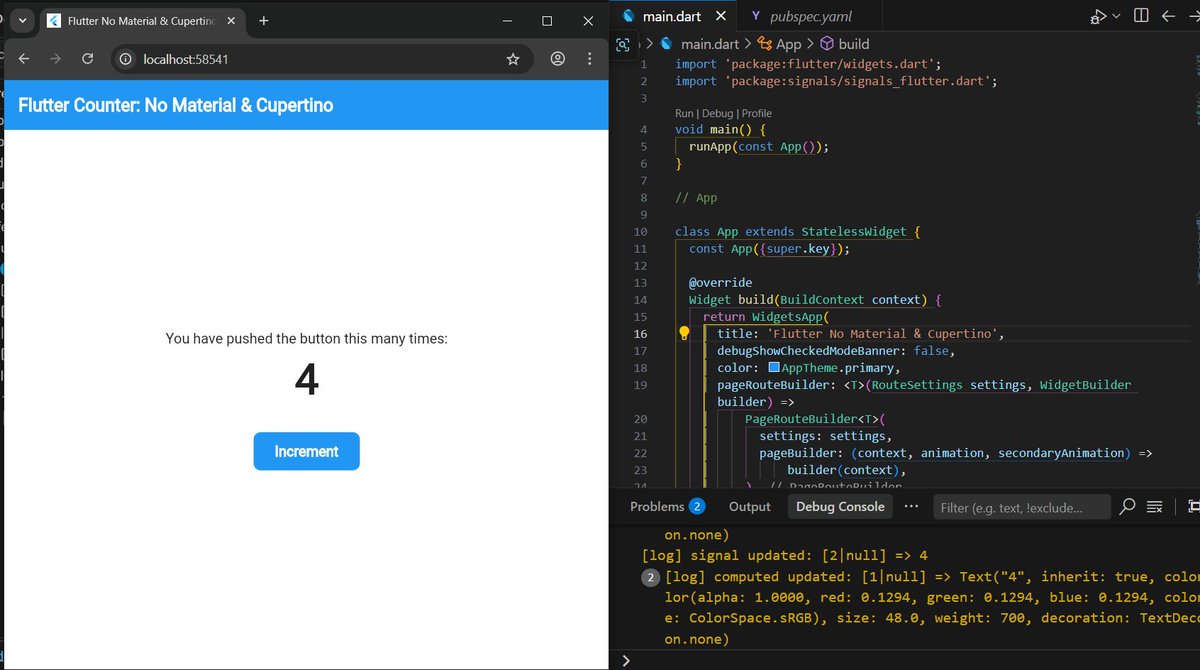
With Flutter decoupling Material & Cupertino in the 2026 roadmap, building with raw WidgetsApp and custom design systems is about to become a lot more common. How are we going to change our development strategies to adapt to a framework-agnostic UI approach? Thoughts? #Flutter
4A6F68616E20536368656570657273 tweet media
English
1
0
0
26
Rody Davis
Rody Davis@rodydavis·
Traveling in Ireland this week 🇮🇪 and using @GeminiApp with @googlemaps grounding to create an awesome planned route 🚗🌄🌅
English
5
8
81
98.7K
4A6F68616E20536368656570657273 รีทวีตแล้ว
Philipp Schmid
Philipp Schmid@_philschmid·
An `AGENTS(.)md` (or equviliant) is the highest configuration point for agents. It's injected into every conversation. But research shows that doing it wrong actively hurts performance. Here's how to do it right, backed by data. Less Is More: - Auto-generated files reduce success rates by ~3% while increasing inference cost by over 20% - Human-written files only marginally improve performance on benchmarks (~4%) - Stronger models don't generate better context files. - Codebase overviews in files don't help agents navigate faster. - LLM-generated files are redundant with existing docs. - Instructions ARE followed. Agents respect file instructions, but unnecessary requirements make tasks harder. What to Include: - WHAT: Your tech stack, project structure, and what each part does. Critical for monorepos. - WHY: The purpose of the project and its key components. Help the agent understand intent, not just structure. - HOW: How to build, test, and verify changes. Include non-obvious tooling (e.g., `uv` instead of `pip`, `bun` instead of `npm`). Tools mentioned in AGENTS(.)md get used 160x more often than unmentioned ones. What NOT to Include: - Detailed codebase overviews or directory listings. The paper found these don't help agents navigate faster, and agents can discover structure themselves. - Code style guidelines. Use linters and formatters instead, they're faster, cheaper, and deterministic. - Task-specific instructions that only apply sometimes. - Auto-generated content. Don't let the agent write its own without review. The data shows this hurts more than it helps. How to Structure It: - Keep it short. General consensus is <300 lines; HumanLayer keeps theirs under 60 lines. Every line goes into every session, make each one count. - Use progressive disclosure. Don't put everything in Instead, keep task-specific docs in separate files (e.g., `agent_docs/running_tests.md`) and list them with brief descriptions so the agent reads them only when relevant. - Pointers over copies. Reference `file:line` locations rather than embedding code snippets that will go stale. - Write it yourself, deliberately. A bad line cascades into bad plans, bad code, and bad results across every session. Sources below
Philipp Schmid tweet media
English
26
51
628
43.1K
Rody Davis
Rody Davis@rodydavis·
✨ Gemini ✨
Indonesia
3
0
6
1.1K
Google Antigravity
Google Antigravity@antigravity·
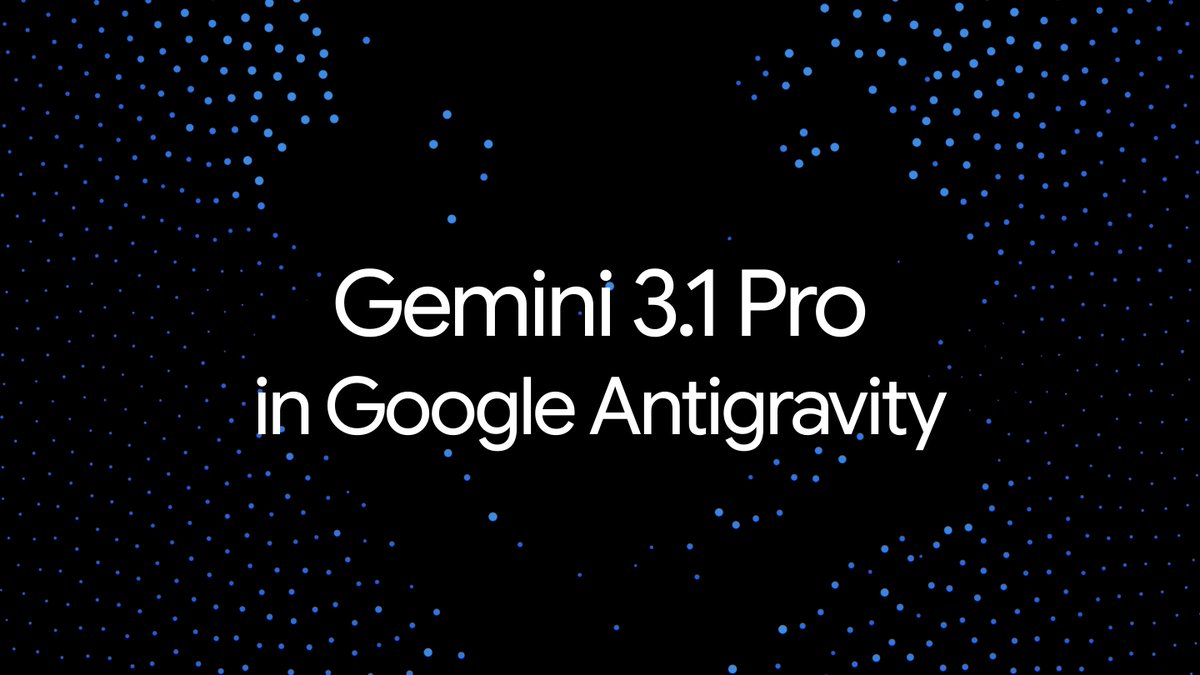
Gemini 3.1 Pro is ramping up in Google Antigravity, starting with Google AI Ultra and Pro users! This model brings our most advanced reasoning and long horizon planning to your development workflow.
Google Antigravity tweet media
English
168
206
2.7K
151.7K
4A6F68616E20536368656570657273 รีทวีตแล้ว
Flutter
Flutter@FlutterDev·
Which Flutter app in your portfolio has been running the longest? Share it below ↓
English
92
10
157
21K