ทวีตที่ปักหมุด

I just listened to the prediction market wars podcast, on the value
of owned media and here are few notable response that really caught
my attention 👇
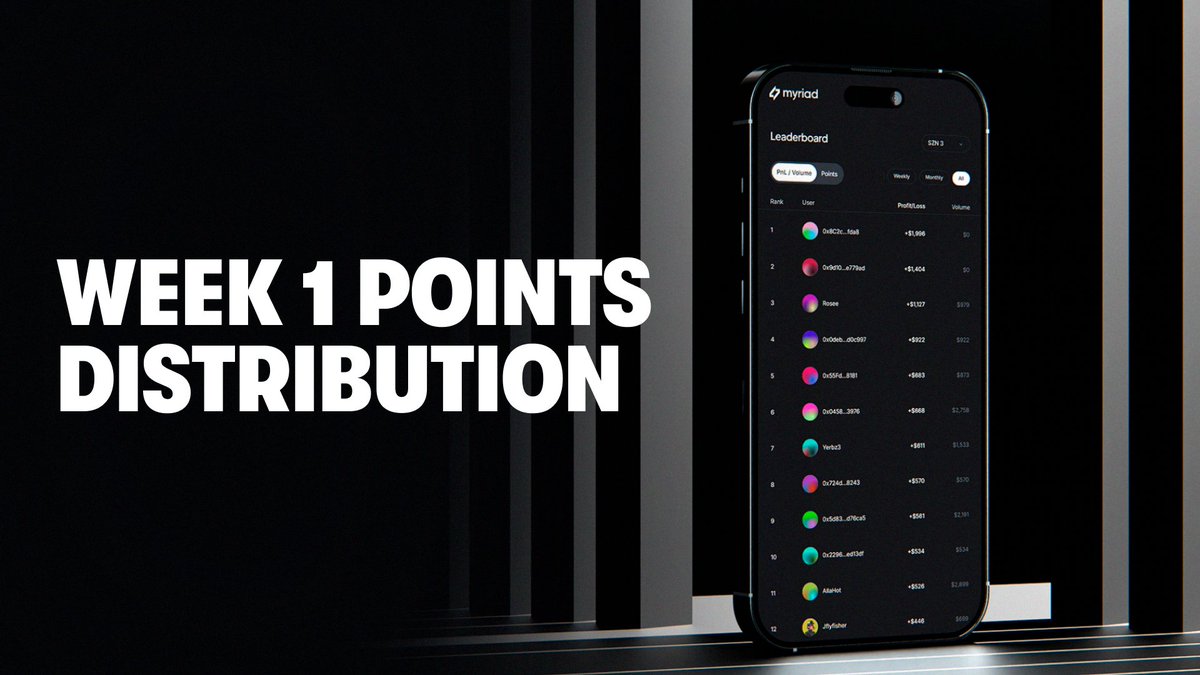
According @farokh so far myriad has spend close to zero dollars on
marketing and have achieved more than 100 million dollars in live time
accumulative trading volume which is very much impressive.
Now Imagine when the real marketing rolls out ,by then Myriad will be a
multi billion dollar prediction company.
He also stated that from day one @MyriadMarkets vision has always
been enclined to meet users where they are, rather than asking them to
change their behavior.
Reason for the recent integration with @TrustWallet to make
prediction market more scalable and fun .
@MyriadMarkets coded 🤝
English