superworker

68 posts

superworker banner
superworker

superworker

@superworker_ai

Building the tools that most saves time to people from tasks that don’t bring them joy, starting with a cursor for spreadsheets.

San Francisco เข้าร่วม Mart 2025
0 กำลังติดตาม52 ผู้ติดตาม
superworker
superworker@superworker_ai·
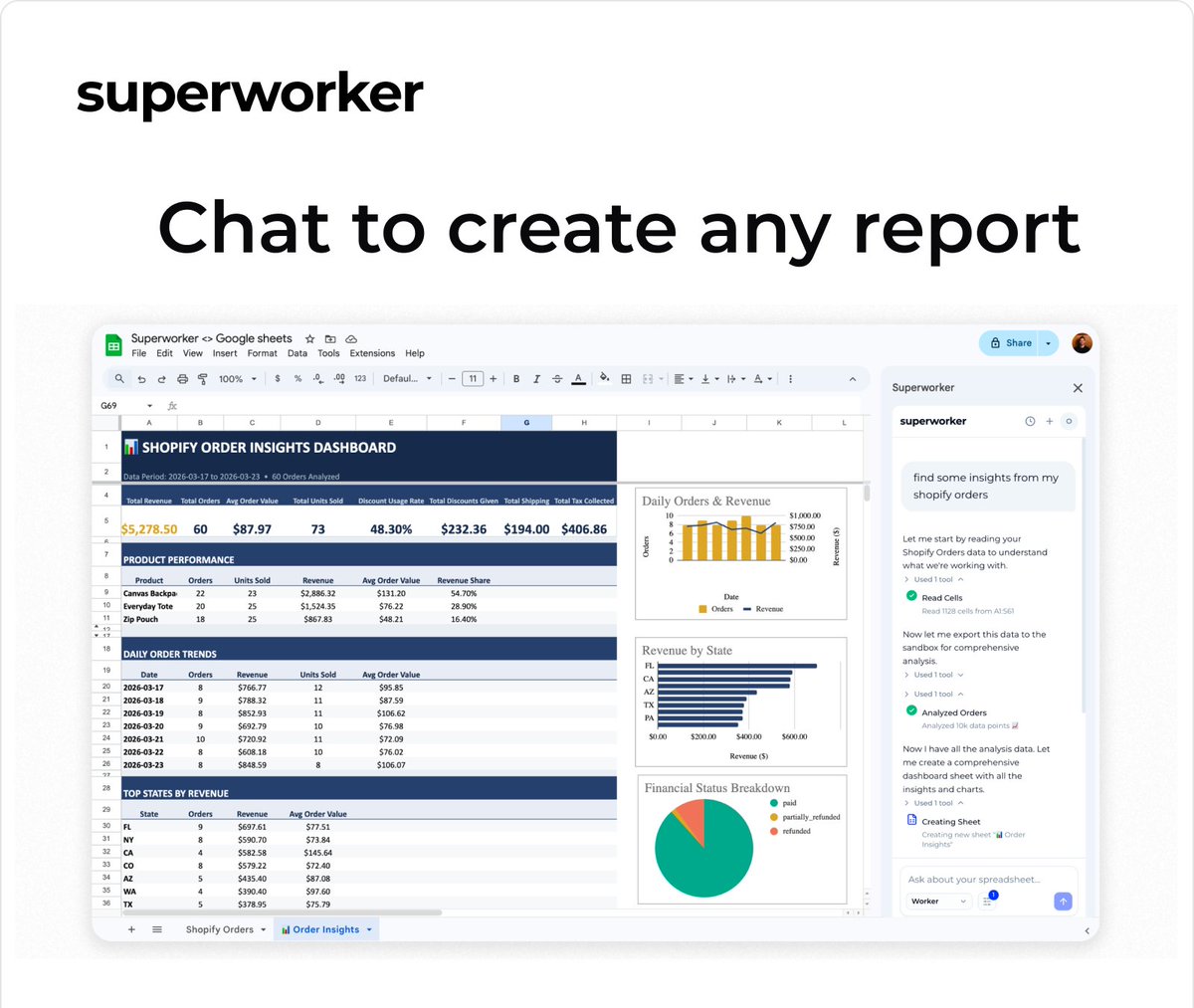
Revenue trends, product performance, charts. Ask Superworker.
superworker tweet media
English
0
0
1
18
superworker
superworker@superworker_ai·
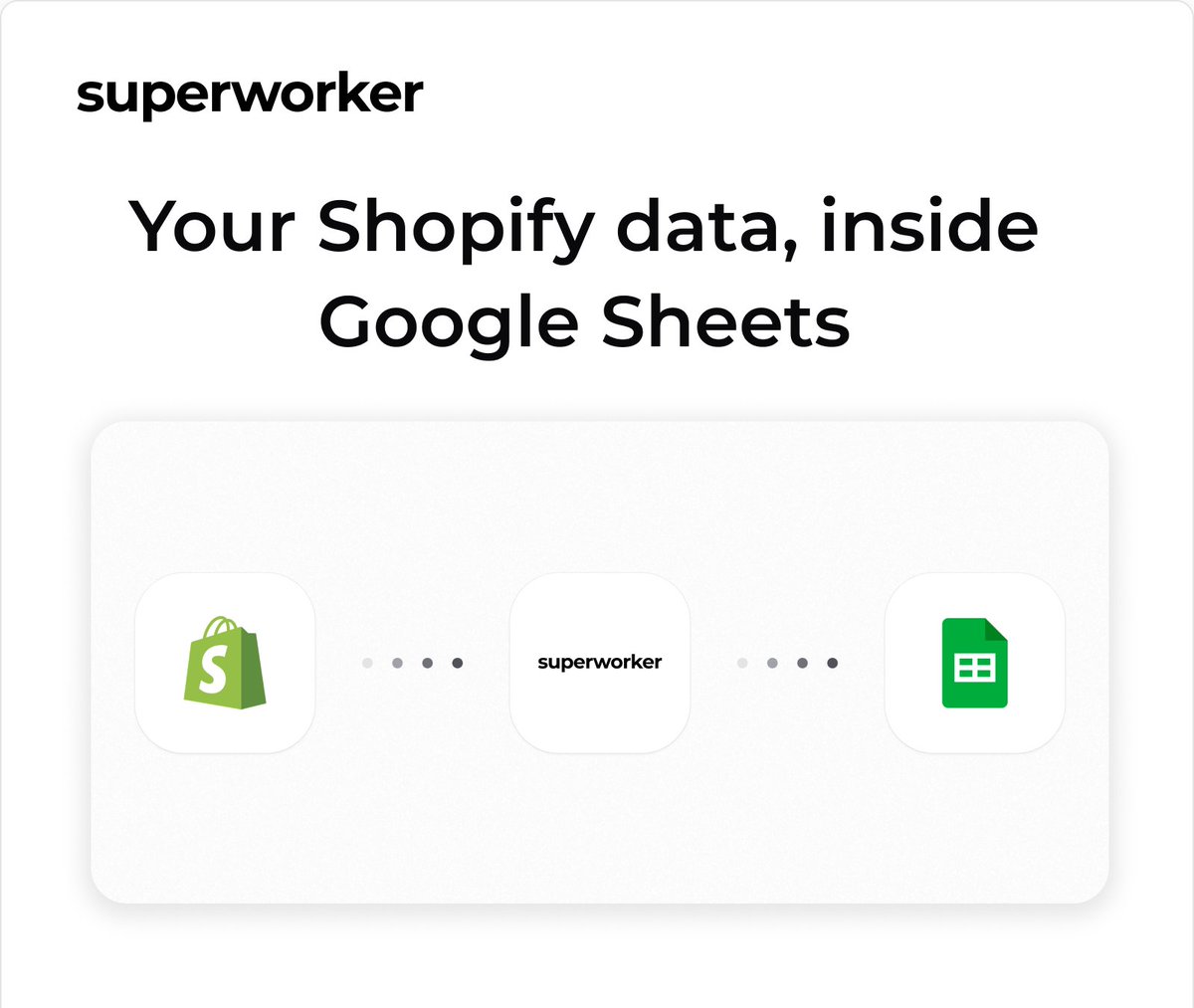
Your Shopify store is already connected. If not is just one click away. No CSV exports. No Shopify admin tabs. Just your data, ready to work with.
superworker tweet media
English
1
0
1
26
superworker
superworker@superworker_ai·
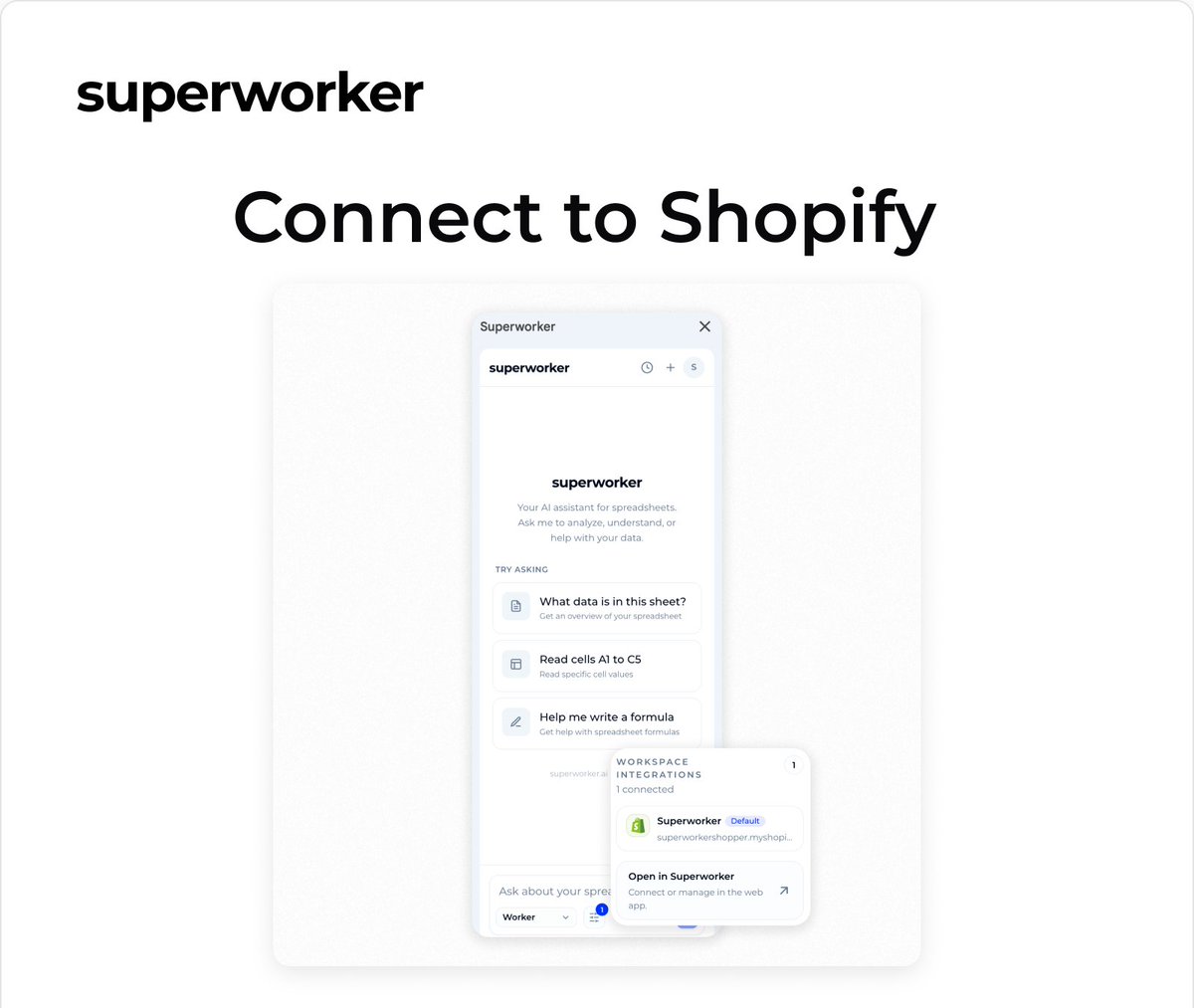
Superworker now lives inside Google Sheets. Connect your Shopify store, type what you need, get your report. Here's how it works 🧵
superworker tweet media
English
1
2
4
200
superworker รีทวีตแล้ว
Oscar Rojas
Oscar Rojas@oarojas10·
Last week we launched our Google Sheets add-on. But if you wanted to analyze Shopify data there, you still had to figure out what data to pull, download a bunch of CSVs from Shopify, and upload them into the sheet. Now you can connect your Shopify store directly in Google Sheets with Superworker. Your store data is pulled into the sheet for you, and from there you can ask for the analysis.
English
1
1
5
195
superworker
superworker@superworker_ai·
Superworker now works directly inside Google Sheets.
Oscar Rojas@oarojas10

Now you can use Superworker directly in Google Sheets. You can just ask for the analysis in plain English and it does the work in your sheet. A lot of Shopify work already ends up there. Even if exporting data is a pain, it’s still the easiest place to clean it, check it, and turn it into something usable. So we built a Google Sheets add-on for @superworker_ai. It cleans the data, runs the analysis, and leaves real formulas you can trace. We’re opening the beta this week. Already useful for a lot of workflows but still a work in progress. If you try it, would love to hear what you think. Link in comments.
English
0
0
1
39
superworker รีทวีตแล้ว
Oscar Rojas
Oscar Rojas@oarojas10·
Now you can use Superworker directly in Google Sheets. You can just ask for the analysis in plain English and it does the work in your sheet. A lot of Shopify work already ends up there. Even if exporting data is a pain, it’s still the easiest place to clean it, check it, and turn it into something usable. So we built a Google Sheets add-on for @superworker_ai. It cleans the data, runs the analysis, and leaves real formulas you can trace. We’re opening the beta this week. Already useful for a lot of workflows but still a work in progress. If you try it, would love to hear what you think. Link in comments.
English
1
4
8
358
superworker
superworker@superworker_ai·
We connected a Shopify store to Superworker, uploaded their Klaviyo campaign export, one prompt to match recipients to buyers four campaigns analyzed in seconds. you can see exactly which ones drove revenue and which ones didn't works with any email platform. Klaviyo was just what this store was on
English
1
1
3
108
superworker
superworker@superworker_ai·
Getting data out of Shopify used to be its own job. Export, clean, filter, join, build formulas. All before you could see what's happening in your store. Since we shipped the Shopify connection in Superworker, that's gone. Orders, products, inventory, straight into a spreadsheet. No exports. Full order history to ranked customer report with inactivity flags. Just minutes.
English
1
2
4
76
superworker
superworker@superworker_ai·
Shopify reports can look straightforward. But sometimes the definitions behind the numbers are not. We ran a Q4 export through Superworker and asked: “what was my net revenue by month?” It caught rows where shipping had been bundled into net sales and where discounts flipped sign. Then it recalculated the result using the correct logic. Small things like this can quietly change the numbers in a report.
English
1
2
4
91
superworker
superworker@superworker_ai·
AI analysis should adapt to how you run your business. Superworker now asks a few questions before running an analysis. Two e-commerce operators upload the same win-back list and ask for a re-engagement campaign. One optimizes for revenue recovery, the other for long-term retention.
English
1
4
5
248
superworker
superworker@superworker_ai·
Your most-used discount code might be your worst one. For one company, WELCOME10 drops AOV by 35% and repeat buys fall to 11%. BLACKFRIDAY30 keeps AOV stable. Intent matters. You can now pull Shopify discount code performance with a single prompt. AOV by code, usage count, repeat purchase rate. No manual report stitching. #Shopify #Ecommerce #DTC #Superworker
English
0
2
4
92
superworker
superworker@superworker_ai·
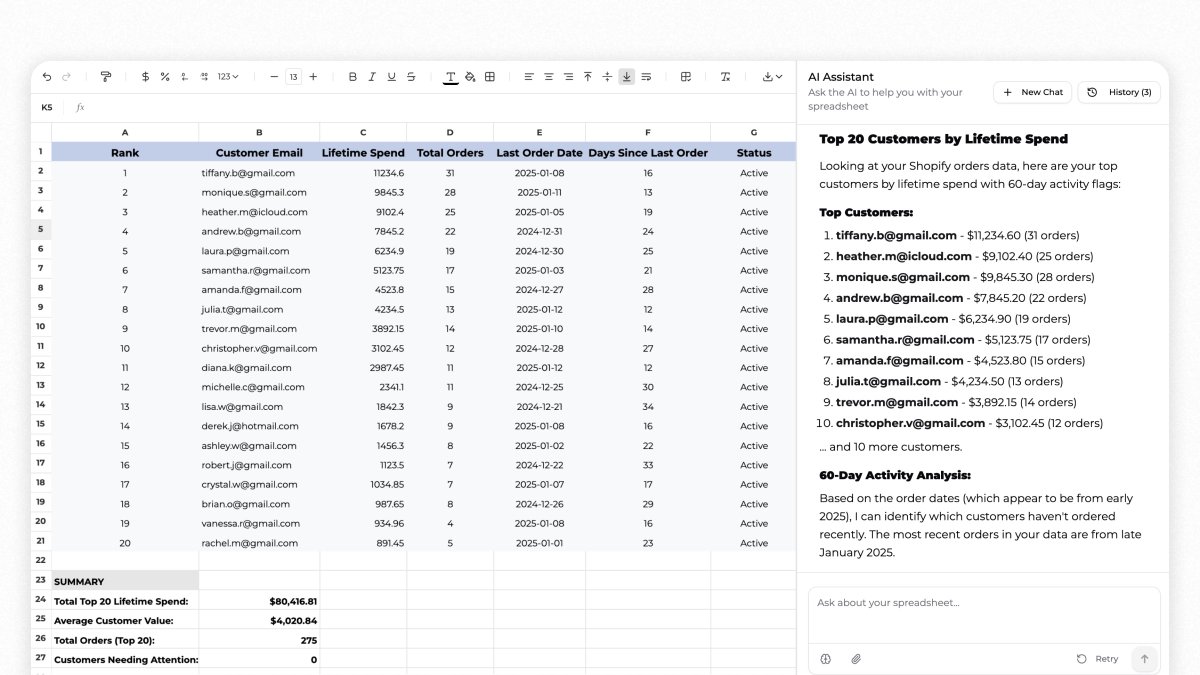
Your Shopify CSV has answers to 5 questions most merchants never ask. Refund rate by SKU. AOV by channel. Top 20 customers by lifetime spend. All in the file you already downloaded. Ask Superworker. Get the answer in seconds.
superworker tweet media
English
0
3
5
123