
WorldofLevelDesign

4.9K posts

WorldofLevelDesign banner
WorldofLevelDesign

WorldofLevelDesign

@GameLevelDesign

Tutorials, tips & practical knowledge to being best level designer & environment artist. I'm AlexG. Official X of WoLD. Tutorial Courses: https://t.co/jHhvqfJAAs

Inside a Game Engine Sumali Ocak 2010
802 Sinusundan9.5K Mga Tagasunod
Naka-pin na Tweet
WorldofLevelDesign
WorldofLevelDesign@GameLevelDesign·
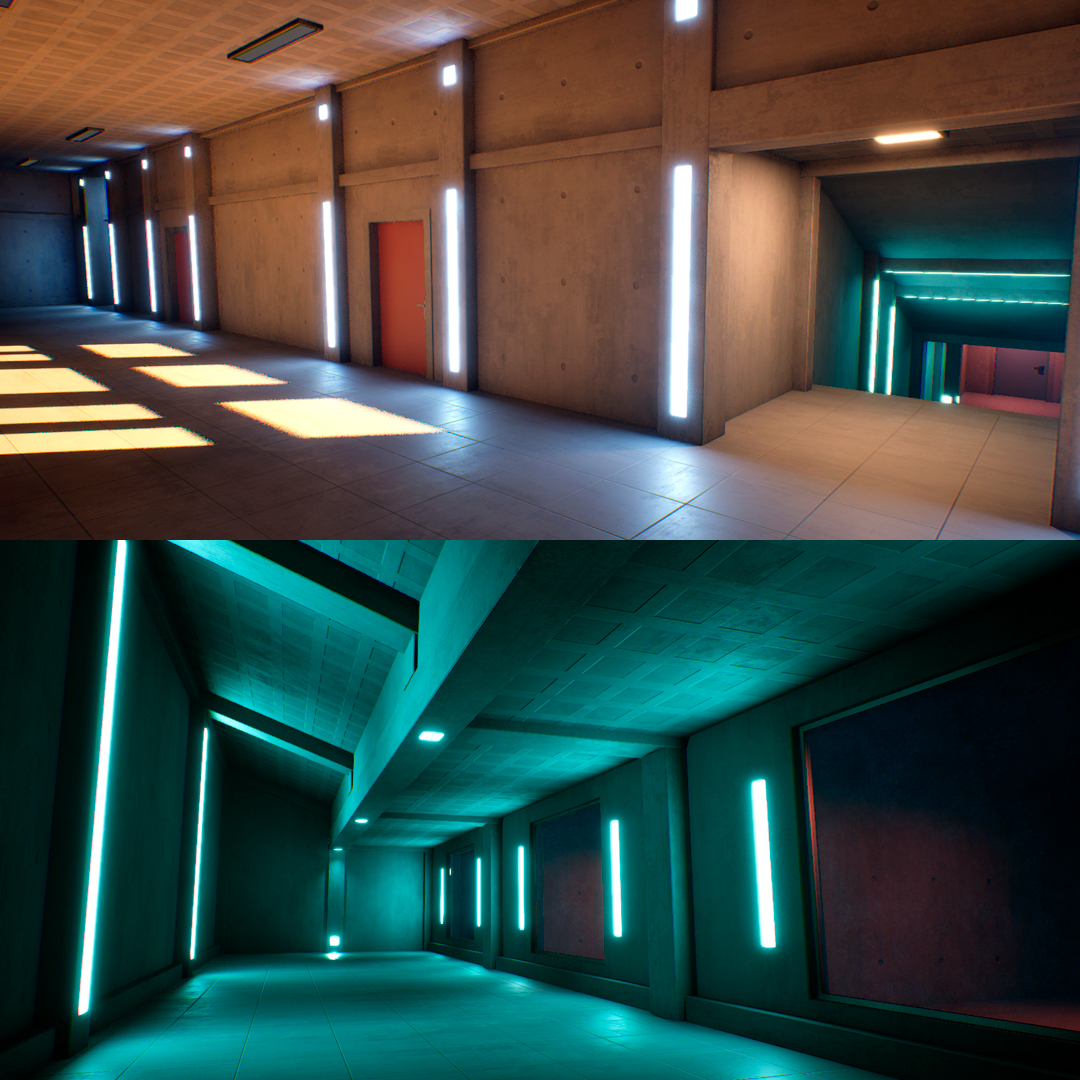
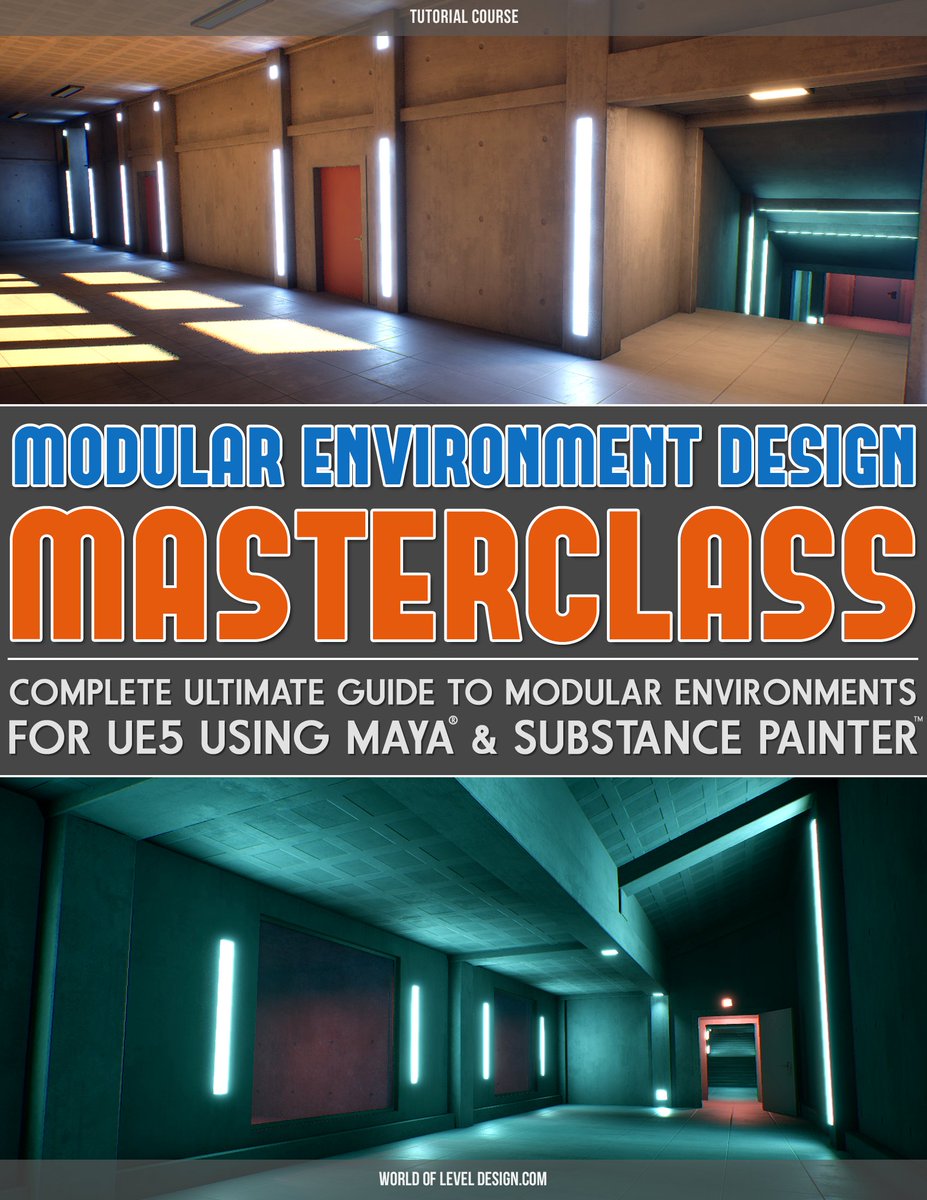
"Modular Environment Design Masterclass" tutorial course is now available. Includes: ▪️Comprehensive Masterclass ▪️Full Modular Asset Creation Pipeline ▪️Step-by-Step Workflow ▪️37 Videos ▪️12+hrs of Detailed Instructions Download. Watch. Learn. Create. worldofleveldesign.com/store/modular-…
WorldofLevelDesign tweet media
English
0
1
16
2.4K
WorldofLevelDesign
WorldofLevelDesign@GameLevelDesign·
Here is the complete, ultimate guide to creating modular environment assets from start to finish for UE5, w/Maya & Painter ▪️Learn Entire Modular Creation Pipeline ▪️Step-by-Step Workflow ▪️37 In-Depth Video Tutorials ▪️12+ Hours of Detailed Instructions worldofleveldesign.com/store/modular-…
WorldofLevelDesign tweet mediaWorldofLevelDesign tweet media
English
0
10
133
4.2K
WorldofLevelDesign
WorldofLevelDesign@GameLevelDesign·
For that I'd say UE5's Modeling Mode & creating Static Meshes. You can model, UV, texture, collisions all in one. May take little longer than BSP or Dynamic Mesh blockouts but it'd give you the blockout stage & final meshes approach without issues of the other methods.
Manu@Manum_000

@GameLevelDesign what would you say is the best between them when it comes to "painting" the blockout? That is, to not replace the blockout geo and instead texture it for a quick art pass in personal or smaller projects.

English
0
1
8
772
WorldofLevelDesign
WorldofLevelDesign@GameLevelDesign·
@Manum_000 For that I'd say UE5's Modeling Mode & creating Static Meshes. You can model, UV, texture, collisions all in one. May take little longer than BSP or Dynamic Mesh blockouts but it'd give you the blockout stage & final meshes approach without issues of the other methods.
English
1
0
0
102
Manu
Manu@Manum_000·
@GameLevelDesign what would you say is the best between them when it comes to "painting" the blockout? That is, to not replace the blockout geo and instead texture it for a quick art pass in personal or smaller projects.
English
1
0
0
917
WorldofLevelDesign
WorldofLevelDesign@GameLevelDesign·
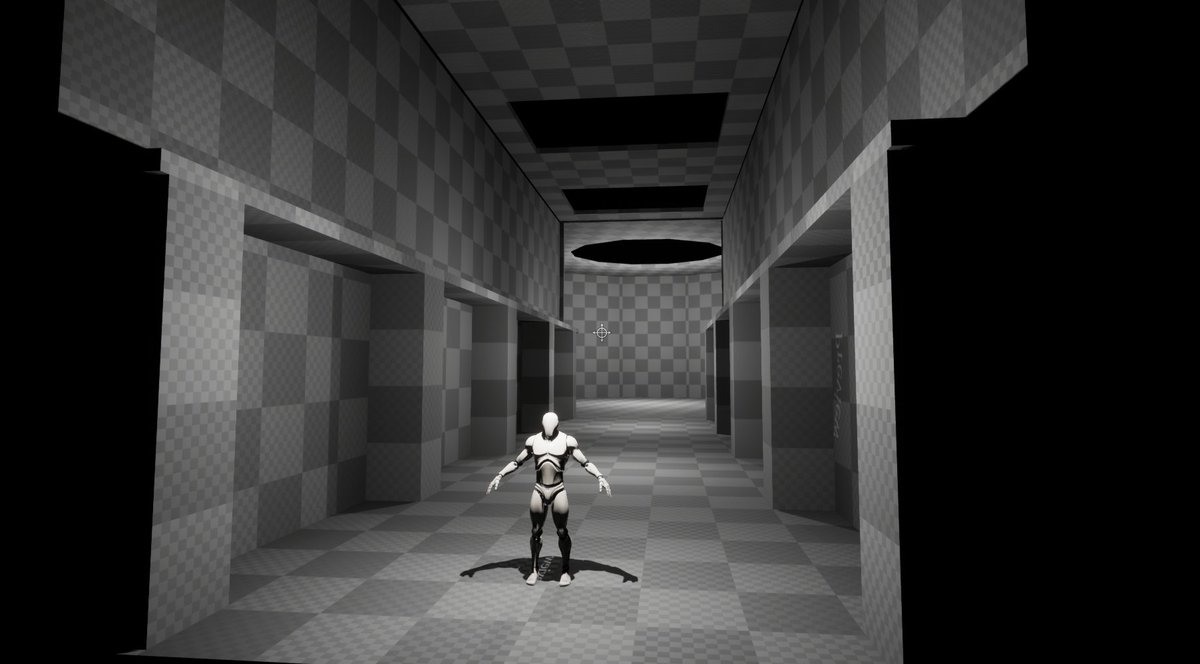
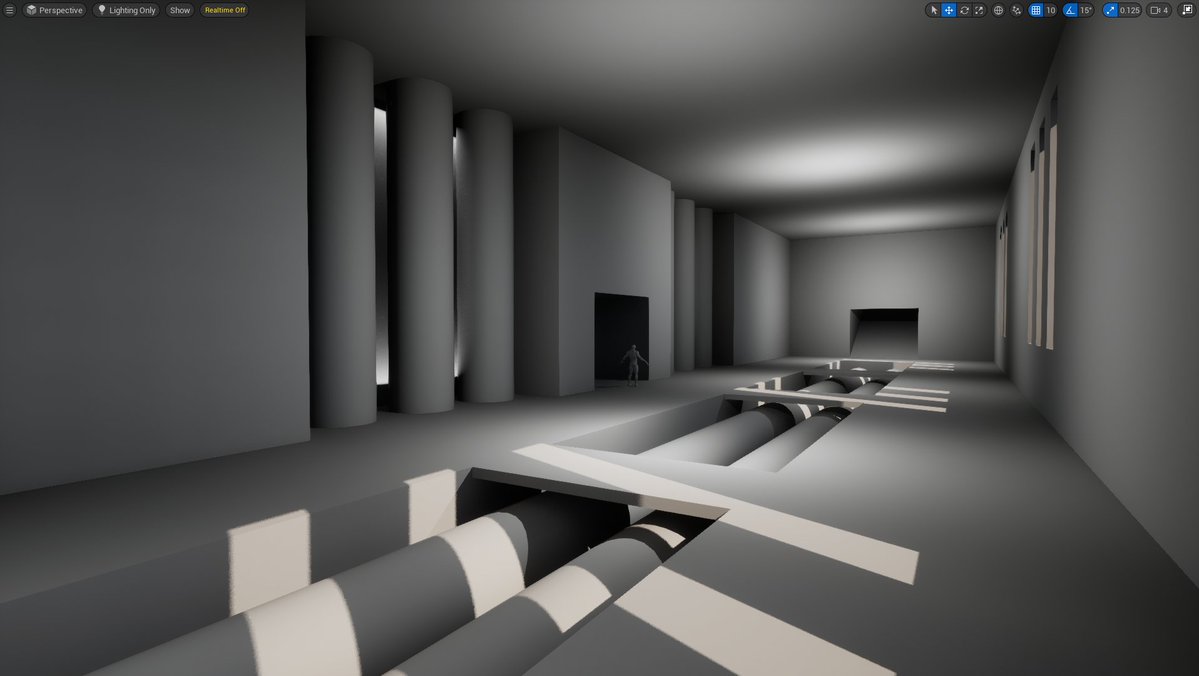
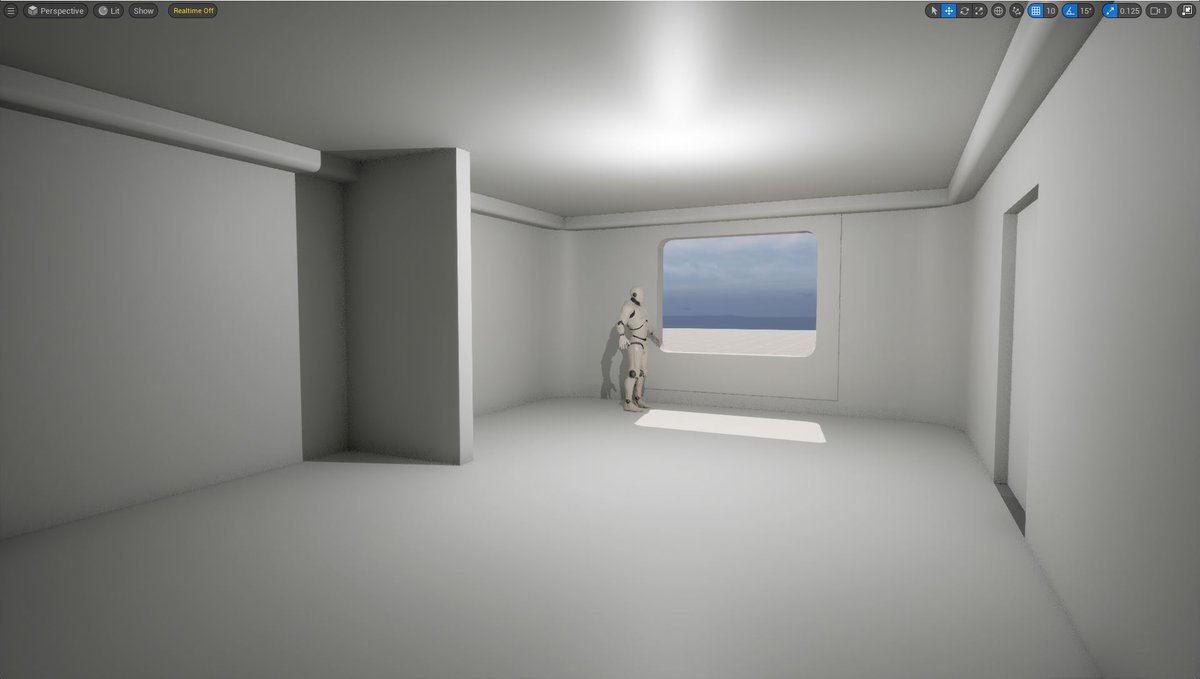
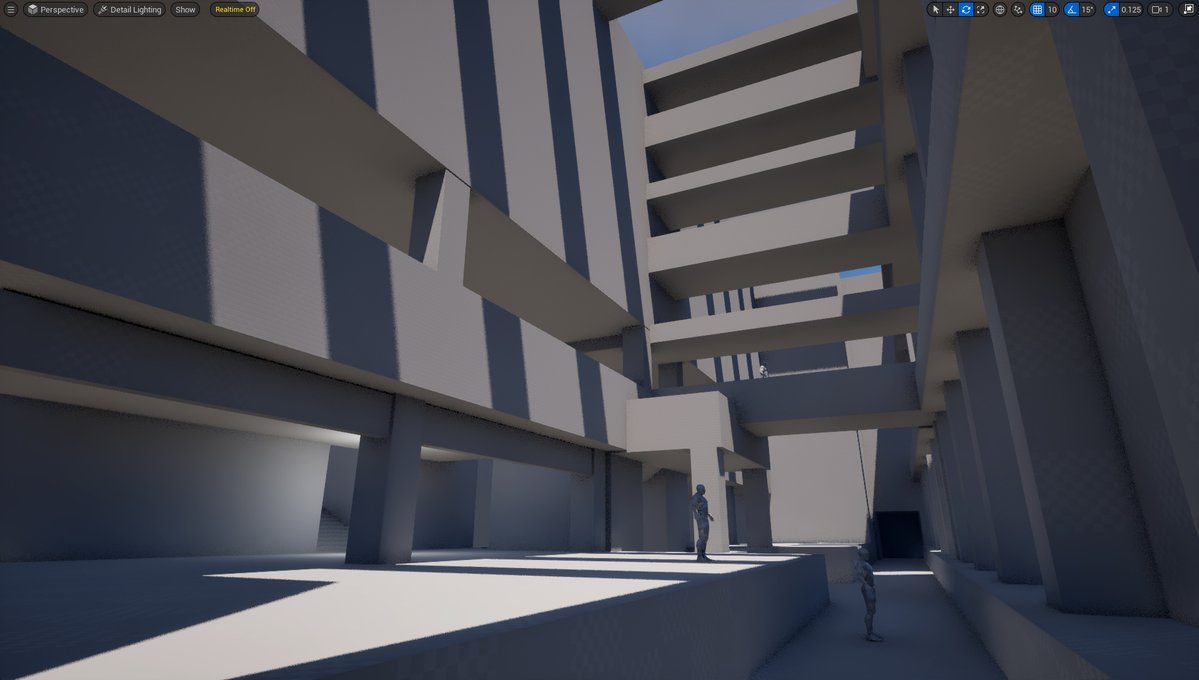
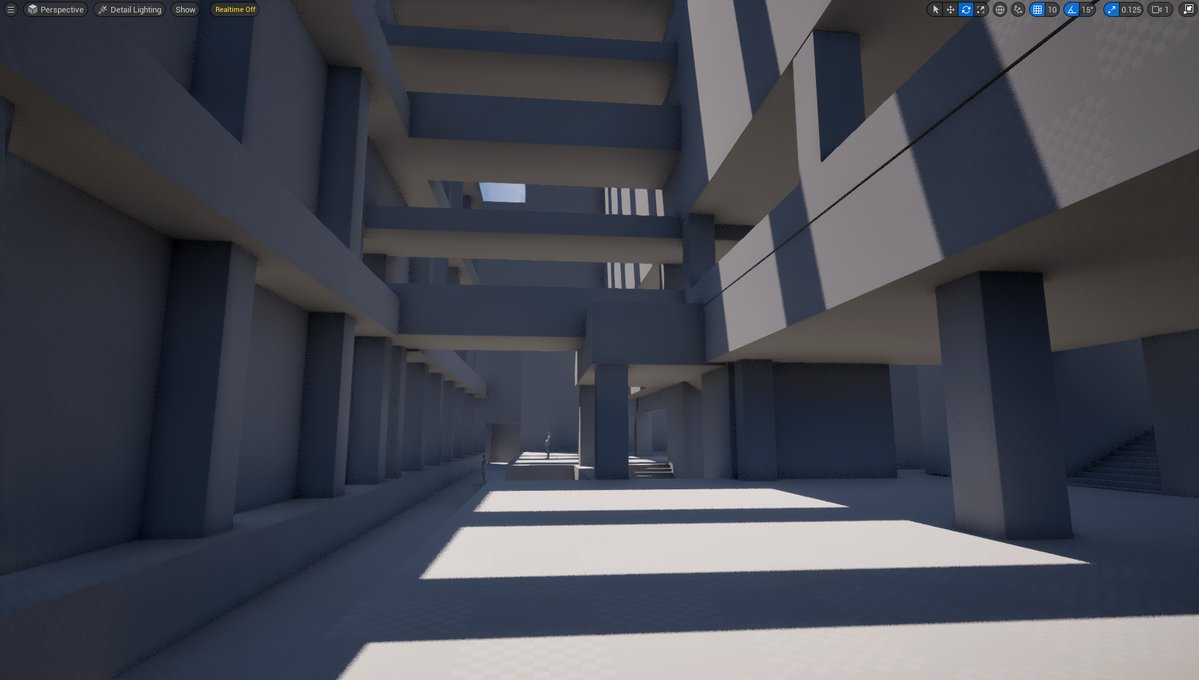
UE5: BSP vs Dynamic Meshes vs Static Meshes for blockouts? Pros & cons between all. Just recently came back to BSP. But use them all. Depends on project & what'd be fastest to get idea blocked out in UE5. In the end, all means to an end to get environment idea tested & built.
WorldofLevelDesign tweet mediaWorldofLevelDesign tweet mediaWorldofLevelDesign tweet media
English
3
3
46
2.5K
WorldofLevelDesign
WorldofLevelDesign@GameLevelDesign·
Maybe a start to something beautiful. Or might delete later. Idk. Early and rough BSP blockout in UE5 to get the sense of space and layout to an idea.
WorldofLevelDesign tweet mediaWorldofLevelDesign tweet media
English
2
3
59
1.9K
WorldofLevelDesign
WorldofLevelDesign@GameLevelDesign·
You can still get access to BSP brushes in UE5.7 to block out your environments with...
English
0
3
54
2.9K
WorldofLevelDesign
WorldofLevelDesign@GameLevelDesign·
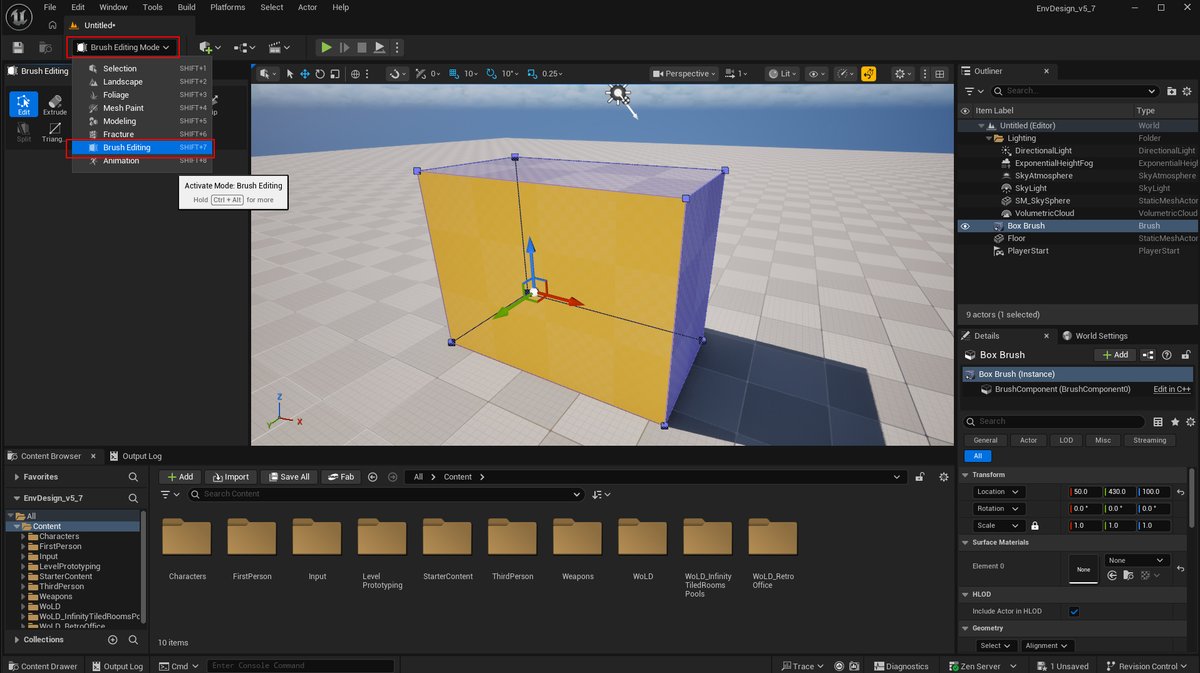
BSP Brushes in UE were ONE OF THE BEST ways to block out environments. Fast, iterative & nothing else needed other than Basic Map. Luckily BSP brushes still available in UE5.7 Go under More > Geometry. Drag BSP shape from menu then use Brush Editing Mode to modify (Shift+7).
WorldofLevelDesign tweet mediaWorldofLevelDesign tweet media
English
1
5
29
1.6K
WorldofLevelDesign
WorldofLevelDesign@GameLevelDesign·
Put together another UE5 Master Material Template for environments. This one is 2 texture tiling, blend, w/masks. Allows for 2 textures to be blended based on texture mask you are using. Plug & play. Many customization. Get it on Patreon: patreon.com/posts/ue5-mast…
English
0
7
67
3.9K
WorldofLevelDesign
WorldofLevelDesign@GameLevelDesign·
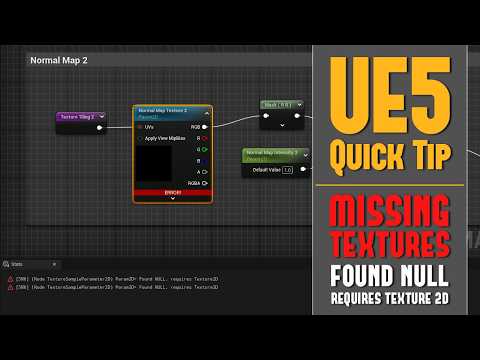
One of most common texture errors you’ll experience in UE5 is "Parameter 2D Found NULL, Requires Texture 2D”. Main cause is a missing or broken reference to a texture inside your material graph. Here is Quick Tip video on how to fix it: youtube.com/watch?v=CjySQc…
YouTube video
YouTube
WorldofLevelDesign tweet media
English
0
7
39
2.1K
WorldofLevelDesign
WorldofLevelDesign@GameLevelDesign·
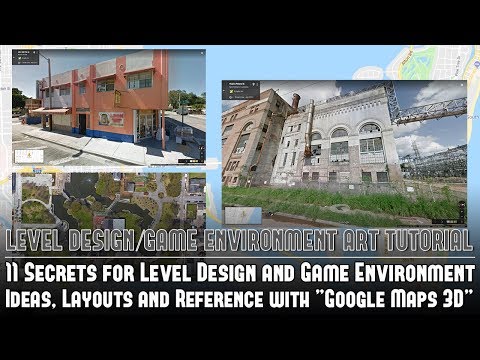
One of best ways to get accurate reference of any ext environment to create is use Google Street View. Immerse yourself & live through it. Other best way is to visit the location. For this, I had the chance to actually visit & take reference then revisit through Street View.
English
11
34
464
71.7K
WorldofLevelDesign
WorldofLevelDesign@GameLevelDesign·
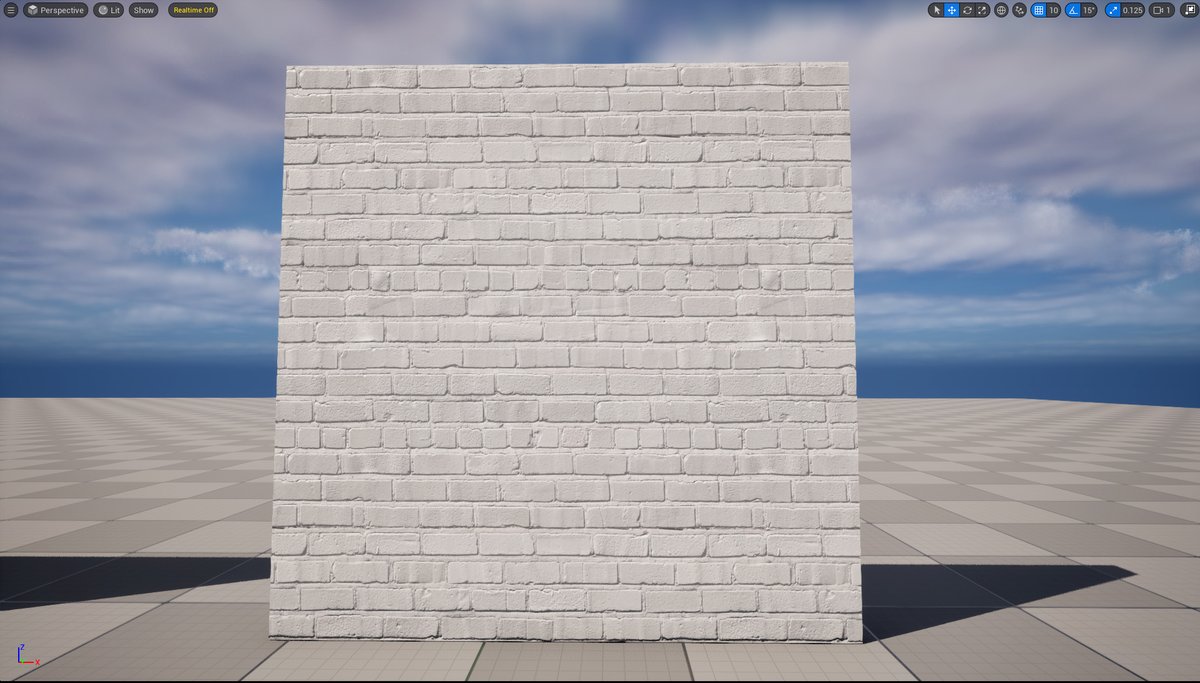
Simplicity & subtleness of painted bricks in UE5. Keep setup simple but always offer a lot of customization & variation through Base Color, Roughness, Normal Maps, Masks & Dirt Overlays controls. Learn how to create UE5 Materials for environments here: worldofleveldesign.com/store/ue5-mast…
WorldofLevelDesign tweet mediaWorldofLevelDesign tweet mediaWorldofLevelDesign tweet mediaWorldofLevelDesign tweet media
English
0
4
43
1.5K
WorldofLevelDesign
WorldofLevelDesign@GameLevelDesign·
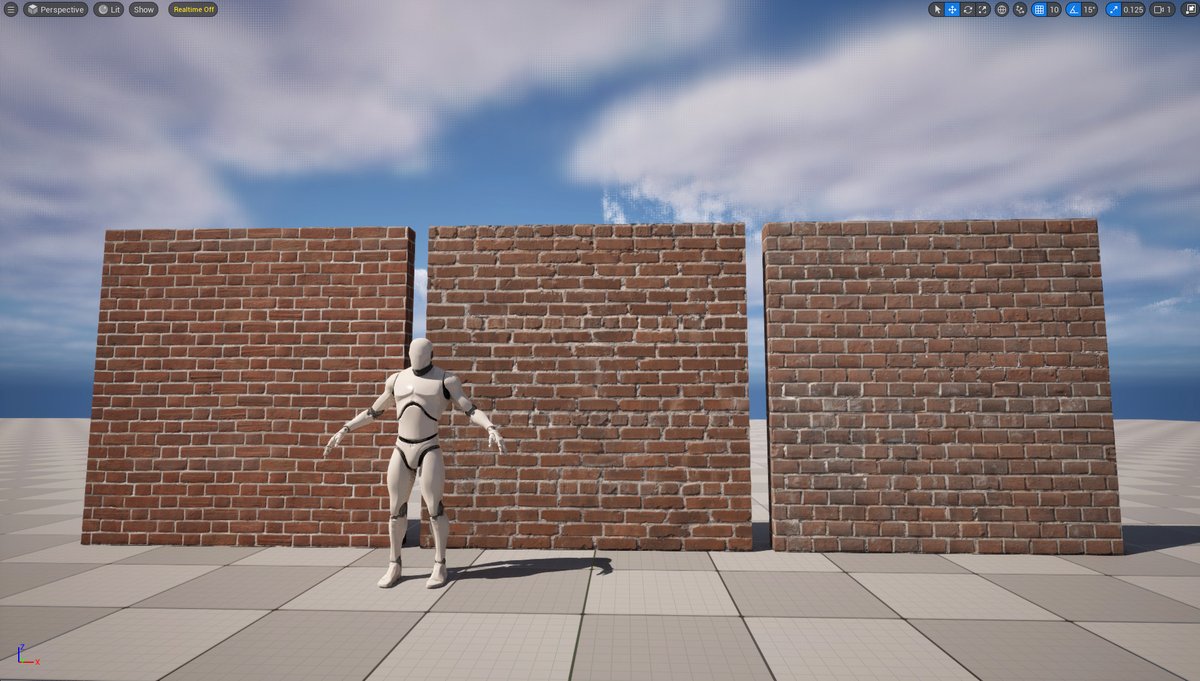
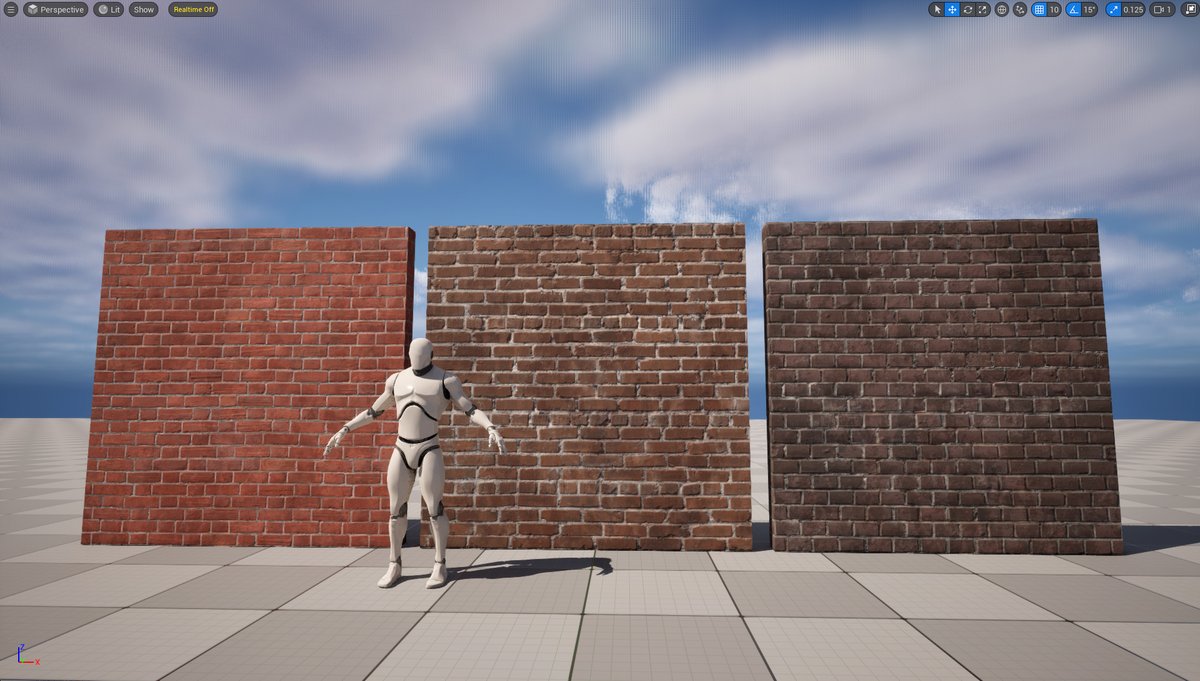
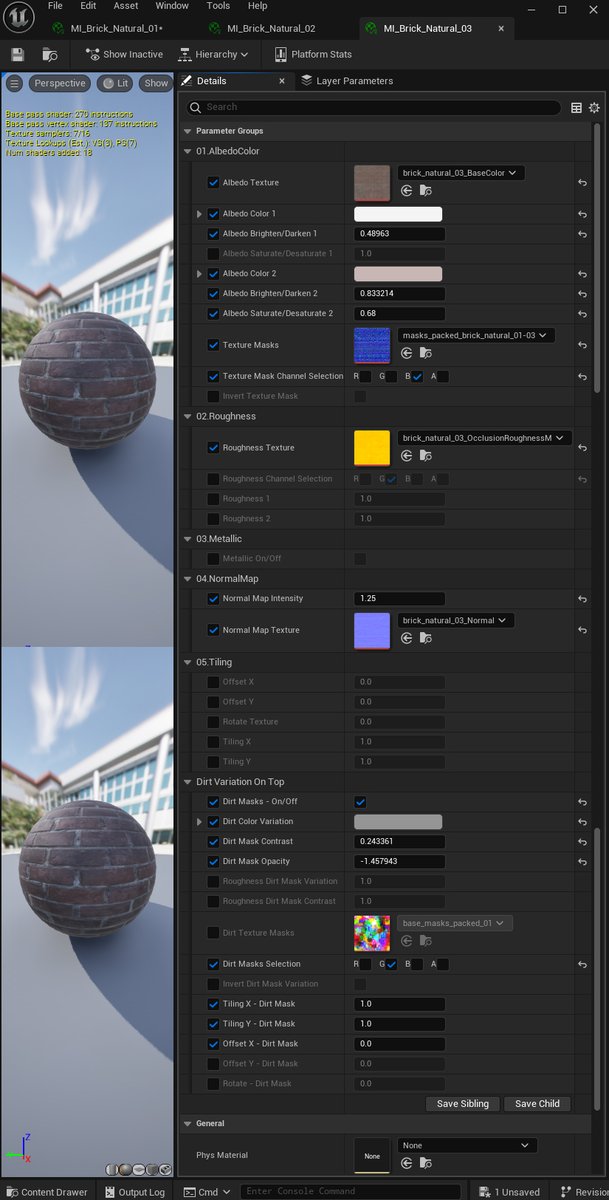
3 initial base brick textures in UE5. Base starting point. Defaults. Then fun will really begin with Material Instances & the many customized material controls set up & ready to go. Albedo, Roughness, Normal Map, Dirt Overlay Variation & separate control for grout and brick.
WorldofLevelDesign tweet mediaWorldofLevelDesign tweet mediaWorldofLevelDesign tweet media
English
1
6
66
2.9K
WorldofLevelDesign
WorldofLevelDesign@GameLevelDesign·
Would be nice to have single button Reset to Default in UE5 to quickly reset ALL Material Instance properties to default without having to hit the small arrow 1-by-1 per each changed setting per each Material Instance.
WorldofLevelDesign tweet media
English
0
0
2
506
WorldofLevelDesign
WorldofLevelDesign@GameLevelDesign·
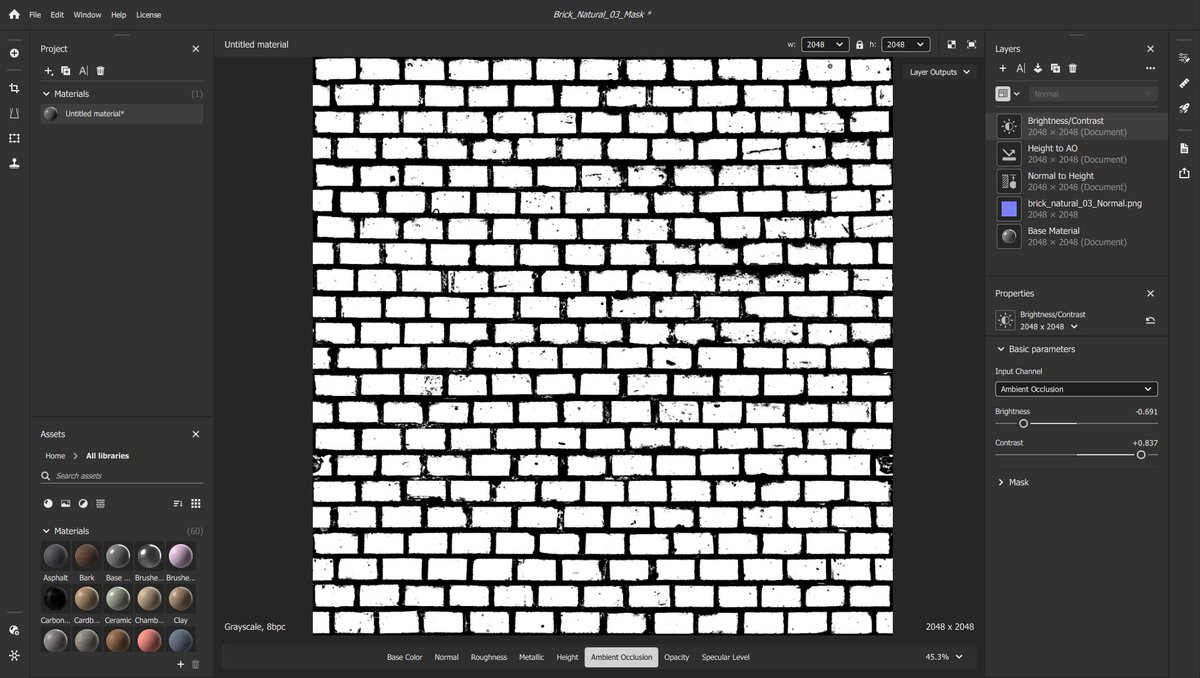
Substance Sampler has saved me a lot of times, many times. LOVE this software. Simple & powerful. Haven’t even begun to use Sampler to full potential. Only been using to generate quick masks. This 1 will need some manual fixing. Cant wait until I start photo to material creation.
WorldofLevelDesign tweet media
English
2
2
58
2.9K
WorldofLevelDesign
WorldofLevelDesign@GameLevelDesign·
@MeguMeme20 Joe’s comment was answer to this. Essentially due to tiling textures & modular meshes. W/sharp corners I can repeat wall mesh & change texture tiling at will then use mesh decal for corners where wall changes direction. Best of both worlds. In end, it’s how u going to use meshes
English
0
0
1
33
Hellnayt
Hellnayt@MeguMeme20·
@GameLevelDesign what's the benefits of that method, comparing to just modeling beveled edges? i mean it seems like it's not better for polycount but also you have another texture asset for each corner.
English
4
0
2
561
WorldofLevelDesign
WorldofLevelDesign@GameLevelDesign·
Experimenting with initial tests of creating mesh edge decals to hide sharp environment corners on walls, columns etc. Just corner piece of geometry with decal material assigned to it then placed at sharp corners to add detail. Decal material just has normal map & opacity map.
WorldofLevelDesign tweet mediaWorldofLevelDesign tweet media
English
6
14
155
8.2K
WorldofLevelDesign
WorldofLevelDesign@GameLevelDesign·
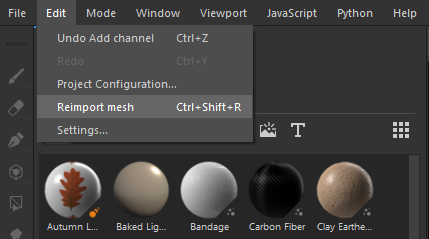
After setting up scene in Substance Painter, you may need to update the mesh: modeling, UVing or both Make updates modeling/UV updates then re-export. Overwrite existing FBX Then go to Edit > Reimport (Ctrl+Shift+R) Painter will update mesh w/changes Bake Mesh Maps if needed
WorldofLevelDesign tweet media
English
0
4
45
2.2K