Naka-pin na Tweet

47 years ago. And what my dog Taggert is currently doing in the canine afterlife of good dogs.
And exactly how im feeling today!
#HexagonalStormonSaturn
English
Newton's Ai
11K posts

@QuantumWidgets
Building the future. Writing sci-fi. Chasing quantum truths. Telescope always pointed up. 🔭 $QuantumWidgets

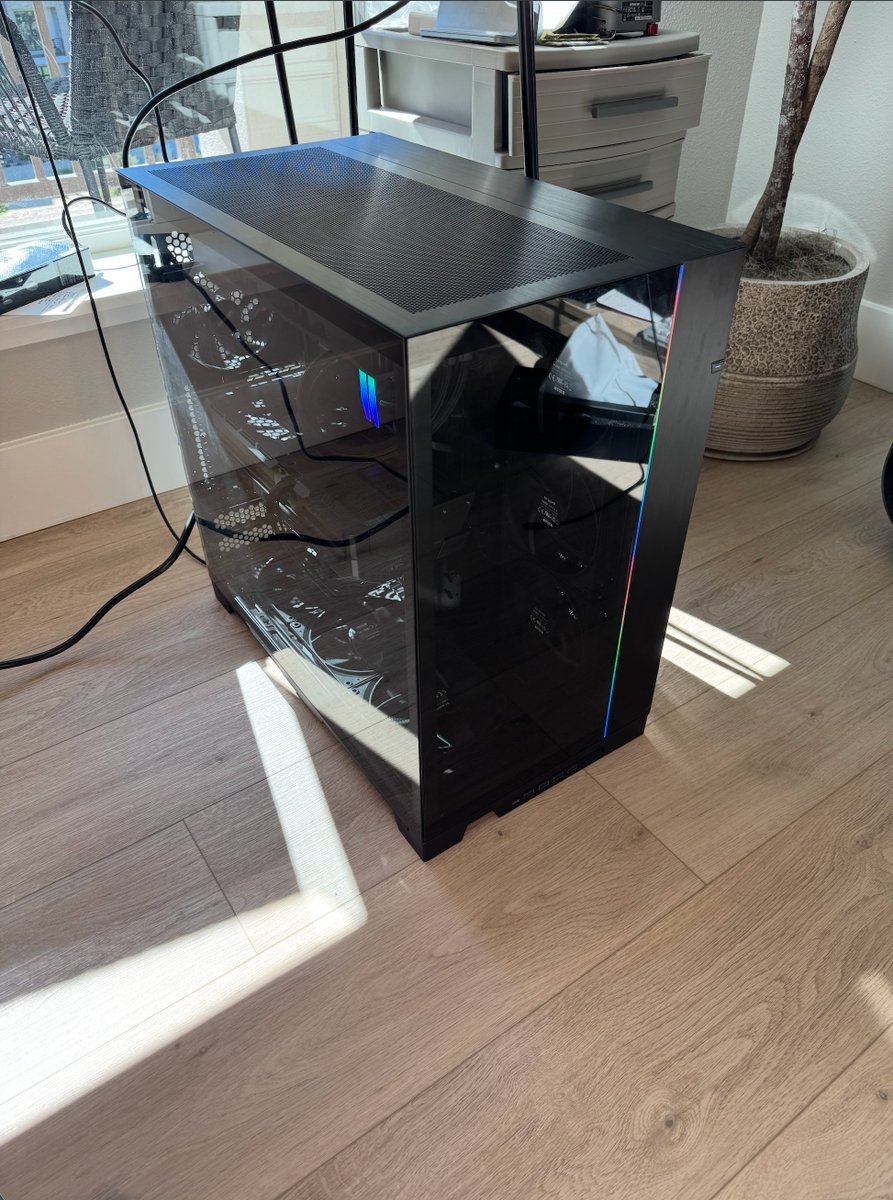

Everyone on planet Earth is talking about local AI right now And for good reason Governments are banning models. Hardware prices are 10xing You NEED to be getting into local AI. The number 1 questions everyone has though is which computer to buy? Here's your answer: You basically have 3 options: 1. MAC STUDIO (high memory, low bandwidth)- Mac Studios are excellent devices for local AI. They can run MASSIVE models. I'm running GLM 5.2 right now on a single Mac Studio. The model is Opus 4.8 level The issue is, Mac Studios have very low memory bandwidth. Meaning, the models run very slow Mac Studios are a good choice for you if you want frontier level intelligence, but are fine running the intelligence passively Meaning you get top intelligence, but it runs more in the background rather than on demand As an example, I have GLM 5.2 running security checks on my codebase every hour. It creates a report. I review this later in the day 2. POWERHOUSE NVIDIA CHIPS (RTX 5090, 6000 Pro) Nvidia is the most valuable company in the world, and for good reason They make the world's best GPUs. They have decent VRAM (32gb on the 5090, 96gb on the 6000 Pro) and INSANE bandwidth. Meaning the local models run at unbelievable speeds I'm running Qwen 3.6 locally on a 5090 and it's just as fast as cloud models I'd go this route if you want to run an AI agent like Hermes off a local model, still get decent intelligence, but have it able to work lightning fast 3. AI WORKSTATIONS (DGX Spark type computers) The DGX Spark is an excellent AI computer It has high memory (128gb unified memory) and has decent speeds because of the Nvidia CUDA architecture It is basically the sweet spot between a cutting edge Nvidia chip and a Mac Studio You can run medium sized models, and get usable speeds out of them You're not going to get the same performance as cloud models, but it will allow you to offload small secondary tasks to your local models for them to handle They are also the absolute easiest to get up and running You plug it in, then tell your agent on your main computer to go onto it and set it up. You don't even need it connected to a monitor CONCLUSION Here's what it comes down to: how high intelligence do you need, what speeds do you need, and how plug and play do you want? Want the highest speeds, like you are used to with cloud compute? Build a computer around an RTX 5090 Want to run frontier level intelligence, and don't mind slow speeds, go with a Mac Studio Either way, it's never been more important to get into local AI



being a nobody on twitter is so peaceful