DevSwarm

109 posts

DevSwarm banner
DevSwarm

DevSwarm

@devswarm_ai

Code in parallel, code unstoppably. We're unleashing the next generation of agentic coding with a workflow built to evolve at the speed of AI. Join the Swarm

Portland, Oregon Sumali Mayıs 2025
53 Sinusundan47 Mga Tagasunod
Naka-pin na Tweet
DevSwarm
DevSwarm@devswarm_ai·
Slow-flow coding is dead 💀 DevSwarm Beta is LIVE 🚀 Developers can now code in parallel with multiple AI assistants, like @claude_code, Gemini, Q, Aider. Use it alongside your IDE…or leave your IDE behind. Download free → devswarm.ai #AIDevelopment #DevTool #ClaudeCode
English
7
2
16
1.2K
DevSwarm
DevSwarm@devswarm_ai·
Working on 4 tasks at once shouldn't feel impossible. With DevSwarm, it doesn't. Multiple AI agents across multiple branches -- Claude, Gemini, whatever fits the job. Jump between workspaces, review diffs, and keep every conversation in context. Parallel is the new normal. Free to get started → devswarm.ai #DevSwarm #HiVECoding #AICoding #ParallelCoding
English
0
0
0
14
DevSwarm
DevSwarm@devswarm_ai·
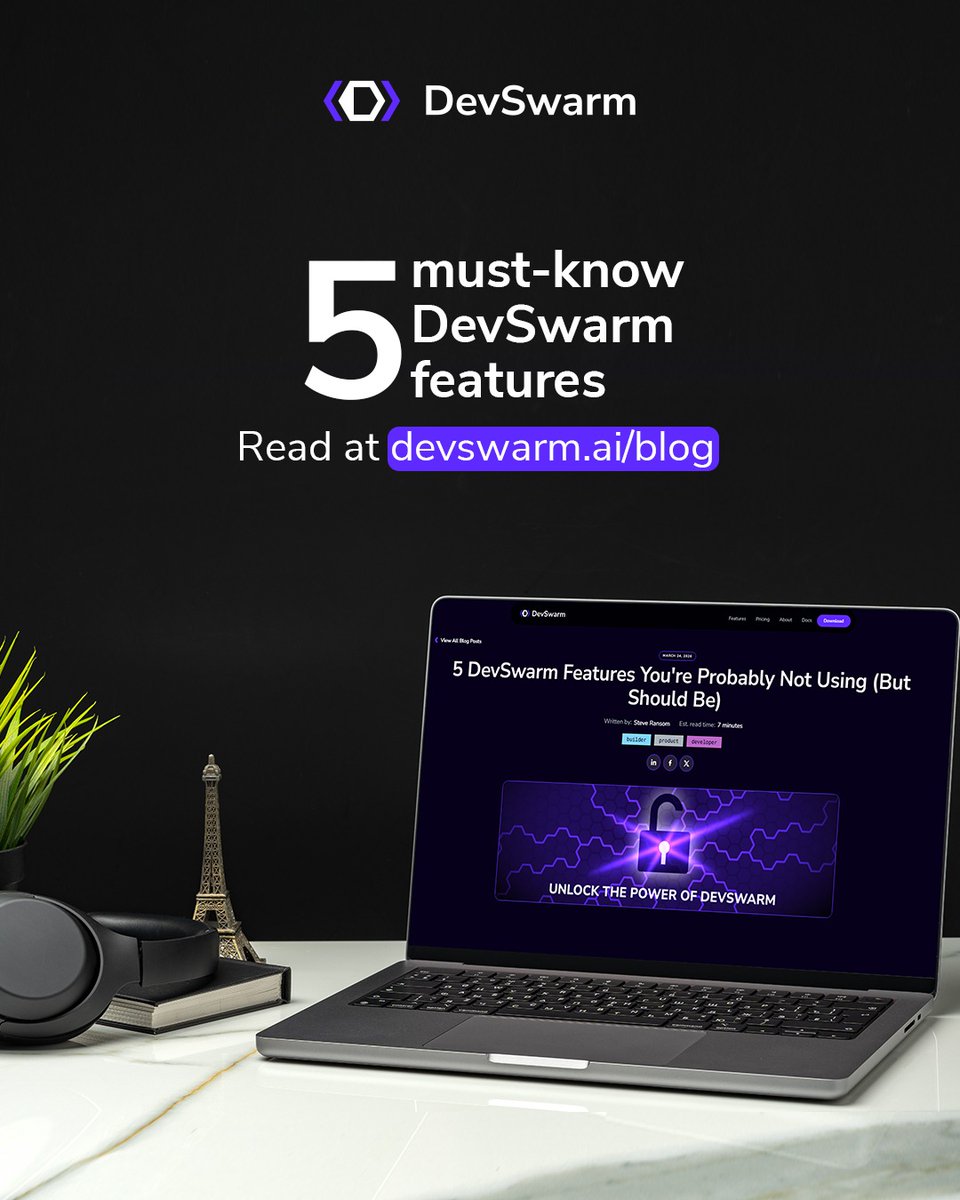
NEW on the DevSwarm blog: 5 DevSwarm Features You're Probably Not Using (But Should Be) Parallelism only saves time if managing those workstreams doesn’t eat up the time you just saved. Most tools give you a folder on disk, but they don't give you the context: the IDE, the extensions, or the debugger that makes reviewing AI-generated code fast instead of painful. We’ve identified five core features designed to reduce the friction between intention and action. By eliminating the small detours - the mode switches, the context-heavy terminal exits, and the constant alt-tabbing, these features change the rhythm of how you work with your AI agents. Stop navigating and start building. Read the full breakdown: devswarm.ai/blog/5-devswar… #DevSwarm #HiVECoding #AICoding #ParallelCoding #DeveloperExperience
DevSwarm tweet media
English
0
0
0
6
DevSwarm
DevSwarm@devswarm_ai·
This is what working on 4 tasks in parallel with 10+ AI agents actually looks like. Claude on one branch. Gemini on another. Code diffs, agent chats, and workspace switching -- all in one window. No tab juggling. No context loss. Just parallel. Free to get started → devswarm.ai #DevSwarm #HiVECoding #AICoding #ParallelCoding
English
0
0
1
31
DevSwarm
DevSwarm@devswarm_ai·
LovHack Season 2 starts this Saturday, March 21 at 1:00 PM UTC. Fully online, open to builders anywhere in the world. You get one full week to ship a working product across one of four tracks: Education, Productivity, Creators, or AI Frontier. Final submissions close March 28. DevSwarm is sponsoring because we believe builders deserve real tools, not toy demos. If you want to see what parallel AI coding can do for your hackathon project, this is the week to find out. $500 prize pool plus sponsor rewards. Solo or team. Register before Saturday: luma.com/95fwomd5 Learn more: lnkd.in/g_BwkPmU #LovHack #DevSwarm #HiVECoding #Hackathon #BuildInPublic
DevSwarm tweet media
English
0
2
3
60
DevSwarm
DevSwarm@devswarm_ai·
NEW on the DevSwarm blog: Why worktrees aren't enough. Git worktrees solved the hardest technical problem in parallel AI coding: isolation. But a worktree gives you a folder on disk. It doesn't give you your IDE, your extensions, your debugger, or any of the context that makes reviewing AI-generated code fast instead of painful. Opening a separate VS Code window per worktree? Five identical windows, same color scheme, same layout. You'll run a command in the wrong one within twenty minutes. DevSwarm 2.0 embeds a full VS Code editor inside each workspace. One keypress switches your entire view — agent terminal, file tree, editor, and diff viewer — to a different task, a different branch, and a different agent. No alt-tabbing. No guessing which window is which. Read the full breakdown: devswarm.ai/blog/why-workt… #DevSwarm #HiVECoding #AICoding #ParallelCoding #IDE
DevSwarm tweet media
English
0
0
0
33
DevSwarm
DevSwarm@devswarm_ai·
Most hackathon projects disappear after demo day. LovHack Season 2 is doing something different: a full week to turn an idea into a working product, not just a quick prototype. DevSwarm is proud to be a sponsor. The hackathon kicks off Saturday, March 21 at 1:00 PM UTC and runs through March 28. Fully online, open worldwide. Four tracks: -> Education and Student Life -> Productivity and Workflows -> Creators and Digital Communities -> AI Frontier $500 prize pool plus sponsor rewards. Open to builders at all experience levels. Register now: luma.com/95fwomd5 Learn more: lovhack.dev/season-2 #LovHack #DevSwarm #HiVECoding #Hackathon #BuildInPublic
English
0
0
0
22
DevSwarm
DevSwarm@devswarm_ai·
We integrated a full VS Code editor into DevSwarm 2.0. You'll find git, terminals, diffs, and extensions, all inside only one window. DevSwarm 2.0 isn't just a coding tool. It's the only IDE you'll ever need to open again. Use it for free → devswarm.ai #DevSwarm #HiVECoding #AICoding #ParallelCoding #IDE
English
0
0
0
39
DevSwarm
DevSwarm@devswarm_ai·
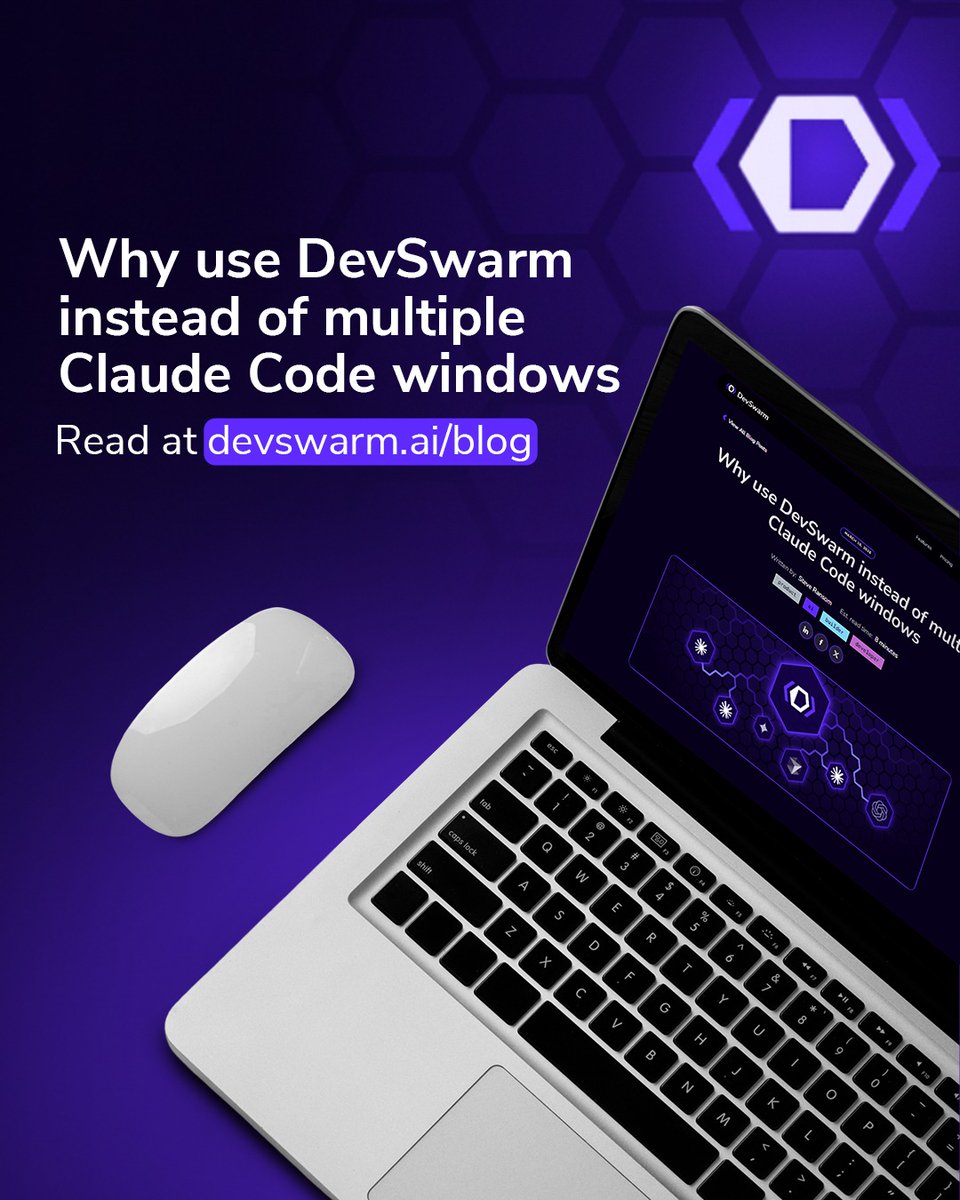
NEW on the DevSwarm blog: Why use DevSwarm instead of just opening more Claude Code windows? Claude Code is arguably the best AI coding agent available today. When a tool is this good, the natural instinct is to run more of it. But opening five terminal tabs with five Claude Code sessions isn't parallelism. It's something considerably more fragile. Read the full breakdown: devswarm.ai/blog/why-use-d… #DevSwarm #HiVECoding #AICoding #ClaudeCode
DevSwarm tweet media
English
0
1
2
48
DevSwarm
DevSwarm@devswarm_ai·
DevSwarm 2.0 puts a full VS Code editor inside every workspace. Each repo gets its own isolated instance, its own AI agents, and its own branch. No conflicts. No context switching. 18+ AI agents. Unlimited branches. 100% isolated. Your entire workflow, organized. Free to get started → devswarm.ai #DevSwarm #HiVECoding #AICoding #ParallelCoding
English
0
1
1
43
DevSwarm
DevSwarm@devswarm_ai·
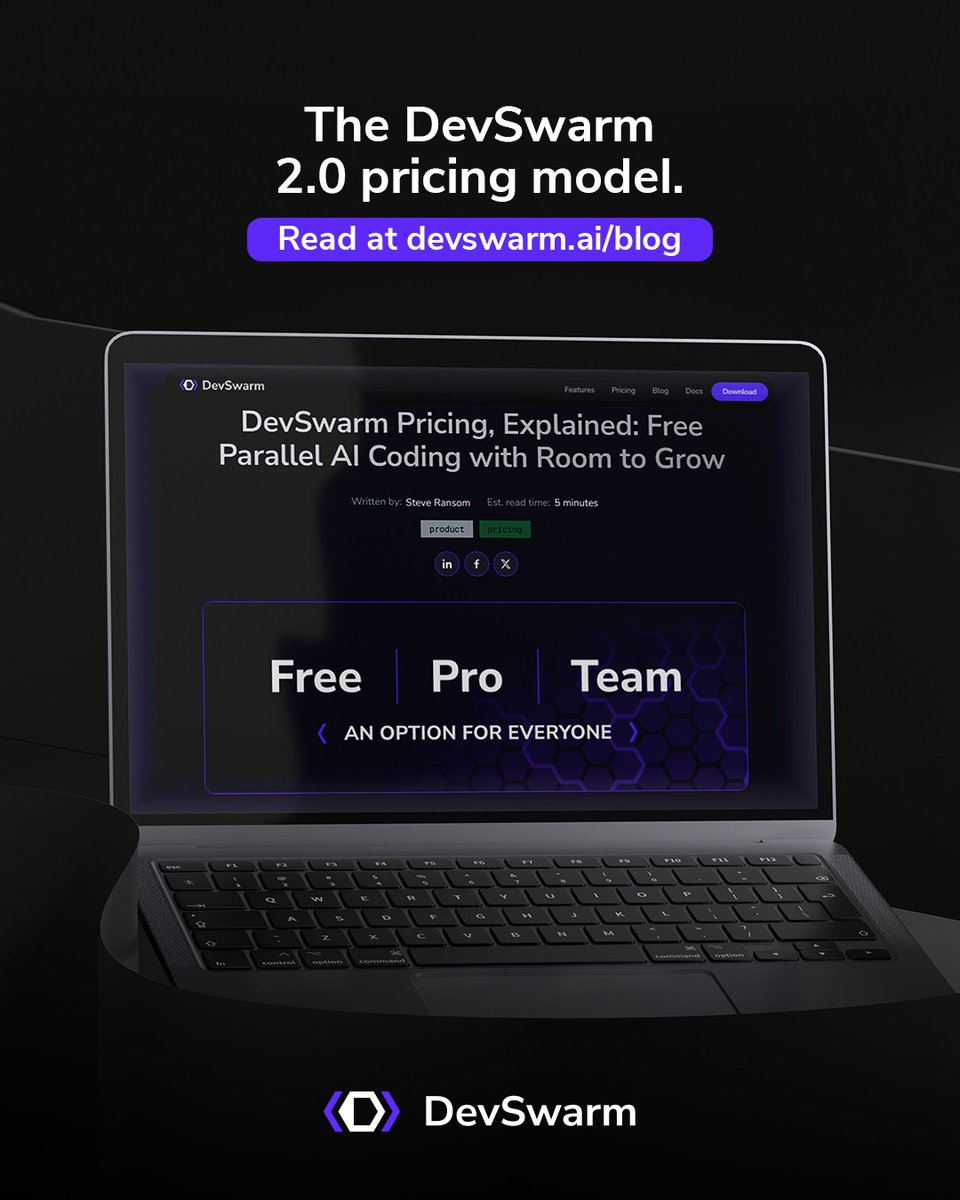
NEW on the DevSwarm blog: The DevSwarm 2.0 pricing model. Free gets you everything you need: all 19 AI agents, a full VS Code IDE in every workspace, and branch-isolated parallel development. Pro at $8/mo removes ads and unlocks GitHub PR review and Review Mode — students get Pro free with .edu verification. Team at $18/mo adds Jira-based work intake, team onboarding, and enablement support. The best part: DevSwarm never charges for AI tokens. Bring your own API keys, and every dollar you spend on AI goes straight to the provider. Read the full breakdown: devswarm.ai/blog/devswarm-… #DevSwarm #HiVECoding #AICoding #DevTools
DevSwarm tweet media
English
0
1
1
44
DevSwarm
DevSwarm@devswarm_ai·
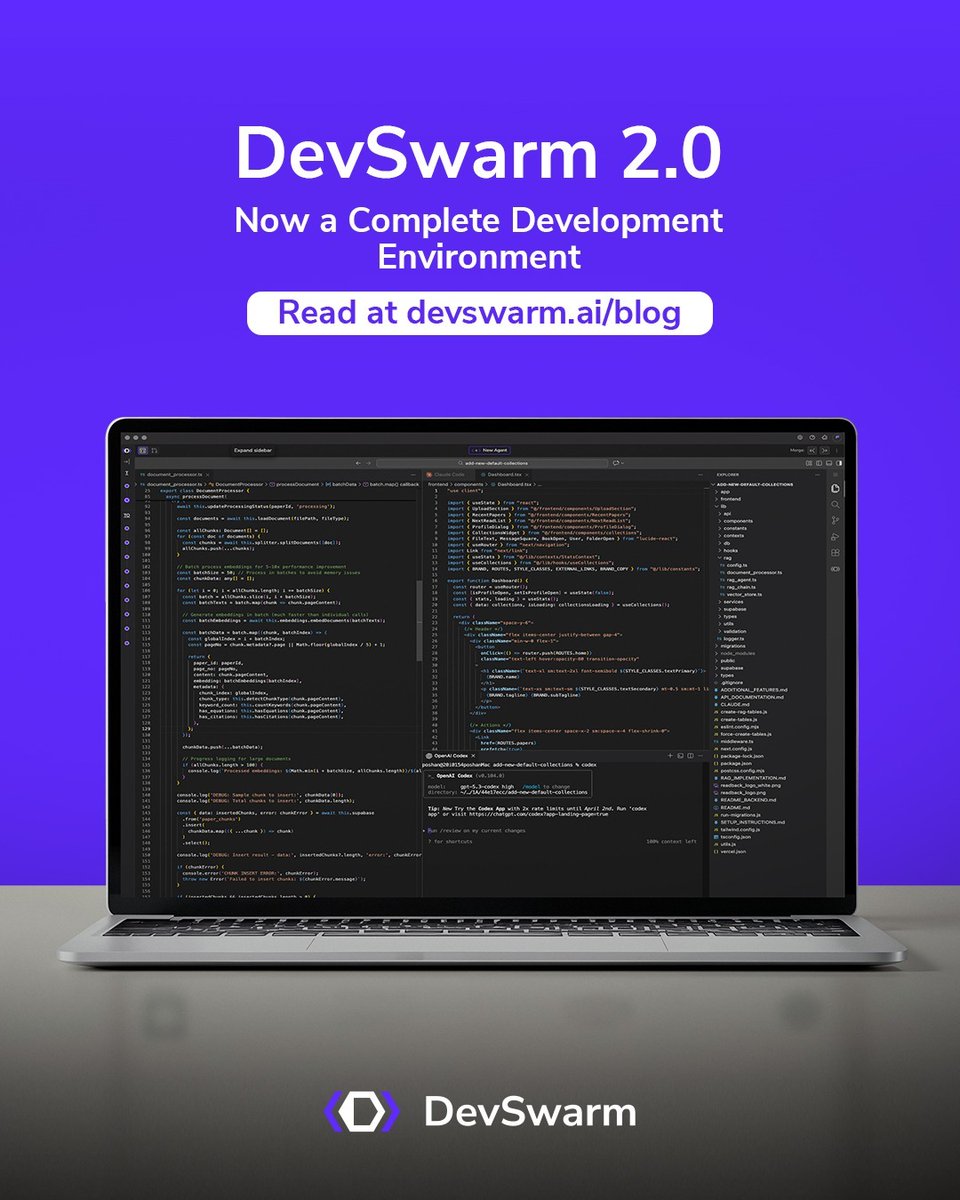
DevSwarm 2.0 is here — and it is a fundamentally different product. What started as a terminal orchestrator for AI coding agents is now a complete, integrated development environment. DevSwarm 2.0 embeds a full VS Code editor built from the open-source codebase, so your AI terminal sessions, file editing, diffs, and git operations all live in one window. No more switching between apps to see what your agents are building. What's new: • Full VS Code editor running inside DevSwarm (macOS + Windows) • AI terminals as first-class editor tabs — split, stack, and arrange alongside your code • 19 AI coding agents supported, from Claude Code to Gemini to Amp • Keyboard-driven workflow with Ctrl+Alt shortcuts designed to avoid VS Code conflicts • Redesigned onboarding with a persistent Primary Workspace • GitHub integration and Windows improvements across the board Read the full release announcement: devswarm.ai/blog/devswarm-… #DevSwarm #HiVECoding #AICoding #DevTools
DevSwarm tweet media
English
0
1
1
37
DevSwarm
DevSwarm@devswarm_ai·
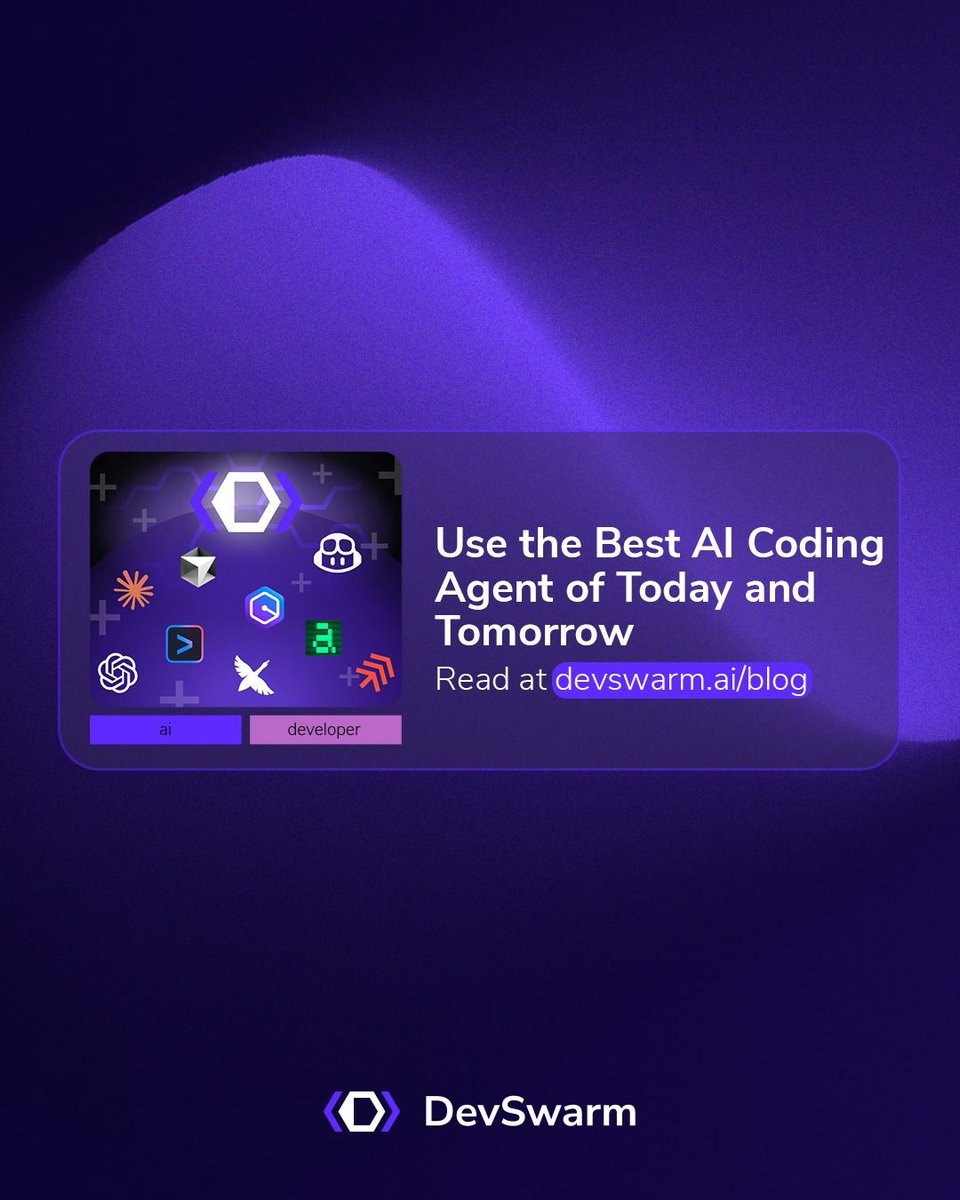
NEW on the DevSwarm blog: Use the best AI coding agent of today and tomorrow. Four major AI coding models shipped in 2025 alone. If you just finished retooling your workflow around the last one, you're not alone. The "best" agent keeps changing, and keeping up feels like a second job. We break down where each agent actually shines, why betting on a single provider is a losing strategy, and what high-performing teams do instead. Read it here: devswarm.ai/blog/use-the-b… #DevSwarm #HiVECoding #AICoding #DevTools
DevSwarm tweet media
English
0
0
0
32
DevSwarm
DevSwarm@devswarm_ai·
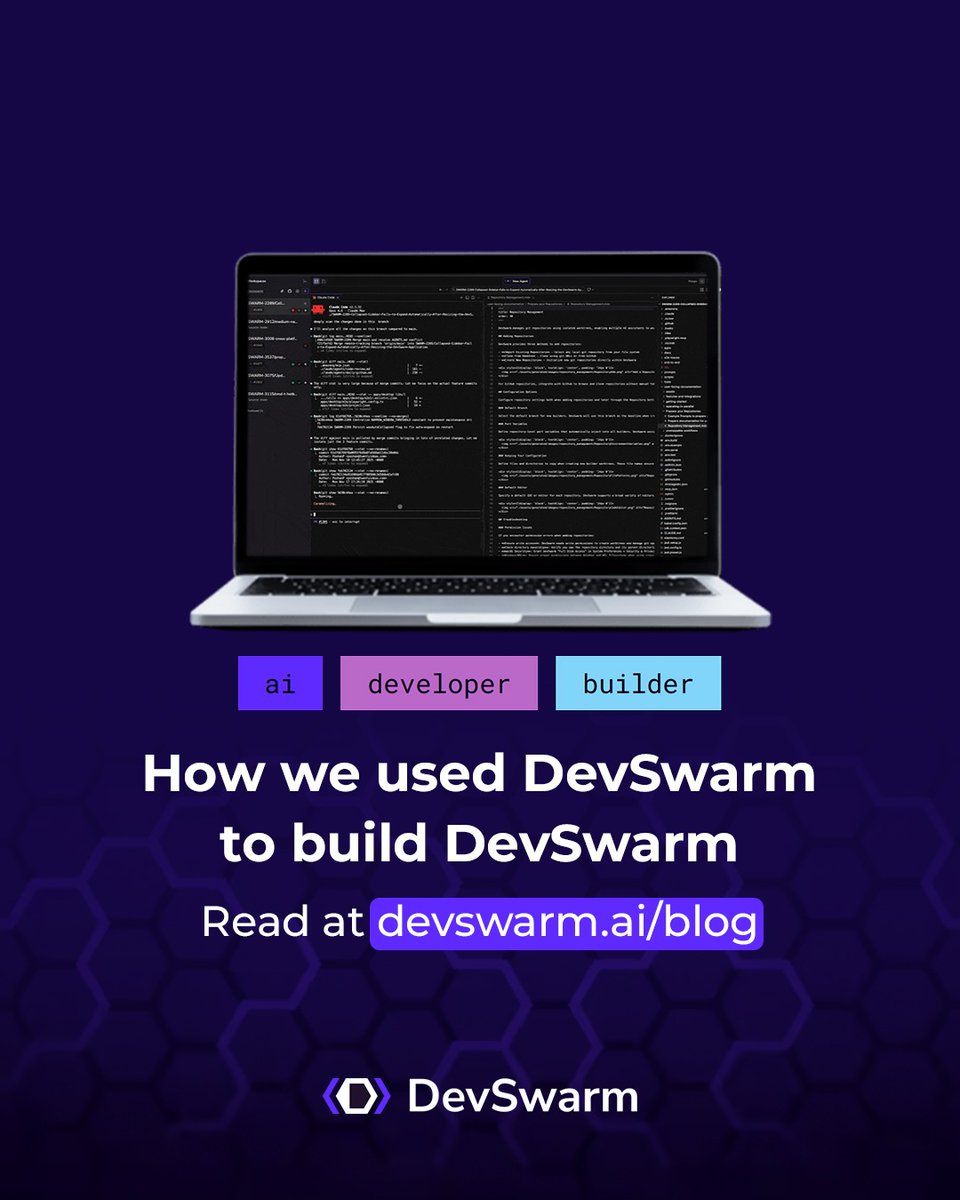
🚀 A Day Building DevSwarm with DevSwarm What happens when you use your own parallel AI coding platform to build itself? You find out what actually works. Our team runs up to eight AI builders simultaneously on isolated branches. Each one tackles a real feature or bug. No conflicts, no context switching, no waiting. What makes it work: - Git worktree isolation keeps every builder's changes independent - Keyboard-driven navigation (Cmd+N, Cmd+1, Cmd+3) for flow-first speed - Multiple AI agents (Claude Code, Amazon Q, Codex) matched to the right task - Built-in review mode for side-by-side code comparison before anything merges The developer's role shifts from writing code line by line to orchestrating parallel streams of work: defining tasks, distributing context, and reviewing results as they arrive. The throughput is not an incremental improvement. It is a fundamentally different category of productivity. Read the full story on our blog → devswarm.ai/blog/a-day-bui… #DevSwarm #ParallelCoding #HiVECoding #AI #DevTools
DevSwarm tweet media
English
1
0
1
11