پن کیا گیا ٹویٹ
shaggy
18.1K posts


shaggy
@ShaggyCoding
Coding, Joking, web3 💎🤙 code more joy // writing my way from Broke with a joke //LFG $.9.0.9💰 212^ 🦁#### 💎HODL // https://t.co/jGeTrLCgSs
شامل ہوئے Temmuz 2024
1.8K فالونگ2.5K فالوورز



















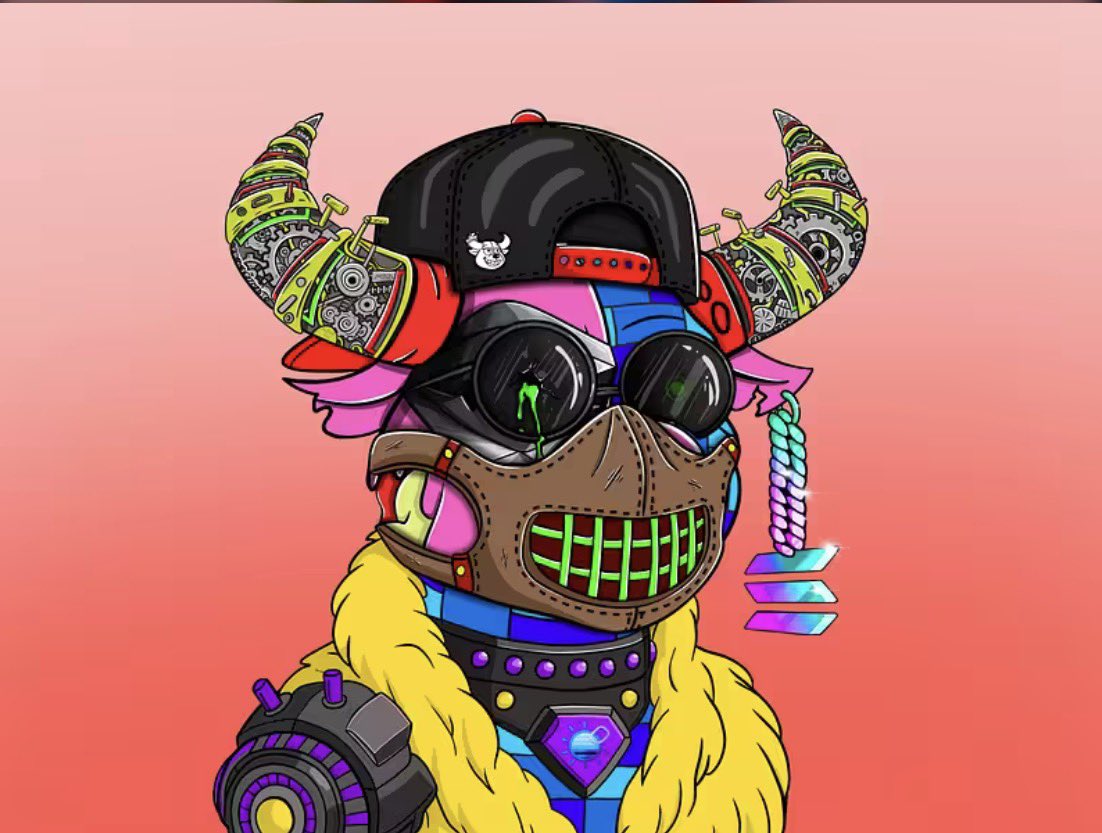
NFT giveaway because why the fuck not, it’s Friday.
Like, retweet, tag your friends, and follow @BullBearsX
Winner announced for in 48 hours.
English

UPDATE ON THIS ONE FAM:
DEV SAYS HE WASN’T MADE AWARE OF THE SPACE ACCORDING TO THE PROJECT MARKETING LEAD.
SO DISREGARD THE EARLIER POST.
I WILL STILL HOST MY SPACE THOUGH BUT AS A SHILL AND CHILL FOR EVERYONE ELSE WHO WOULD STILL LOVE TO COME HANG OUT. THANK YOU GUYS.
Wiz@wiz_on__x
JOIN US IN THE WARREN TG COMMUNITY. IF YOU SEE THIS NOW, YOU’RE STILL VERY EARLY. ALSO MY NEXT SPACE TOMORROW THE WARREN DEV WILL BE JOINING US LIVE. LET’S TAKE THE WARREN COMMUNITY TO THE NEXT STAGE 🔥.
English
English

How to make @base on-chain footprint cost-effectively?
How to farm several airdrops at once?
How to get discord roles for that?
Meet Cookieverse by @MSSystemWEB3 , which turns AI creativity -> On-chain NFTs on Base-> LayerZero Cross-chain bridge -> Gameified quests daily/weekly wuests -> hot competition in Leaderbaord into one fluid experience:
cookieverse.tech
Farm Base, Farcaster, base app and LayerZero like a pro.
Claim on-chain roles for that on Base Discord.
Do not forget for @baseposting
Link to Cookieverse on Farcaster and base app in the thread.

Natalia 🟦@Natalia77351991
Do not know how to reach 1000 transactions on base with low-cost effort? Want to grind LayerZero bridging on Base with low-cost effort for upcoming airdrop season 2? 🤔 Meet @base’d Cookieverse by @mssystemweb3: cookieverse.tech Enjoy AI creativity -> Mint on-chain NFTs on Base -> Make ZK Cross-Chain bridge from Base powered with LayerZero -> Complete gamified quests -> Climb leaderboard -> Track your Cookie Scores portfolio. Register via X, Farcaster or Base app. Enjoy Cookies Metaverse, while @baseposting . 🍪
English


GenLayer Testnet Bradbury is officially live @GenLayer
We’re entering an agentic era , where AI agents don’t only execute code, but reason, interpret, and interact with the real world.
And now, with Bradbury Testnet live, early contributors have a chance to stay positioned
Points are limited, and there are 3 main ways to contribute:
Builders , Create smart contracts and build dapps
Validators , Join the waitlist and run validator nodes
Community , Help grow the network by creating content and inviting new users
portal.genlayer.foundation/?ref=ROHSW960
Connect MetaMask wallet
Click Edit Profile
Connect your social accounts
Connect GitHub
Star the GenLayer repository
Add GenLayer network
Visit testnet-faucet.genlayer.foundation
Enter your wallet address
Get testnet faucet
studio.genlayer.com
Connect your wallet
Click deploy llm_erc20.py
Click Run and Debug
Enter amount of tokens
Click Deploy
Wait for deployment
Go back to dashboard and submit the task
Done
If deployment fails, refresh and try again

Stephanie@stephdreals
If you’re looking for ways to contribute to the @GenLayer Testnet, this is for you. Note: Use the MetaMask wallet extension Ensure the network is set to Asimov You can participate as a Builder, Validator, Supporter, or Steward I joined as a Builder, so this guide focuses on the Builder contribution path. How to get started Visit: points.genlayer.foundation/?ref=ROHSW960 Connect your wallet (MetaMask) Click the profile image at the top right Select Edit profile and add a username Enter your X (Twitter) username and link Discord Add your email address Once done, scroll down and select Builder. Builder contribution tasks Click on Builder to begin the tasks: Connect your GitHub account Star the GenLayer repository on GitHub Add the GenLayer Asimov Network to your wallet Fund your wallet with GEN test tokens Claim test tokens here: genlayer-testnet.hub.caldera.xyz Deploy a contract After receiving the GEN test tokens: Go to studio.genlayer.com/contracts Navigate to Contracts Select any contract of your choice Click Run and Debug (top right) Click Deploy (left panel) Sign the transaction and wait for deployment Note: Take a screenshot of the completed task page, convert it to a file, and copy the file link (you’ll need this). Submit your contribution After deployment: Scroll down and click Submit your contribution Select Builder Write a detailed description of what you did Paste the screenshot file link Submit
English

@ShaggyCoding Gm back at ya, fam! Hope your night's goin' smooth.
English