
پن کیا گیا ٹویٹ
⛩Sherms⛩
13.7K posts

⛩Sherms⛩
@ShermsTan
Sherms no Kamishibai Ya ✨ Artist and yokai friend. I create original art/merch inspired by asian retro aesthetics and mythology🏮 🚫NO AI 日本語/中文/English
Full illustrations on Pixiv شامل ہوئے Haziran 2011
614 فالونگ5.8K فالوورز


⛩Sherms⛩ ری ٹویٹ کیا

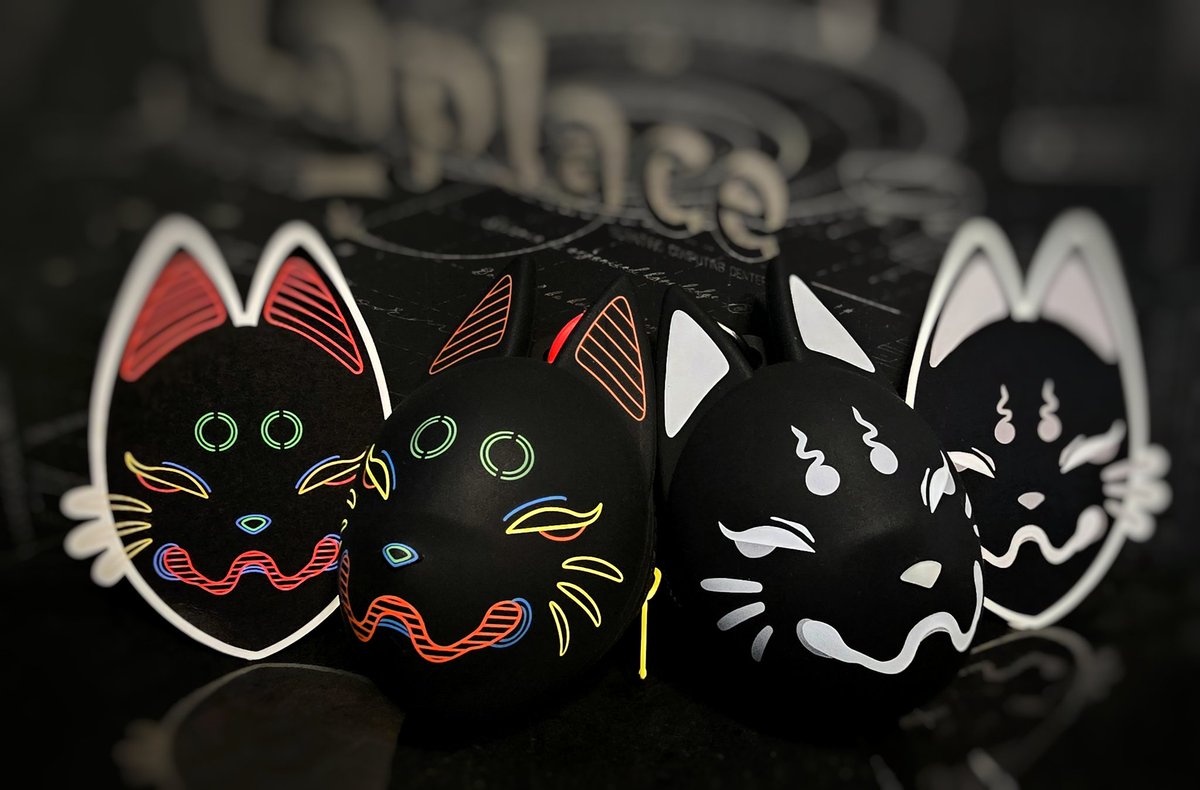
The fox pouches by @ShermsTan have arrived! They're so much bigger than I thought they'd be! And really sturdy too! I'm excited to pair them together with my fox bag! ✨️🥳
English
⛩Sherms⛩ ری ٹویٹ کیا

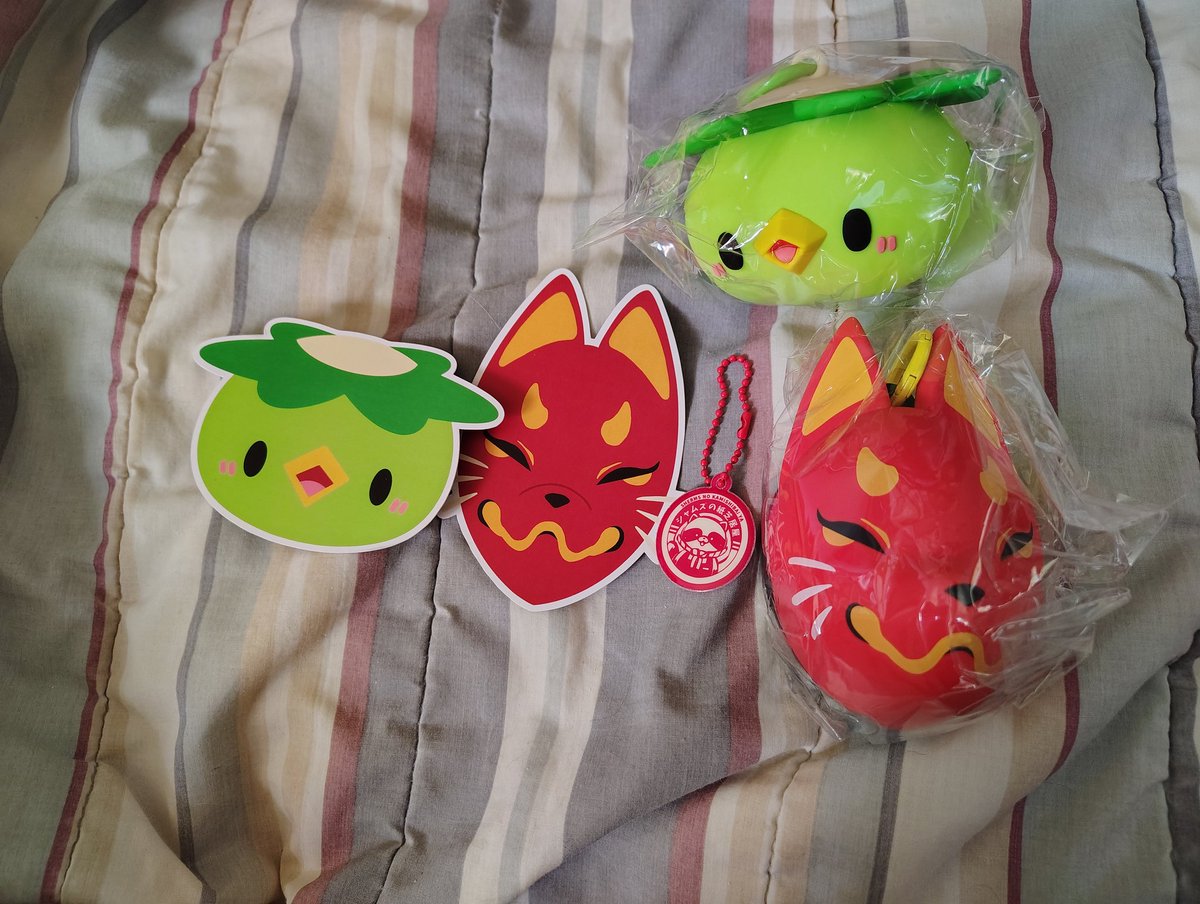
These are actually bigger than I expected but that's perfect! Thank you @ShermsTan for your hard work! These are so dang cute!
English
⛩Sherms⛩ ری ٹویٹ کیا

@ShermsTan
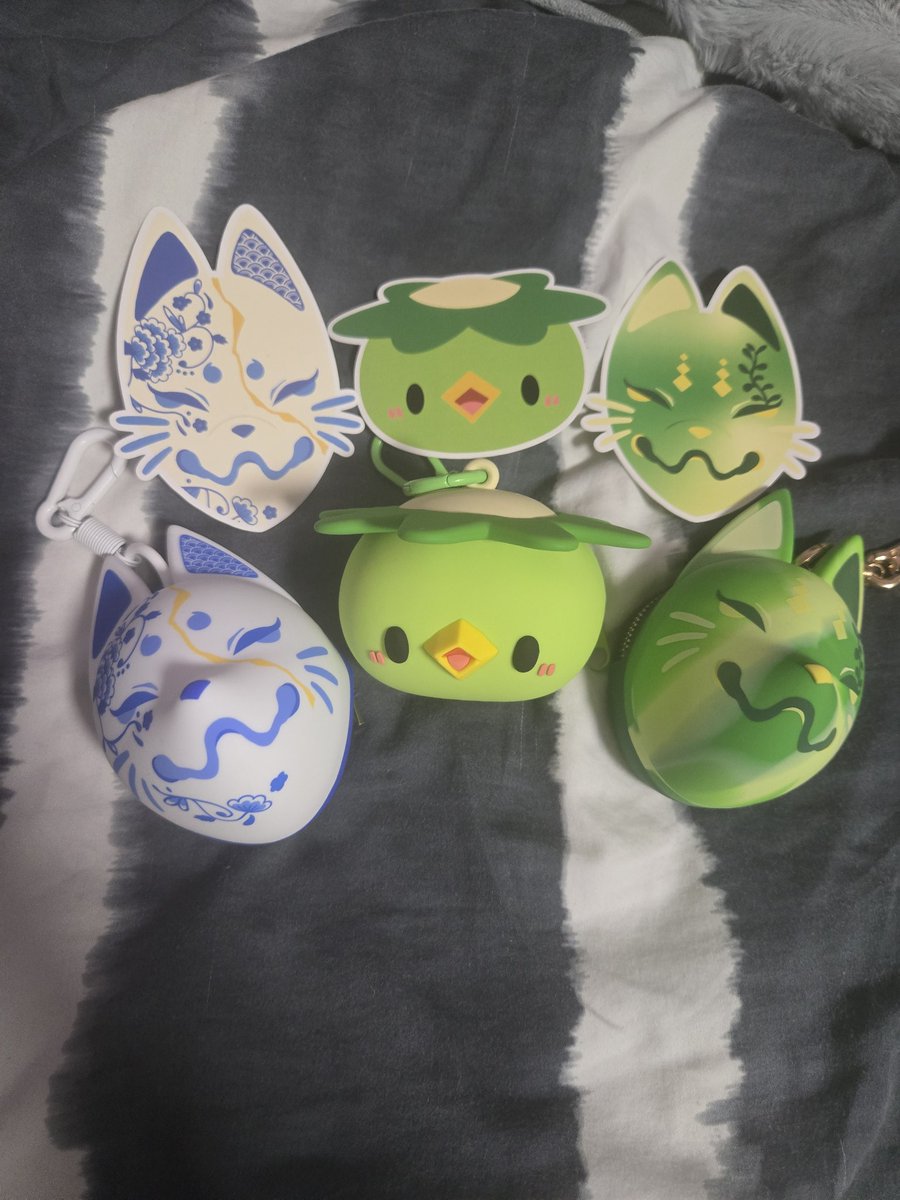
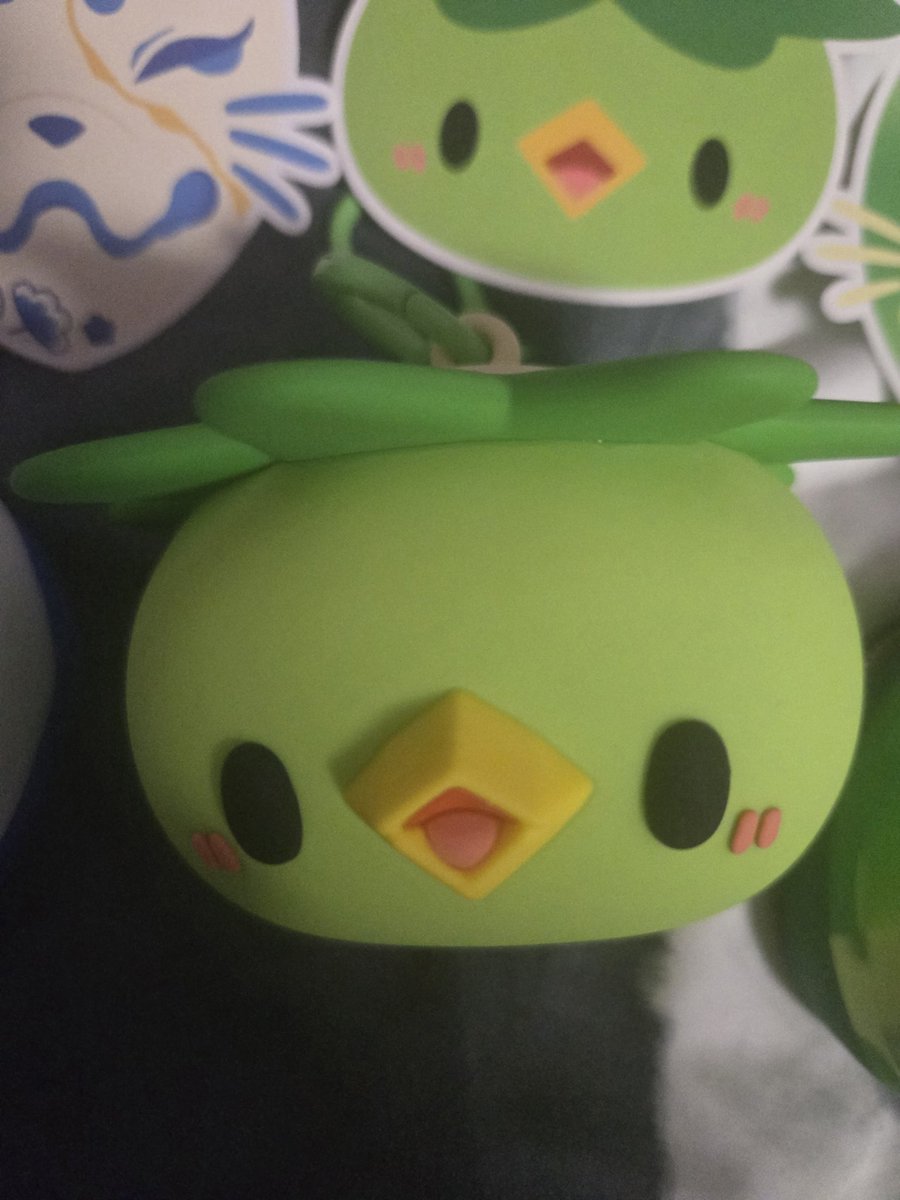
The squeal I let out when I realized the pouches arrived!! 🥹❤️❤️❤️
They're even more adorable in person I'm so happy aaaa.
Kappa's expression heals my heart fr fr 💚💚💚
Thank you for once again creating something so amazingly cute and practical ❤️
English
@idiotmiya CSP has “simple mode” for the Ipad. It changes your UI to something similar to procreate! However it’s not really recommended since you’re missing pretty much 60-70% of CSP’s potential.
Their UI is not the best for ipad sadly but you CAN power through and get used to it haha
English

@ShermsTan what do you guys recommend for me?
i’m moving over from procreate (learnt how to draw digitally here & only have used this software), now just downloaded csp on ipad & i’m sooo overwhelmed. moving to a com/drawing tab is not an option for me rn…
any help will be appreciated! 🙏🏻
English
Imo artists that easily click with csp are the ones that moved over from photoshop. The UI is less intimidating than someone who is used to simpler programs like procreate.
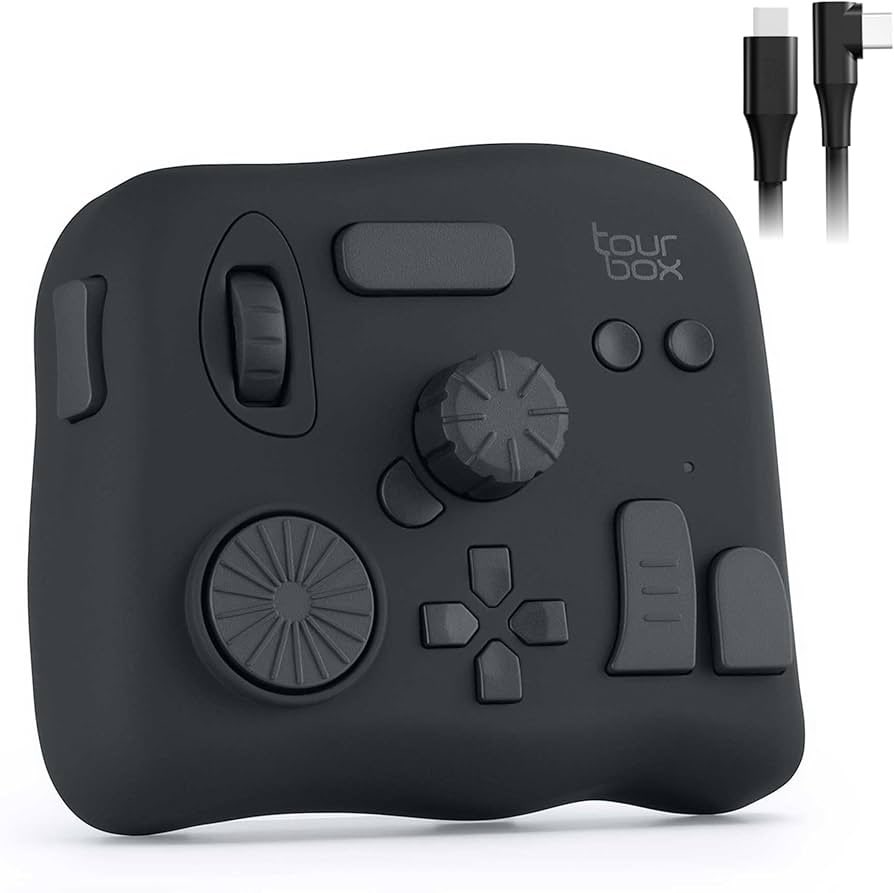
Learn and set your own shortcuts! Also using a macropad was life changing for me. (i use a tour box!)
MAZA@mazamuno
how do you guys use CSP easily i'm literally crying all the buttons are so small and random, i can't zoom in without having to go on the other side of the screen and the tools have all their settings in different places x__x there's so many good brushes but it's so messy
English
@CygnusSonolumen ohh I get what you mean! Yeah it's strange how they don't let you add modifiers! Hopefully this is something they'll look into in later versions ;-;
English

@ShermsTan So for all of the typical shortcuts
I've memorized and are no issue
It's every tool in CSP that currently doesn't have a key bind set at all by default that I like to manually add myself (based on frequency) those can only be programmed in the software to a single keyboard input
English
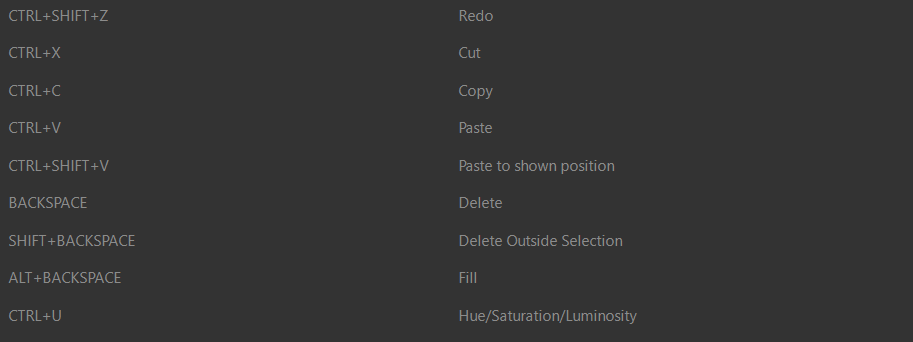
@CygnusSonolumen having a macropad helps because you can set one of the keys to be a modifier! Tourbox's app comes with all the shortcuts for csp (and other programs) ready for you to set your keys to.
English
@ShermsTan True;
and also I was actually sad I couldn't
bind my hotkeys in CSP the same way
I did in PS
CSP (my version at the time, I don't
know if this has changed since then)
only let me bind a single character
without any modifiers like Ctrl Shift
Alt combinations
I felt limited 😅
English
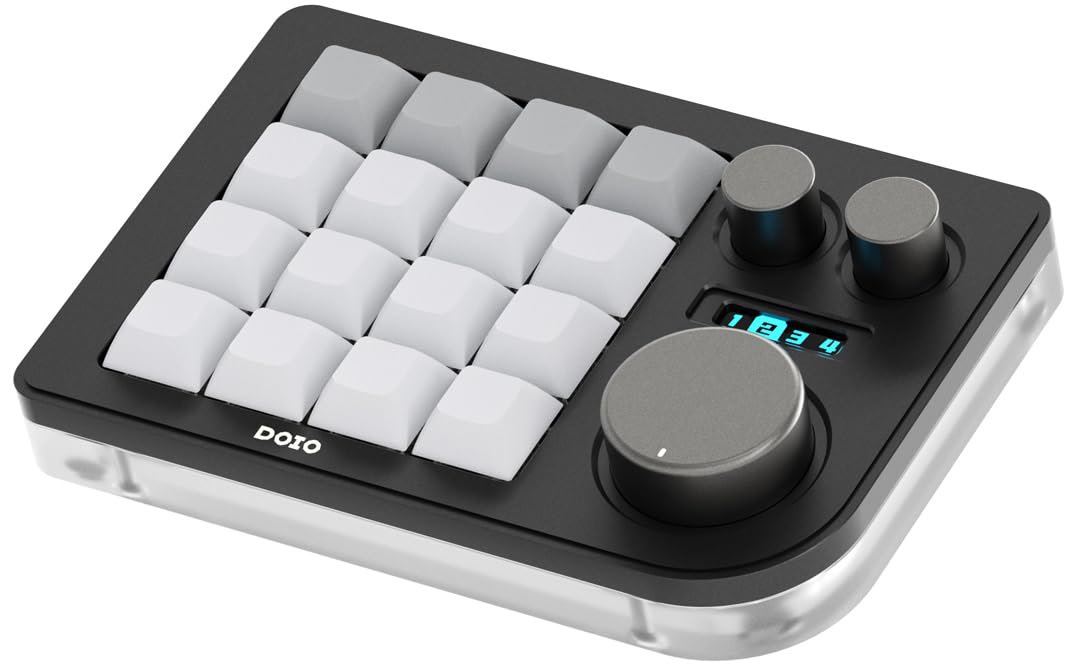
@oppyvett Hmm. Only the more pricier, elite version of tourbox comes with bluetooth, so I wouldn't recommend it unless you're doing more professional work on a proper desktop. There are wired options like the lite though honestly I think the huion keydial is sufficient enough for a tablet
English

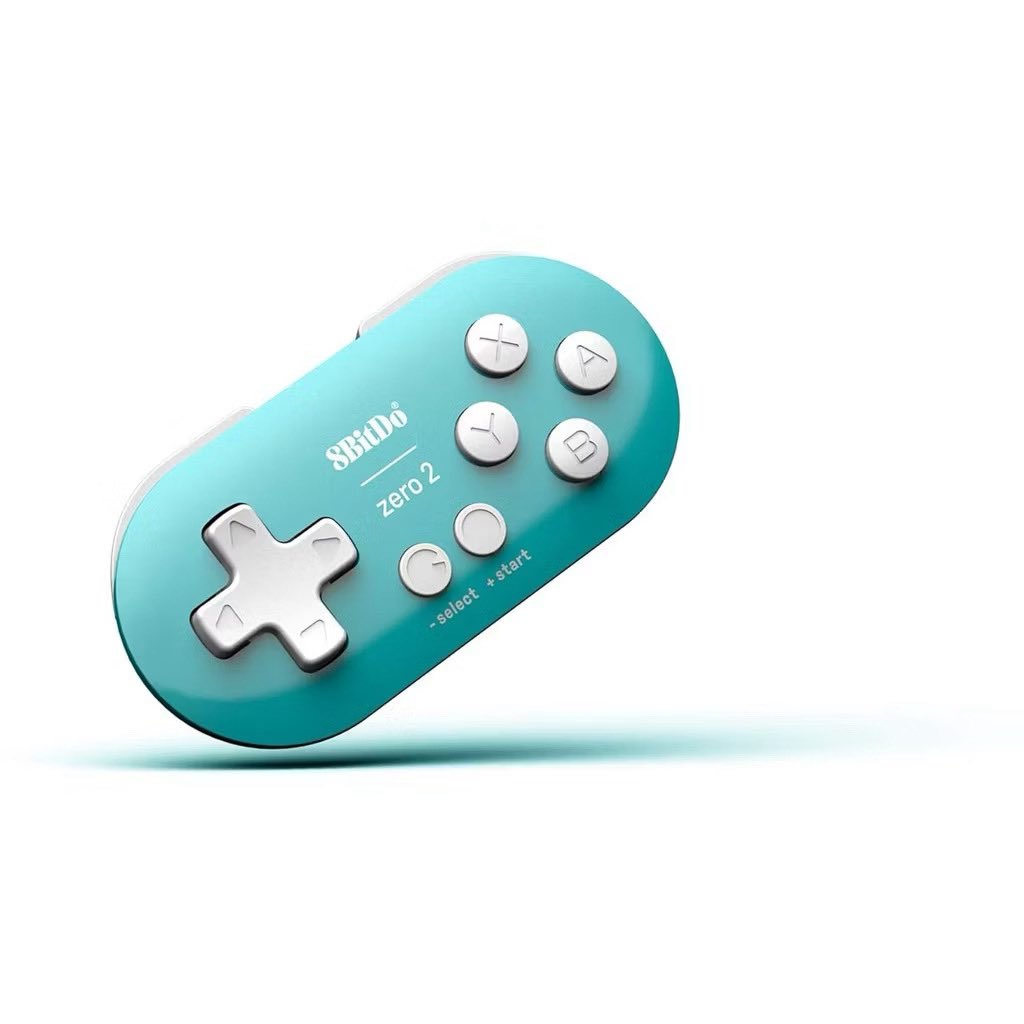
@ShermsTan For a Samsung Galaxy tablet which one would you recommend? I have the 8bit and the Huion Keydial mini K20! Wonder if I should invest im tourbox
English
@DaneshC_Art I like the tourbox because it sits like a keyboard but the buttons are all different so you remember inputs faster based in feel! You can set your own combination of buttons too so I can pretty much transform and warp my drawings without lifting my pen up.
English
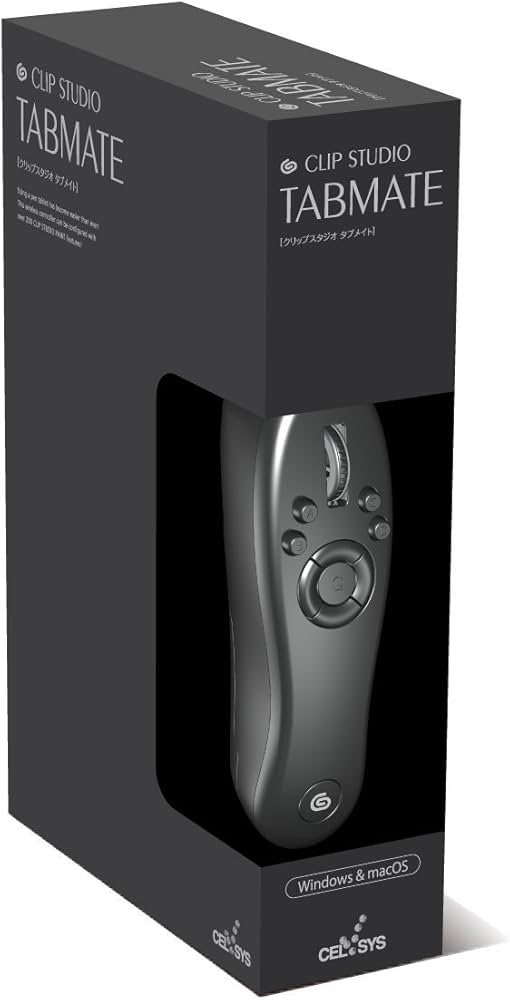
@DaneshC_Art It depends on your preference! I didn’t like the feeling of holding a remote while drawing so I didn’t like the handheld styles! (Tabmate etc)
I used a simple macropad but you have to memorise 9-16 keys all tight in a row and will be constantly looking down at it to check.
English
@ramenya6 I was the same! Imo it’s daunting in csp because there’s more “things to click.”
E.g: there is 1 icon to clip a layer instead of “right click>create clippingmask” in PS and 2 icons to choose whether you want to merge down your layer or merge down and keep the empty layer
English
@doctorbingpup It depends on what you’re using! It might be difficult or awkward to reach for a keyboard if you’re using a big inclined display tablet vs if you’re using a flat drawing tablet!
English

@ShermsTan Ngl,,, I’m actually an insane person who despite having several shortcut remotes, still prefers using mouse and keyboard instead😭 and even then the keyboard is mostly for cmnd + z…
English
I've personally tried all the devices in the tweet but stuck with the tourbox the most. It's the priciest of the bunch but the different tactile buttons and the freedom to do double tap and combination inputs is so good. ;-; Not a shill, just really happy I have one lol.
English