WWDC Notes

502 posts

WWDC Notes banner
WWDC Notes

WWDC Notes

@WWDCNotes

Open-source and community-driven effort to collect notes for all Apple's WWDC videos. ❤️ Not an official  account.

Cupertino, CA شامل ہوئے Kasım 2020
49 فالونگ1.2K فالوورز
پن کیا گیا ٹویٹ
WWDC Notes
WWDC Notes@WWDCNotes·
The new design is finally out of #Beta – all old notes are migrated! 🥳 It has lots of usability improvements compared to the old design. All thanks to #DocC. It's also hosted on #GitHub #Pages now, all open-source. 💙 Take a look & read + contribute: 👇 wwdcnotes.com
English

0
0
4
5.1K
WWDC Notes ری ٹویٹ کیا
Cihat Gündüz
Cihat Gündüz@Jeehut·
Fellow devs were impressed when I described how I use #ClaudeCode in my app work, so I've been busy preparing a new open-source project: Introducing "ContextKit" 🎉 an easy-to-use platform-agnostic system to get production-ready code faster. Details: 👇 github.com/FlineDev/Conte…
English
0
5
8
715
WWDC Notes
WWDC Notes@WWDCNotes·
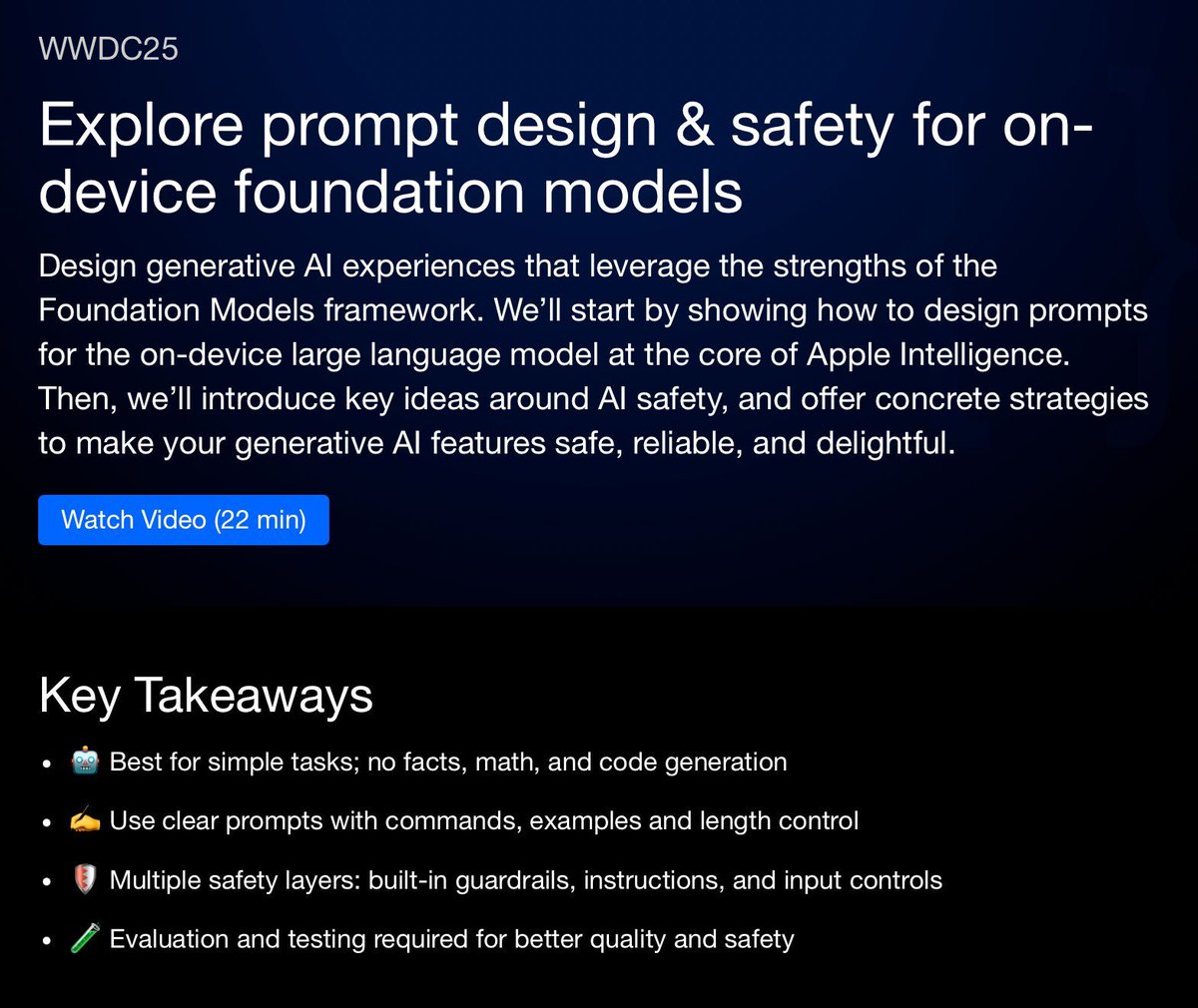
New session summary provided by Tarlan Ismayilsoy for #WWDC25 talk "Explore prompt design & safety for on-device foundation models". ✍️ Check it out now: 👇👇💡 wwdcnotes.com/documentation/…
WWDC Notes tweet media
English
0
0
0
187
WWDC Notes ری ٹویٹ کیا
Cihat Gündüz
Cihat Gündüz@Jeehut·
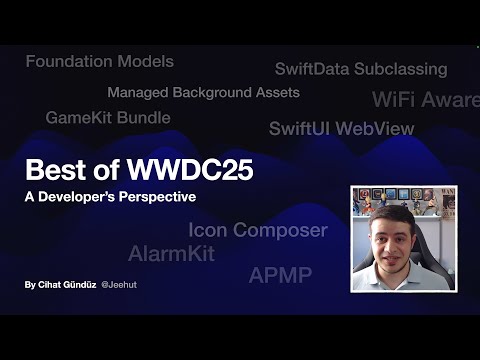
I watched 50+ #WWDC25 sessions (1000+ minutes) so you don't have to. Watch my 86 minutes summary video covering: ✨ Foundation Models API ⏰ AlarmKit 🌐 SwiftUI WebView ➕ More! youtu.be/w3yfBjFFxAI What's your favorite API? Should I make more videos like this? 🤔 #iOSDev
YouTube video
YouTube
English
1
2
19
2.1K
WWDC Notes
WWDC Notes@WWDCNotes·
New session notes provided by Harrison Heinig for #WWDC25 talk "Discover machine learning & AI frameworks on Apple platforms". ✍️ Check it out now: 👇👇💡 wwdcnotes.com/documentation/…
WWDC Notes tweet media
English
0
0
0
166
Flo writes Code
Flo writes Code@FloWritesCode·
Notes from the SwiftUI Lab: - Avoid glass overlapping glass - Avoid glass in anything that scrolls - Use glass when you want to grab attention - Remember to put glass in appropriate GlassEffectContainers - Move tinting away from NavBar into the content that scrolls behind the NavBar glass - LazyVStack in ScrollView: ForEach should return a static number of Views so the system knows what a "row" is - Use new performance instrument to find scrolling issues - "New design is still in beta"; issues like dark background behind glass being unreadable should be filed as feedback - Generally embrace SwiftUI for the app lifecycle even when using UIKit/AppKit for core navigation/structure - MatchedTransitionSource: Use to connect different Views and presentations - Singleton or EnvObject? Prefer Environment in SwiftUI (also helpful for Preview context) - System uses less colors now; avoid arbitrary tinting - use to draw attention or indicate states - Use ContainerValues to pass data up the hierarchy (not Bindings) or PreferenceKeys or Closures (for actions/UIKit) - Animations are available for widgets on visionOS (same as since iOS 17) - Known issue in beta where link gestures don't work - Use standard system controls - SafeAreaBar API for custom TabBar - NavLink uses trailing chevron SF Symbol (useful for custom buttons) - Fluidly draggable component like TabBar: Currently no API for that, file feedback if interested in this - Unit test SwiftUI Views: Bugs are mostly in business logic -> catch them there instead of testing SwiftUI Views, e.g. test that the NavPath of a NavModel contains .home instead of a snapshot test for login - Keep Views as small as possible and use Models - "Whatever architecture you pick, have a testable architecture" - Consider what work can be done outside the main thread (for performance optimization) - Consider scaling high-res images down to display size before showing them - Watch out for View inits & bodies being too expensive -> break up the body into multiple Views - Color.random in the background of list rows -> if its flicking during scrolling, your Views are invalidating - DatePicker disrespecting dynamic size is a known issue - Common SwiftUI antipatterns: conditional modifiers using if statements; public static let shared; if statements for NavStack in NavSplitView detail column (instead: ContentUnvailableView inside NavStack); Not using a11y representations instead of label & value; if statements "loose state" on change - Architecture depends on the app/developer preference -> SwiftUI is architecture-agnostic; lean into Observable (also compatible with UIKit) - ObservableObject led to needlessly invalidated Views, which is "fixed" with Observable - Debug SwiftUI: Knowing why the View updated/was invalidated -> let _ = Self._printChanges(); conditional breakpoints; even they use print debugging :) ; comment-out-debugging to narrow down on issues
English
17
61
647
59.9K