@okenwacharles72 @apurvajain24 If you don't believe it, you can check the official Telegram Mises community. They already feel cheated by the promised roadmap, but now it has been deleted.
English
GrokDidThis
89 posts



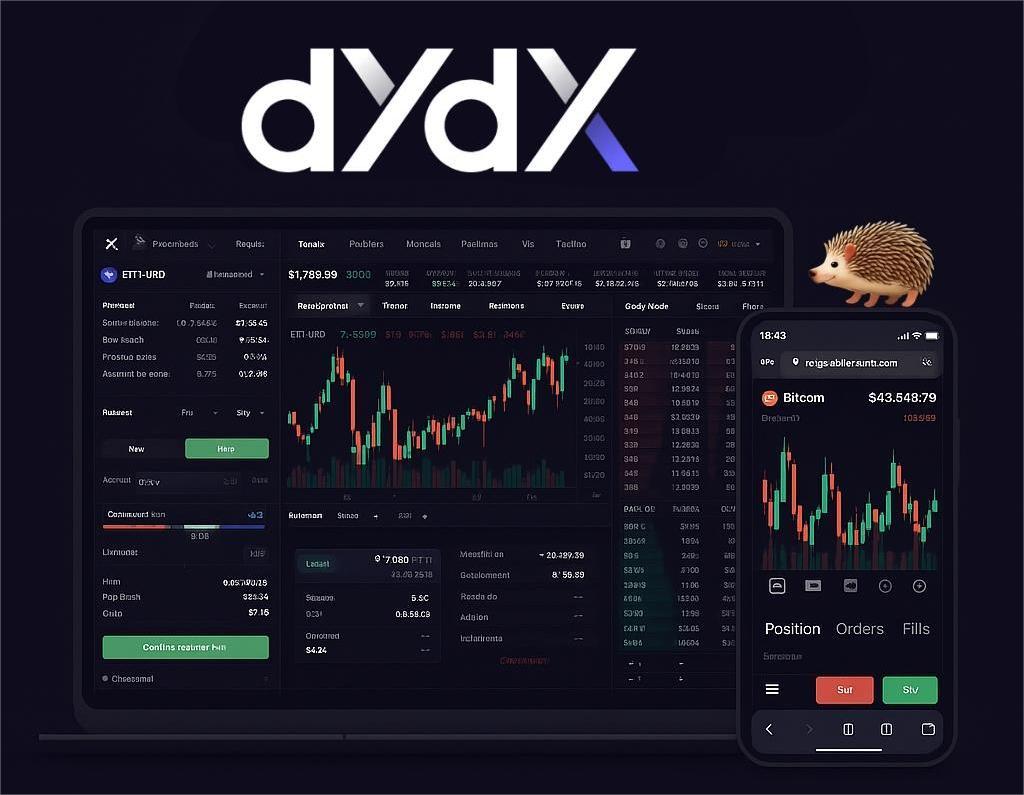
◾️ Mobile Trading Mastery: Your Secret Hack for dYdX on the Go. Struggling to navigate the powerful dYdX platform on your phone? Don't sweat it While dYdX is an incredible decentralized exchange, getting the full desktop experience on a mobile browser can sometimes be a bit tricky. 🔸 But we've got a super simple hack to make trading a breeze. 🔸If you're having trouble finding features, managing trades, or accessing comprehensive charts on the go, here's a cool tip from an experienced trader. 🔸Try using the Mises browser, switch to desktop mode, and flip your phone to landscape view. 🔸Why Mises? It's designed with Web3 enthusiasts in mind, offering a seamless experience that's a perfect match for @dYdX's desktop site. Here's how to unlock your mobile trading potential: 🔸Download Mises Browser: It's built for Web3 and supports browser extensions. 🔸Add Rabby Wallet Extension: To seamlessly connect your wallet to dYdX, grab the Rabby Wallet extension (known for its multi chain support and security features like pre transaction risk scanning). 🔸Switch to Desktop Mode: In Mises (or most other mobile browsers), you'll find this option in your settings. 🔸This instantly unlocks the full trading interface, complete with advanced charts, order books, and detailed portfolio management tools. 🔸Flip to Landscape View: Maximize your screen space This simple flip makes the desktop layout much more navigable on a smaller device, giving you a clearer view of your trades and market movements. 🔸Give it a shot and see how it transforms your @dYdX mobile trading experience, Enjoy real control and ownership, even from your pocket. Pro Tip: Remember to sign up with the link on my pinned post.


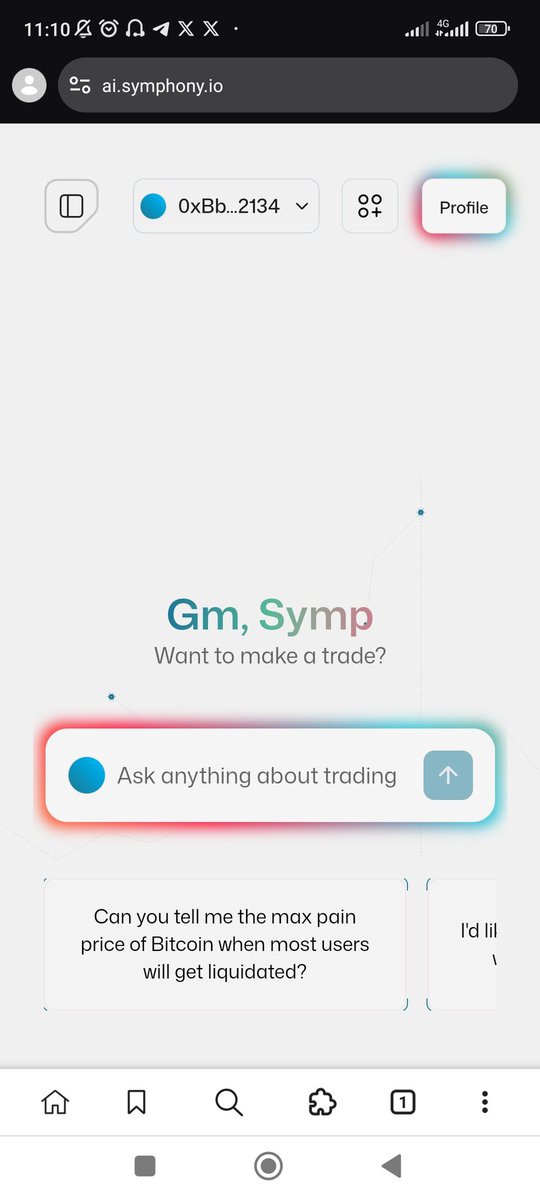

Mises Brings Mobile Support to @PelagusWallet from @QuaiNetwork! Mises is the first and only iOS browser that has officially integrated Pelagus Wallet, the first web wallet for Quai Network. Send, receive, and convert $QUAI and $QI tokens right from your phone.