Sticky Widgets

130 posts

Sticky Widgets

Sticky Widgets

@StickyWidgets

The absolute easiest way to put a sticky note on your home screen and edit it quickly. Made by @thillsman

Your home screen Joined Eylül 2020
1 Following160 Followers
Sticky Widgets
Sticky Widgets@StickyWidgets·
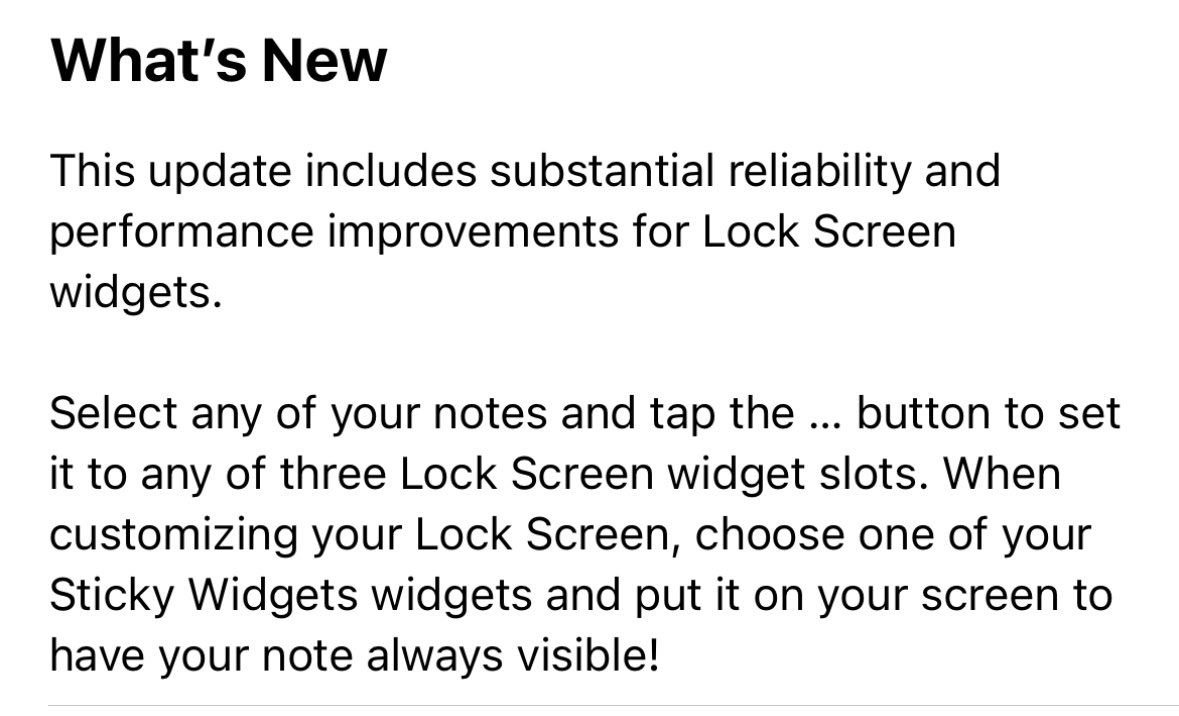
Sticky Widgets version 3.2.1 rolled out earlier today, with improvements to Lock Screen widgets. Here are the notes, with demo videos to follow.
Sticky Widgets tweet media
English
7
1
0
0
Dave Reid
Dave Reid@DaveReid555·
@StickyWidgets have sticky widget on Home Screen and Lock Screen. Edit on either and text changes on Home Screen but not lock. Am I doing something wrong? Thanks
English
1
0
0
0
Sticky Widgets
Sticky Widgets@StickyWidgets·
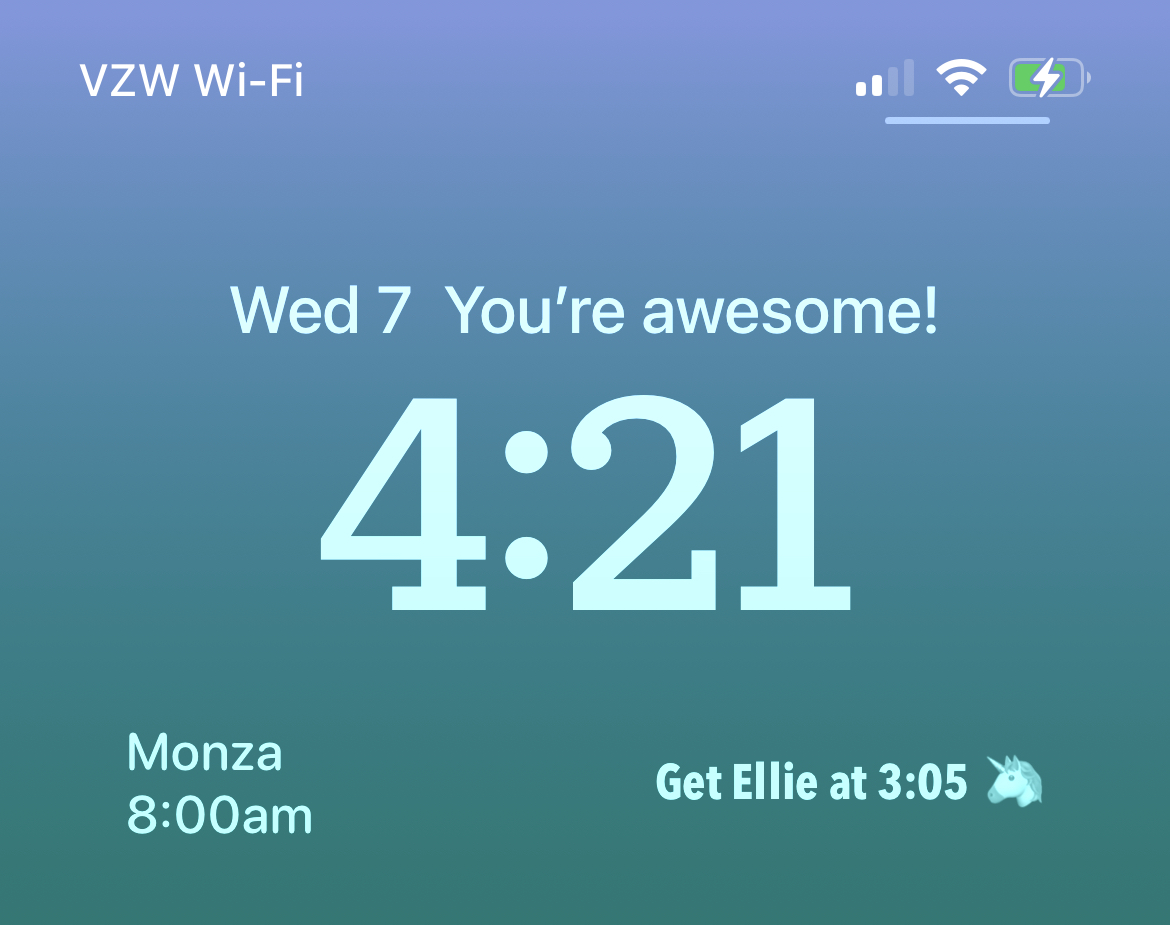
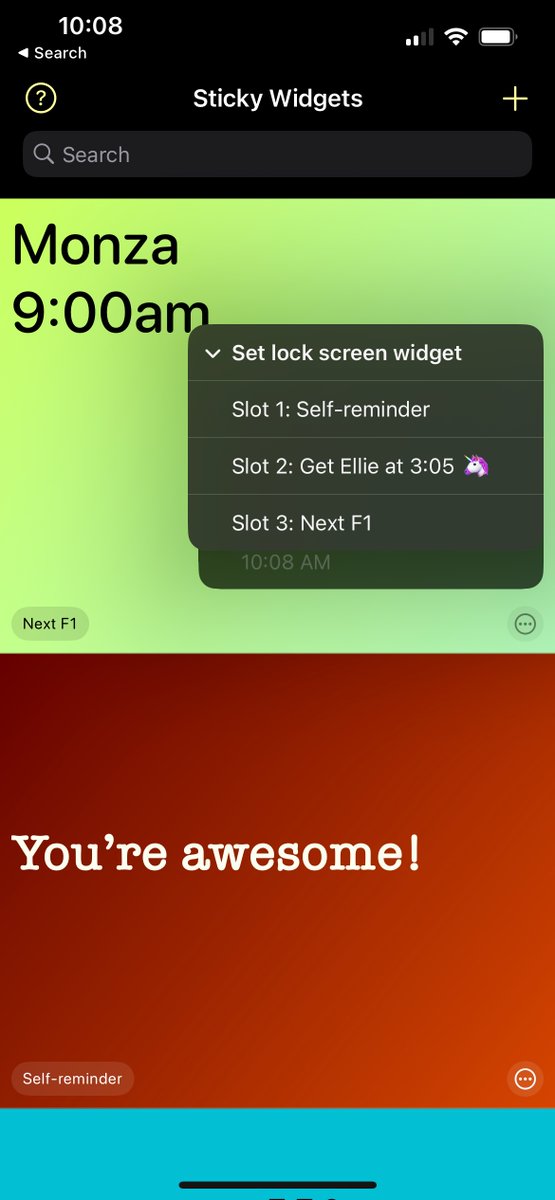
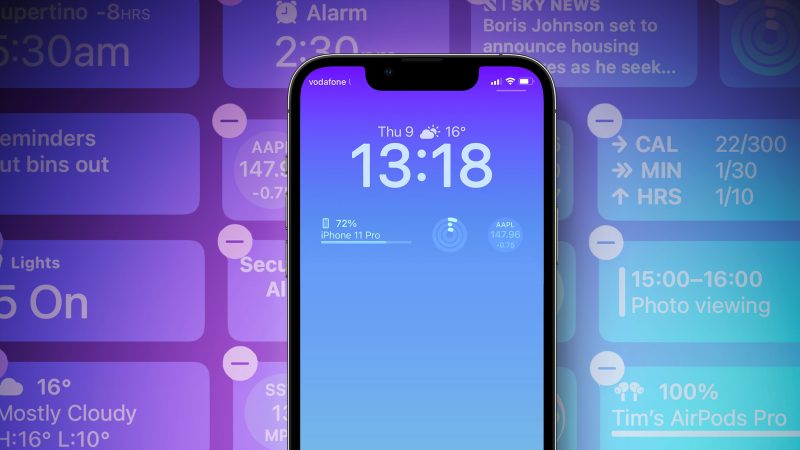
Happy iOS 16 day! When Apple drops the new update later today, Sticky Widgets 3.2 will be released as well. This updates adds the ability to display your widgets on your Lock Screen!
Sticky Widgets tweet mediaSticky Widgets tweet mediaSticky Widgets tweet media
English
2
2
6
0
Sticky Widgets
Sticky Widgets@StickyWidgets·
@DanRobbins_ Hey there, try today’s Sticky Widgets update, version 3.2.1. It substantially improves Lock Screen widget performance.
English
0
0
0
0
D.Robb
D.Robb@DanRobbins_·
@StickyWidgets Since the iOS 16.0.2 update the Lock Screen widgets don’t work. Not sure it that’s the issue or not, just an observation.
English
1
0
0
0
Sticky Widgets
Sticky Widgets@StickyWidgets·
@JSajczuk Hi there, thanks for reaching out. I’ve got an update out today, that should drastically improve Lock Screen widget performance. Try updating to version 3.2.1.
English
0
0
0
0
Sticky Widgets
Sticky Widgets@StickyWidgets·
And that’s it! Your top reminders, affirmations, and high-priority notes are visible even when your phone is locked (and very much so with an iPhone 14 Pro’s always-on screen). More Sticky Widgets improvements are coming soon. Download Sticky Widgets: apps.apple.com/us/app/sticky-…
English
2
0
0
0
Sticky Widgets
Sticky Widgets@StickyWidgets·
Then, customize your Lock Screen by long-holding on the middle of it, tap Customize, then choose a widget location. From the widget picker, choose one of your Sticky Widgets slots and drag it into place. After saving, tap it to launch directly into the note for editing!
English
1
0
1
0
Sticky Widgets
Sticky Widgets@StickyWidgets·
@Kounna851 Hey there, if you’re having any issues, I’d be happy to help! (And Sticky Widgets isn’t an Android app at the moment.)
English
1
0
0
0
Kounna85
Kounna85@Kounna851·
@StickyWidgets Do not use this app. It has been known to corrupt the storage of most IOS and Android devices.
English
1
0
1
0
Sticky Widgets
Sticky Widgets@StickyWidgets·
The absolute easiest way to put a sticky note on your home screen just got even better. Download Sticky Widgets for free and your notes are just a tap away.
English
2
2
21
0
Sticky Widgets
Sticky Widgets@StickyWidgets·
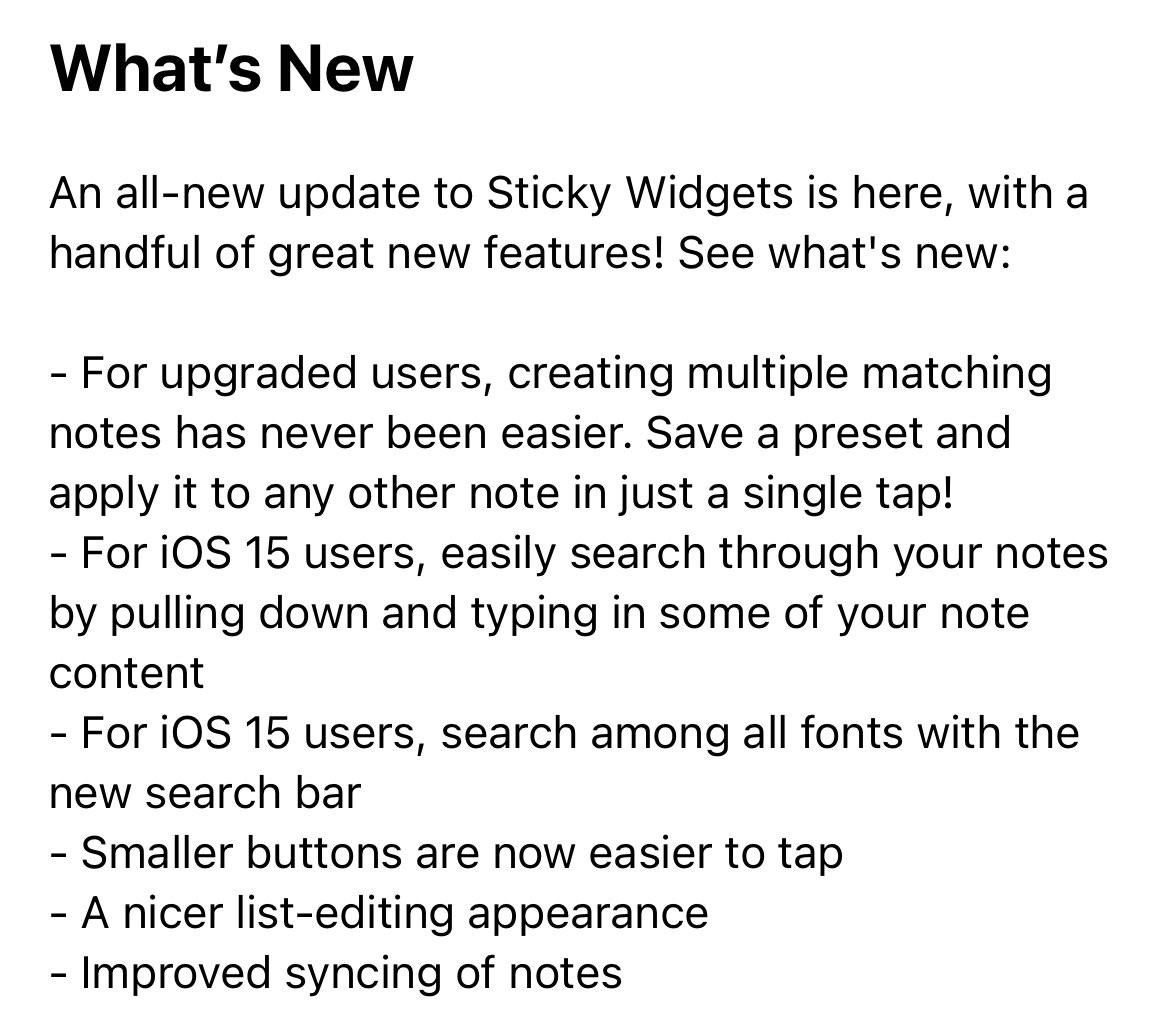
Happy Thanksgiving! Sticky Widgets 3.1 is out this morning with a few new features. This version introduces note presets! Easily save your note configurations and apply them in one tap. Everyone can save one and upgraded users get unlimited presets. Check it out!
English
4
2
4
0
Sticky Widgets
Sticky Widgets@StickyWidgets·
Full release notes are here. Additional features include note search and font search, some UI polish, and additional syncing improvements. Download Sticky Widgets for free here: apps.apple.com/us/app/sticky-…
Sticky Widgets tweet media
English
5
1
1
0
Sticky Widgets retweeted
Christopher Lawley
Christopher Lawley@chris_lawley·
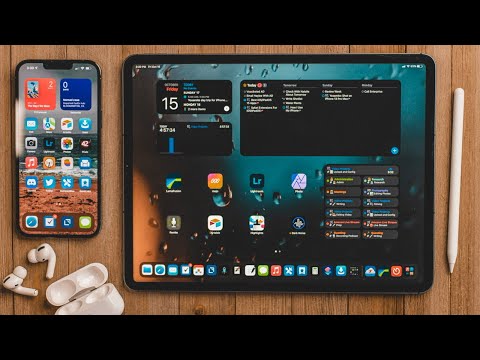
New Video! New and Updated Apps for iOS/iPadOS 15 youtu.be/V7GF6d6u0Go This is the first video I ever DM a developer and asked if it's ok if I talk about a feature. Watch the video to figure out why.
YouTube video
YouTube
Christopher Lawley tweet media
English
0
7
48
0