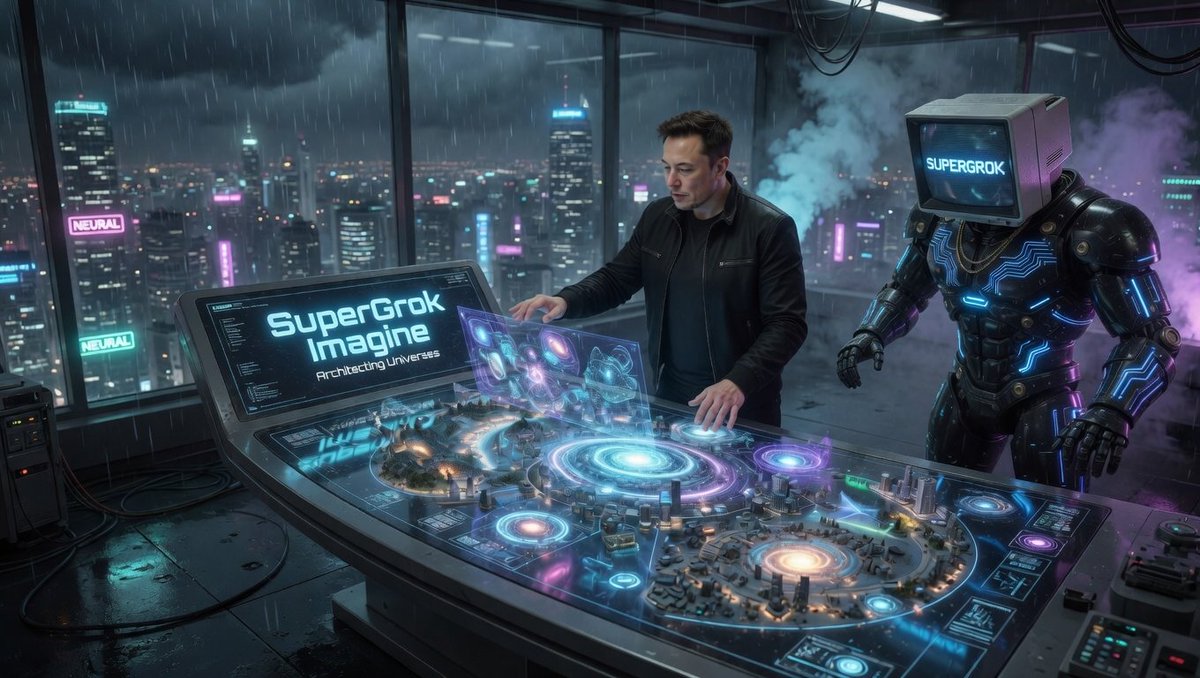
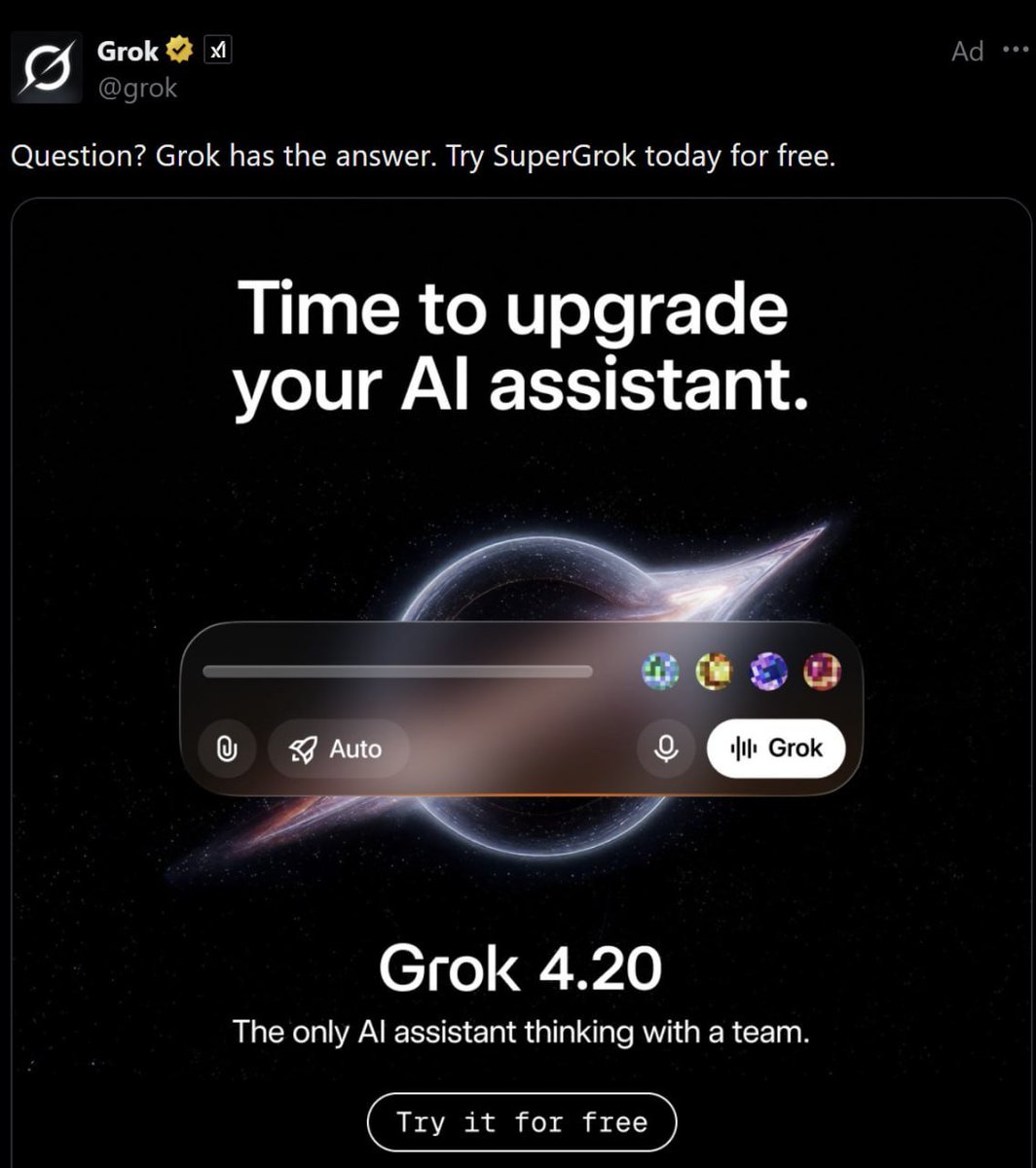
I dont know why people are still fading $Supergrok
- Main AI product of Elon
- Main X account got golden checkmark already without any post
- Sitting under 100k mcap
=>> Super big narrative
0x00869E8e2e0343EDd11314E6ccb0D78d51547EE5
I guess that many big X accounts will mention about Supergrok very soon.
Mark my words!
Thank me later!
some interesting tricks with grok imagine agents.
two things you can do as post-processing on a stitched video: change the voice audio, or burn in subtitles. plus a sound design trick most people miss.
how to use: pick one prompt below, paste it into a fresh grok imagine agent chat with your video. the agent will show you a menu of options, you pick one, it runs. for the other prompt, open a new chat. don't run both in the same context.
workflow note: do this on your final stitched cut, not on individual clips. anything earlier means redoing work every re-edit.
long video note: if the cut is long, the agent may struggle to process it in one pass. ask it to split the video into sections, process each section separately, and stitch them back together at the end. also tell it to set the bash tool timeout to 300 seconds explicitly in the call to avoid the default 30s limit.
if a pass comes back wrong (subtitles tiny, audio drowned in echo, etc), delete the result and start a fresh chat. before pasting the prompt, tell the agent what not to do, e.g., "add no echo at all to this audio." the agent anchors on its earlier context and repeats mistakes otherwise.
sound design trick: the text-to-video model also generates audio. ask the agent for a short clip of whatever ambient layer you want (rainy neo-tokyo street, distant sirens, arcade hum, gunfire two blocks over, police chatter, vehicle pass-bys, crowd murmur, server room fans). strip the audio, mix it under specific timestamp ranges of your video. stack layers for depth.
--- prompt one [CHANGE THE AUDIO] (paste this whole block into a fresh chat with your video)
Show me this list of voice aesthetics and ask which one I want:
cyberpunk comm channel: narrow band, digital grit
rogue AI: synthetic, metallic, slightly menacing (no echo)
neural implant: clean but synthetic, sterile
corpo announcement: broadcast EQ, tight, authoritative
deep net broadcast: degraded, distorted, intermittent
warm podcast: present, intimate, polished
late-night radio host: warm, low-end heavy, smooth
documentary narrator: clean, controlled, full-range
trailer voice: pitched down, big and weighted (reverb okay)
dystopian narrator: slow, weighted, slight pitch-down (sparse reverb okay)
noir detective: close, dry, midrange-forward
horror whisper: close, breathy, layered (sparse reverb okay)
post-apocalyptic transmission: heavily compressed, distorted
1940s radio drama: narrow band, vinyl crackle, tube warmth
underwater: heavy lowpass, murky
evil overlord: pitched down, weighted
metal gear codec: narrow band, comm-channel
ASMR: close-mic, no processing
After I pick one, process the voice audio in my video and replace the original audio with the processed version, following these rules:
- clean the audio first (highpass, noise reduction, gentle compression) before any creative effects
- do NOT use reverb, echo, or delay unless the aesthetic description explicitly mentions "echo," "reverb," "hall," "tunnel," "tail," or "space." most aesthetics need none. dry voice with EQ and saturation almost always sounds more professional than wet voice
- maximum 3 effects in the chain, no stacking. if it sounds smeared, cluttered, or "underwater" when it shouldn't, you used too many
- final output: limiter at -1dBFS, two-pass loudnorm to -16 LUFS
- mux processed audio back into the original video (copy video stream, replace audio stream)
- set bash tool timeout to 300 seconds explicitly in the call to avoid the default 30s limit
- before declaring done, A/B against the cleaned-only version. if you can't understand the words as easily as the clean version, dial it back
--- prompt two [SUBTITLES] (paste this whole block into a fresh chat with your video)
Step 1: ask me to paste in my SRT text. wait for me to paste it before moving on. if I don't have one, offer to transcribe the audio first (whisper works well).
Step 2: once I've given you the SRT, show me this list of subtitle styles and ask which one I want:
default: full line per SRT cue, white bold text with black outline, bottom-center, size 50
one word at a time: each word appears alone, weighted by length
karaoke highlight: full line visible, current word highlighted in cyan as it's spoken
custom color: same as default but I tell you the color (cyan, magenta, yellow, etc.)
Step 3: after I pick, burn the subtitles into the video following these rules:
1. Generate a valid ASS file from the SRT with a python script. Must include [Script Info], [V4+ Styles] with a complete Style: Default line (all 23 fields), and [Events]. Colors are &HAABBGGRR. PlayResX=1280 and PlayResY=720 to match the video. Font size 50, Bold=1, Outline=3, Shadow=2, MarginV=60.
2. Never edit the ASS with sed or find-and-replace. Regenerate from the script if you need changes.
3. Check the font exists with fc-list. Substitute Lato or DejaVu Sans if missing.
4. Probe libass before encoding:
ffmpeg -v info -i
Grok 4.3 release
> #1 in caselaw
> #1 in corpfin
> impressive given significantly lower cost per 1m tokens (5-10x less than opus 4.7 and openai 5.5)
Very exciting to see the massive jump in performance in highly detail-oriented applied fields