World Clock Widgets

46 posts

World Clock Widgets banner
World Clock Widgets

World Clock Widgets

@World_Clock_App

Put time zones on your home screen with World Clock Widgets for iOS and macOS. Made by @aoverholtzer in California.

California, USA Joined Nisan 2022
3 Following22 Followers
World Clock Widgets
World Clock Widgets@World_Clock_App·
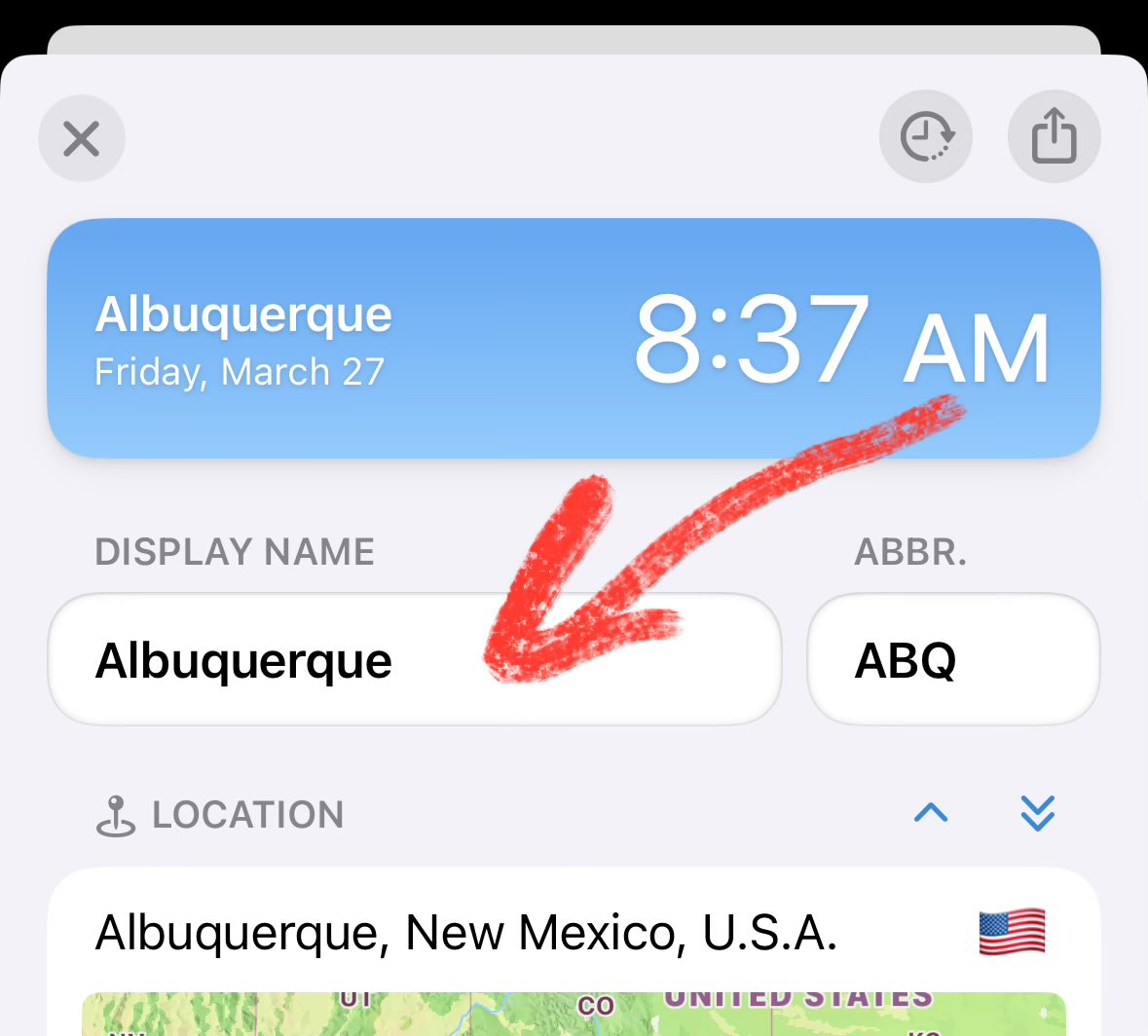
@Pat_Atkin Yes! Select a city in the app to open its detail page, then you can edit its Display Name.
World Clock Widgets tweet media
English
1
0
1
10
World Clock Widgets
World Clock Widgets@World_Clock_App·
@Pat_Atkin Of course! Just select the clock and a sidebar will appear with detail about that location and time zone. Near the top is “Display Name”, which you can edit to anything you like. Hope that helps!
English
1
0
1
15
Pat Atkin 🇬🇧 🎾 🇧🇲
@World_Clock_App I love the app! I changed the clock name to another on my iphone (for instance London to my local town in Scotland ), but I can’t work out how to do it on my new iPad. Can you help? Can I even do it now?
English
1
0
0
15
World Clock Widgets retweeted
Adam Overholtzer
Adam Overholtzer@aoverholtzer·
Available now: an awesome update for World Clock, the #1 free time zone converter and clock widget for iOS, with a fresh new design, interactive shortcuts, windows and inspectors on iPad, plus AlarmKit support on iOS 26. #iOSDev #AppleEvent #iOS26
Adam Overholtzer tweet media
English
1
1
6
20.6K
World Clock Widgets
World Clock Widgets@World_Clock_App·
World Clock’s fall update for iOS 26 is now in beta!
World Clock Widgets tweet media
English
1
1
1
117
World Clock Widgets retweeted
Charlie Chapman
Charlie Chapman@_chuckyc·
Still my favorite way to keep track of the dizzying amount of time zones I have to deal with, and it keeps getting better!
World Clock Widgets@World_Clock_App

The #1 world clock app for iOS and macOS just got better! New widgets, interactive time zone conversion widgets, and Live Activity improvements, plus the ability to set a specific clock (e.g., UTC) to always use 24-hour time.

English
0
1
7
1.2K
World Clock Widgets
World Clock Widgets@World_Clock_App·
The #1 world clock app for iOS and macOS just got better! New widgets, interactive time zone conversion widgets, and Live Activity improvements, plus the ability to set a specific clock (e.g., UTC) to always use 24-hour time.
World Clock Widgets tweet mediaWorld Clock Widgets tweet media
English
1
1
0
1.3K
World Clock Widgets
World Clock Widgets@World_Clock_App·
Celebrating 10 years on the App Store!
World Clock Widgets tweet media
English
1
0
2
225
World Clock Widgets
World Clock Widgets@World_Clock_App·
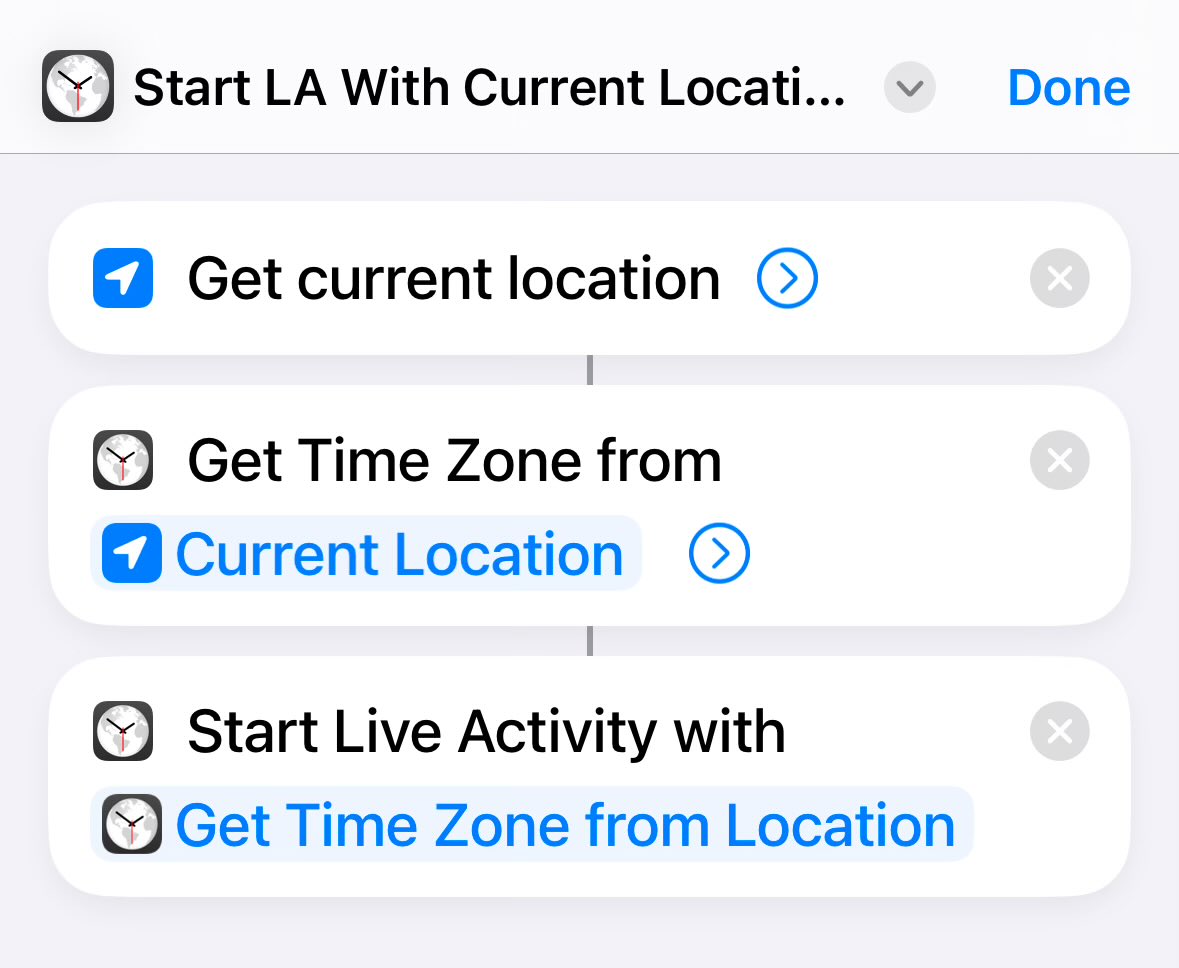
@thejoedelia You can use our “Get Time Zone from Location” action to convert a location (e.g., your current location) to something you can use with “Start Live Activity”.
World Clock Widgets tweet media
English
1
0
1
11
World Clock Widgets
World Clock Widgets@World_Clock_App·
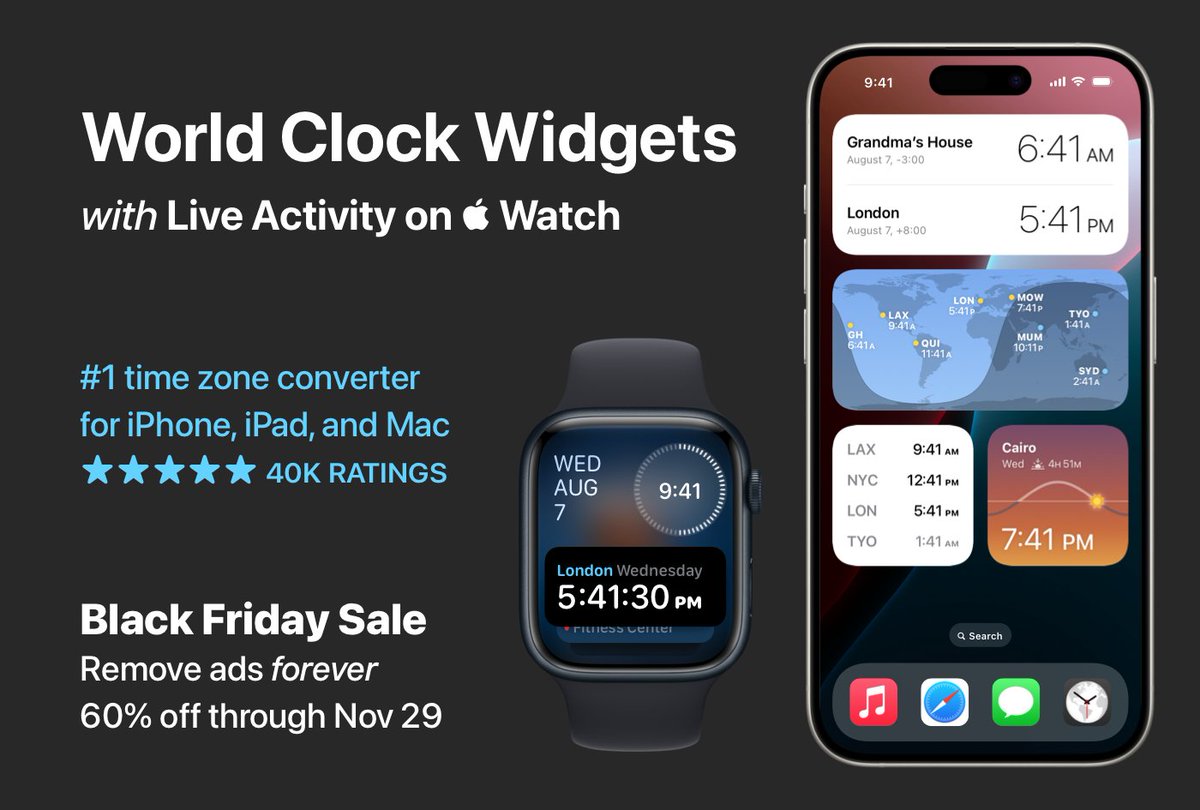
#BlackFriday Sale ! Remove ads in World Clock Widgets forever for just two bucks (60% off) through November 29. Link in the next post…
World Clock Widgets tweet media
English
2
1
1
246
World Clock Widgets
World Clock Widgets@World_Clock_App·
@diegojimenez If you recently upgraded to macOS Sequoia, try deleting and re-adding the widgets. And if you have large Grid widgets, try replacing them with 2 smaller widgets (this seems to apply to both Sonoma and Sequoia, unfortunately).
English
0
0
0
17
Diego Jimenez
Diego Jimenez@diegojimenez·
@World_Clock_App the widget has been very unreliable lately; It shows empty most of the times I try to use it :(
Manhattan, NY 🇺🇸 English
1
0
0
60
World Clock Widgets
World Clock Widgets@World_Clock_App·
@rotweets Yes! macOS determines the widget size options, but World Clock offers a bunch of different styles, some of which show more clocks but less information. You could try adding two widgets, and then editing the second one to show different clocks from the first. Hope that helps!
English
1
0
1
27
Ro
Ro@rotweets·
@World_Clock_App Hi, is there a way to add more than 5 clocks for the macOS widget?
English
1
0
0
16
World Clock Widgets
World Clock Widgets@World_Clock_App·
@RickyJMarc Please try restarting your device. If that doesn’t work, try deleting the widget and adding it again. Hope that helps!
English
0
0
1
86
Dr. Rícky J. Marc (Rājèmi)
I’ve got a bug for you to fix, @World_Clock_App: ever since the update, the widget isn’t showing what I need it to anymore, even after some initial troubleshooting. Below is the before-and-after.
Dr. Rícky J. Marc (Rājèmi) tweet mediaDr. Rícky J. Marc (Rājèmi) tweet media
English
1
0
0
94
World Clock Widgets
World Clock Widgets@World_Clock_App·
@mauibernardi Thanks for the follow-up, I’ll look into it. I should have a beta for iOS 18 next week.
English
0
0
1
37
World Clock Widgets
World Clock Widgets@World_Clock_App·
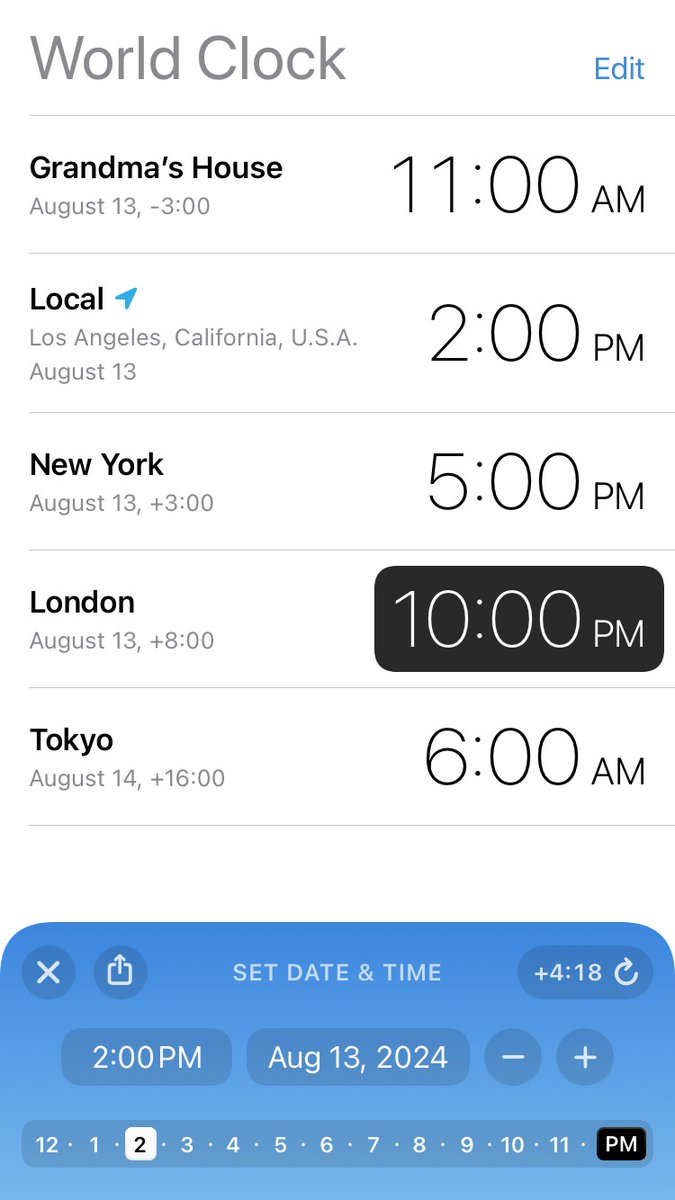
The best World Clock app for iOS just got better: use the time zone converter to quickly find the perfect time for that meeting or phone call, then share it or add to calendar with just a tap. Download for free: apps.apple.com/app/id956377119
World Clock Widgets tweet media
English
0
1
1
281