Motorola VerveLife

427 posts

Motorola VerveLife banner
Motorola VerveLife

Motorola VerveLife

@AVerveLife

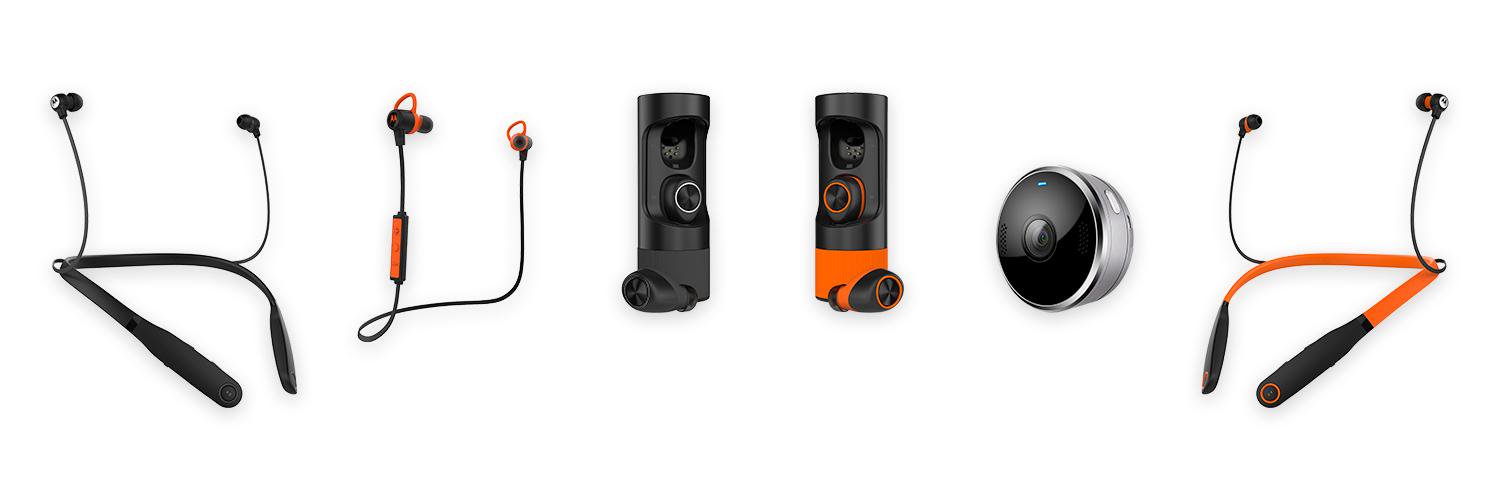
VerveLife is an innovative, revolutionary collection of wireless video & audio products that allows you full freedom to enjoy life & stay connected.

Se unió Aralık 2015
170 Siguiendo659 Seguidores
Motorola VerveLife
Motorola VerveLife@AVerveLife·
@bvmather Hi Brian, I am sorry to hear that. Could you let me know what exactly isn't working? You can send an email to supportUS@motorolastore.com and I will get back to you as soon as possible. Kind regards, Debbie
English
0
0
0
0
Brian Mather
Brian Mather@bvmather·
@AVerveLife we have a pair of Verve Ones+that are not working. 250 euro for some orange ornaments
English
1
0
0
0
Andrew Davis
Andrew Davis@AD29368·
@AVerveLife I have tried that email address but it just gets bounced back is there an alternative? Thanks
English
1
0
0
0
Andrew Davis
Andrew Davis@AD29368·
@AVerveLife my verve+ headphones have stopped working on the LH ear bud only had them a year can these be replaced under guarantee? TIA Andrew
English
1
0
0
0
Motorola VerveLife
Motorola VerveLife@AVerveLife·
@LiekeMuller Hi Lieke, which app (Android or iOS) and version are you using? Kind regards, Debbie
English
0
0
0
0
Motorola VerveLife
Motorola VerveLife@AVerveLife·
@daemon2510 2/3 * Press both the ear buds for 6 secs. * Now take the bus out of the case. * One ear bud should glow green (the left bud which pairs with your device) and the other one blue (the right bud) and you should hear a voice prompt saying the earbuds are paired.
English
0
0
0
0
Motorola VerveLife
Motorola VerveLife@AVerveLife·
@daemon2510 1/3 Hi Daemon, I am sorry to hear that! Please try to pair the ear buds by following the below steps: * Connect the case with the ear buds in it to the USB cable for charging. * You should see a white LED on the case (If not, close and open the case).
English
0
0
0
0
Motorola VerveLife
Motorola VerveLife@AVerveLife·
@notoshaz I apologize this isn´t possible, only the VerveOnes (+) have this option. Please let me know if there are any questions. - Debbie
English
0
0
0
0
Motorola VerveLife
Motorola VerveLife@AVerveLife·
1/2 @notoshaz Yes you can with the app! Tap "Firmware Update - Start download" follow the steps given, keeping the app open until completed.
English
2
0
0
0