Tweet Disematkan

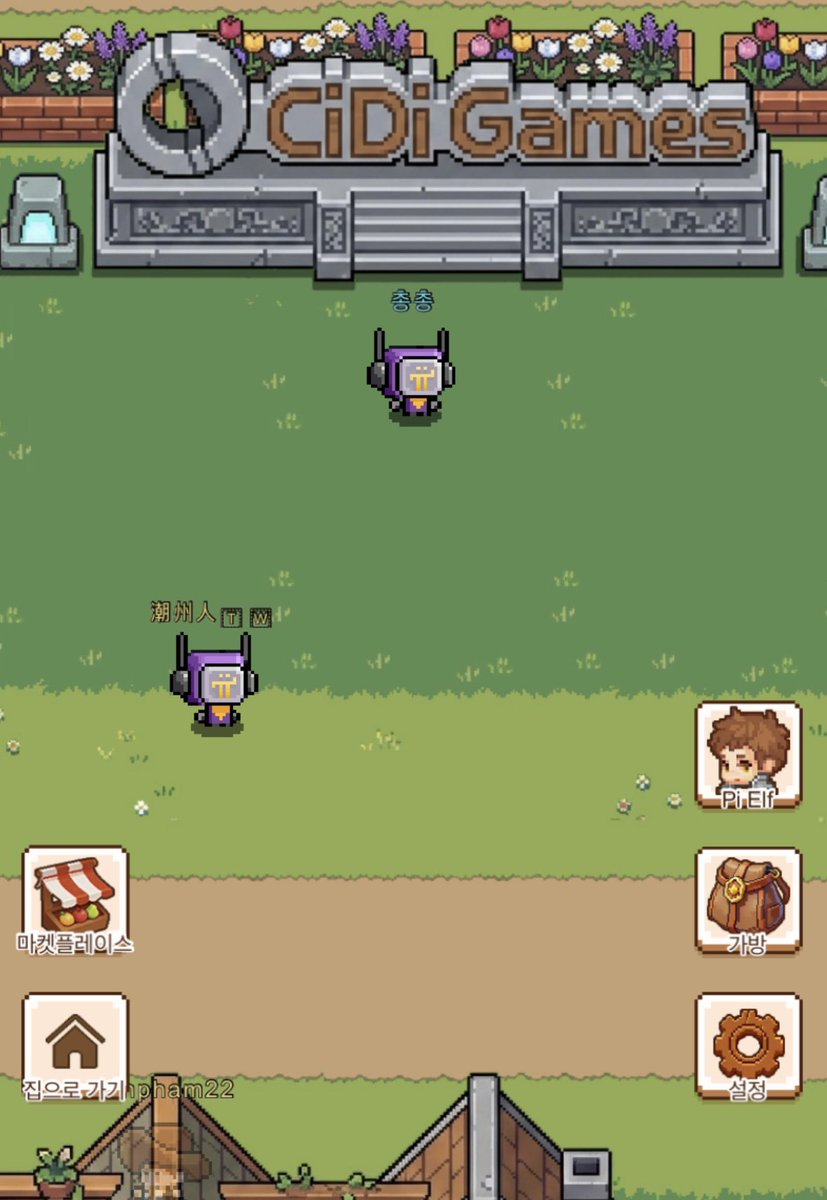
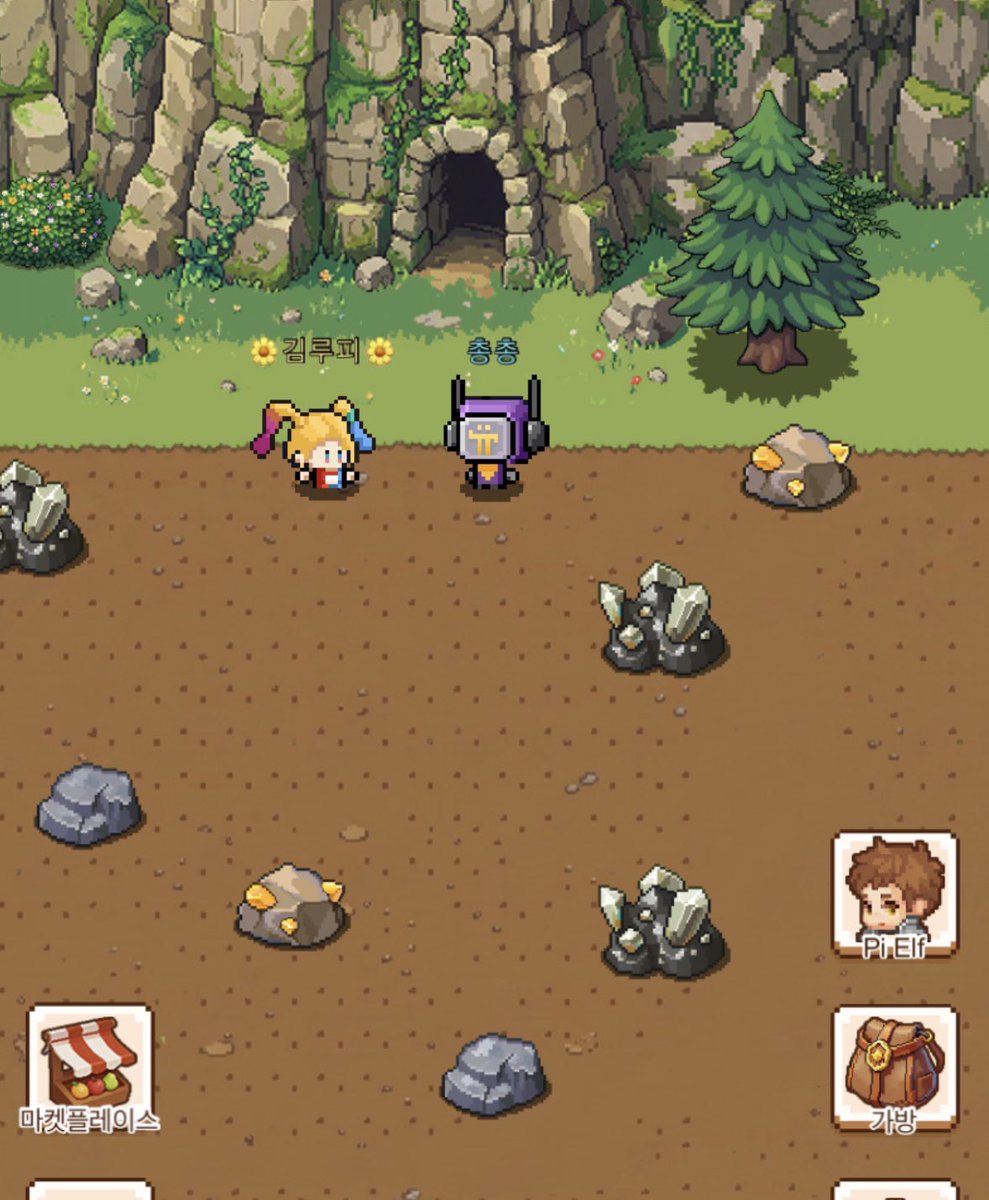
How to Enjoy ELF Continent in Full Screen (Like a PC Online Game) on Your PC or Laptop
1. Log in to ELF Continent.
2. Once you are logged in, click the "+" (New Tab) button in your browser to open at least one additional tab.
3. Move away from the tab displaying ELF Continent, and switch to the newly created blank tab.
4. Press the F11 key on your keyboard to change this newly added tab to Full Screen mode.
5. Once Full Screen mode is applied, press Ctrl + 1 at the same time to switch back to the ELF Continent tab, then click on the screen to enjoy the game in full-screen mode.
6. To exit full screen and shrink the window back to normal, simply press the ESC key.
@PlayCiDi @asher_cidigames #CIDIGAMES
🌼김루피🌼@kimloopy2
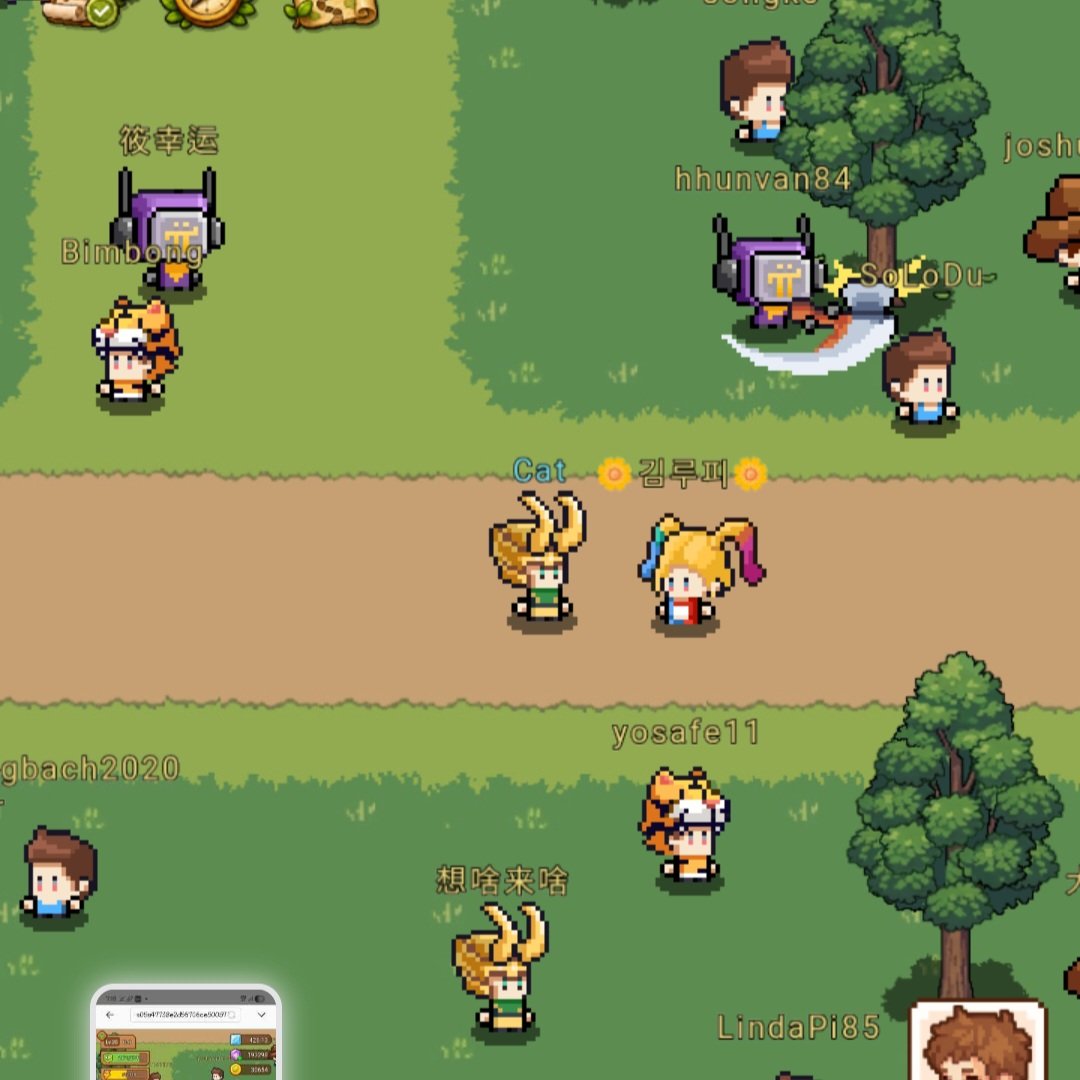
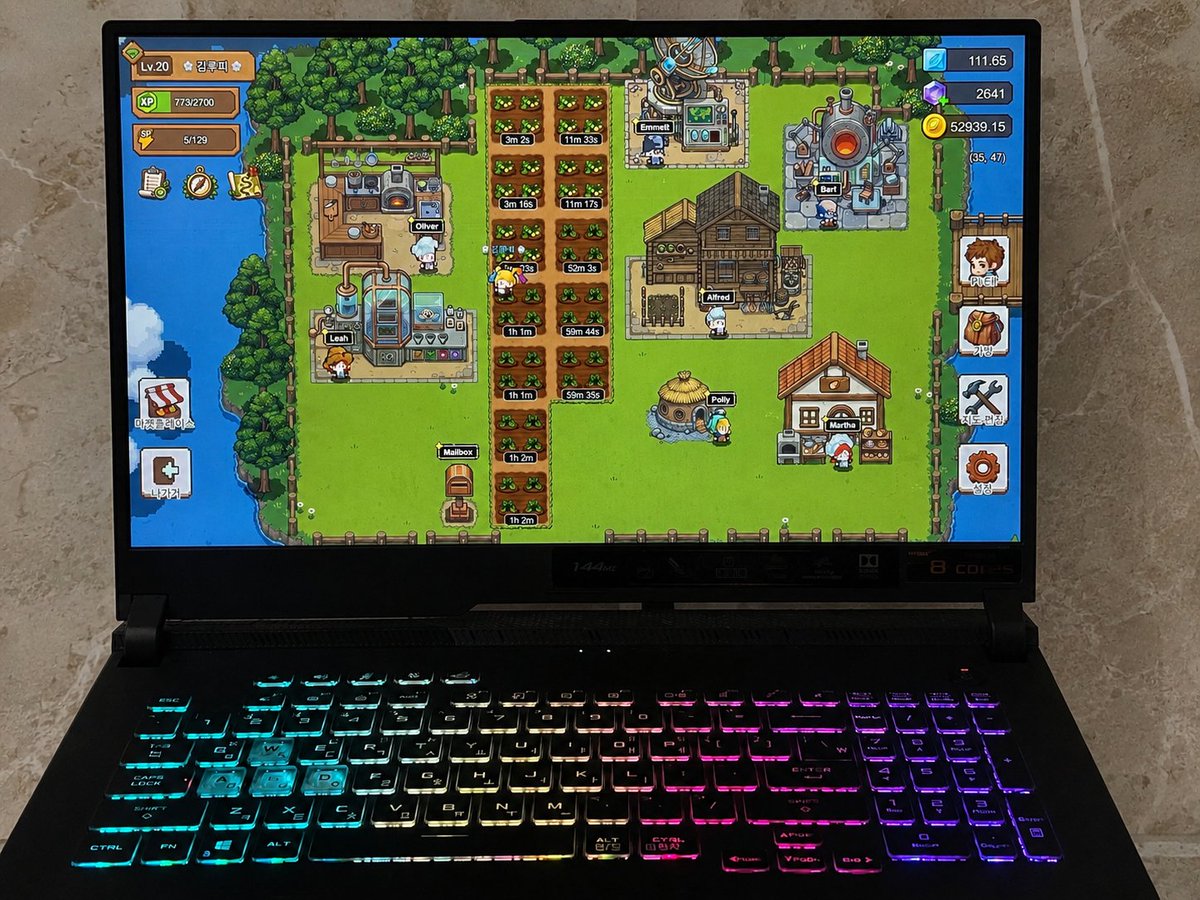
Is anyone here playing ELF Continent on a PC??? To really immerse myself in the game, I hide everything—including the browser window, search bar, and tabs—so that the game screen fills my entire monitor, just like a PC online game. If enough of you are curious about how to do this, I’ll post a guide. Please leave a comment or like this post. @PlayCiDi @asher_cidigames #CIDIGAMES
English