InternationalOptions

519 posts

InternationalOptions

InternationalOptions

@IntlOptions

United States 参加日 Temmuz 2015
852 フォロー中104 フォロワー
InternationalOptions
InternationalOptions@IntlOptions·
@deedydas And who tested it independently among so many stars on X? Nil - yea, so talking your book?
English
0
0
0
53
Deedy
Deedy@deedydas·
This is the best blog post on LLM inference I've seen this year. They achieved 10x latency and >1400 tokens/sec by moving speculative decode onto two 2GB SRAM/chip Corsairs, a small cost on top of a standard GPU setup on gpt-oss-120b. This performance at this price is insane.
Deedy tweet media
English
25
38
437
21K
🍓🍓🍓
🍓🍓🍓@iruletheworldmo·
i’m slightly surprised by the lack of excitement around spud (GPT 6) this is a brand new pre train. this is an order of magnitude improvement model. if i had to compare it. its closest to the jump from o1 to 5.4 xhigh. mythos is exciting but they’ll never be able to serve it, they’ve made the gpt 4.5 error. with the level of compaction and memory tricks you’ll have infinite context. the personality is much better than opus 4.6 it’ll all be served in an app simple to claude, with a a version of cowork and codex bundled into one, memory shared effortlessly between the modes. i promise you, you are not hyped enough. gemini book smarts, opus personality, agency we’ve never seen. the new agent mode is…something else. sama and gdb aren’t claiming to have agi and going on the media offensive pre ipo as part of some hilarious joke that will back fire. around 3 months ago it was clear spud had made leaps they didn’t anticipate. and only now can they signal the excitement. it is bad news for knowledge work, i have to be honest. but. it’s beautiful.
English
88
20
585
34.7K
Georgi Gerganov
Georgi Gerganov@ggerganov·
Let me demonstrate the true power of llama.cpp: - Running on Mac Studio M2 Ultra (3 years old) - Gemma 4 26B A4B Q8_0 (full quality) - Built-in WebUI (ships with llama.cpp) - MCP support out of the box (web-search, HF, github, etc.) - Prompt speculative decoding The result: 300t/s (realtime video)
English
125
236
2.9K
360.1K
InternationalOptions
InternationalOptions@IntlOptions·
Guys, can we actually have a short podcast conversation between @TheAhmadOsman (GPU) and @Prince_Canuma (MLX) to present and discuss both sides of the coin. @aakashgupta would be the best person to set it up and moderate it! I hope all 3 agree, kindly try! The future of local AI depends on it!
English
2
0
12
343
Ahmad
Ahmad@TheAhmadOsman·
GPUs >> Unified Memory (e.g. Mac Studio)
mike@mike_4131

@TheAhmadOsman should we secure GPUs or is a Mac Studio 512gb enough?

Italiano
22
1
157
18.5K
Teknium (e/λ)
Teknium (e/λ)@Teknium·
Hermes Agent now supports @plastic_lab's Honcho, @mem0ai, @openvikingai, @Vectorizeio's Hindsight, @retaindb, and @ByteroverDev memory systems! Try them now with `hermes update` then `hermes memory setup` We have rehauled our memory system to be much more maintainable and pluggable, so anyone can make their own memory system to build on top of Hermes easily and cleanly with a special class of plugin! Which memory system is your favorite?
Teknium (e/λ) tweet media
English
95
87
830
82.4K
Vadim
Vadim@VadimStrizheus·
I gave this to my Hermes Agent and now I’m building my own knowledge base. highly recommend you do the same. 👇
Andrej Karpathy@karpathy

LLM Knowledge Bases Something I'm finding very useful recently: using LLMs to build personal knowledge bases for various topics of research interest. In this way, a large fraction of my recent token throughput is going less into manipulating code, and more into manipulating knowledge (stored as markdown and images). The latest LLMs are quite good at it. So: Data ingest: I index source documents (articles, papers, repos, datasets, images, etc.) into a raw/ directory, then I use an LLM to incrementally "compile" a wiki, which is just a collection of .md files in a directory structure. The wiki includes summaries of all the data in raw/, backlinks, and then it categorizes data into concepts, writes articles for them, and links them all. To convert web articles into .md files I like to use the Obsidian Web Clipper extension, and then I also use a hotkey to download all the related images to local so that my LLM can easily reference them. IDE: I use Obsidian as the IDE "frontend" where I can view the raw data, the the compiled wiki, and the derived visualizations. Important to note that the LLM writes and maintains all of the data of the wiki, I rarely touch it directly. I've played with a few Obsidian plugins to render and view data in other ways (e.g. Marp for slides). Q&A: Where things get interesting is that once your wiki is big enough (e.g. mine on some recent research is ~100 articles and ~400K words), you can ask your LLM agent all kinds of complex questions against the wiki, and it will go off, research the answers, etc. I thought I had to reach for fancy RAG, but the LLM has been pretty good about auto-maintaining index files and brief summaries of all the documents and it reads all the important related data fairly easily at this ~small scale. Output: Instead of getting answers in text/terminal, I like to have it render markdown files for me, or slide shows (Marp format), or matplotlib images, all of which I then view again in Obsidian. You can imagine many other visual output formats depending on the query. Often, I end up "filing" the outputs back into the wiki to enhance it for further queries. So my own explorations and queries always "add up" in the knowledge base. Linting: I've run some LLM "health checks" over the wiki to e.g. find inconsistent data, impute missing data (with web searchers), find interesting connections for new article candidates, etc., to incrementally clean up the wiki and enhance its overall data integrity. The LLMs are quite good at suggesting further questions to ask and look into. Extra tools: I find myself developing additional tools to process the data, e.g. I vibe coded a small and naive search engine over the wiki, which I both use directly (in a web ui), but more often I want to hand it off to an LLM via CLI as a tool for larger queries. Further explorations: As the repo grows, the natural desire is to also think about synthetic data generation + finetuning to have your LLM "know" the data in its weights instead of just context windows. TLDR: raw data from a given number of sources is collected, then compiled by an LLM into a .md wiki, then operated on by various CLIs by the LLM to do Q&A and to incrementally enhance the wiki, and all of it viewable in Obsidian. You rarely ever write or edit the wiki manually, it's the domain of the LLM. I think there is room here for an incredible new product instead of a hacky collection of scripts.

English
15
10
401
68.1K
Andrej Karpathy
Andrej Karpathy@karpathy·
LLM Knowledge Bases Something I'm finding very useful recently: using LLMs to build personal knowledge bases for various topics of research interest. In this way, a large fraction of my recent token throughput is going less into manipulating code, and more into manipulating knowledge (stored as markdown and images). The latest LLMs are quite good at it. So: Data ingest: I index source documents (articles, papers, repos, datasets, images, etc.) into a raw/ directory, then I use an LLM to incrementally "compile" a wiki, which is just a collection of .md files in a directory structure. The wiki includes summaries of all the data in raw/, backlinks, and then it categorizes data into concepts, writes articles for them, and links them all. To convert web articles into .md files I like to use the Obsidian Web Clipper extension, and then I also use a hotkey to download all the related images to local so that my LLM can easily reference them. IDE: I use Obsidian as the IDE "frontend" where I can view the raw data, the the compiled wiki, and the derived visualizations. Important to note that the LLM writes and maintains all of the data of the wiki, I rarely touch it directly. I've played with a few Obsidian plugins to render and view data in other ways (e.g. Marp for slides). Q&A: Where things get interesting is that once your wiki is big enough (e.g. mine on some recent research is ~100 articles and ~400K words), you can ask your LLM agent all kinds of complex questions against the wiki, and it will go off, research the answers, etc. I thought I had to reach for fancy RAG, but the LLM has been pretty good about auto-maintaining index files and brief summaries of all the documents and it reads all the important related data fairly easily at this ~small scale. Output: Instead of getting answers in text/terminal, I like to have it render markdown files for me, or slide shows (Marp format), or matplotlib images, all of which I then view again in Obsidian. You can imagine many other visual output formats depending on the query. Often, I end up "filing" the outputs back into the wiki to enhance it for further queries. So my own explorations and queries always "add up" in the knowledge base. Linting: I've run some LLM "health checks" over the wiki to e.g. find inconsistent data, impute missing data (with web searchers), find interesting connections for new article candidates, etc., to incrementally clean up the wiki and enhance its overall data integrity. The LLMs are quite good at suggesting further questions to ask and look into. Extra tools: I find myself developing additional tools to process the data, e.g. I vibe coded a small and naive search engine over the wiki, which I both use directly (in a web ui), but more often I want to hand it off to an LLM via CLI as a tool for larger queries. Further explorations: As the repo grows, the natural desire is to also think about synthetic data generation + finetuning to have your LLM "know" the data in its weights instead of just context windows. TLDR: raw data from a given number of sources is collected, then compiled by an LLM into a .md wiki, then operated on by various CLIs by the LLM to do Q&A and to incrementally enhance the wiki, and all of it viewable in Obsidian. You rarely ever write or edit the wiki manually, it's the domain of the LLM. I think there is room here for an incredible new product instead of a hacky collection of scripts.
English
1.5K
3.1K
28.6K
5.5M
InternationalOptions
InternationalOptions@IntlOptions·
@aakashgupta Problem is that lot of creators will ask AI to create (slop) endless essays by typing 140 characters and AI converting it into 500 page essay, so that has diluted the trust and focuses limits of people to ready essays
English
0
0
0
9
Kyle Hessling
Kyle Hessling@KyleHessling1·
I'm watching Qwopus 3.5 mop the floor with Gemma 4 31B specifically in front-end design as we speak, will post tests soon, but yes, "Gempus" will be needed to level the playing field. I genuinely think Qwopus 3.5 27B might be better than Gemma 4 right now, thanks to the thinking efficiency improvements of the fintune. Gemma 4 is pretty neck and neck with base Qwen 27B. Qwopus seems to beat it at least at the current state of my tests.
English
1
0
3
293
Brian Roemmele
Brian Roemmele@BrianRoemmele·
Absolutely astonishing work by @KyleHessling1 and team! Open source Qwopus 27B v3 is one astonishing local AI model. We have 9 employees at the Zero-Human Company on it now. CEO Mr. @Grok is impressed!
Kyle Hessling@KyleHessling1

BIG DAY! Qwopus 27B v3 is LIVE from Jackrong! This is the third iteration from the line of the viral finetunes previously titled “Qwen3.5-27B-Claude-4.6-Opus-Reasoning-Distilled” It is now simply Qwopus 27B and I love the name change! On paper, the v3 is another remarkable improvement over v2! Most impressively it is the first model of the series that outperforms the base on HumanEval! And retains significant efficiency increases when thinking than the base Qwen 27b! According to tests by @stevibe the V2 version was already performing very closely to the base model in bug finding and tool calling. V3 should exceed it! In my own tests, V2 was the best front end design local model I’ve ever ran on a single GPU! And the efficiency improvements made it much more usable at long contexts, where base Qwen would think forever! I will be running full analysis on the v3 today in Hermes agent and I am very optimistic! I have also had correspondence directly with Jackrong, and he is incredibly grateful for all of the support we’ve sent his way! The man is a genius and pouring a lot of time and effort into this work, so keep the downloads going and let us know your thoughts in the comments! We’ve exchanged contact info so we can keep up the feedback and momentum! If you get a second, we’d love to see your tests! Let us know how it works for your use case and first impressions, and if you have any issues I will do my best to help out in the comments! GGUF here and MLX in thread! huggingface.co/Jackrong/Qwopu…

English
11
8
98
11.4K
Elon Musk
Elon Musk@elonmusk·
Inspiring new merch idea: rocket pocket underpants! 🚀 🩳 Underpants with a handy pocket for your rocket, which contains a real scale model rocket with an easy pull out ability. Guaranteed to be a hit at parties!
English
8.7K
4.5K
55.2K
25M
InternationalOptions
InternationalOptions@IntlOptions·
@Dimillian Bro if you use Mx master than this fast will be not tolerable anymore @Apple just launch a 4X faster speed possibility already!!
English
0
0
0
95
Thomas Ricouard
Thomas Ricouard@Dimillian·
First thing I'm doing on new mac, idk why it's not the default setting
Thomas Ricouard tweet media
English
9
0
51
8.4K
Elaina
Elaina@Elaina43114880·
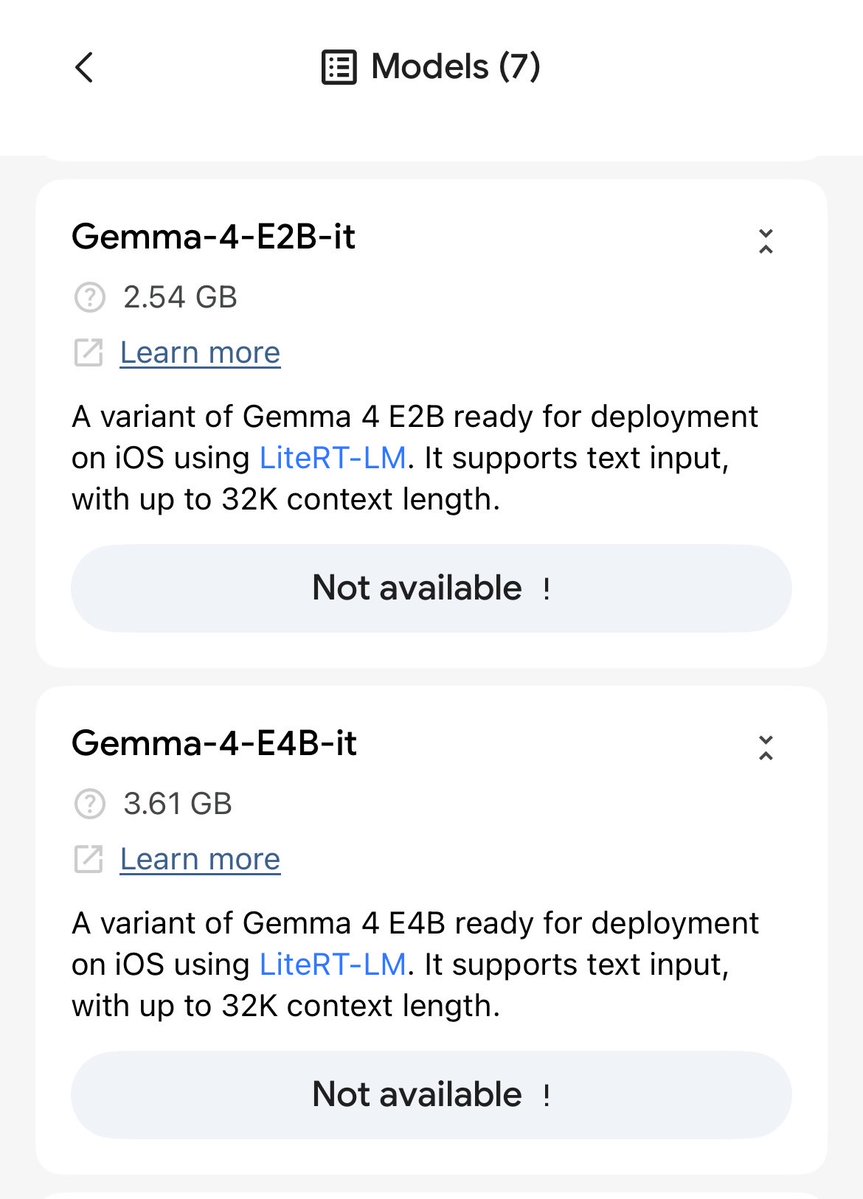
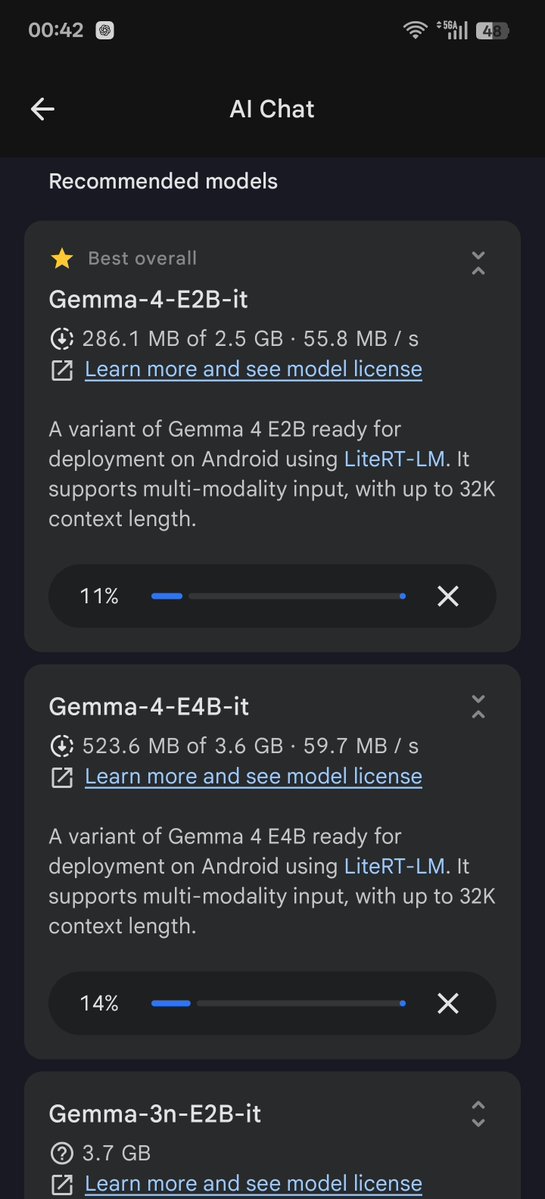
I'm sooooooooo touched to see Edge Gallery App providing support and deploying Gemma 4 on the very first day!!!! 😭😭😭😭 @OfficialLoganK @osanseviero @googlegemma Thanks to all of you and your amazing team!!!! 😻😻😻😻
Elaina tweet mediaElaina tweet mediaElaina tweet mediaElaina tweet media
English
5
2
31
1.5K
Dan Shipper 📧
Dan Shipper 📧@danshipper·
BREAKING: Cursor 3 is now out! It's a complete rewrite to turn Cursor into an agent orchestration tool for dispatching, monitoring, and managing AI agents locally and in the cloud. We've been testing it for the last week internally @every and here's our vibe check: - The editor is fast. Cursor clearly knows how to build a desktop app. It's much snappier than the desktop apps of other orchestration tools like Claude or Codex. - The local to cloud implementation is promising. When you hand off a task to the cloud agent it will build your feature and automatically send you a demo video in action. This was a big wow moment for us. - But it's still an early product and it's not clear who will love it. Cursor 3.0 is a complete rewrite—so it's not a mature enough product for Claude Code or Codex lovers to switch. It isn't that much better. This release totally changes the Cursor experience to deprioritize the IDE—a move that is sure to upset a sizable number of existing Cursor fans. We think it's promising but in our testing it didn't cause anyone on the team to switch to it full-time. This is the right strategic move for Cursor, but it also feels like an awkward in-between stage. Their team is iterating incredibly fast, so we’ll be paying attention over the coming weeks and months as it improves. Read our full vibe check: every.to/vibe-check/cur…
Dan Shipper 📧 tweet media
English
11
11
145
16K
InternationalOptions
InternationalOptions@IntlOptions·
More troubling is 1) your untimely focus on generative vids on a daily basis 2) lack of focus on releasing best cutting edge AI products with todays need - coding, computer use 3) not doing anything competitively about Anthropics next huge release that will widen permanently the gap between haves and have nots due to the huge token costs involved
English
0
1
2
51
Cursor
Cursor@cursor_ai·
We’re introducing Cursor 3. It is simpler, more powerful, and built for a world where all code is written by agents, while keeping the depth of a development environment.
English
428
700
7.3K
1.5M