Chiamaka “Thee designer” Valentine (Fudōshin)

30.6K posts

Chiamaka “Thee designer” Valentine (Fudōshin) banner
Chiamaka “Thee designer” Valentine (Fudōshin)

Chiamaka “Thee designer” Valentine (Fudōshin)

@Ahmaaka

Graphic Designer | Helping brands build standout visuals through bold identity + social media design WhatsApp- https://t.co/0zXBdBzEgz

working with you Katılım Nisan 2020
508 Takip Edilen951 Takipçiler
Sabitlenmiş Tweet
BoszMan
BoszMan@BoszMan_UXUI·
@borielstudios_ @amixaura You're sick in the head. What fucking issues? I said that second frame someone else posted it on dribble and you're saying shit
English
4
0
0
71
Chiamaka “Thee designer” Valentine (Fudōshin) retweetledi
Lukman Gbolahan
Lukman Gbolahan@CreativeLukman·
3 Simple Steps to Swap Your Dress Using an AI Website Before using this AI website, keep the following points in mind: (A) PAID PLATFORM This AI website operates on a paid model. Each image generation costs ₦750, and subscriptions can be completed using Opay or Palmpay for easy payment. (B) USE A CLEAR, HIGH-QUALITY PHOTO For the best results, ensure you upload a clean, well-lit picture of yourself. A clear image helps the AI process the transition more accurately and produces a more realistic outcome. Swapping your outfit with AI is a straightforward process that doesn’t require advanced skills. Here’s how you can do it step by step: 1. OPEN YOUR WEB BROWSER Start by opening your web browser and visit AI Website called (styswap.com) Once the site loads, make sure you connect it with your Gmail account and make sure you have a stable internet connection to avoid interruptions. 2. UPLOAD YOUR IMAGE Click on the upload button at the left and select the image you want to edit from your device. For best results, use a clear photo where your face is fully visible. 3. UPLOAD A REFERENCE OUTFIT IMAGE Next, upload a reference image of the dress or outfit you want to try on at the right button on the website. This helps the AI understand the style, color, and fit you’re aiming for. 4. GENERATE AND DOWNLOAD After uploading both images, click on the “create my look” button and wait a few seconds. Once the AI processes the images, you can download the final result to your device. If you find this valuable, Bookmark this guide so you can come back to it anytime and make sure you Follow me for more simple AI and design tips like this.
Lukman Gbolahan tweet media
English
28
9
106
4.5K
Jdaniels | Brand Identity Designer
Jdaniels | Brand Identity Designer@jdanielsbrands·
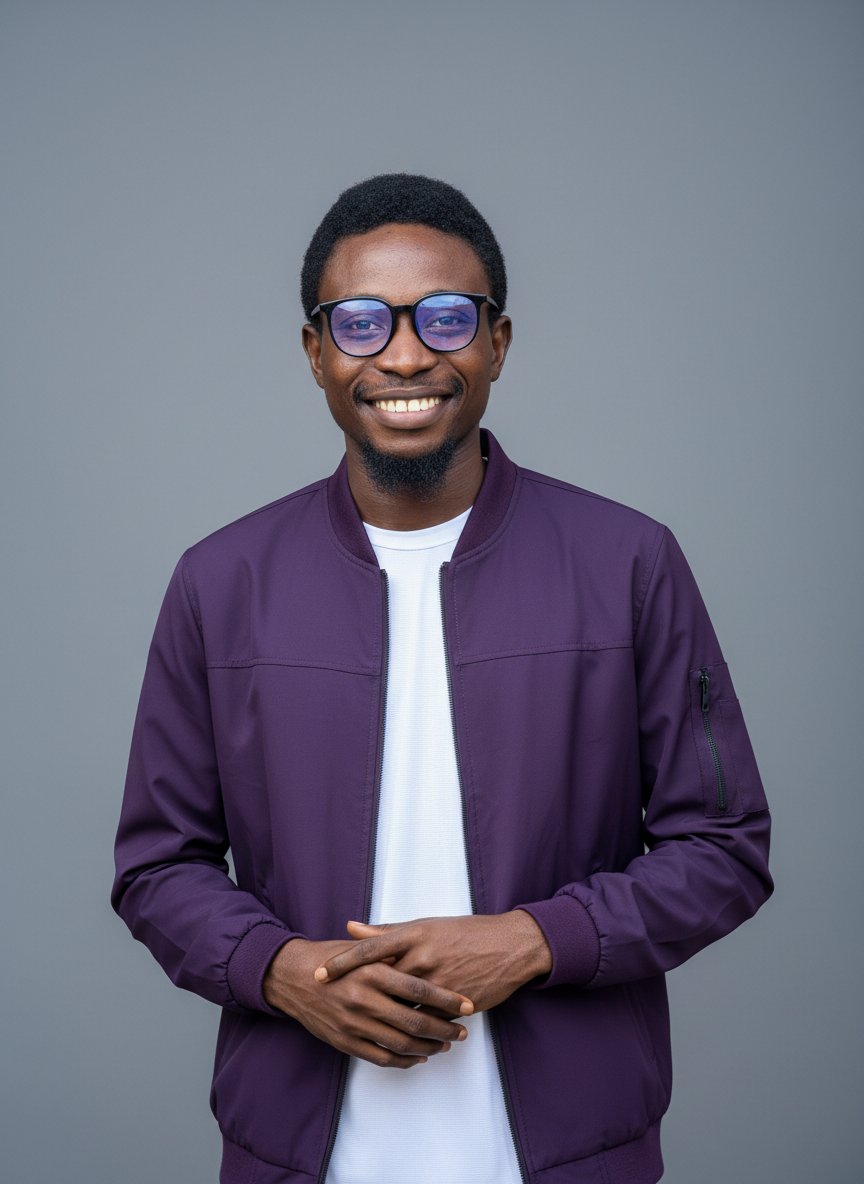
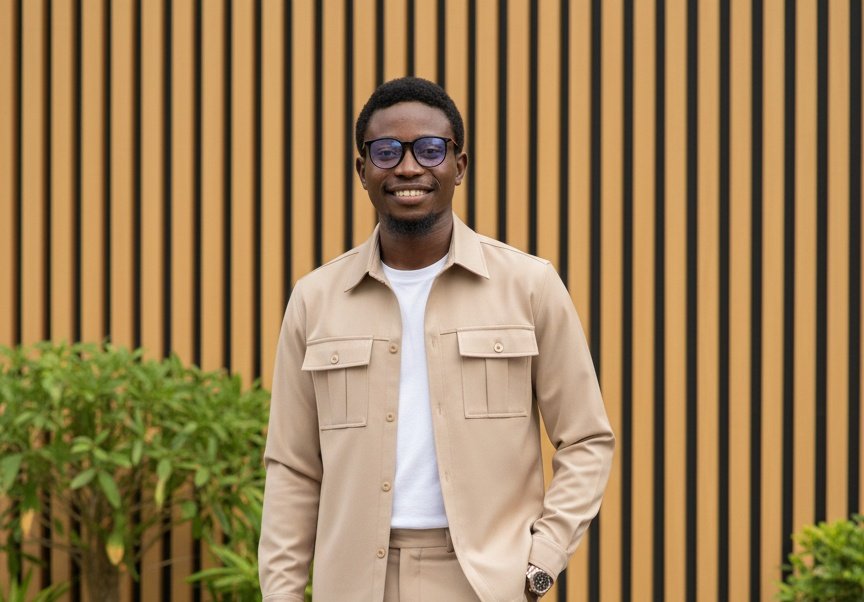
I have been thinking how to make pictures presentable across all my social media accounts. But most of pictures were........ 🤣🤣🤣 You know as a designer It can be hard to pick for yourself So I stumbled upon this information and decided to give it a try..... A or B?
Jdaniels | Brand Identity Designer tweet mediaJdaniels | Brand Identity Designer tweet media
Lukman Gbolahan@CreativeLukman

3 Simple Steps to Swap Your Dress Using an AI Website Before using this AI website, keep the following points in mind: (A) PAID PLATFORM This AI website operates on a paid model. Each image generation costs ₦750, and subscriptions can be completed using Opay or Palmpay for easy payment. (B) USE A CLEAR, HIGH-QUALITY PHOTO For the best results, ensure you upload a clean, well-lit picture of yourself. A clear image helps the AI process the transition more accurately and produces a more realistic outcome. Swapping your outfit with AI is a straightforward process that doesn’t require advanced skills. Here’s how you can do it step by step: 1. OPEN YOUR WEB BROWSER Start by opening your web browser and visit AI Website called (styswap.com) Once the site loads, make sure you connect it with your Gmail account and make sure you have a stable internet connection to avoid interruptions. 2. UPLOAD YOUR IMAGE Click on the upload button at the left and select the image you want to edit from your device. For best results, use a clear photo where your face is fully visible. 3. UPLOAD A REFERENCE OUTFIT IMAGE Next, upload a reference image of the dress or outfit you want to try on at the right button on the website. This helps the AI understand the style, color, and fit you’re aiming for. 4. GENERATE AND DOWNLOAD After uploading both images, click on the “create my look” button and wait a few seconds. Once the AI processes the images, you can download the final result to your device. If you find this valuable, Bookmark this guide so you can come back to it anytime and make sure you Follow me for more simple AI and design tips like this.

English
15
1
20
388
Jr_graphics_
Jr_graphics_@jr_graphics_1·
I didn’t disappear... I was growing quietly. It’s been a while since I posted. But I never left. I was still here in disguise, learning, and building. HAPPY NEW YEAR TO YOU All, A fresh chapter begins.. I'm showing up again now.. imperfect but present.. stay tuned
Jr_graphics_ tweet mediaJr_graphics_ tweet mediaJr_graphics_ tweet media
English
4
1
8
116
Chiamaka “Thee designer” Valentine (Fudōshin)
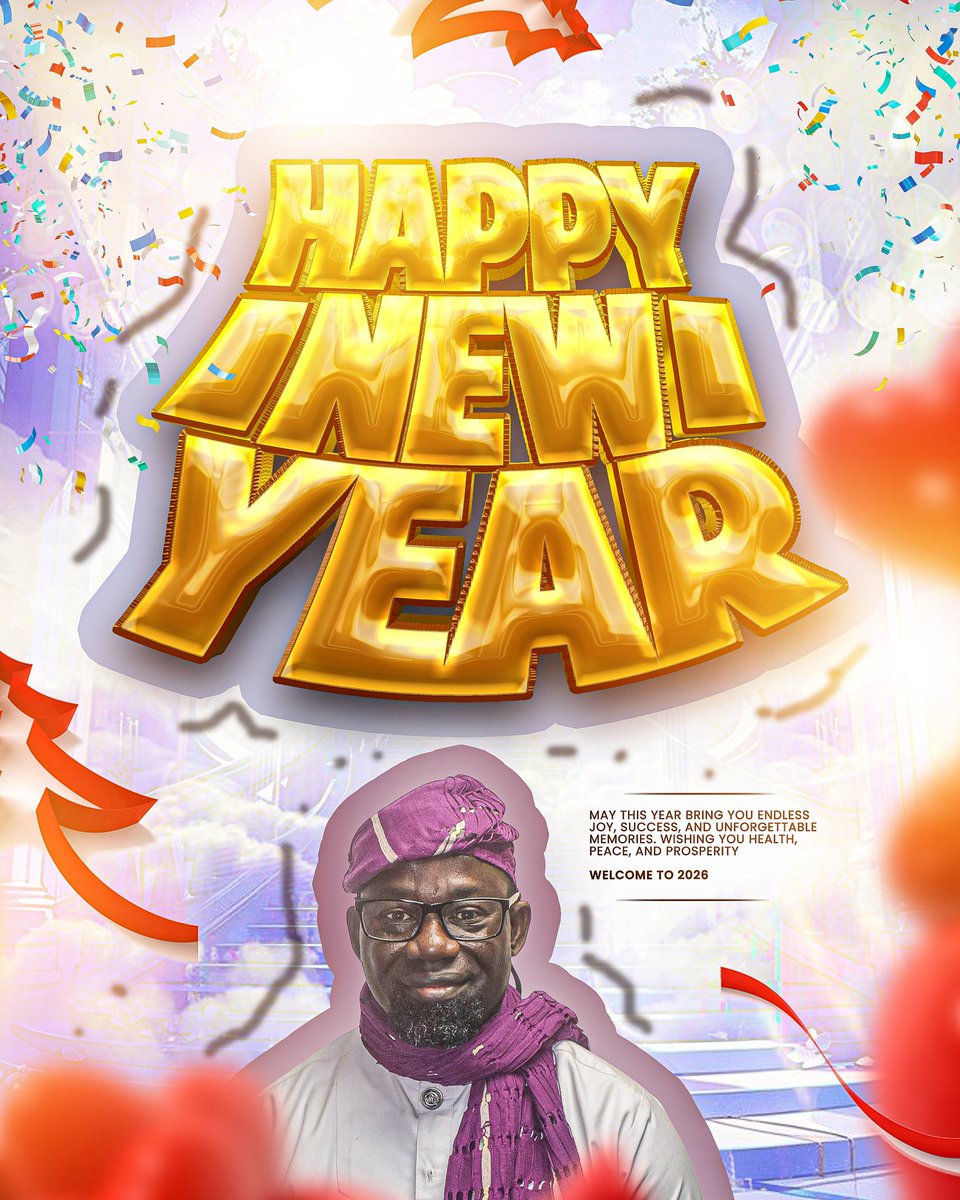
Happy New Year my loves. Sorry for ghosting you guys but I was getting a little overwhelmed here so I had to take a break. I pray that this year be good to each and everyone of us.
English
6
0
12
139