Sabitlenmiş Tweet

gm CT🫶
Quick shout-out to two real legends who’ve been nothing but supportive on here, @Alaouicapital and @jgonzalezferrer Appreciate you both fr.
Now, if you’re opening @rainbowdotme for the first time and not sure where to start, here’s a simple way to get comfortable.
When you launch the app, tap Get a new wallet or import one if you already have it. First thing to do is back it up. Don’t skip this. Rainbow makes it easy with cloud backup or your recovery phrase, and that step saves you from a lot of stress later.
Once you’re in, the home screen shows your balance and assets right away. Scroll a bit and you’ll see your tokens, NFTs, and recent activity. That’s basically your control center.
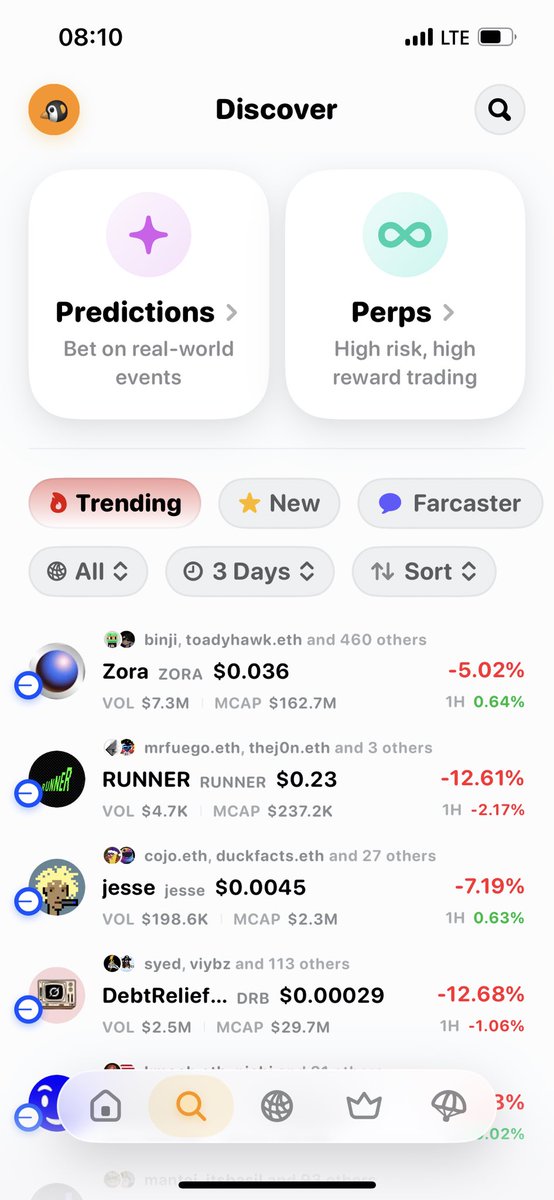
The bottom tabs make everything simple. Home is where you check balances and do quick actions like buy, send, or swap. Discover is for exploring new apps and tokens without leaving the wallet. The browser lets you connect to sites like Uniswap or OpenSea, and you can even scan a QR code to link your wallet to a desktop site. Your profile is where you switch wallets, manage settings, and customize things like notifications and ENS.
If you tap on any token or NFT, you’ll see options to view details, send it, or swap it. Swapping is straightforward too. Just hit the Swap button on the home screen and you’ll get clear prices and fees, even across chains.
Rainbow is built to feel friendly, so don’t overthink it. Tap around and get familiar. And if anything ever feels confusing, their support is fast. You can DM @rainbowdotme or reach out by email.
Welcome to the rainbow 🌈 side
What are you trying first. Buying some ETH, checking your NFTs, or making your first swap?
English