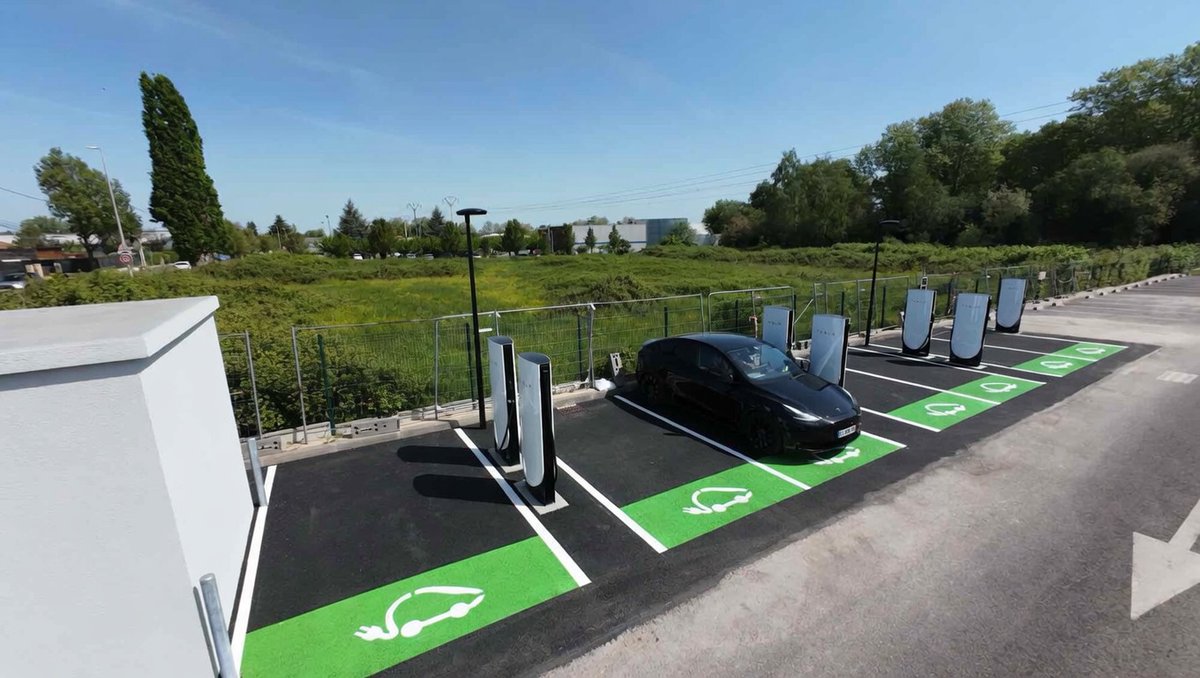
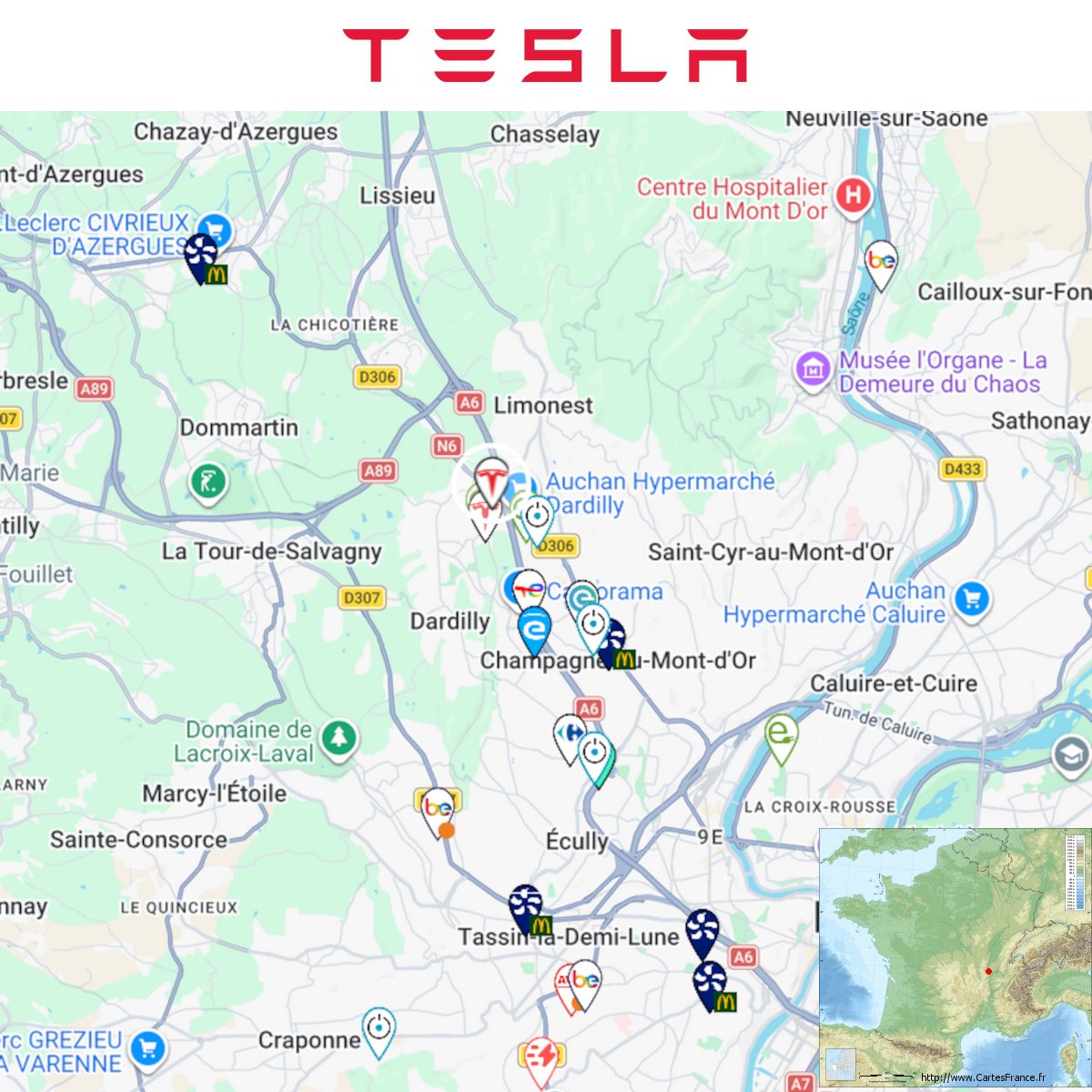
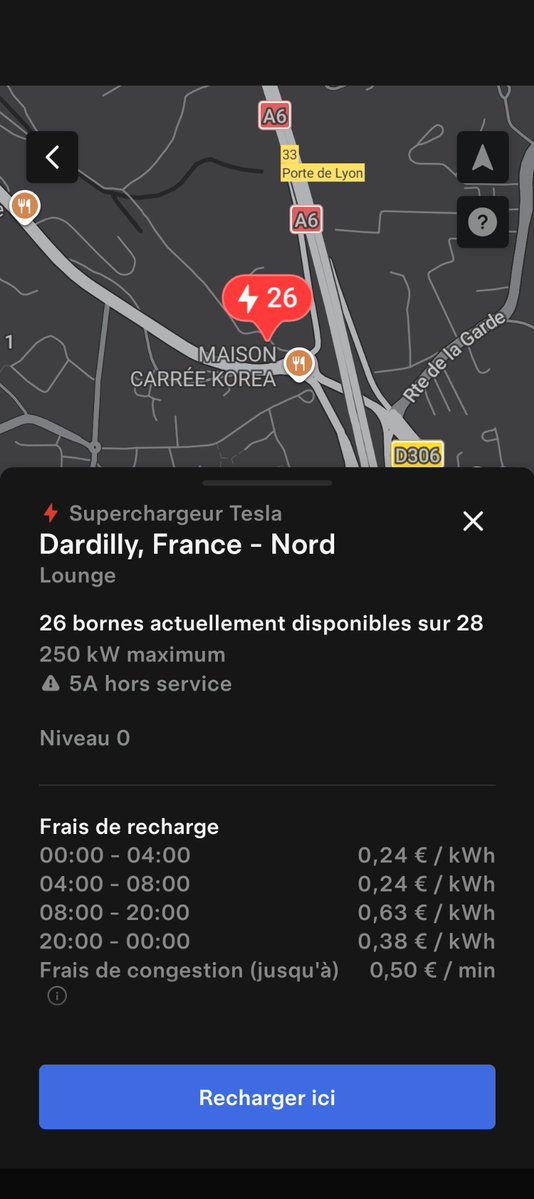
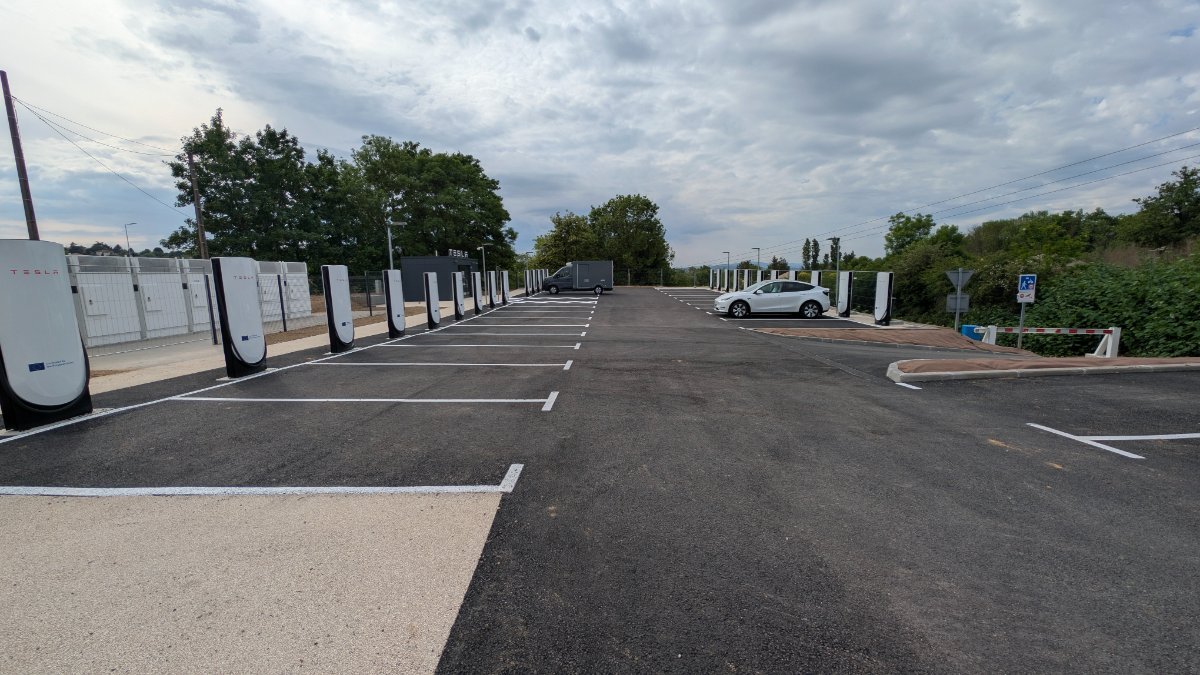
@DSchoelens Super, cela va bien compléter le Supercharger de Dardilly qui était souvent plein.
Français
BlogTesla
4.6K posts

@BlogTeslaFr
Actualités, Essais, Accessoires, Suivi des commandes - Retrouvez la communauté Tesla sur https://t.co/LJLrvpHlON Compte indépendant non affilié à Tesla

Following future rollout of FSD V14 Lite for HW3 vehicles in the US, we plan on expanding V14 Lite to additional international markets. This update ensures that HW3 vehicle owners will continue to benefit from ongoing software updates. Since international rollout is subject to several factors (completion of technical verification, regional adaptation & relevant regulatory approvals), we can't provide definitive dates at the moment, but will provide updates on a rolling basis


Tesla Driver Stories 🚕🔋⚡️ C’est la semaine des primeurs dans le bordelais en ce moment, j’ai transporté un client depuis le Grand Hôtel de Bordeaux vers le château 🏰 d’Armailhac 🍷 à Pauillac ☺️ maps.app.goo.gl/pVwbCoonthGU8k… Pendant que mon client y est j’en profite pour déjeuner au café Lavinal 😋 maps.app.goo.gl/PFZgagqSiYWn2z… On a pas une vie facile 🤪



[Confirmed] Tesla 2026 Spring Update feature list for HW3/AI3 vehicles with Intel Atom: ✅ Pet Mode Choose from dog, cat or hedgehog to display when Pet Mode is active. Also optionally customize the screen with your pet's name by going to Controls > Display > Customize Pet Mode ✅ Trip Stats Create multiple trips to track energy stats across drives. Quickly access your trip’s consumption by swiping left on the media player. App Launcher > Energy > Trips ✅ Music App Queuing Swipe right on tracks in Apple Music or Spotify to add them to the queue. In Apple Music, tap and hold on a track to add or remove from Favorites. In Spotify, swipe left to add or remove from Liked Songs. ✅ Automatic Software Updates Your Tesla can now automatically install downloaded software updates overnight. When enabled, updates will install while your Tesla is parked and not in use, ensuring you always have the latest features and improvements. To enable, go to Controls > Software > Automatically Install Updates. ✅ Dashcam Viewer Updates Recent Dashcam footage can now extend up to 24 hours, and you can save any clip for permanent storage on your Tesla or on your phone by going to App Launcher > Dashcam Viewer. Clips downloaded to your phone now include details such as speed, steering wheel angle, and Self-Driving state. Downloads require Premium Connectivity and Mobile App 4.55.6 or later. ✅ Weather Maps Improvements Weather maps now show snow and rain with improved colors that make it easier to distinguish between precipitation types. You can also view the past hour of weather data to see how conditions have been changing along your route. This feature requires Premium Connectivity. To view, tap the weather icon on the map. ✅ Supercharger Pricing Filter You can now choose to route only to Superchargers with Tesla pricing. When enabled, Trip Planner will avoid locations where Tesla does not set charging prices or accept Free Supercharging credits. ✅ Keyboard Your selected keyboard language will also select the language used for dictation. Tap the international keyboard button to change keyboard and dictation language, without changing voice command language. Tap the mic icon in the keyboard to dictate. ✅ Security Improvements Features not available: ❌ Self-Driving App [AI4 hardware] ❌ "Hey Grok” ❌ Car Visualization [New Model 3 & Y] ❌ Sketchpad ❌ Blind Spot Warning Accent Lights ❌ Immersive Sound [New Model 3 & Y w/ premium audio] ❌ Custom Wraps and License Plates [S/X] ❌ Passengers in rear seats can now view and interact with maps on the rear display while your Tesla navigates a route H/t @christianmettri
2026.14.1 ☑️ « Hey Grok » ☑️ Pet Mode ☑️ Visual Updates ☑️ Trips ☑️ Sketchpad ☑️ Blind Spot Warning Accent Lights ☑️ Immersive Sound Upgrade ☑️ Music App Queuing ☑️ Automatic Software Updates ☑️ Dashcam Viewer Updates ☑️ Weather Maps Improvements ☑️ Keyboard ☑️ Rear Display ☑️ Security Improvements
First Before & After look at Tesla's v2026.14.1 Spring Update. Parked vehicle visualisation comparison (white color ). #teslaupdate #tesla

The Tesla extended range option.