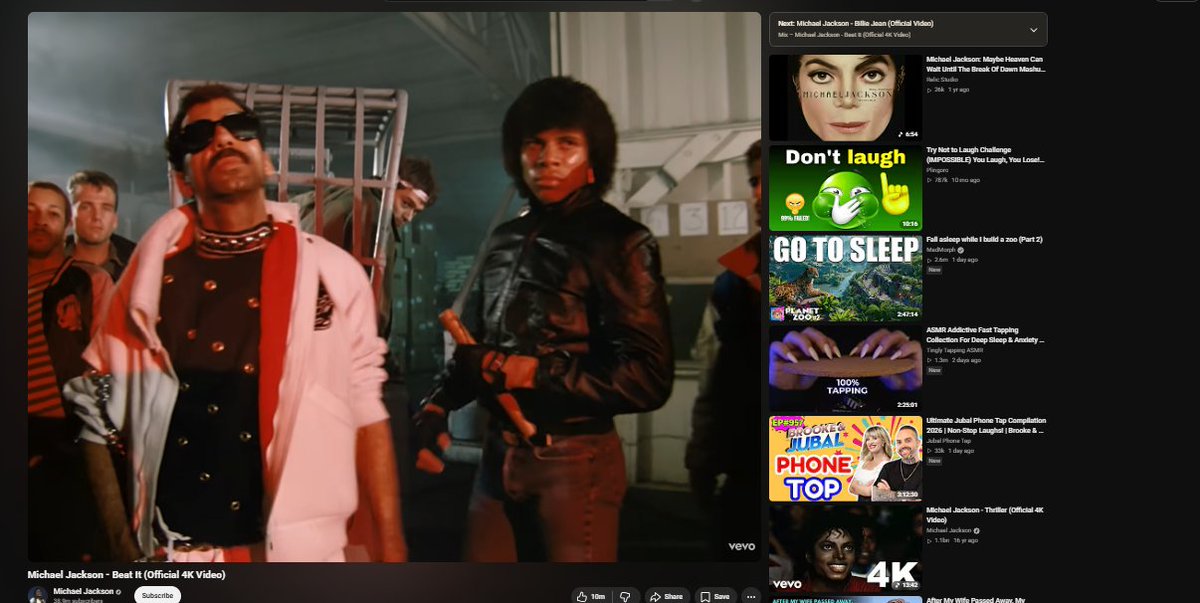
Anyone else getting these ridiculously massive YouTube thumbnails on the homepage? It's only showing like 6 videos per vertically even at 50 percent zoom in ,earlier it used to be more than that . Anyone know a fix or for this?
@Brave@BraveSupport
Brave Sync won't reset. Settings just say "Could not sync Brave on your devices", no other options. In brave://sync-internals, transport state is disabled & "Enable Sync-The-Feature" button doesn't work. Fixes that don't require a new profile? @BraveSupport@brave
We’re aware of an issue affecting some Windows users with yesterday's release (v1.81.131), where Brave launches as a blank, unresponsive screen. If you're experiencing this, please see this post for steps to resolve community.brave.com/t/resolution-f….
@MechnicianMatt Hello!
Please try the following:
- Clearing cookies/browsing history (brave://settings/clearBrowserData)
- Updating adblock filters (brave://settings/shields/filters)
Please send us a DM if you're still having trouble. Thanks!
I'm experiencing frequent crashes on Brave on my Mac while browsing normal websites. The browser suddenly quits without warning, and the crash logs appear to indicate an extension-related issue.
I would appreciate any guidance or a fix from the team. @brave@BraveSupport
@Bravesupport@Brave I'm having a problem on all three platforms: Windows, Android, and Linux. When I go back with the arrow key, Brave Shields stays at 0 and isn't blocking ads and trackers. I'd like to know when you're going to fix this issue.
@BraveSupport@BrendanEich Twitch is completely broken on your browser. Fix the login integrity scripts immediately. I want this resolved NOW, not next week. Open your DMs so I can send you the details, or push an emergency update to the Shields. #BraveBrowser#Twitch
@BraveSupport last update makes brave unusable all I get is STATUS_ACCESS_VIOLATION
i ran through all ur suggestions and still doesnt work, deleting Brave
@Jhonk321 Hello, please try clearing your cookies/site data for Youtube. If you're still having trouble, send us a DM and we can assist. Thanks! support.brave.app/hc/en-us/artic…
Hey @brave@BraveSupport, got an update and after that none of the websites are loading!! Tried reloading, restarting brave and none of it works.
Can you look into this ??
@rafaelainciart Hello! Does it work for you in a Private Window? Can you try clearing your cookies/site data to resolve the issue?
Please DM us if you're still running into trouble. Thanks!
@flywithranjan Hello! Please check to see if it works in a Private Window. If it works in a Private Window, please try clearing cookies/browsing history at brave://settings/clearBrowserData. Thanks!
@brave Since yesterday, I’ve been seeing this behavior: whenever I open a new video on YouTube, the video doesn’t start playing. You can see there’s an error, and the video only starts after I disable the ad blocker and the ad finishes playing.
@BraveSupport There's a glitch in YouTube where it keeps saying "Experiencing Difficulties" as well as displaying 00:00 over and over again as well and it only appears on this Browser, is there a way to fix this?
Man, YouTube really hates Brave Browser users this week. Now they're refusing to let users play videos unless they turn on ads. Also, the amount of ads and trackers blocked within 15 seconds is through the roof!
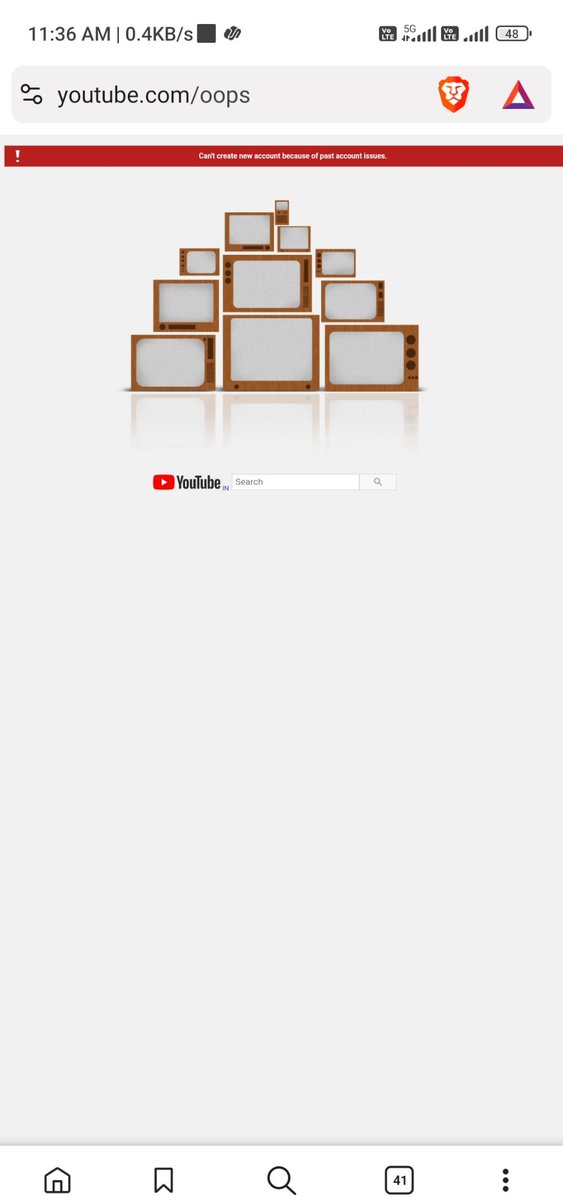
@brave@BraveSupport I accidentally logged out of my Google account a few days ago, and since then I haven’t been able to log back in on Brave. It works fine on other browsers. Tried multiple fixes but nothing worked. Please help.
@BraveSupport Your new bot check is very poorly designed. The button that you need to hit is hidden below the screen and you have to scroll down for it. Why is it hidden below the screen on what is basically a blank page? This is complete amateur stuff. You should be embarrassed.