

Ccat
25 posts


chatting a bit before my collab with evil ! mao mao !

English





English


@kaishang11 @L4BBRATZ they've done lab stuff, shoomini does brain stuff, Ellie does robotics lab stuff
English


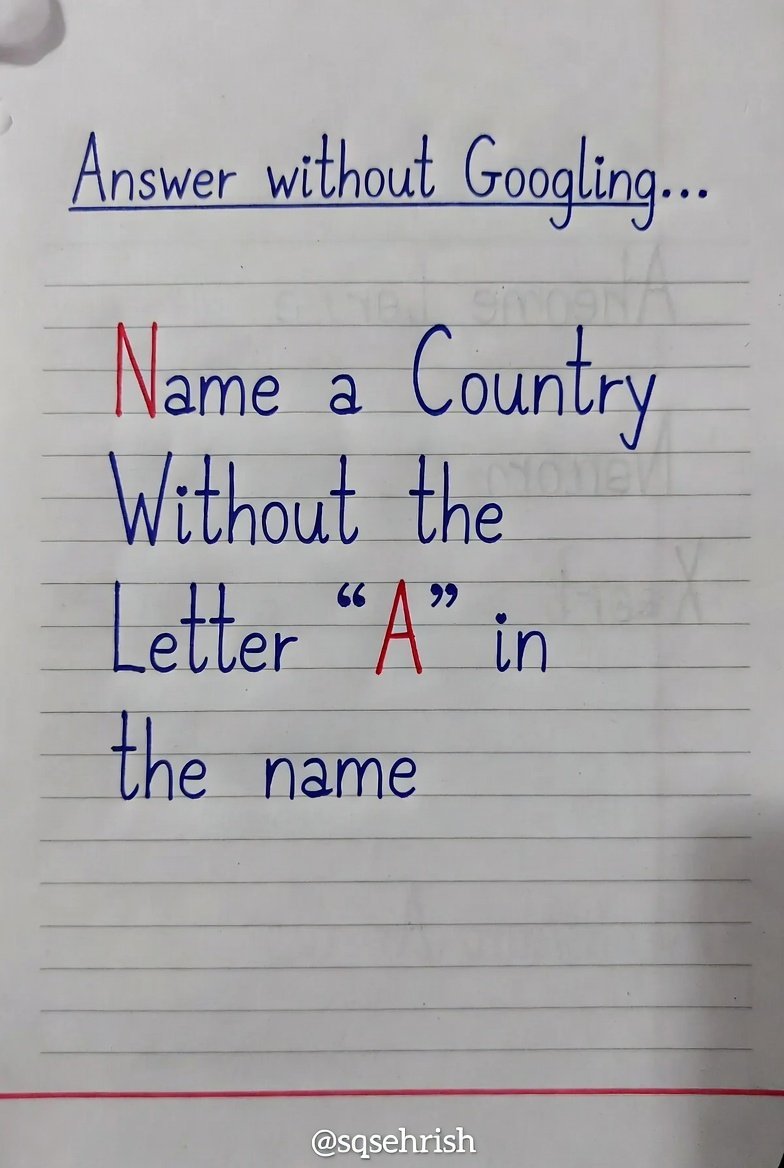
This geographical conundrum is exceptionally compelling.
Name a country devoid of the letter "A".
English


@Choclad_ @dumb_lil_robot had to pull up the song to check if that fits in,
SURE DOES
English

@dumb_lil_robot 🎼and if you are not the silhouette, we'll all be cringe, 🎵together 🎶
English






Knock knock?!
These animations are made and will be released for the neurokaraoke.com website very soon, I hope you all check the website out when you can!!! TT 💔💜🐢
cm for @/Hikaru_Itachi
#heartheartart
GIF
GIF
English



Some audio terms that may help you in your streams or audio editing in post:
- Limiters: Stops your audio from going above a set volume so you don’t accidentally blast your viewers with loud peaks or screams.
- EQ: Lets you adjust specific sound frequencies to make your voice clearer, fuller, or less muddy.
- Compressors: Smooths out volume differences so quiet moments are easier to hear and loud moments are less harsh.
- True Peak: Measures the actual loudest point of your audio to help prevent distortion after uploading or streaming.
- RMS: Shows the average loudness of your audio so you can keep your stream volume consistent.
- Distortion / Peaking / Clipping: Happens when audio is too loud and starts sounding crunchy, crackly, or blown out.
- Faders: Volume sliders used to control how loud different audio sources are in your mix.
- Audio Meters: Visual bars that show your audio levels in real time so you can avoid being too quiet or too loud.
- LUFS: A loudness standard used to keep your audio balanced and comfortable for viewers to listen to.
The goal is to not change audio on OBS/recording software but instead apply everything on your mic software itself. Hope this helps!

English