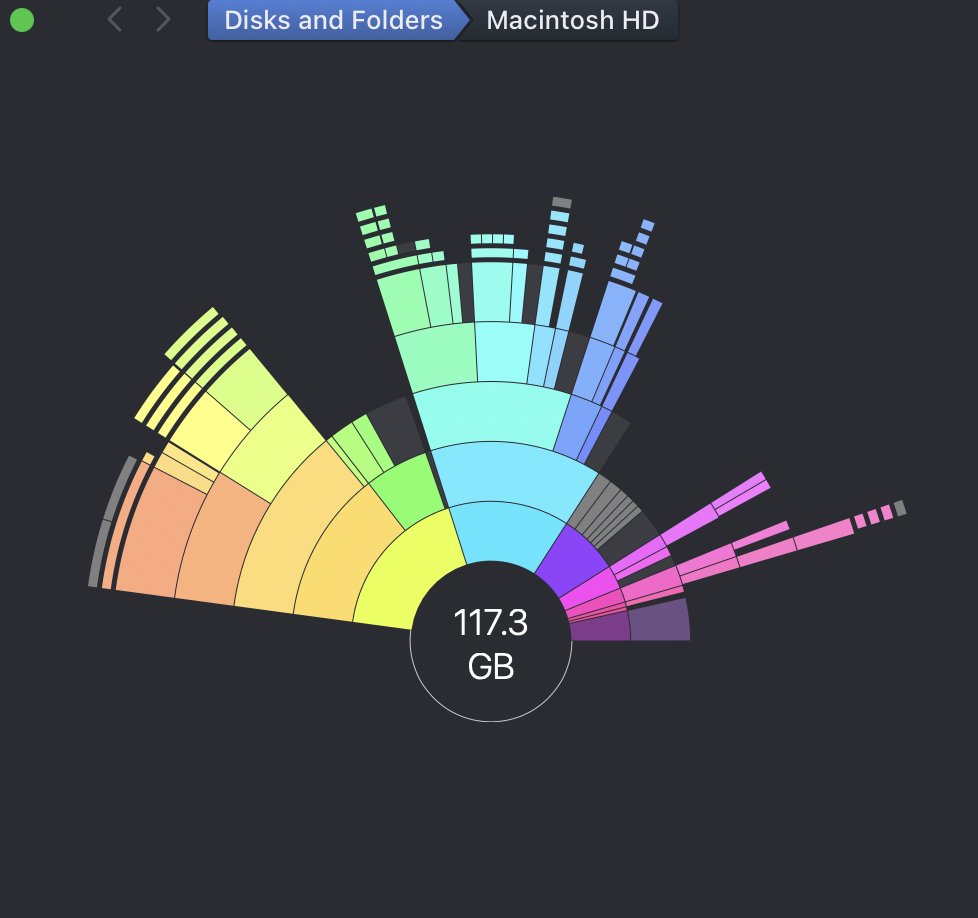
if your mac's chewing up space post upgrading OS, check the .Spotlight-V100, mine was at 135GB (out of 250GB available space).
it's a hidden folder, so hard to find.
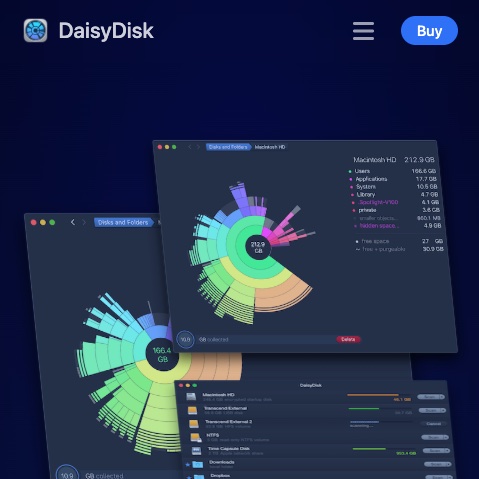
also, use @DaisyDisk , their software is pretty amazing!
Xcode regularly reaches up to 500GB in storage on my machine. I just cleared up 320GB just from Xcode. If you're a developer, especially a polyglot one with multiple IDEs like me, then @DaisyDisk is a must. Perfect to Pros who don't want to fall for spammy cleanup tools.
Wow! I just discovered DaisyDisk. Immediately bought and installed it on my MacBook Pro, Mac mini, and MacBook Air. This is an extraordinary program for MacOS. Thank you @DaisyDisk for existing, and thank you @claude for telling me about it. I recommend it 10/10.
@philroyNZ@cleanmymac Could it be a file system error? It happens sometimes with "lost" or stuck snapshots. Time machine is a system utility so it has more access to system internals.
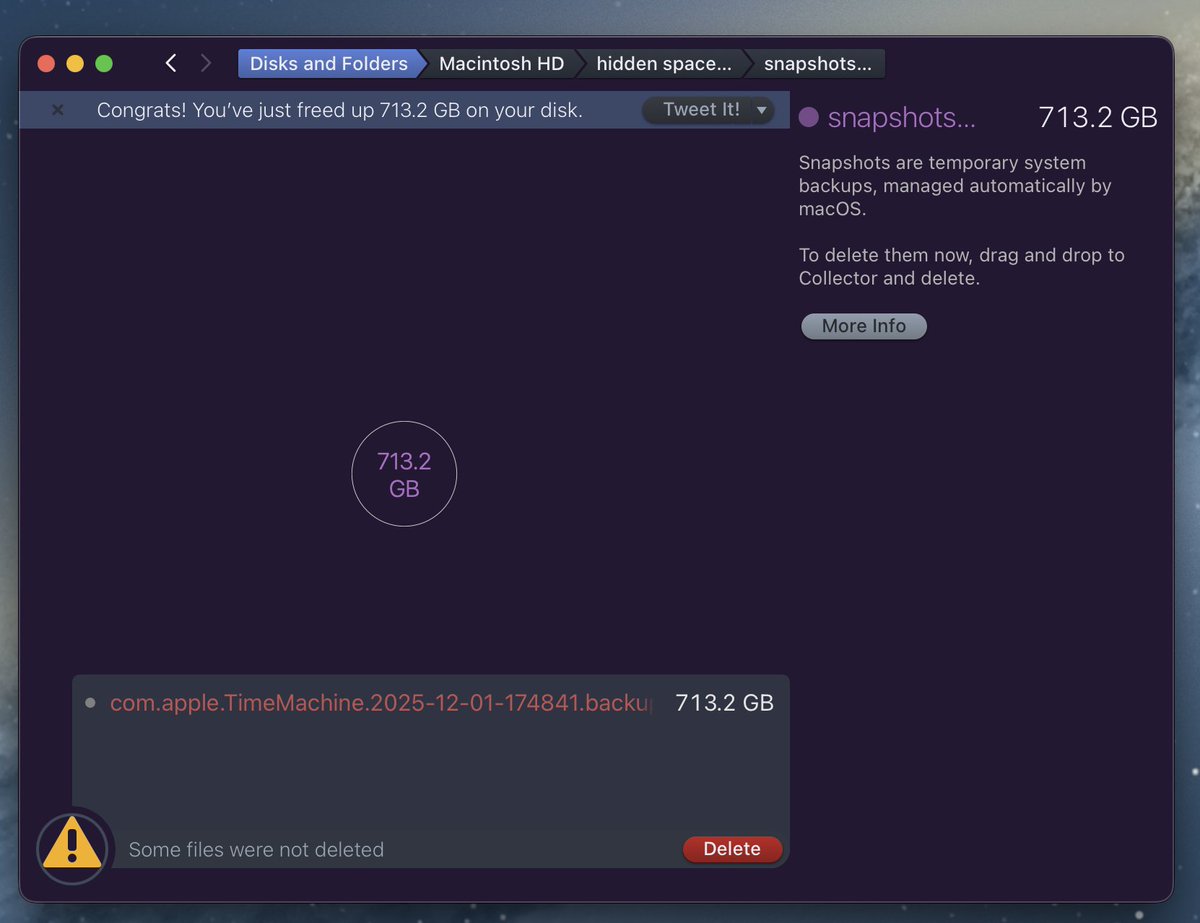
Interesting. Neither @DaisyDisk nor @cleanmymac could help me delete a Time Machine snapshot that had gone completely rogue and was taking up 713Gb of a 1TB disk. Ends out that the good old Disk Utility was the answer support.apple.com/en-nz/guide/di…
No idea what the heck is happening with my Mac. Have deleted over 150Gb over the past few days, run CleanMyMac, trimmed TimeMachine backups, restarted Backblaze and deleted the spotlight index, but still available space sits at around 2.5 GB?
Black Friday is in full swing now!
Don't miss the Editors' Choice - 12 selected Mac apps at 77% off! You can pick one-by-one or all together. DaisyDisk included!
unclutterapp.com/bundle/?coupon…
DaisyDisk's Black Friday offer launches today!
Check out the Editors' Choice — 12 selected Mac apps at 77% off! You can pick one-by-one or all together, DaisyDisk included.
unclutterapp.com/bundle/?coupon…
If you've ever had an issue with freeing up space on your Mac (especially if you are dev who install tones of packages and dependencies, testing a lot of software and tools), give @DaisyDisk a shot t.co/NP0QKwFwIw.
This is highly affordable and small utility that can show you every corner of your hard drive.
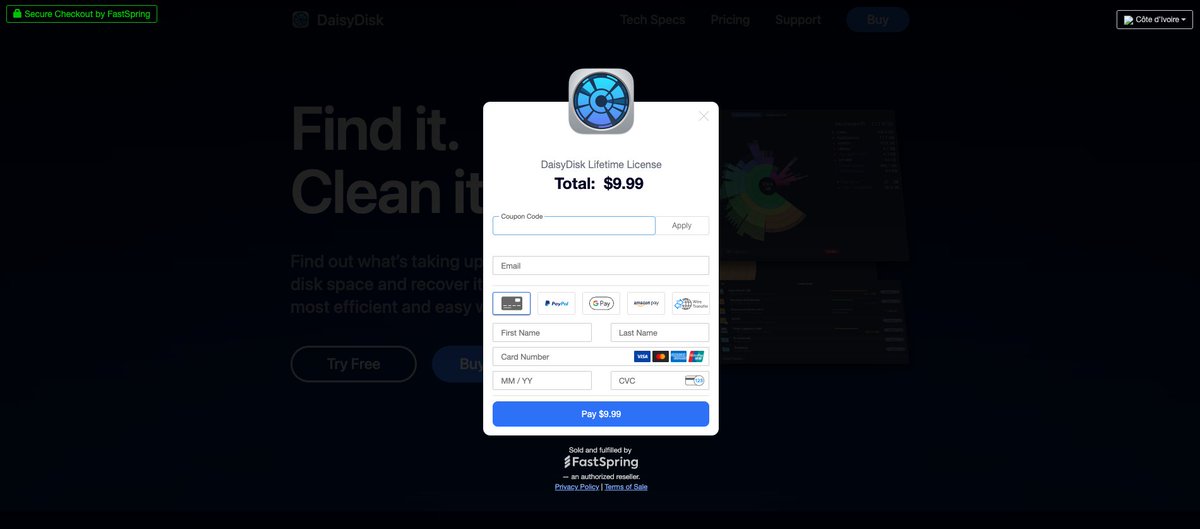
@ouattara_ben Sorry, missed your message. You are lucky, right now the Back to School promo is running. You can get 50% off for a limited time. Use DD-BACKTOSCHOOL-25 promo code.
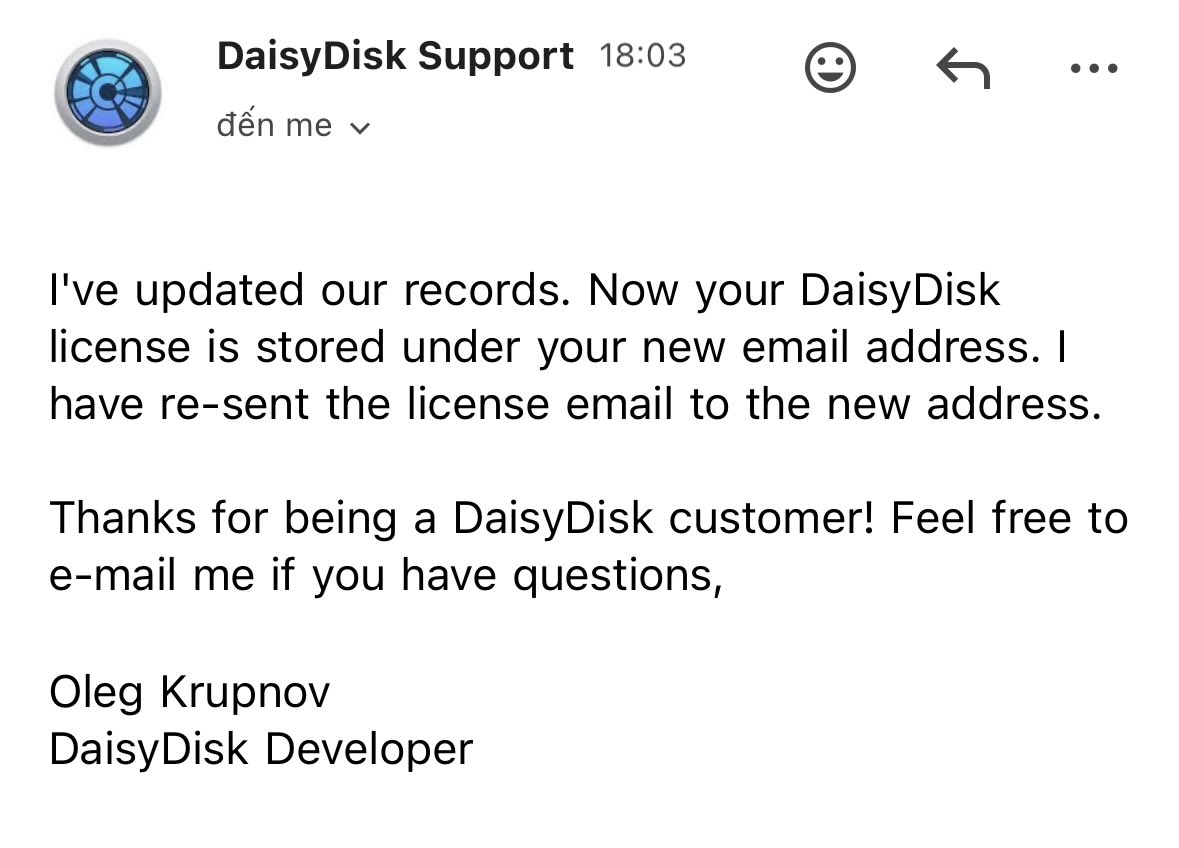
@noisereduced@DaisyDisk Hey @DaisyDisk
I just made a payment a couple of minutes ago but even though the payment was sucessfull, it ended in "expired" page [it just showed expired on the top left of the page]
Can you please check and help?
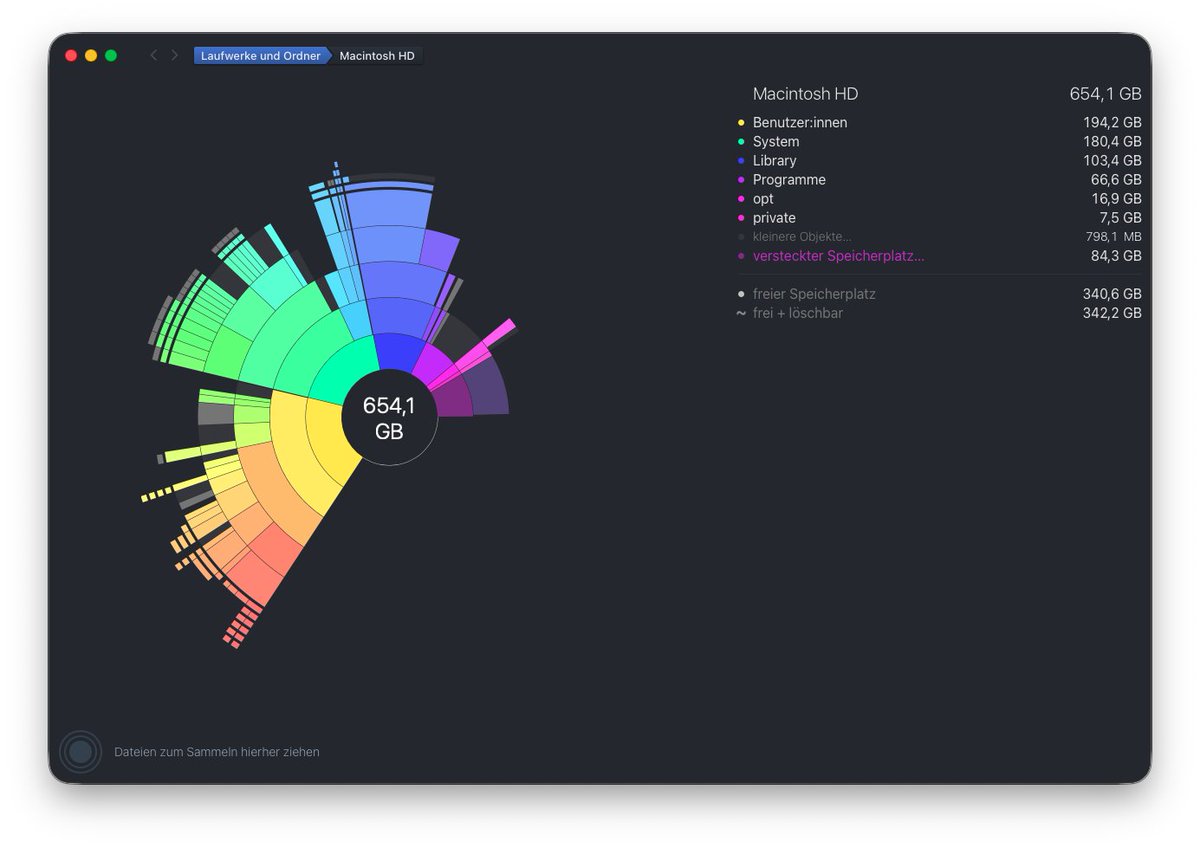
@tanmayygoel@rudrank Hidden space is what the app was unable to access. Make sure you grant DaisyDisk > Settings > Full Disk Access and use the Scan as Administrator command. See daisydiskapp.com/guide/4/en/Hid…