stones retweetledi

🔐 Update on the Upcoming Verification Process
We know many of you are looking forward to verification - and we’re stepping closer to that moment.
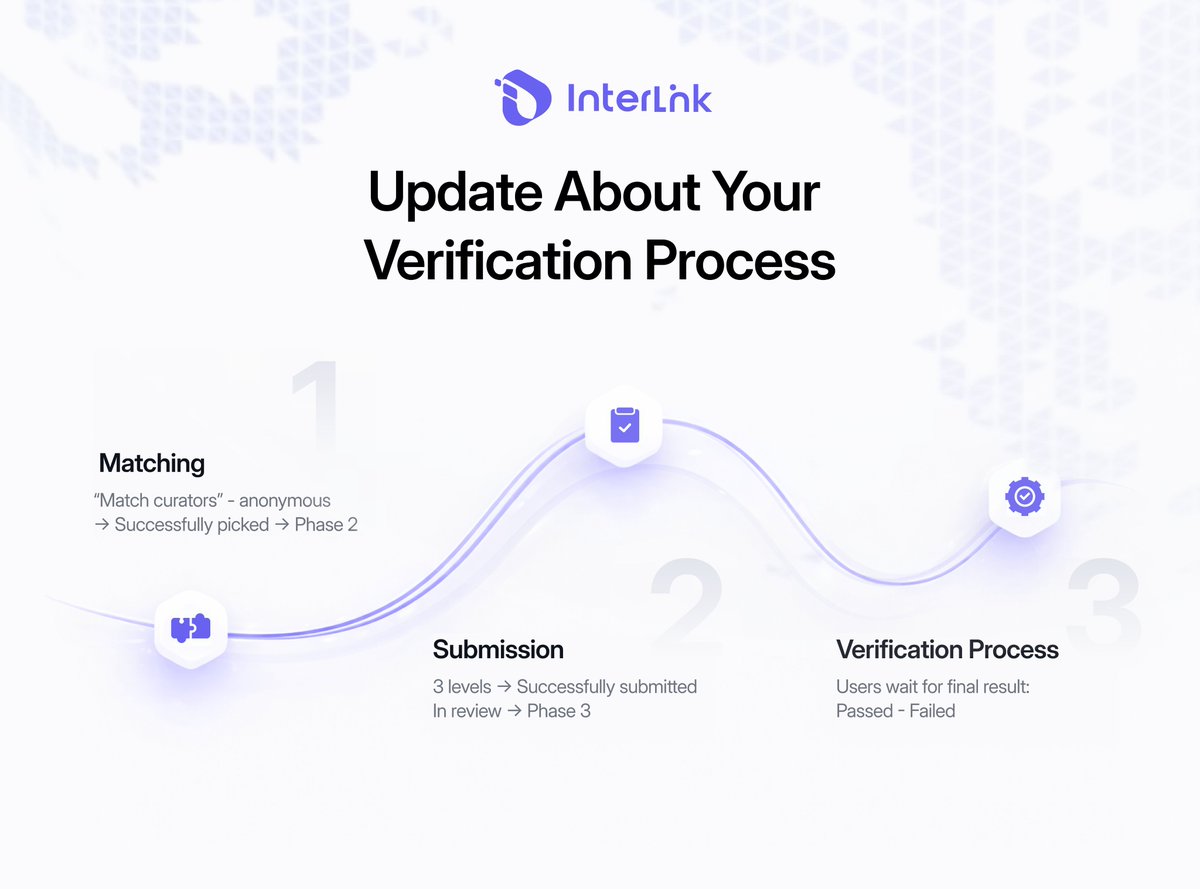
This process is designed to be structured, transparent, and fair, ensuring every qualified Human Node moves forward with clarity. Here’s how the flow will work:
Phase 1: Matching
You begin by tapping “Match Curator.”
An anonymous list will appear, and you can choose a curator to match with.
After selecting, you enter the matching state and wait to be successfully picked. Once picked, your application advances to the submission stage.
Phase 2: Submission
When it’s your turn, a strict 24-hour countdown will start.
You must complete and submit your documents within this time. Missing the deadline may move you to a later pool, delaying your progress.
There are 3 submission levels. After completing all required steps, you press Submit, and your status changes to In Review.
Phase 3: Verification Process
This is the last stage - your application will be reviewed carefully.
This process is more than a technical update - it’s a defining milestone before full verification rollout.
Prepare early. Understand each phase.
Be ready when your turn comes!
#InterLink #ITLG #ITL
English