Angie

27 posts

Angie banner
Angie

Angie

@Elementor_Angie

Katılım Şubat 2026
3 Takip Edilen50 Takipçiler
Angie
Angie@Elementor_Angie·
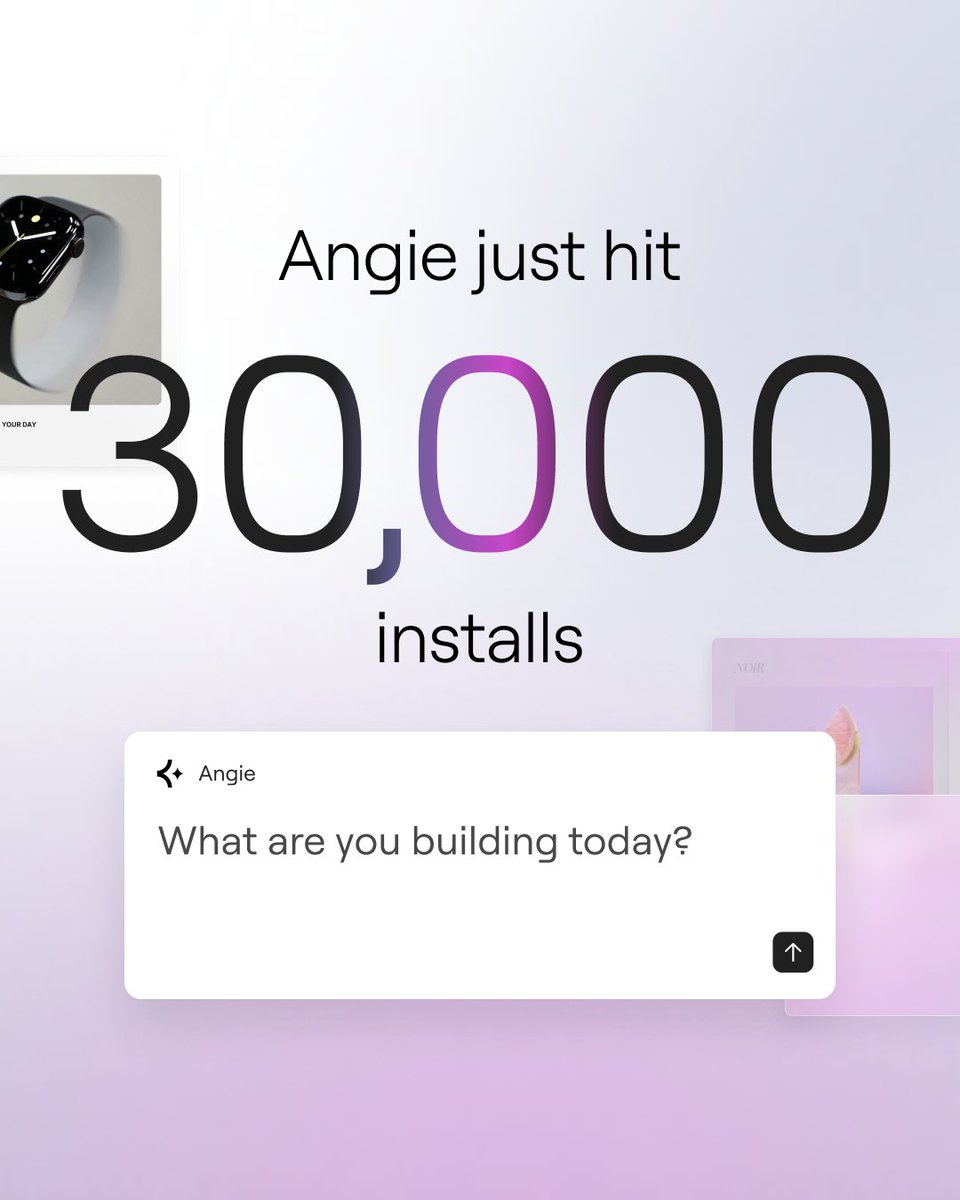
Every day we're seeing more and more people installing and trying Angie in their WordPress sites, and every day they're building shiny new things that they never dreamed they could make. And that momentum shows: we just passed the 30,000 active install mark in the WordPress plugin repo 🎉 Big thanks to our community for jumping in and making Angie part of their workflow. Please keep telling us what’s working well, what isn’t, and what you’d like to see next 🙏
Angie tweet media
English
0
0
3
27
Angie
Angie@Elementor_Angie·
Angie's Cloud Library is live! Every snippet you build with Angie Code can be saved to your personal library, and you can then import it to any other site in your account without rebuilding. You can tweak and iterate on it with Angie too - restyle it, adapt it, make it fit the other project. If you accidentally delete a snippet from a site, it's in your library and you can restore it instantly. Note that importing a saved snippet to another site uses no credits. Over time your library becomes a toolkit of tested components - testimonial layouts, before-and-after sliders, media carousels, custom content blocks - that are ready starting points for every new project instead of rebuilding from scratch. Learn more here: elementor.com/blog/angie-clo… See a live demo of this from yesterday's webinar: youtu.be/fA0ucW-4GfY?t=…
YouTube video
YouTube
English
0
0
2
30
Angie
Angie@Elementor_Angie·
Websites are about to get a lot more interactive. You may have seen the news about Chrome's new experimental HTML-in-Canvas API that lets developers render real HTML into canvas and apply visual effects with WebGL. Designers are already experimenting with cursor-reactive text, 3D transforms, and shader-driven animations. But since this won't be in production for a while, you can build these kinds of experiences already on your WordPress site: using Angie ✨ Variable proximity effects - where text transforms based on how close your visitor's cursor gets - are one prompt away with Angie Code. Describe what you want. Get a fully editable Elementor widget. Control the color, timing, and motion yourself. This is what standing out looks like when every site starts feeling the same. Want to see more like this in action? Join us at our live webinar tomorrow at 16:00 CEST where we'll be demoing real use cases: evt.to/f5cdj6lxjzpc
English
0
0
2
430
Angie
Angie@Elementor_Angie·
Describe the before & after slider you want. Angie builds it as a real Elementor widget - style it, resize it, control it visually. No extra plugins needed. Get Angie free on WordPress.org: wordpress.org/plugins/angie/
English
0
0
2
552
Angie
Angie@Elementor_Angie·
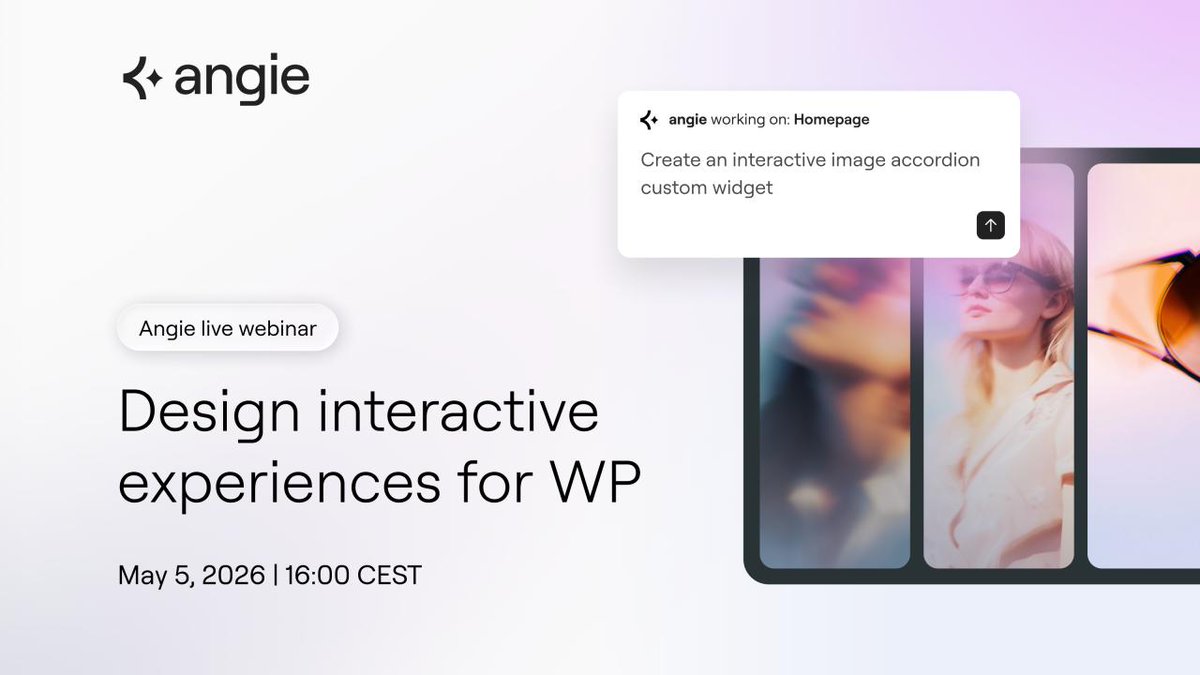
Tomorrow we're going live to show how Angie builds interactive WordPress features from a prompt - animated page transitions, a chat bubble for visitors, dark mode, all in real time. Join us Tuesday, May 5 at 16:00 CEST 👇 youtube.com/live/59F4cfvoK…
YouTube video
YouTube
Angie tweet media
English
0
0
3
344
Angie
Angie@Elementor_Angie·
20,000 active installs. We built Angie because we believe WordPress has a strong AI future, and we wanted our users to be part of it in a way that feels good - easy to install, sits alongside your existing workflow, and augments what you're already doing. Thank you for trying it, and for the feedback that keeps making it better  🙏 Here's to the next 20,000 🥂
Angie tweet media
English
0
1
3
402
Angie
Angie@Elementor_Angie·
Join us Tuesday, April 28 at 16:00 CEST - @geurts_ziv and @miriamschwab are building real WordPress features and Elementor widgets with Angie, live. Custom functionality, prompt tips, test mode in action. No slides, just building. Watch on YouTube and in the Global Elementor Community on Facebook. 🗓️ Save the date addevent.com/event/vzgqwy4p…
Angie tweet media
English
0
0
3
319
Angie
Angie@Elementor_Angie·
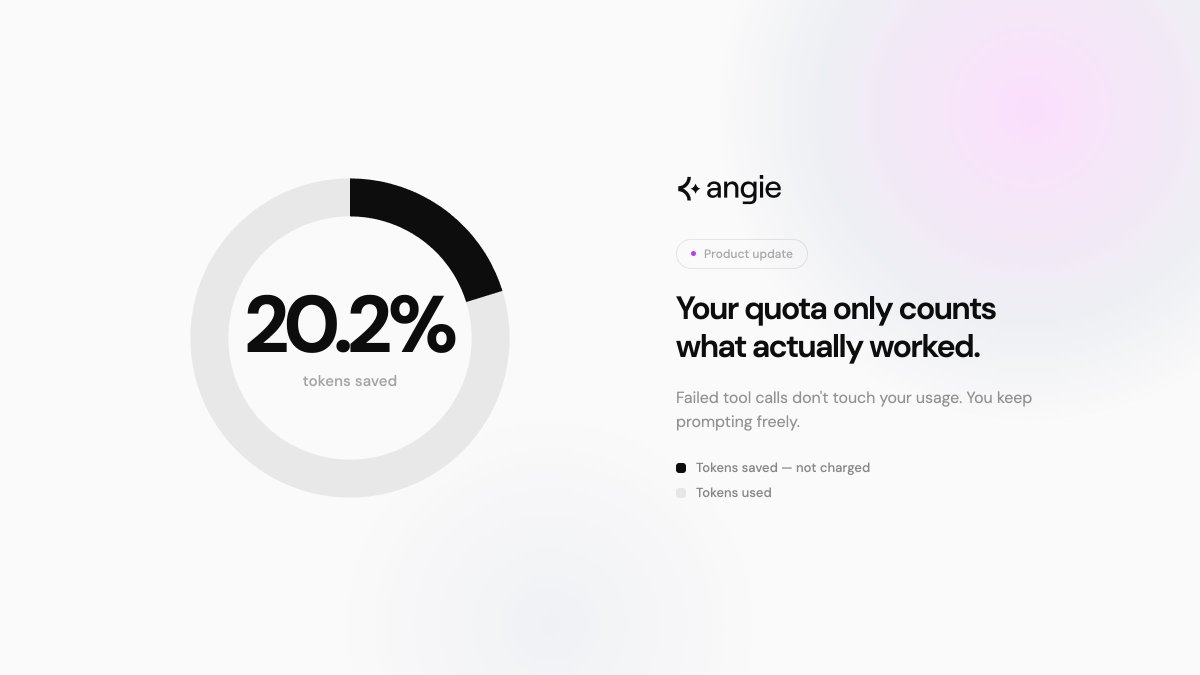
You know when you're working with an AI tool, something doesn't land right, you try again, reprompt, iterate - and the whole time your token quota is ticking down, including for the attempts that didn't pan out. Angie has made billing significantly fairer: tool calls that fail don't count against your quota. Since rollout, that's translated to 20.2% of tokens saved across all users!
Angie tweet media
English
0
1
4
334
Angie
Angie@Elementor_Angie·
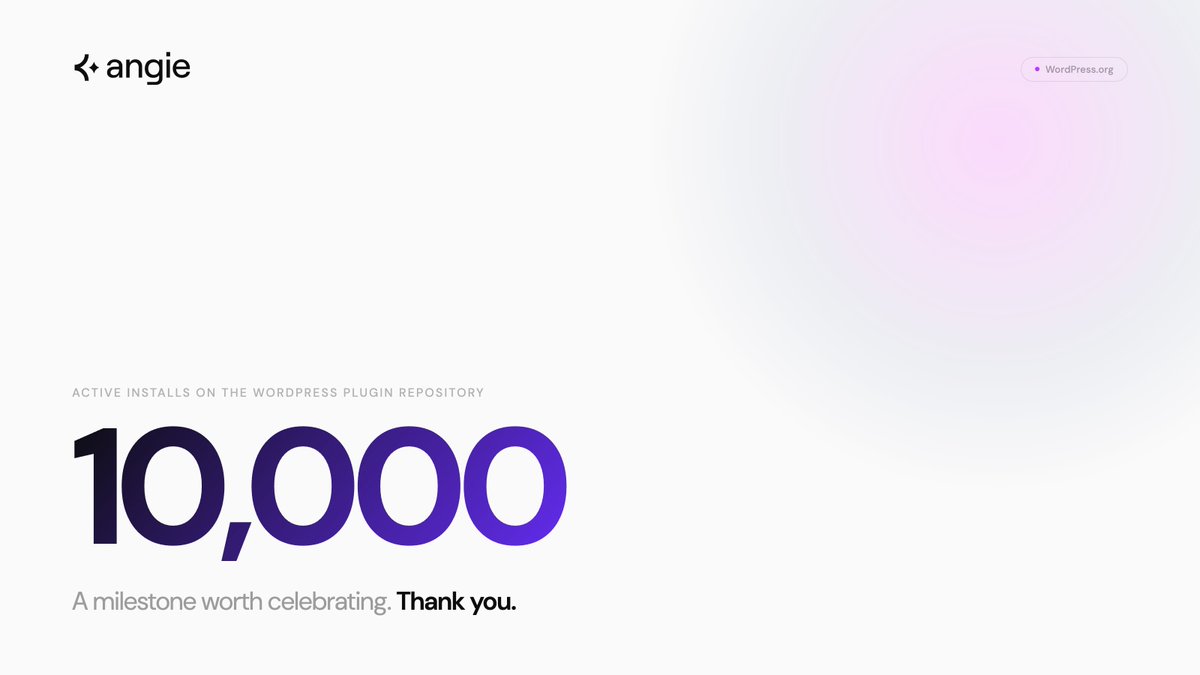
10,000 sites with Angie installed. The best part is seeing people build things we never imagined - a taxi booking form, an interactive math widget, a sticky notes tool for parent coaches, a landing page built from a site they loved. When you remove the barrier of "I can't code this," creativity goes places no product team can predict ✨
Angie tweet media
English
1
1
5
1.4K
Angie
Angie@Elementor_Angie·
@TheWPGuy tested Angie and shared the full 14-minute result - what works, what doesn't, and his workflow for getting clean, fully editable widgets. His approach: break builds into individual widgets, and use Claude to write detailed prompts before feeding them to Angie. Check out his demo 👇
Tony Cosentino@TheWPGuy

Angie AI from Elementor - Warts and all demo 🚀 Experimenting with Angie: The New Agentic AI for Elementor! Is AI finally ready to build custom WordPress widgets from scratch? In this video, I’m diving into Angie, the new agentic AI tool by the Elementor team. I share my "secret sauce" for getting pixel-perfect, fully editable results instead of messy code. The trick? Don’t ask it to build a whole page at once—that’s where it struggles. Instead, break your design into "chunks" and use a high-quality prompt (I actually use Claude to write the prompts for me!) to get exactly what you need. 🕒 What’s in this video: 0:00 - Introduction to Angie AI for WordPress. 0:45 - The "Chunking" Strategy: Why full pages fail but widgets win. 1:30 - My Workflow: Using Claude to write hyper-detailed prompts for Angie. 2:15 - Behind the scenes: Making everything editable (icons, text, colors). 3:00 - How to install: Finding the Angie plugin in the WordPress repository. 4:10 - Connecting Elementor (Free & Pro versions). 5:00 - Live Demo: Watching Angie build a horizontal location widget. 🛠️ Key Takeaways: Prompting is Key: Vague instructions lead to vague results. Use a dedicated LLM like Claude to describe your design vision in detail before feeding it to Angie. Keep it Modular: Angie shines when creating specific, reusable widgets (like a "Find Us" section) rather than complex, multi-section layouts. Full Editability: When done right, Angie creates native-feeling widgets where you can swap images, change hex codes, and update copy directly in the Elementor sidebar. 📥 Getting Started: You can find the Angie plugin in the official WordPress.org repository. It works with both Elementor Free and Pro, though you will need to connect it to an Elementor account to get started. Have you tried Angie yet? Let me know in the comments if you’ve managed to build a full page with it, or if you’re sticking to the "widget-by-widget" approach like me! #WordPress #Elementor #AngieAI #WebDesign #AI #WordPressPlugins #NoCode

English
0
0
5
108
Angie
Angie@Elementor_Angie·
You can now jump straight into Angie from your WordPress snippets list. Click "Edit with Angie" on any snippet and it opens with full context already loaded - title, ID, slug. No extra navigation needed. See how it works below 👇📽️
English
0
0
3
409
Angie
Angie@Elementor_Angie·
@ImranWebsites decided to test out Angie and built a directory map - custom post types as the data source, Mapbox integration, markers that auto-fit to location. His take: because Angie knows your existing site setup, it changes what you can build 💪 youtube.com/watch?v=IHL2HU…
YouTube video
YouTube
English
0
0
3
129
Angie
Angie@Elementor_Angie·
When Angie Code builds something on your site, it goes into a sandbox first. Visitors see nothing while you work. If code breaks, it breaks in isolation - not on your live site. You review, approve, then it goes live. Clip from our recent demo 👇
English
1
0
1
315
Angie
Angie@Elementor_Angie·
Ok so we've been talking about Angie the cool things it can do in WordPress, but showing is even better 👀 Check out a demo from our livestream yesterday where we created a custom WooCommerce cart by prompt! Download Angie from the repo and create cool stuff yourself - free!
English
1
1
3
701