

Christiann Garcia
9.4K posts

Christiann Garcia
@EverydayTeach
Sharing thoughts and ideas on education. #CurriculumDevelopment #CurriculumSpecialist #InstructionalTechnology #InstructionalDesign
Tampa, FL Katılım Ocak 2015
344 Takip Edilen10.7K Takipçiler
Christiann Garcia retweetledi

Thrilled to launch Augmented Minds, my new interview series with PKM+AI innovators on @7thBrain!
First up: @WFHBrian shares how he built Smart Connections for @obsdmd, why AI should enhance (not replace) your note-taking, and his vision for the future of PKM. 👇
saraharminta.io/augmented-mind…
English
Christiann Garcia retweetledi

I've written about Tasks in Obsidian many times before, but there's no chance I would have found all of these other connections without Smart Connections.
A newsletter, a book chapter, and numerous blogposts: all discovered by SC.

English
Christiann Garcia retweetledi
Smart Connections by @wfhbrian is pretty clutch.
I created a new file this morning and started typing. After typing three paragraphs, Smart Connections gives me relevant information from deep within my vault.
No organization needed: just type, SC does the rest!

English
@wirecrimes Sorry it's the the saddest of cords but a great way to use smart connections! @wfhbrian
English

Smart connections is the most useful plugin I've added to my Obsidian vault this year. Surfacing relevant links between notes using LLMs and embeddings is powerful. And chatting with notes helps diving deeper.
English
Christiann Garcia retweetledi

Obsidian Plugin Recommend
Smart connections make new dimensions in obsidian by linking, tagging and organizing.
Its purpose is to improve individual abilities, helping users reach their goals by enhancing our not-taking experiences.
1. Real-time suggestions:
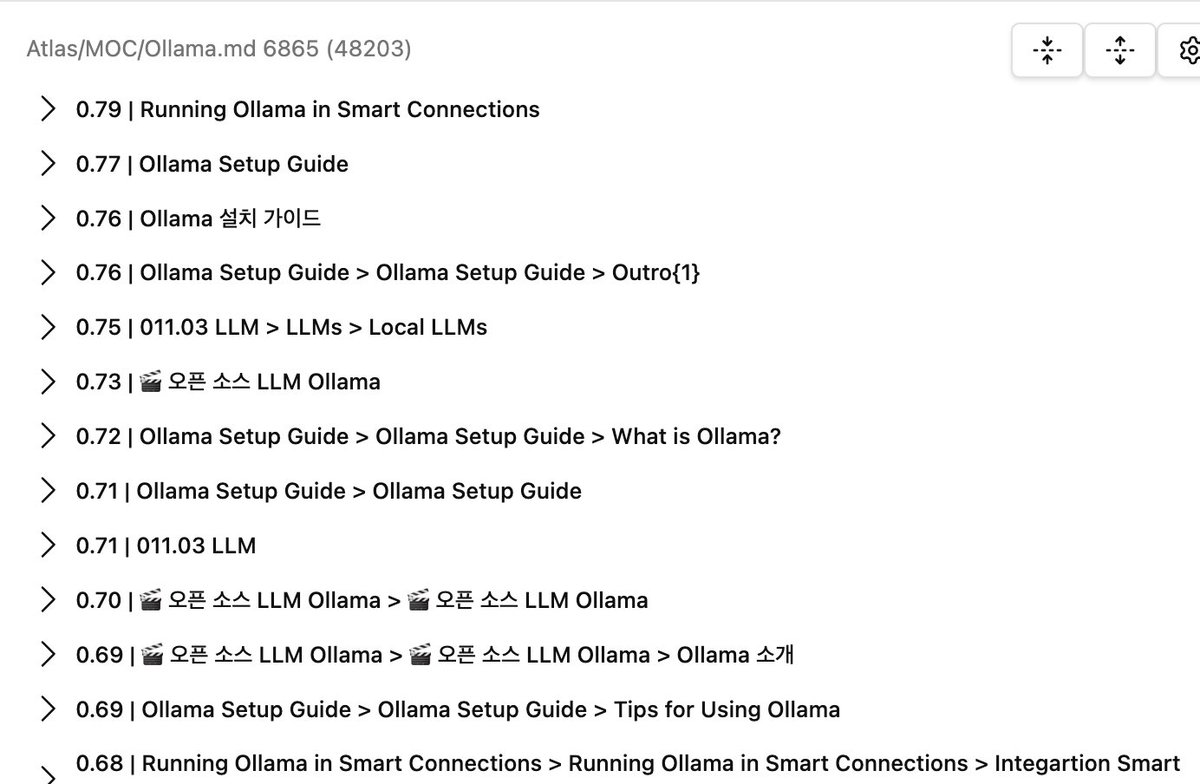
Smart connections offer real-time suggestions of related notes based on your current activity, providing possibilities you might not have considered.
2. Interactive notes:
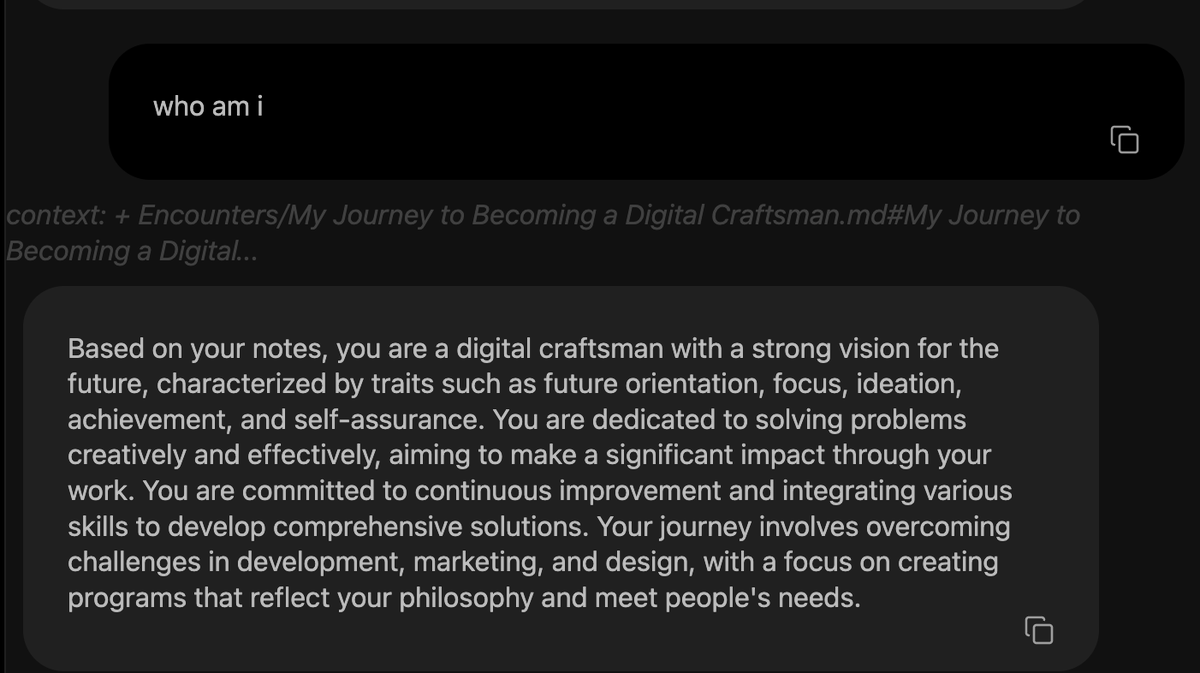
You can interact with your notes through smart connections, enabling a chat-like experience with your stored information.

English
@wfhbrian Everyone deserves an appeal process. I appreciate your work and know you only want to help the community. 😢
English
@andyrebele @Scobleizer That's a fascinating point! Embracing technology to handle navigation frees up our mental bandwidth, allowing us to channel more focus towards our personal aspirations. It's about leveraging tools to enhance our efficiency and creativity.
English

@Scobleizer I wonder if this will cause us to be weaker at connecting relevant thoughts/memories, just as we've become less able to navigate by memory now that we have navigation aids with us at all times.
scientificamerican.com/article/how-gp…
English
Christiann Garcia retweetledi

“Biggest feature: "chat with your notes." Basically RAG built-in to Obsidian. The flagship feature uses embeddings to surface relevant notes, which is important for someone like me, with ADHD, where out-of-sight-out-of-mind can lead to problems like rework/losing progress,” from Brian.
English
Elf's Camping Adventure: Transform your living room into a mini campsite for the elf. Use fabric or paper to make a small tent and set up a non-real campfire. Include an open storybook for a touch of adventure. Change the elf's position daily, inside the tent or by the campfire, to add variety.
Elf's Reading Nook: Create a cozy reading nook with the elf holding a tiny book in a comfortable spot, like a small chair or cushion. Add miniature books and a small reading lamp, such as a battery-operated tea light. Rotate the books daily to keep the scene fresh and engaging.
@elfontheshelf #ElfOnTheShelf #ElfOnTheShelfIdeas


English
Set It and Forget It: Week-Long Elf on the Shelf Ideas
Elf's Sick Day: Create a restful scene for the elf with a small bed, using a box or doll bed and cozy bedding made from fabric scraps. Add a miniature tissue box crafted from paper. Place a note explaining that the elf is taking a week-long rest, offering a gentle and caring setup.
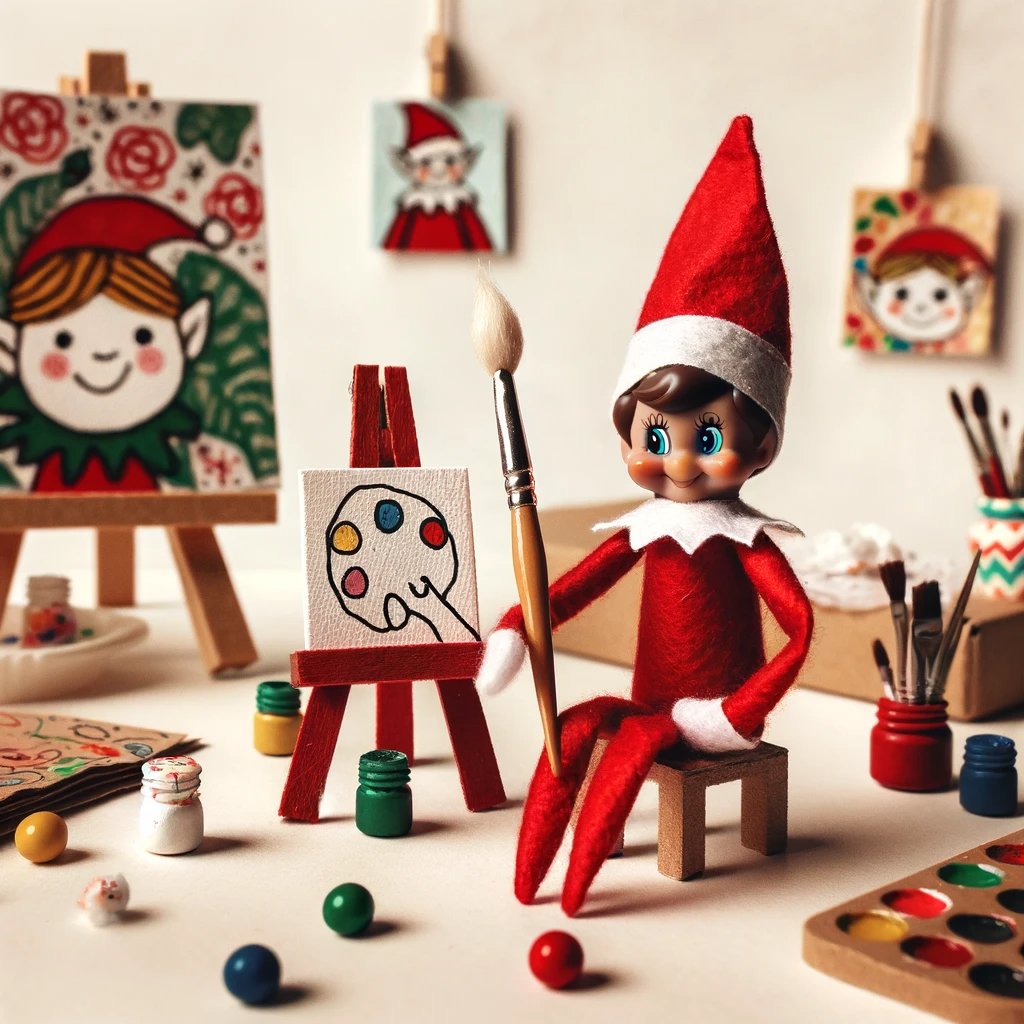
Elf's Art Studio: Set up a miniature art studio. Place the elf in front of a cardboard easel, holding a makeshift paintbrush (a toothpick with cotton). Surround them with tiny paint pots (using beads or caps) and miniature paper paintings. Add new art elements each day to show progress.
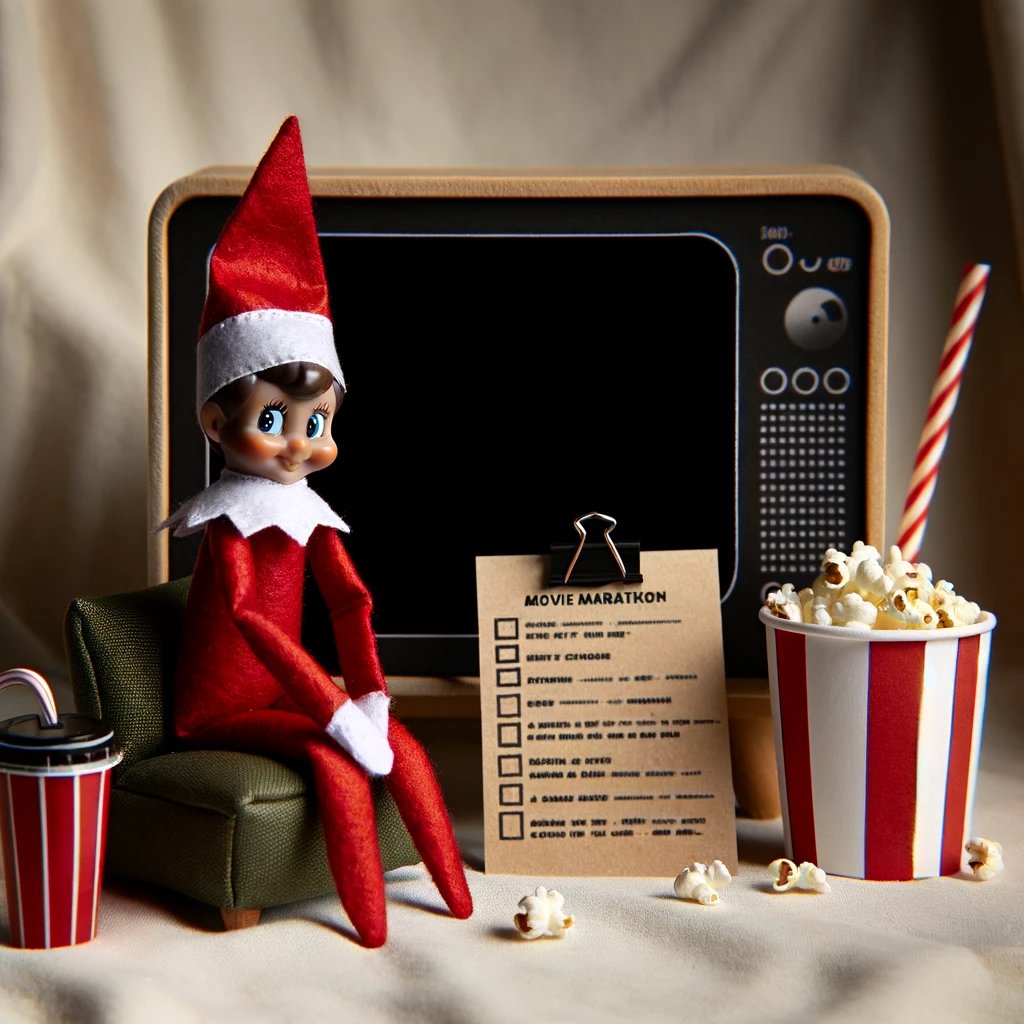
Elf's Movie Marathon: Arrange a week-long movie marathon scene. Seat the elf in a mini living room before a "TV" (a smartphone or picture frame). Include a tiny popcorn bucket and soft drink cup. Make the elf cozy with a blanket, and add a list of movies beside them. Cross off a movie each day to track their marathon.
@elfontheshelf #ElfOnTheShelfIdeas #ElfOnTheShelf


English
Christiann Garcia retweetledi

Obsidian AI plugin “Smart Connections” found some big holes in my PKM. : ift.tt/JiIqlmC
English
@wfhbrian @obsdmd @OpenAI @the_LYT_way @NickMilo @sanathemonster @EleanorKonik @fortelabs @Sarah_A_Bentley Congrats!
English