🤚Jaime retweetledi

想不想测测自己的盘感?🔥
预测两天后周四BTC现货价格相较于今日是涨是跌,我们将抽取3位猜中的用户,各送出10 USDT合约体验金奖励!
参与方式:
1️⃣关注@GateFutures
2️⃣转发此推文
3️⃣评论你的预测结果 + @你的好友
🏆开奖时间:两天后统计,周五公布结果
快来挑战你的市场洞察力吧!
#GateFutures #BTC预测 #GateFuturesChallenge

中文
🤚Jaime
361 posts


@JaimeKit4
My favorite quote :" Knowledge is power " ! ! Connecting #crypto 🤝!







Withdraw Open — USDT Vault Phase 1 Claim your yield + River Pts. Total APR hits ~80% at current River Pts price. x.com/RiverdotInc/st…
The Brevis Proving Grounds are now live! proving-grounds.brevis.network We've built an arena showcasing every protocol and application that Brevis ZK technology has enhanced. Step inside and experience what intelligent smart contracts actually feel like. Your mission: explore the ecosystem, become part of the ZK community, and stack as many Brevis Sparks points as possible. Start proving yourself today. 🧵





Human x AI alignment


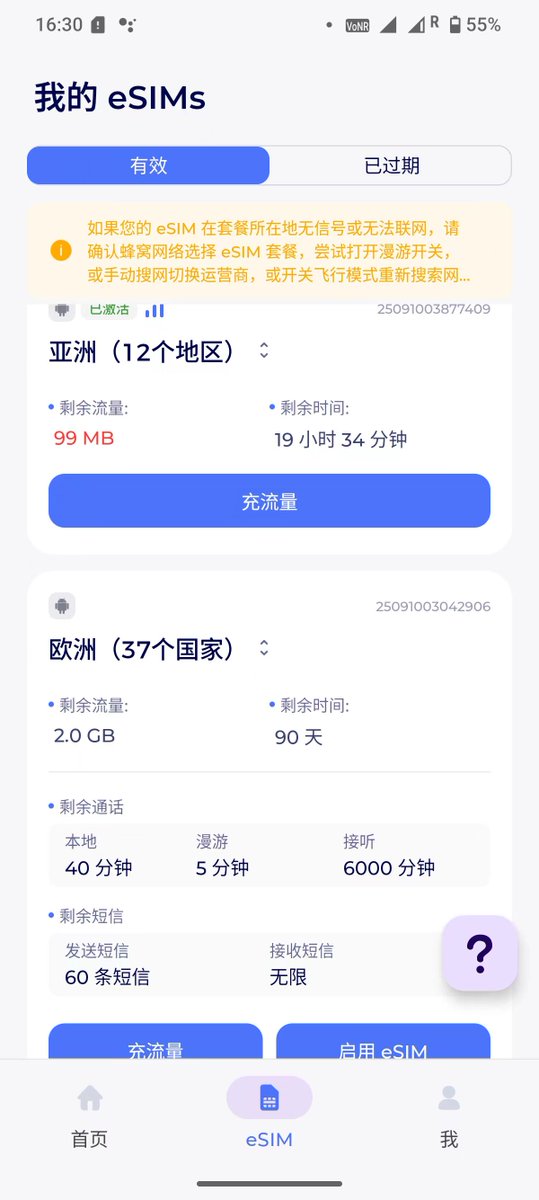

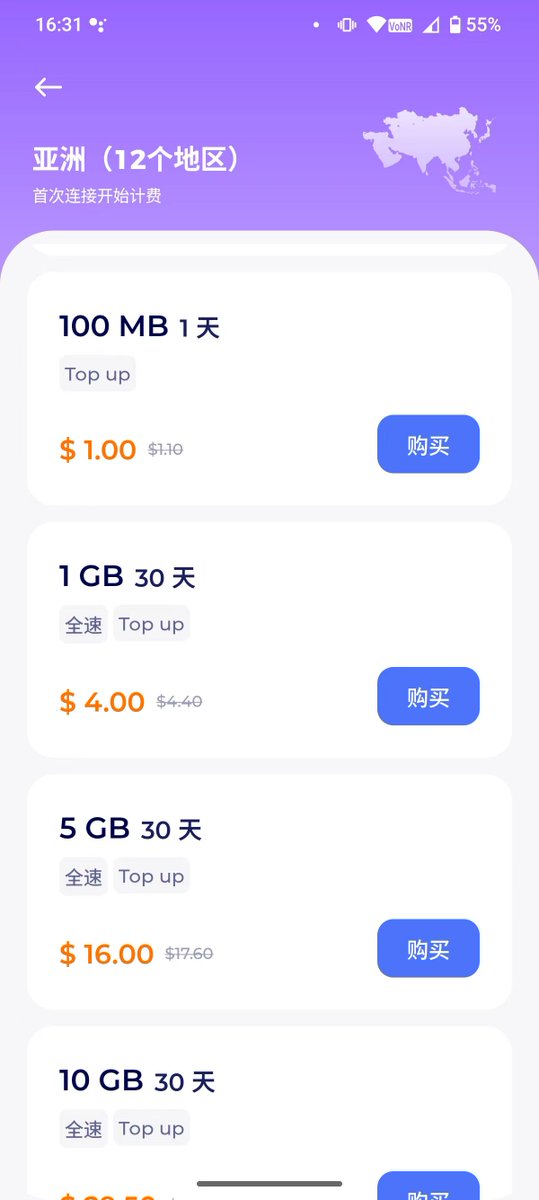
Solana Mobile 手机激活 教程分享@solanamobile 最近不少朋友的 Solana手机已经到手,因为它内置了谷歌框架,想要正常使用必须先完成谷歌套件的激活。但在国内环境下,很多人遇到无法直接激活的问题。这里整理一个简单实用的解决方法,同时也适用于 Web3 用户临时把自己的网络代理分享给别人使用。 个人总结了三种激活的方式: 一. 最简单 最傻瓜式 1.购买一张香港的手机流量卡,在某宝买的时候记得一定要问好卖家是否能在内地使用香港原生 ip 的流量,并开启热点,用你的 Seeker 手机,直接连接香港卡的热点,即可激活 #Seeker 啦! 2.肉身有机会到港自提 #SolanaMobile ,记得连接当地的公共wifi(711便利店、港铁 、银行 、星巴克)即可激活 二. iPhone 手机 分享国际互联网 步骤 1:准备 确保两部手机连接在同一个 WiFi 网络下 步骤 2:设置共享 在 iPhone 上打开 Shadowrocket 并开启代理 点击右下角进入 设置 → 代理 → 代理共享 打开 启用共享,记录下页面显示的 IP 和 端口 步骤 3:配置另一台手机 打开 #Sol2代手机 ,进入 WiFi 设置 点击所连接 WiFi 的 详细信息 下滑 在代理 → 选择 手动 在相应位置输入刚才记录的 IP 和 端口号 点击右下角 →连接 完成以上步骤后,就能通过第一部 iPhone 的 Shadowrocket 代理上网 激活 #Solana 手机啦 @solanamobile @Solana_zh #Airdrops #Sol #SolanaAirdrop #saga