@AdamGell When you remove the extension manually it does not require a reboot.
But when it comes to deployment via Powershell then I observe that some extension needs a reboot to disappear from the extension list.
Hi Chander, 👋 We tested this internally and were able to retrieve the data with delegated permissions, whereas the same call with application permissions failed.
Based on that behavior, this looks to be a delegated/user-context path for now, likely because access is governed by Intune RBAC permissions. Let us know if you have any further questions. ^MM
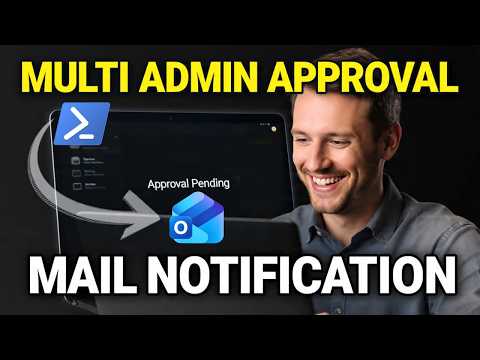
@IntuneSuppTeam Kindly confirm if it is possible to pull Multi-Admin Approval information from deviceManagement/administrativeTasks using app registration with application permissions for zero-touch automation to send emails ?. I am able to pull it using delegated permissions
Hi Chander, thanks for flagging! We've had a look on our end, and the 'Columns' button is still available. So we can look into this further, are you able to share a screenshot via DM of what you see on your end, and if this is reproducible on a different browser/incognito mode? Thanks! ^IH
@IntuneSuppTeam Can you confirm if the Pre & Post Detection/Remediation Output option has been removed from Intune ? I am not able to see it in the portal, but I am still getting the output when downloading the report #Intune
@Mani_CMPandey Hi Chander, appreciate your patience whilst we were looking into this. Looping back, the 'Columns' button is now back, and you should be able to select pre/post remediation/detection output. Feel free to reach out if there's anything else we can help with. Thanks! ^IH
If you're interested in learning how to Block Personal PCs from Enrolling in Intune | Disable MDM Enrollment, check out the 🎥 video below.
Don’t miss it!
youtu.be/Tx-IdHi3cHU